
All guides
For the crew
Your phone replaces the timesheet.
Clock in with one tap, snap a receipt, ask for a day off, and see every hour you worked. Each guide takes a minute, and you can practise on a pretend phone first.
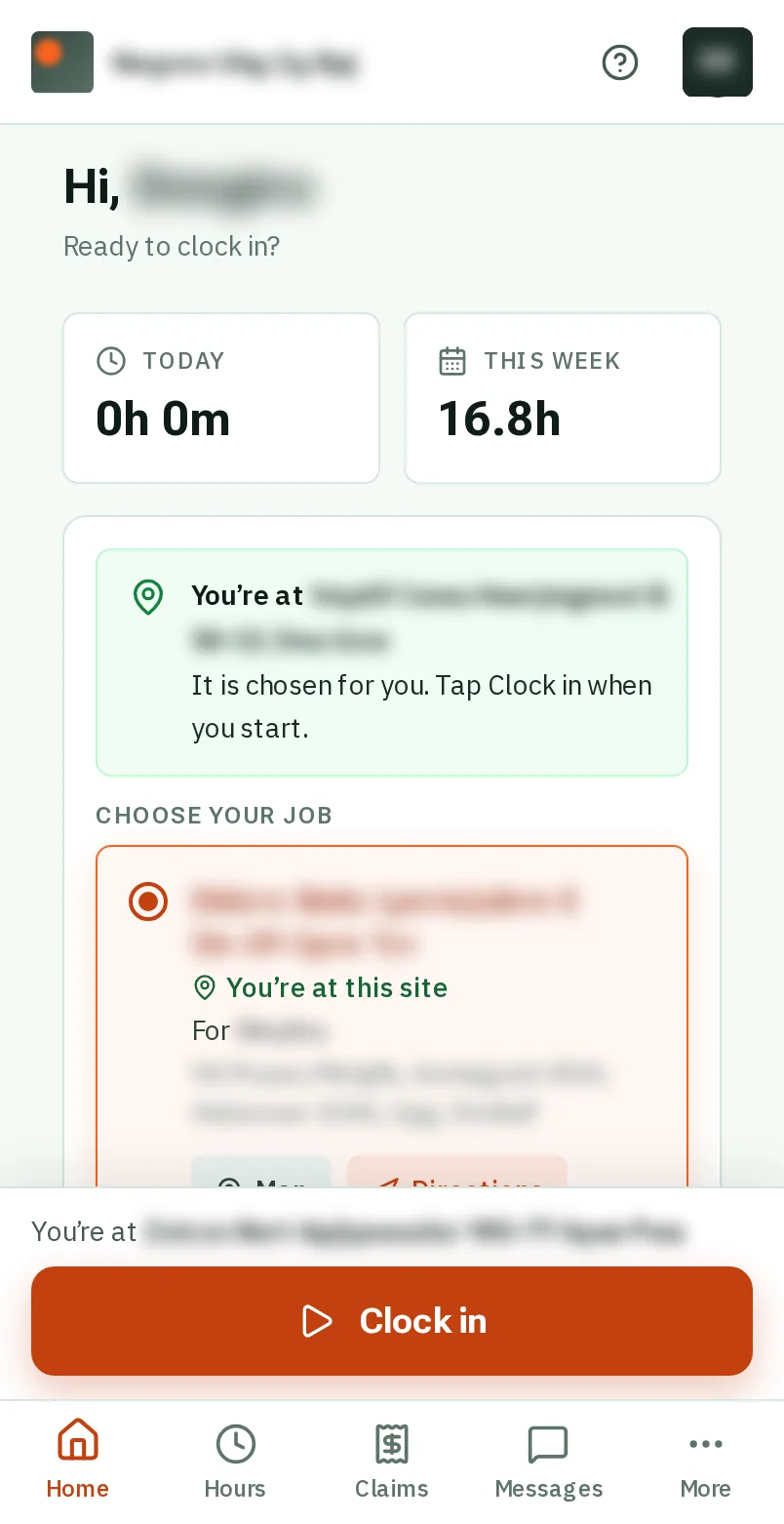
Getting started
For everyone: your phone, signing in, and finding your way.
- 1 minPut KārgāhFlow on your phoneAdd KārgāhFlow to your home screen, so it opens like any other app.
- 1 minSign inOpen KārgāhFlow with your email and password, and stay signed in on your own phone. With practice
- 2 minJoin your teamSign up from the invite your boss sent you, or from a join link or poster. With practice
- 1 minTurn on notificationsGet a buzz when your manager messages you or decides on a claim. With practice
- 2 minFind your way aroundWhat is on your home screen, and where everything else is. With practice
- 1 minYour profile and passwordChange your photo, your phone number and your password. With practice
On site
For the crew: clocking in, receipts, days off and your hours.
- 1 minClock in and outStart and finish your shift with one tap, and undo a tap made by mistake. With practice
- 1 minClock in with a QR posterScan the poster on site with your phone’s camera to clock in or out. With practice
- 1 minLet the app clock you inOpen the app at your job and it clocks you in by itself, with Undo if you are not starting yet. With practice
- 2 minSee where you are going this weekYour days on the roster: the job, the time, who else is going, and the way there. With practice
- 2 minYour job cardEverything you need on site: the address, how to get in, what to watch out for, photos and notes. With practice
- 2 minFinish a job and get it signedTell the office the work is done, with the customer’s signature on your phone when they need to sign. With practice
- 1 minClaim back an expenseSnap the receipt, check the figures it fills in, and send it to your manager. With practice
- 1 minAdd a receipt to a jobBought something for a job? Snap the receipt on the job card and say who paid. With practice
- 1 minAsk for time offPick the days, the type of leave, and send the request. With practice
- 1 minCheck your hoursSee every shift, week by week, and any time your manager corrected. With practice
- 1 minSee your payYour hours and pay for a period, worked out from your rates. With practice
- 1 minAdd a licence or certificatePhotograph a licence or ticket; the details fill themselves in. With practice
- 3 minDo an inspectionTick Pass, Fail or N/A for each check, add a photo of anything wrong, and sign. With practice
- 1 minSend and read messagesTalk to your team or your manager inside the app. With practice