Step 1: Open My Timesheet
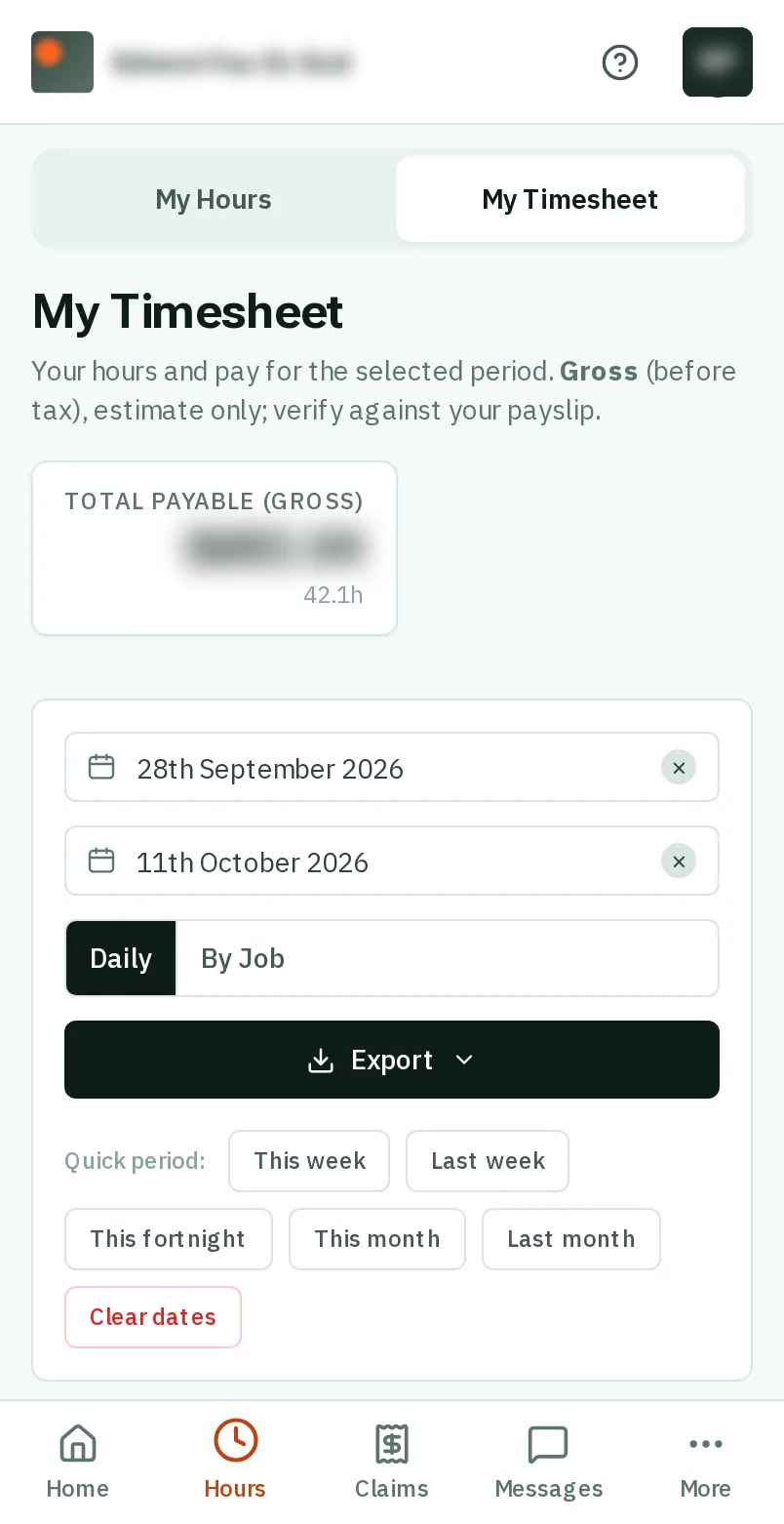
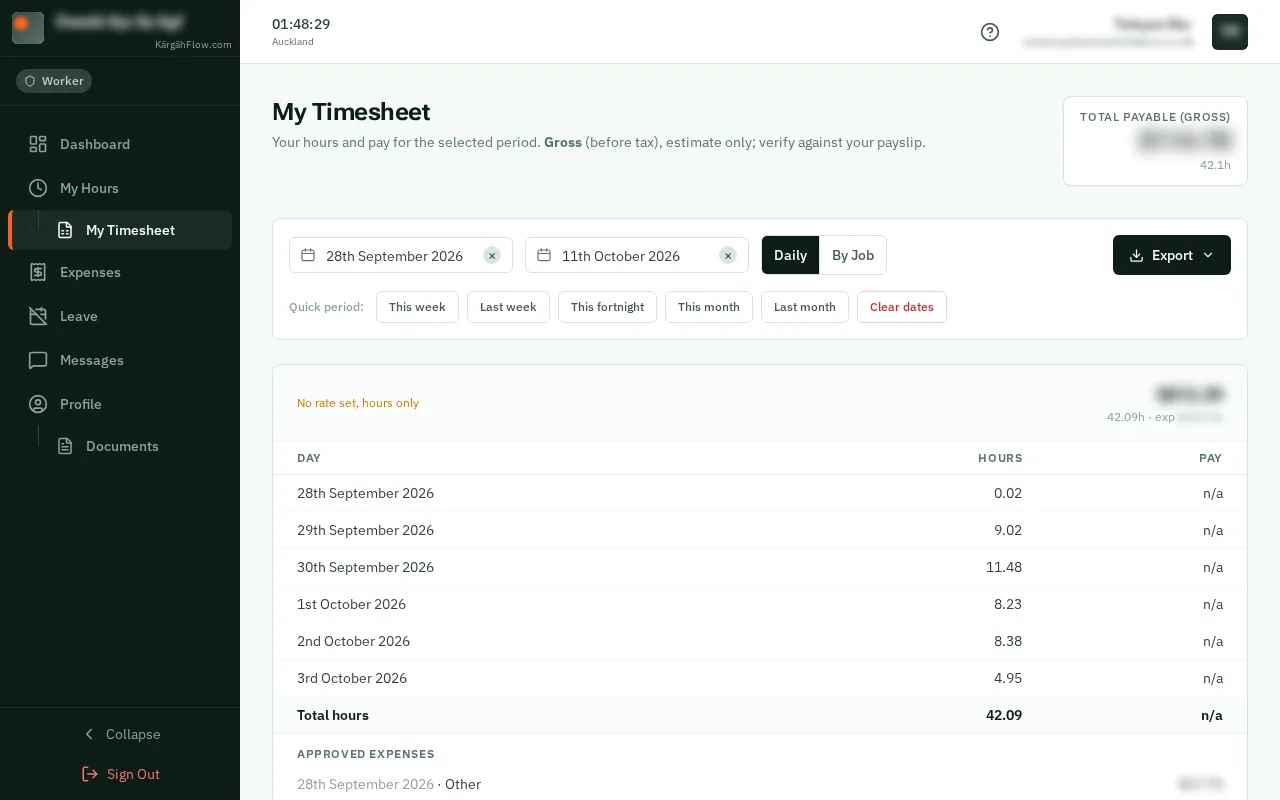
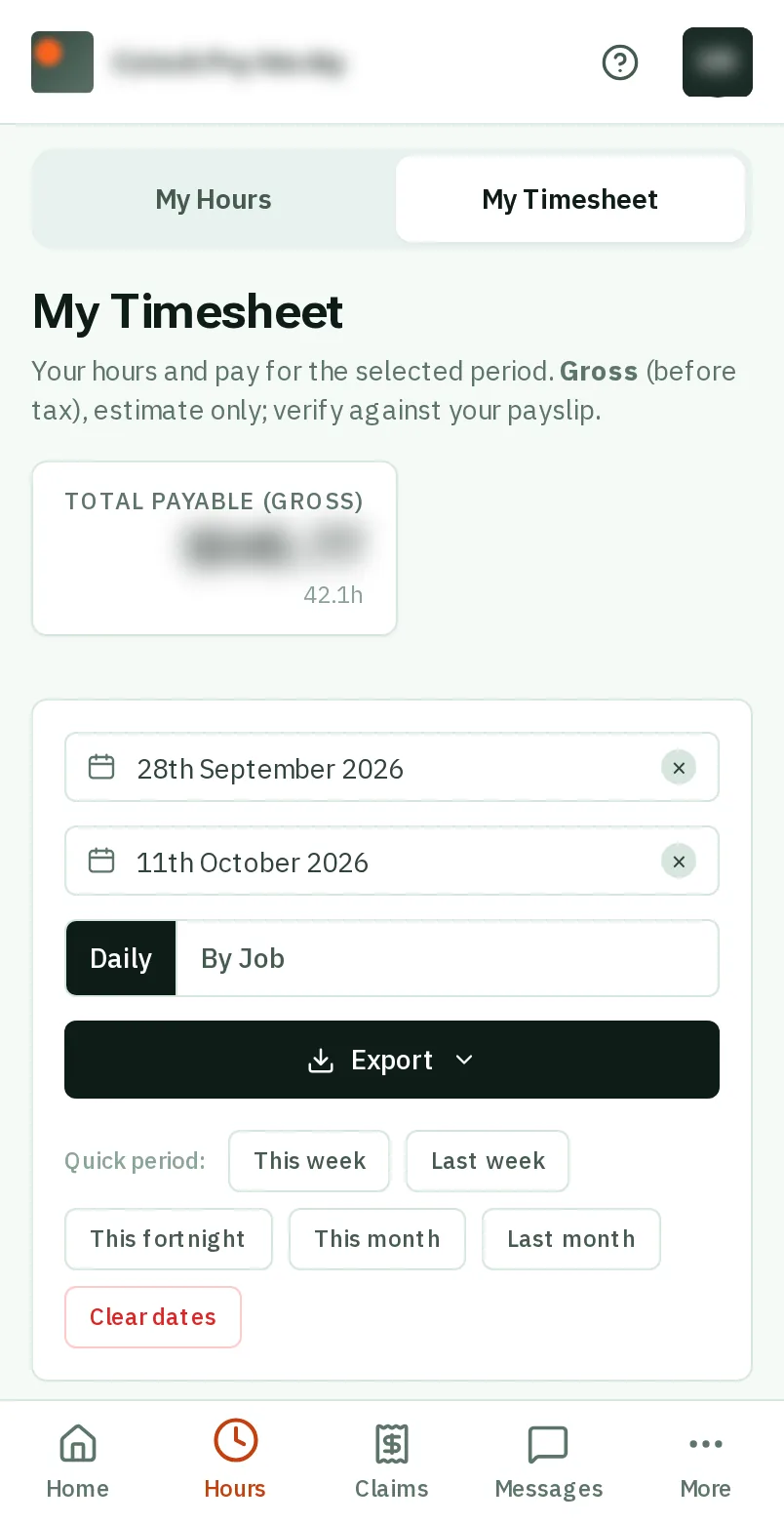
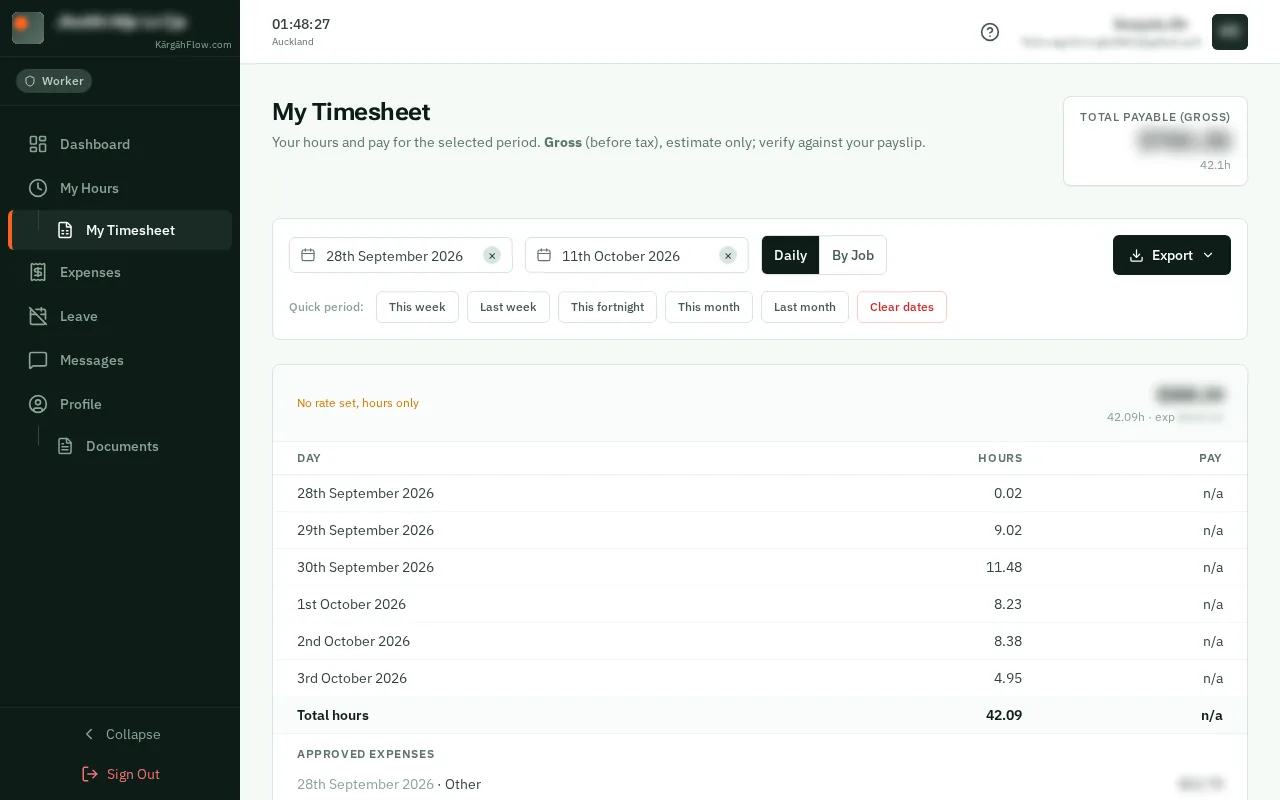
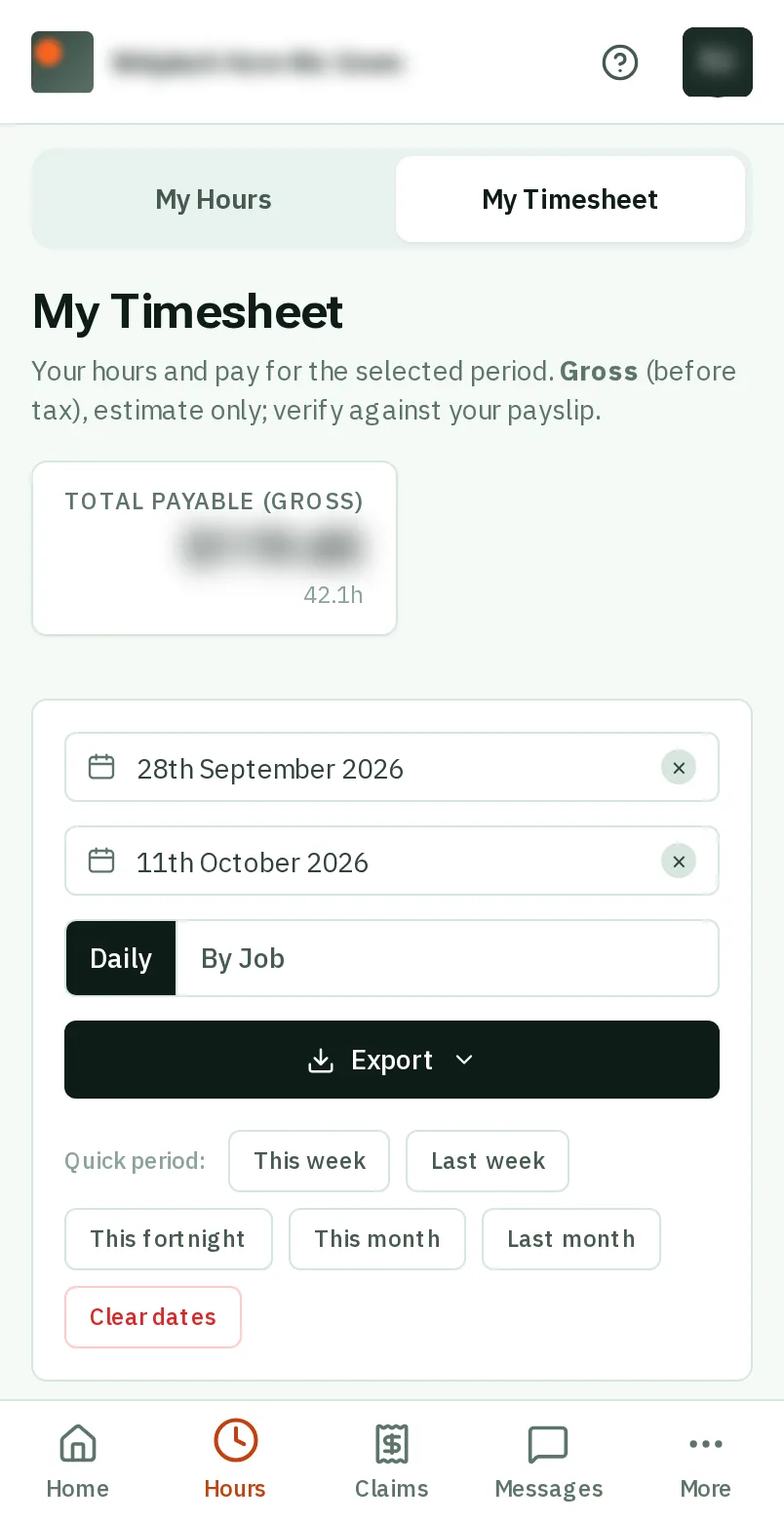
TapClick Hours in the bar at the bottom of the screen, then My Timesheet at the top.TapClick My Timesheet in the menu on the left, under My Hours.
Look forthe My Timesheet button
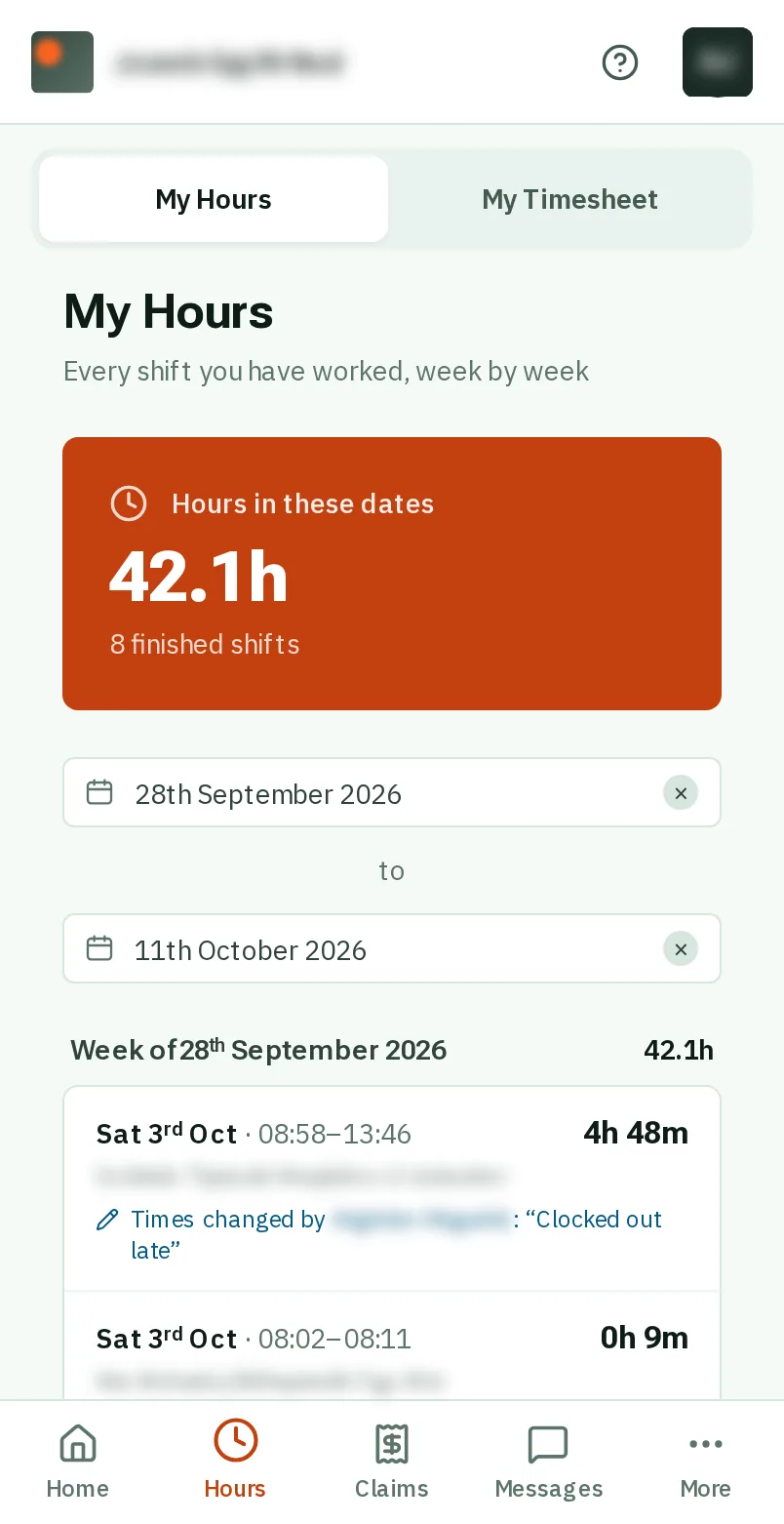
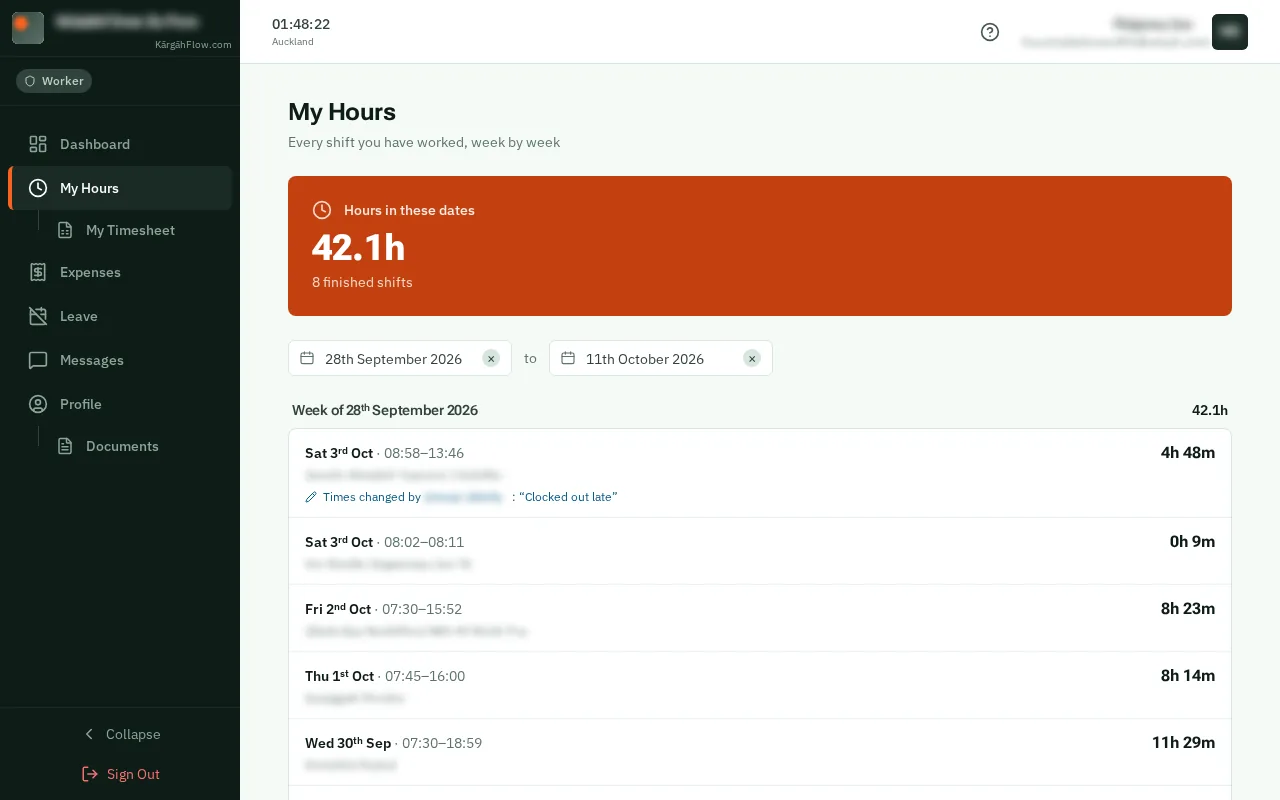
TapClick Hours in the bar at the bottom of the screen, then My Timesheet at the top.TapClick My Timesheet in the menu on the left, under My Hours.
It starts on this fortnight. TapClick a Quick period, such as Last week, or pick the dates yourself.
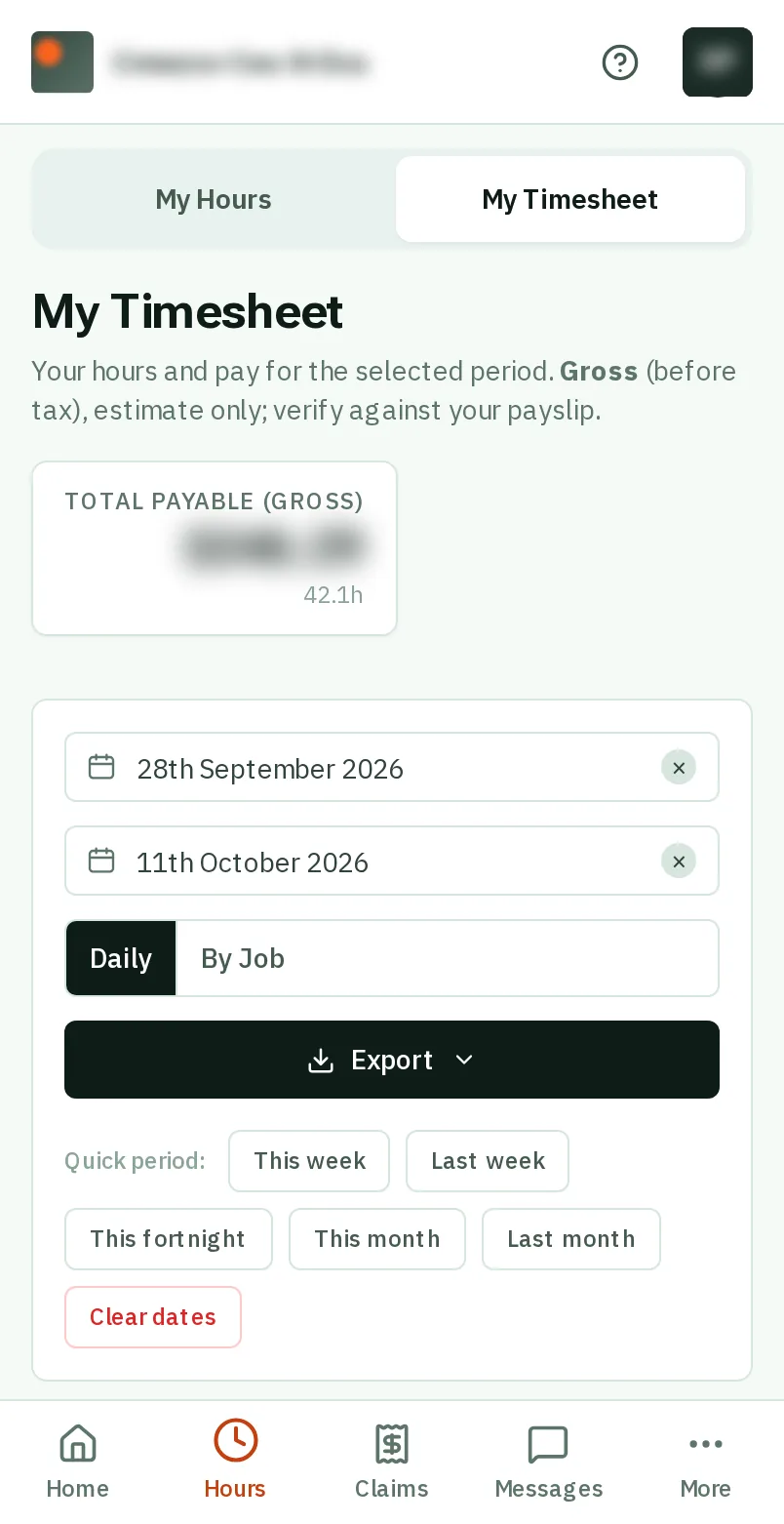
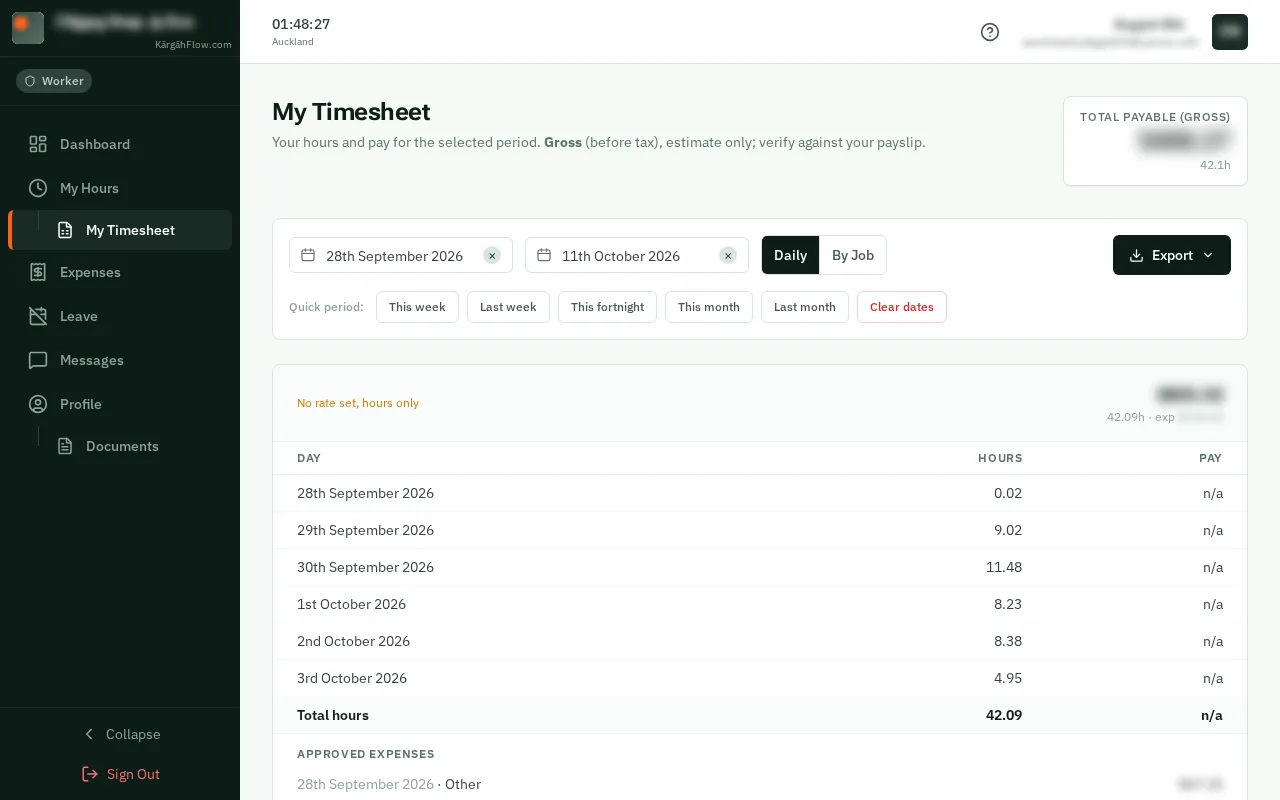
Total Payable is your pay before tax for those dates: your hours times your rate, plus any overtime, approved expenses and paid leave.
Good to know: It is worked out before tax, as a guide. Your payslip is what you are actually paid.
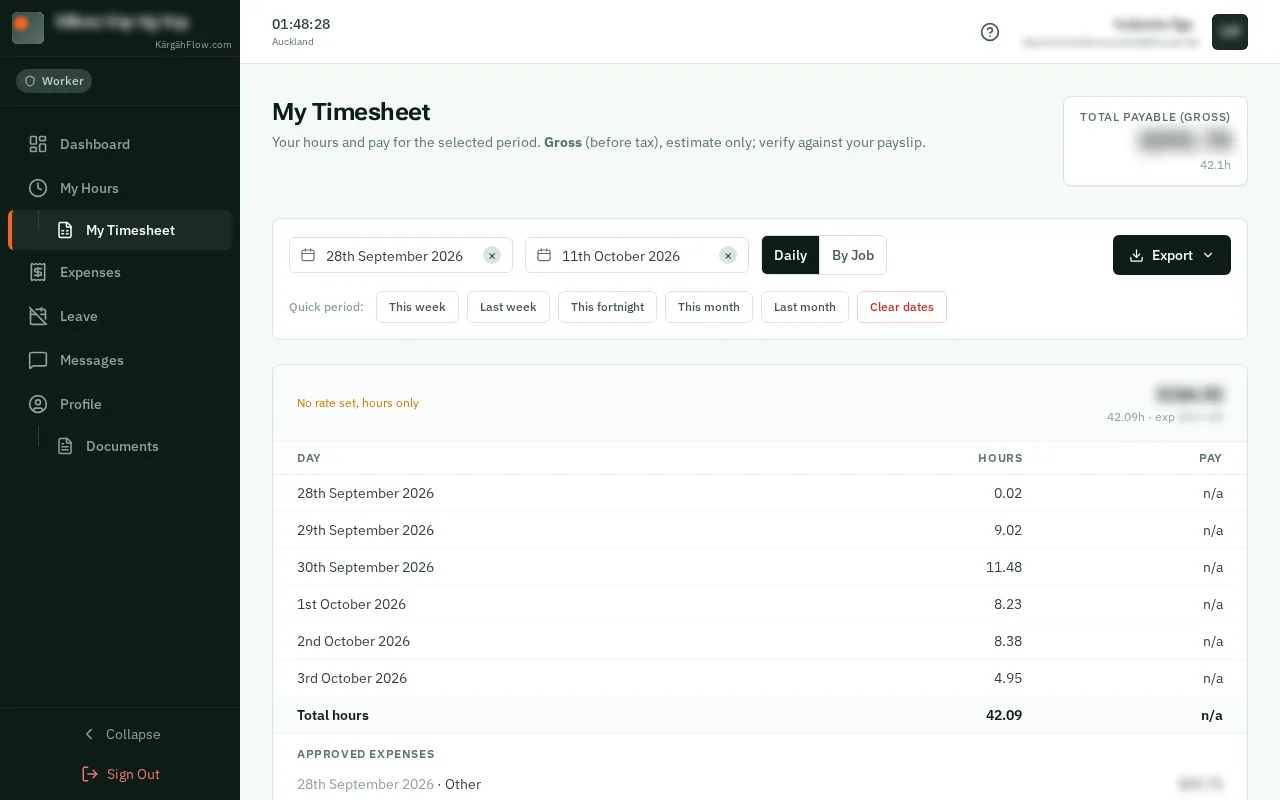
The card underneath lists every day with its hours and pay. TapClick By Job to see it job by job instead.
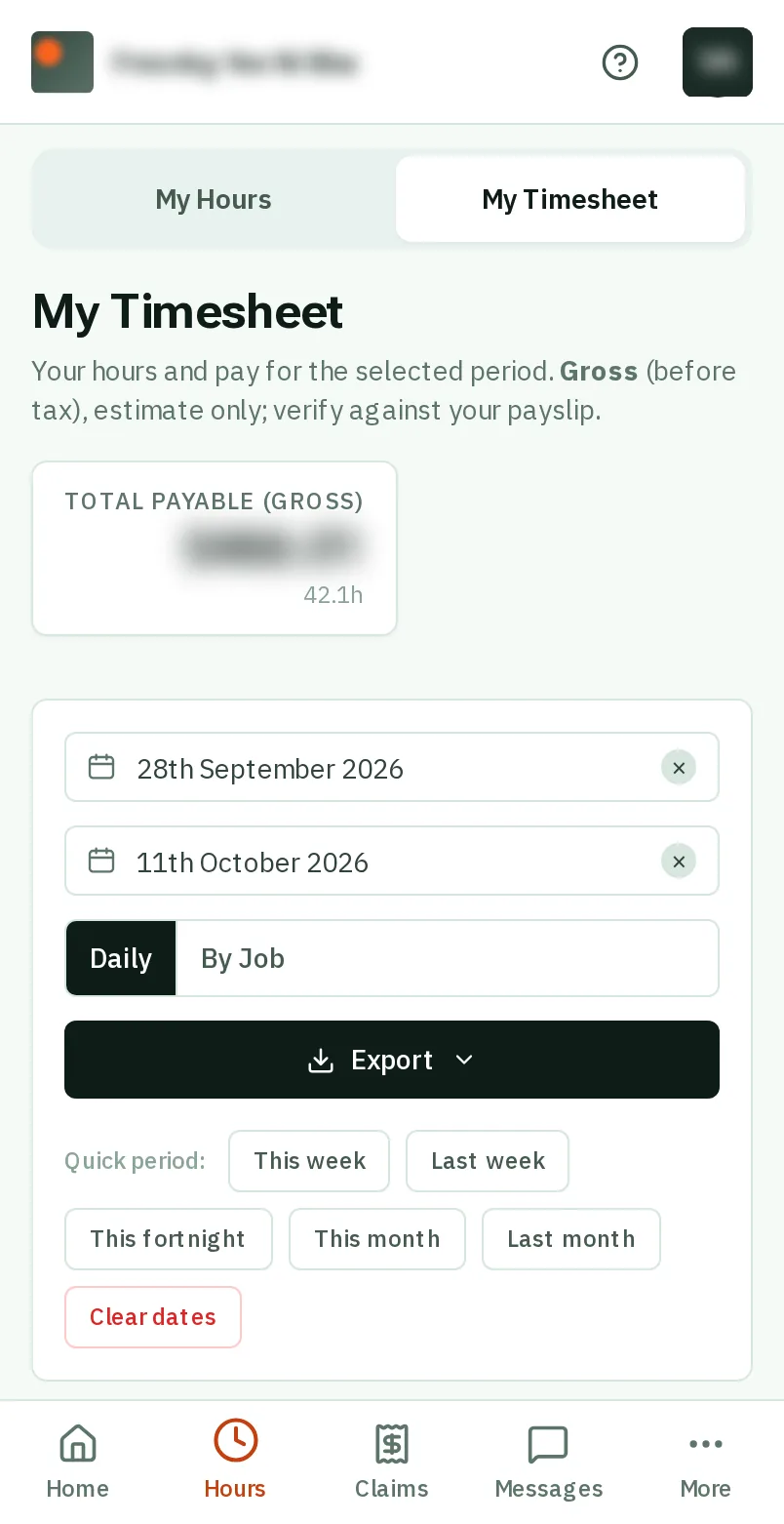
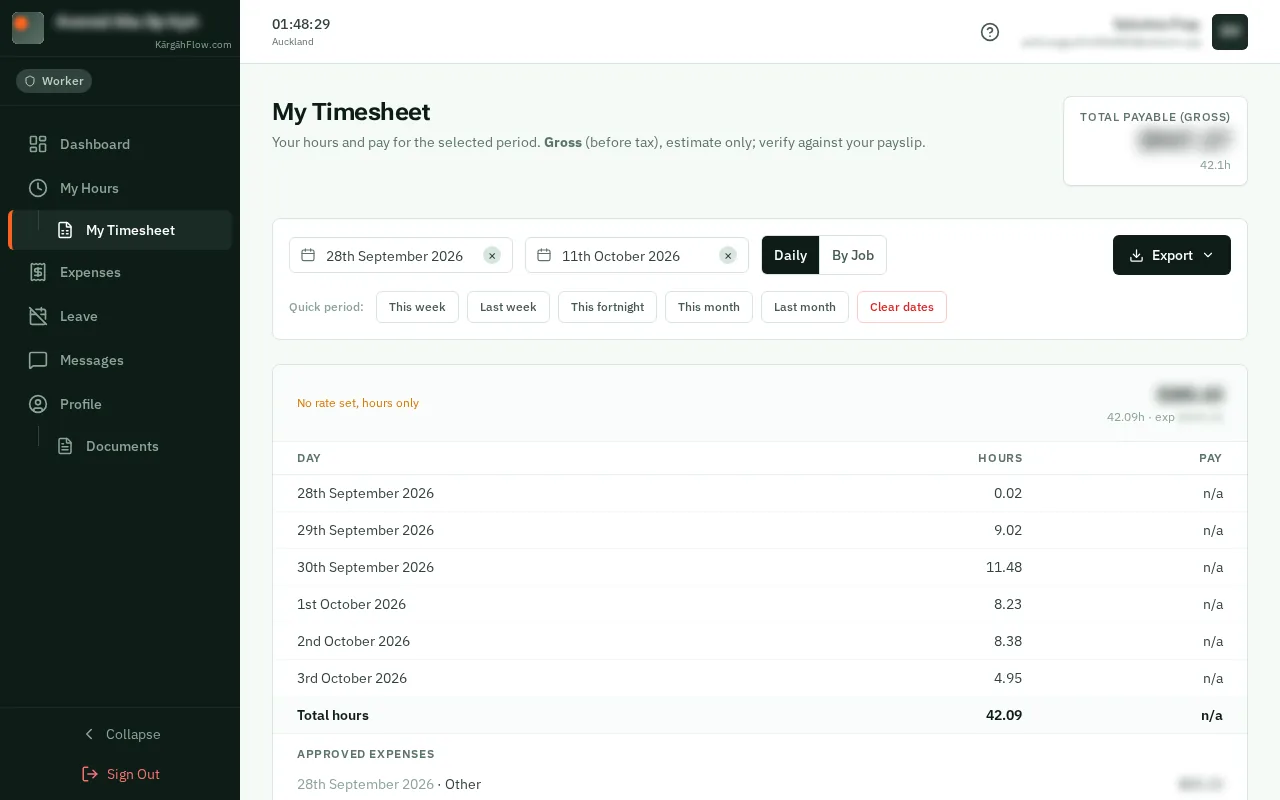
TapClick Export to save it as a PDF or a spreadsheet, or to email it.