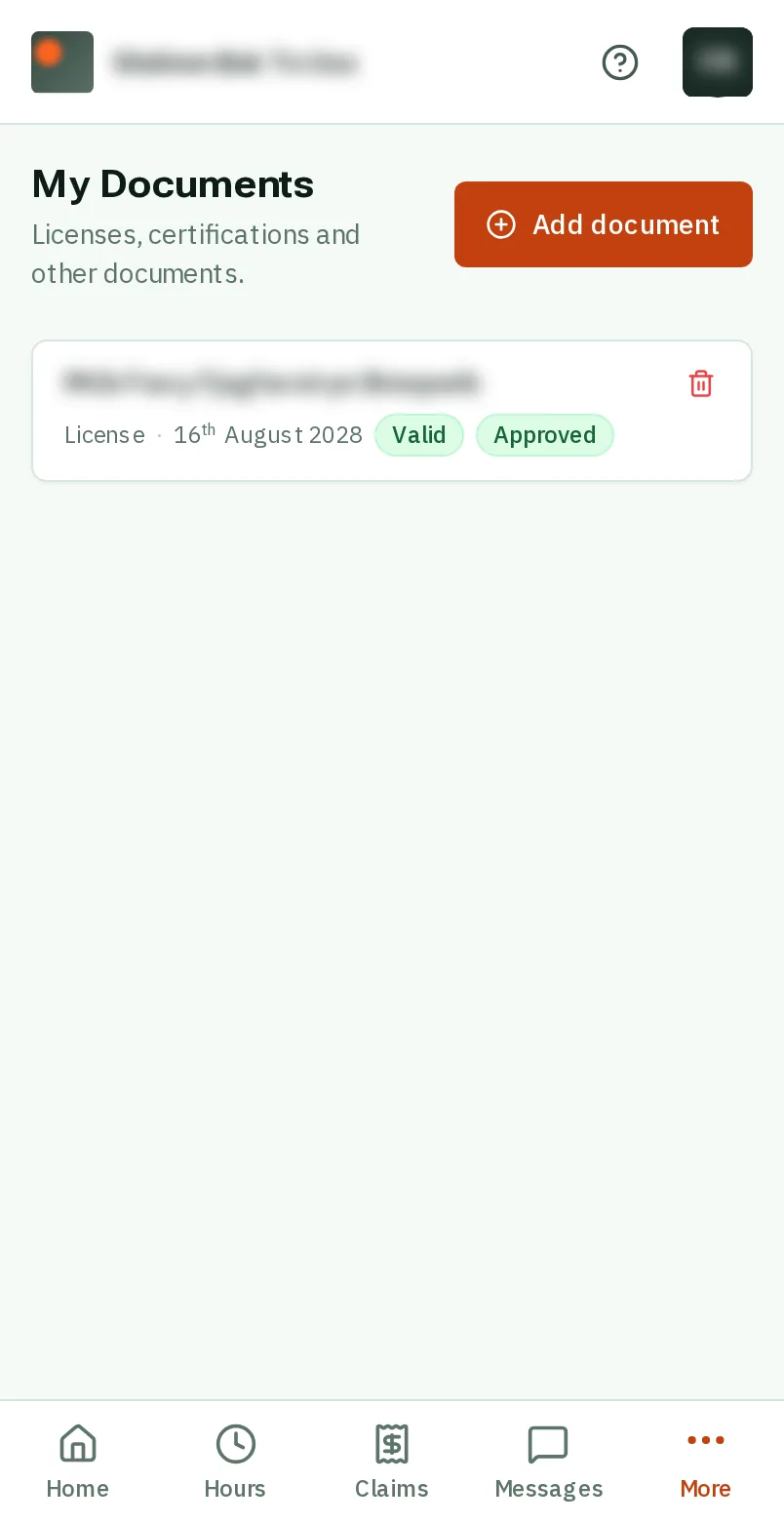
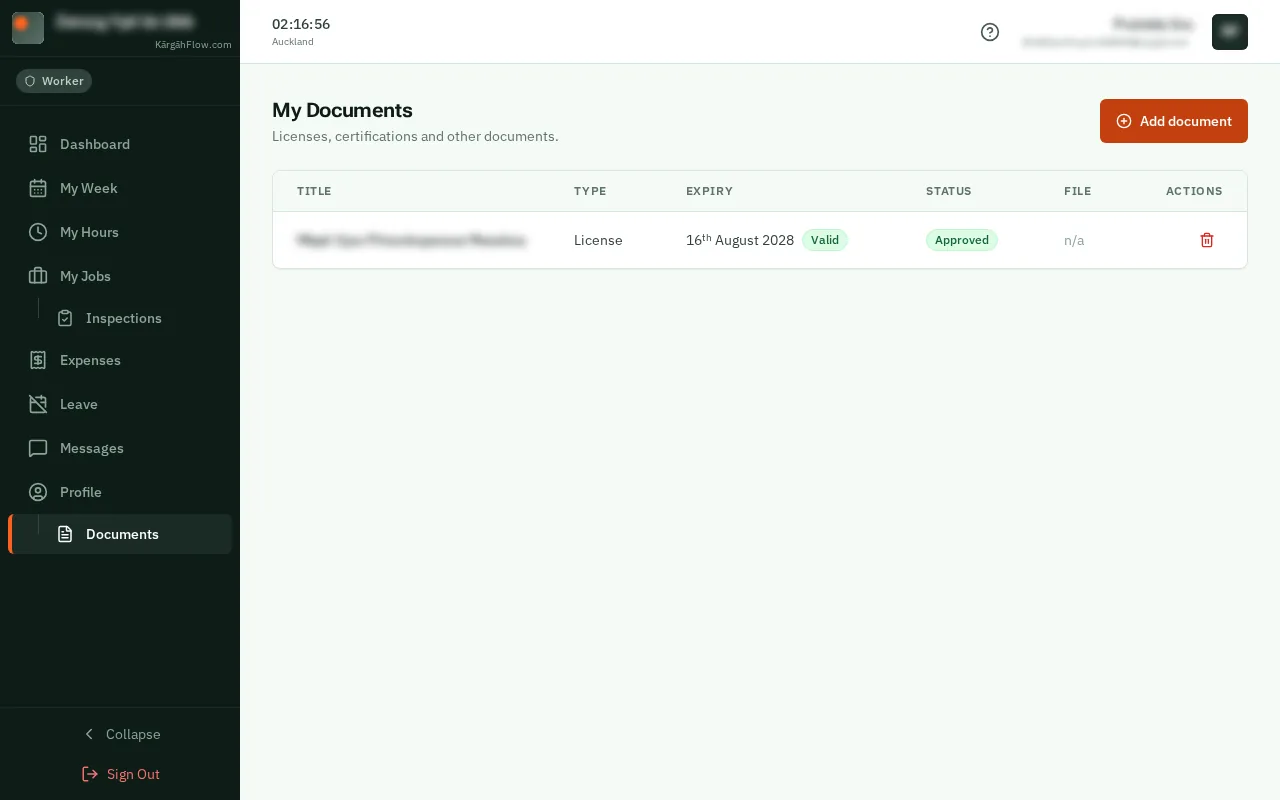
Step 1: Open your documents
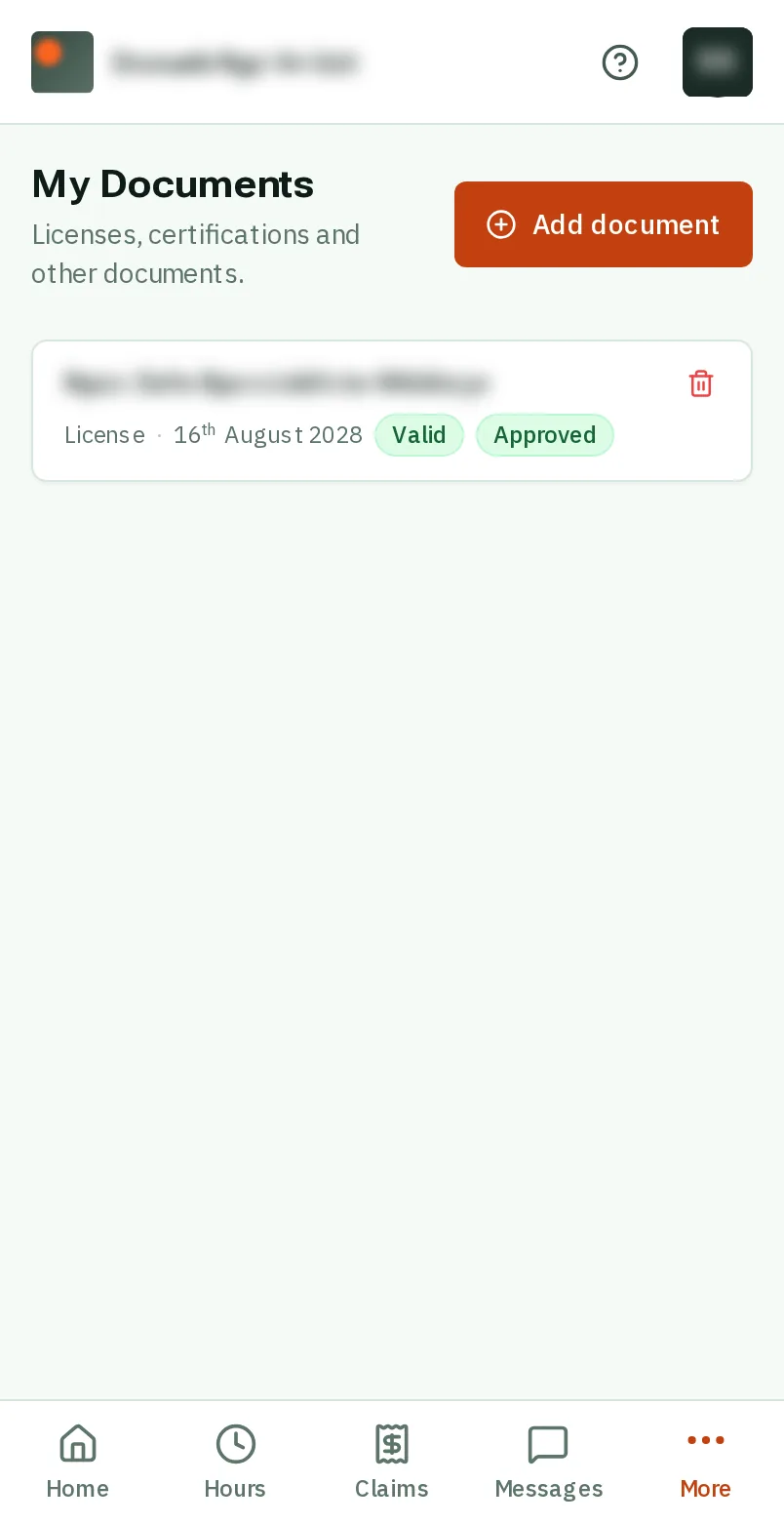
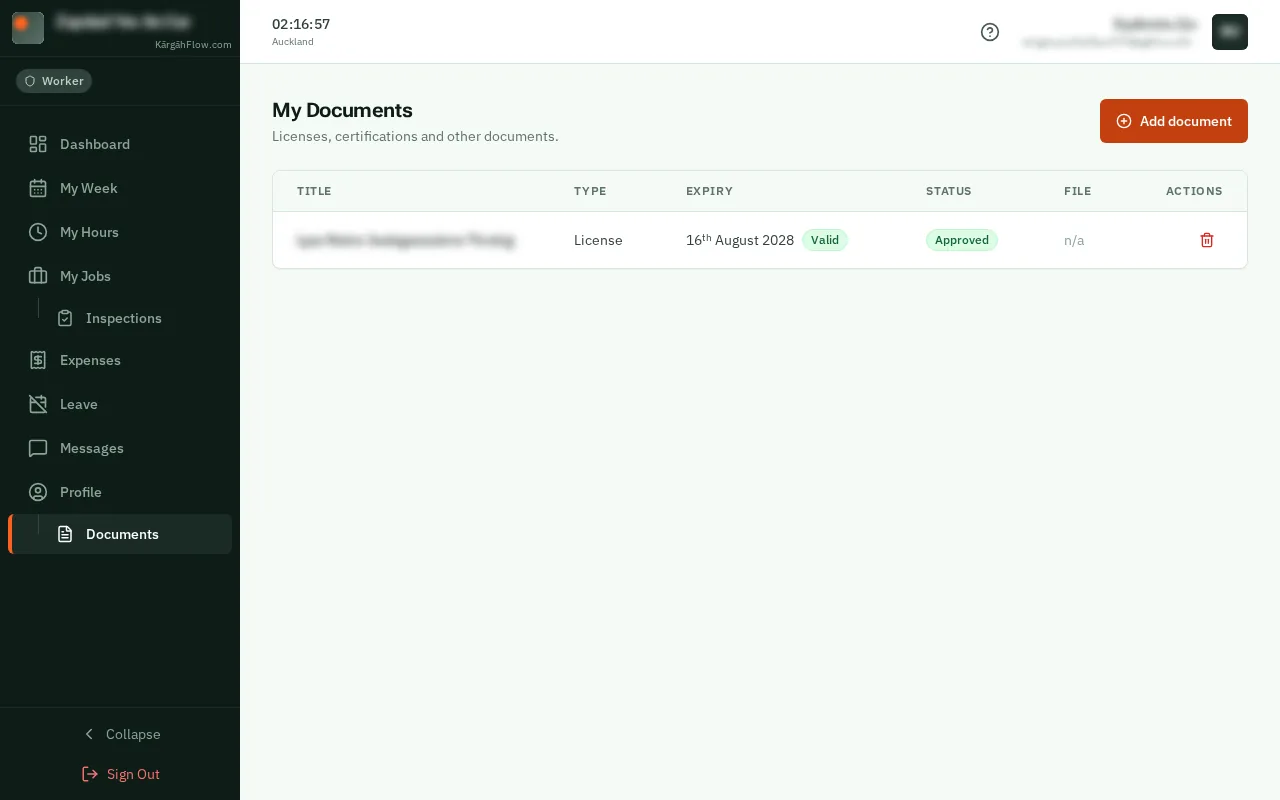
TapClick More at the bottom right of the screen, then My Documents.TapClick Documents in the menu on the left, under Profile.
Good to know: Admins and owners: My Documents is in your menu, under Profile.
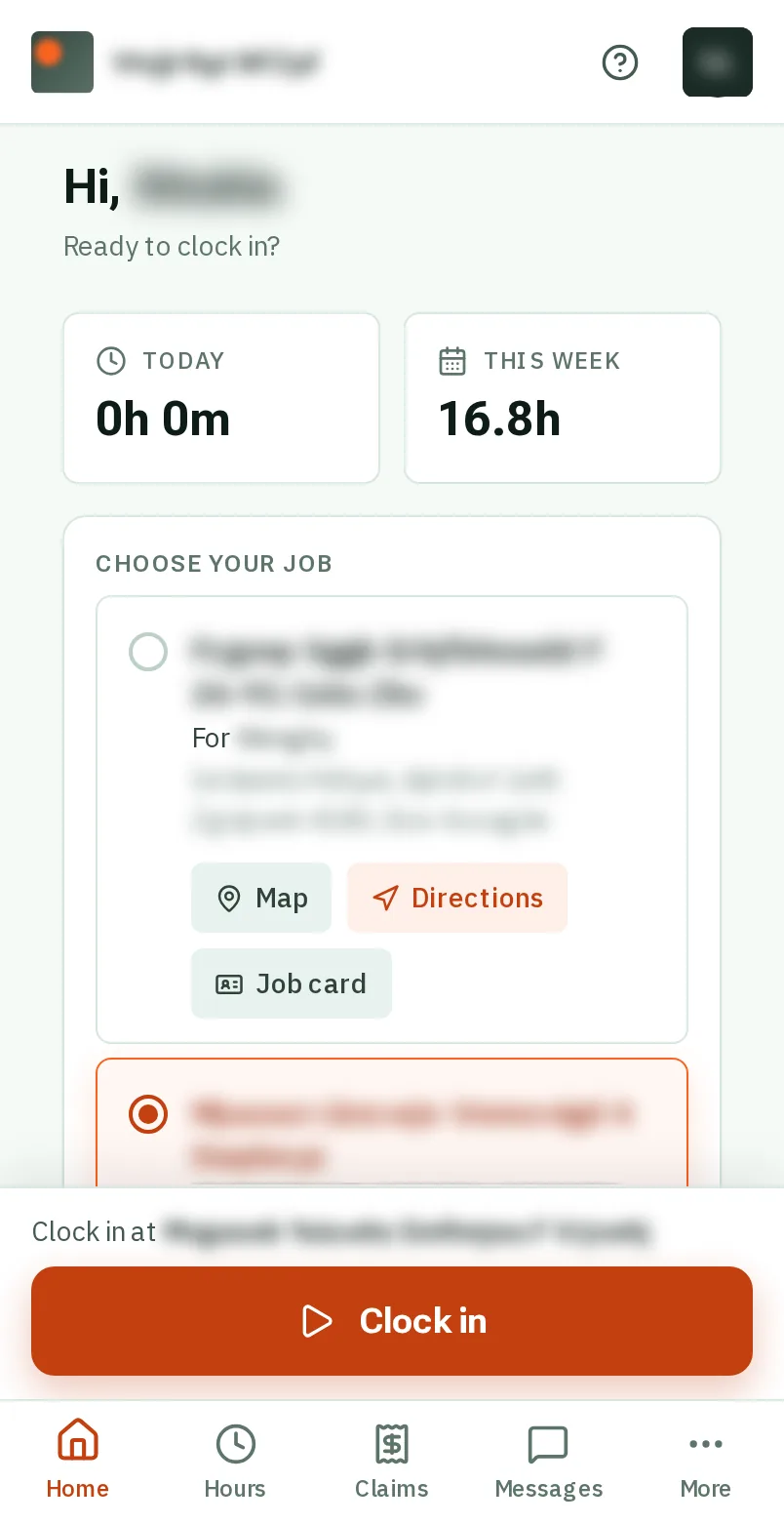

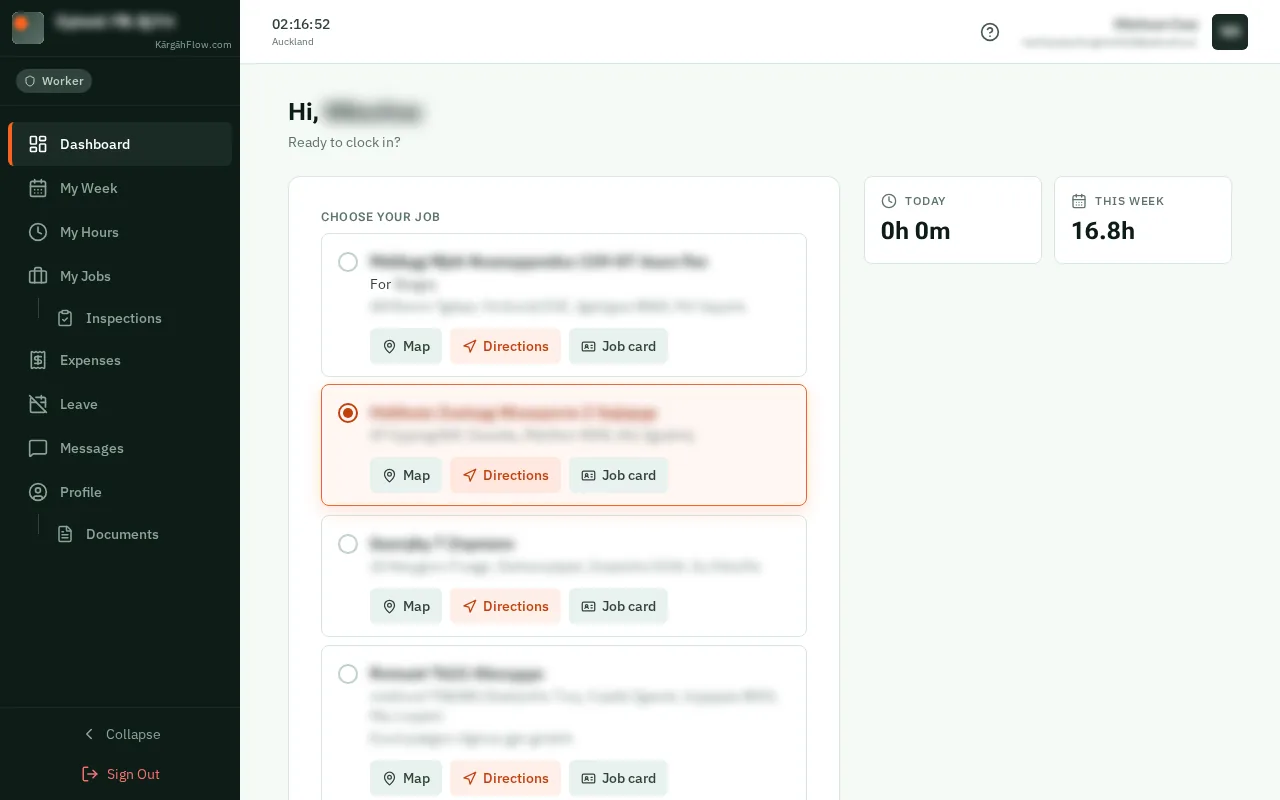
TapClick More at the bottom right of the screen, then My Documents.TapClick Documents in the menu on the left, under Profile.
Good to know: Admins and owners: My Documents is in your menu, under Profile.

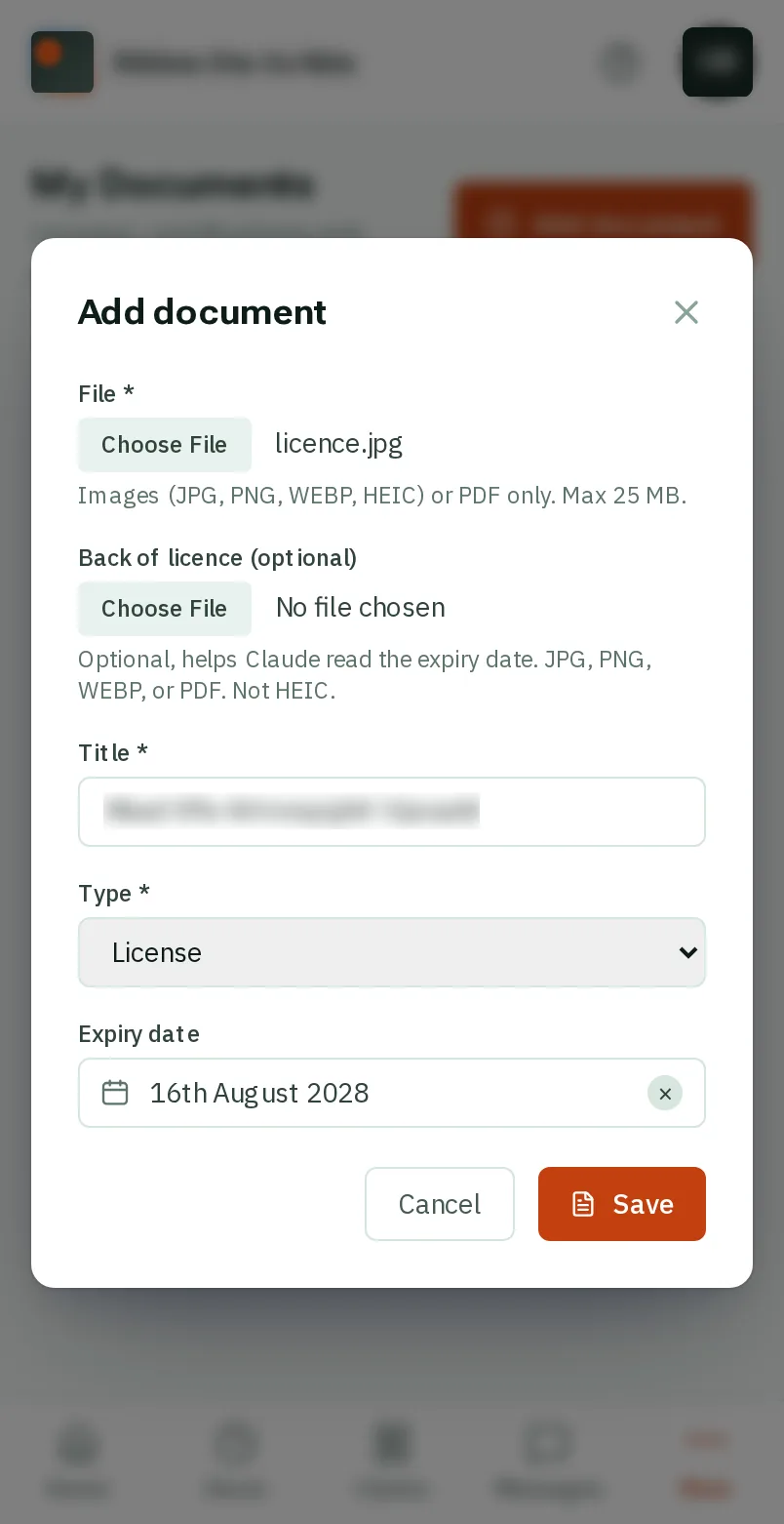
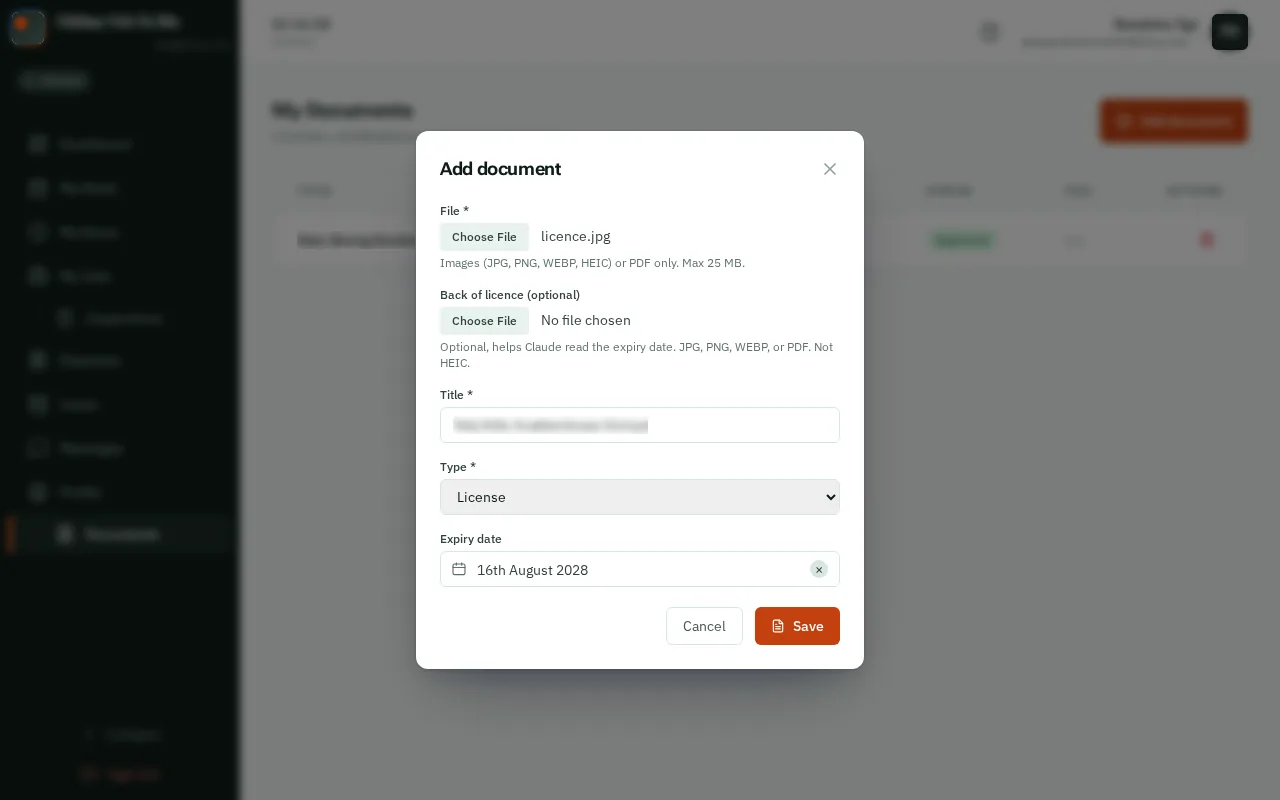
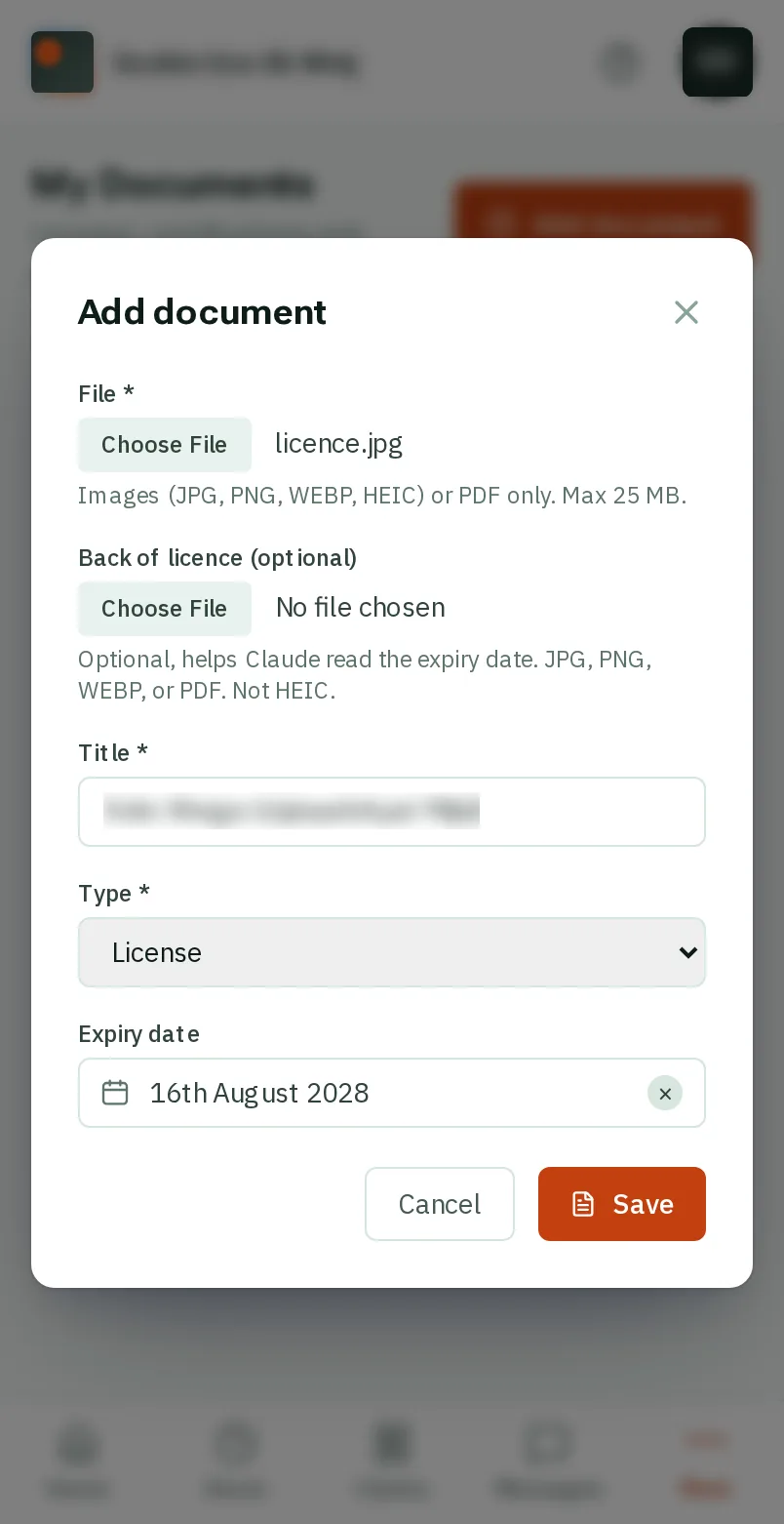
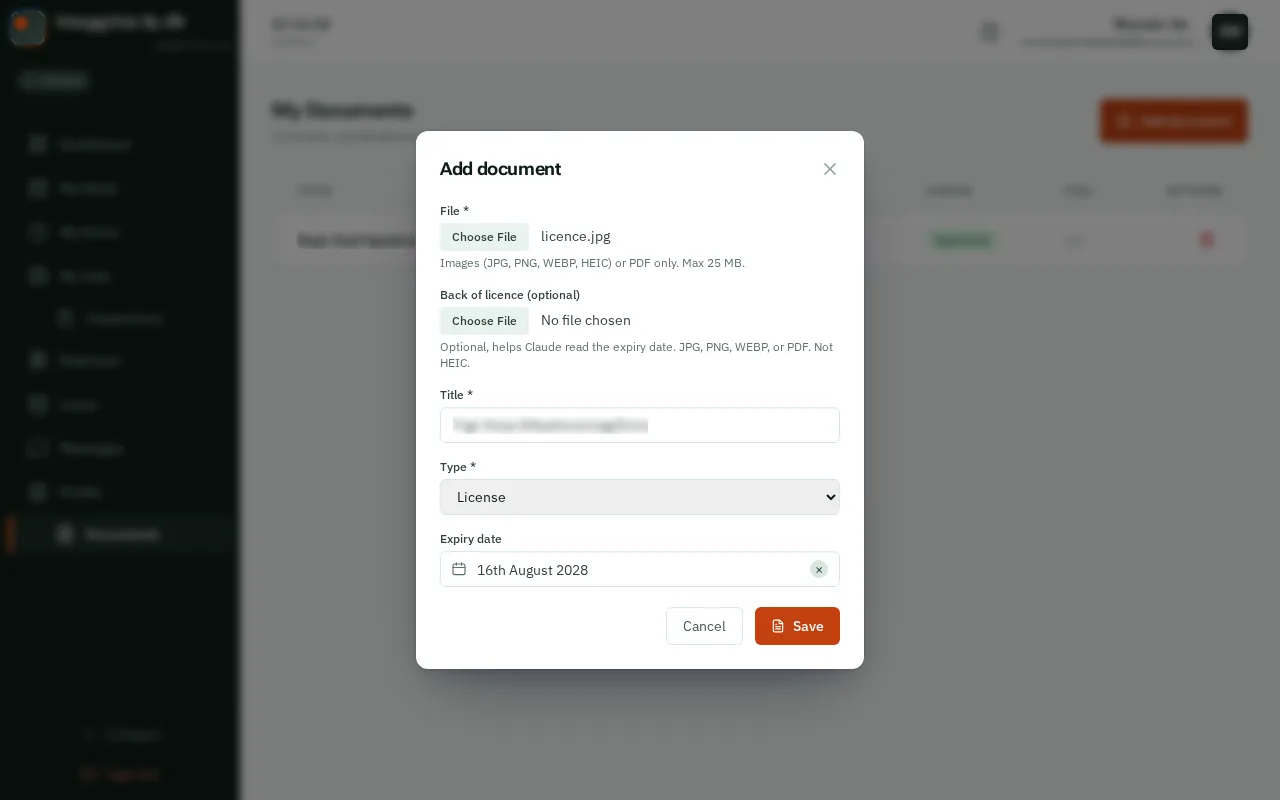
TapClick the orange Add document button.


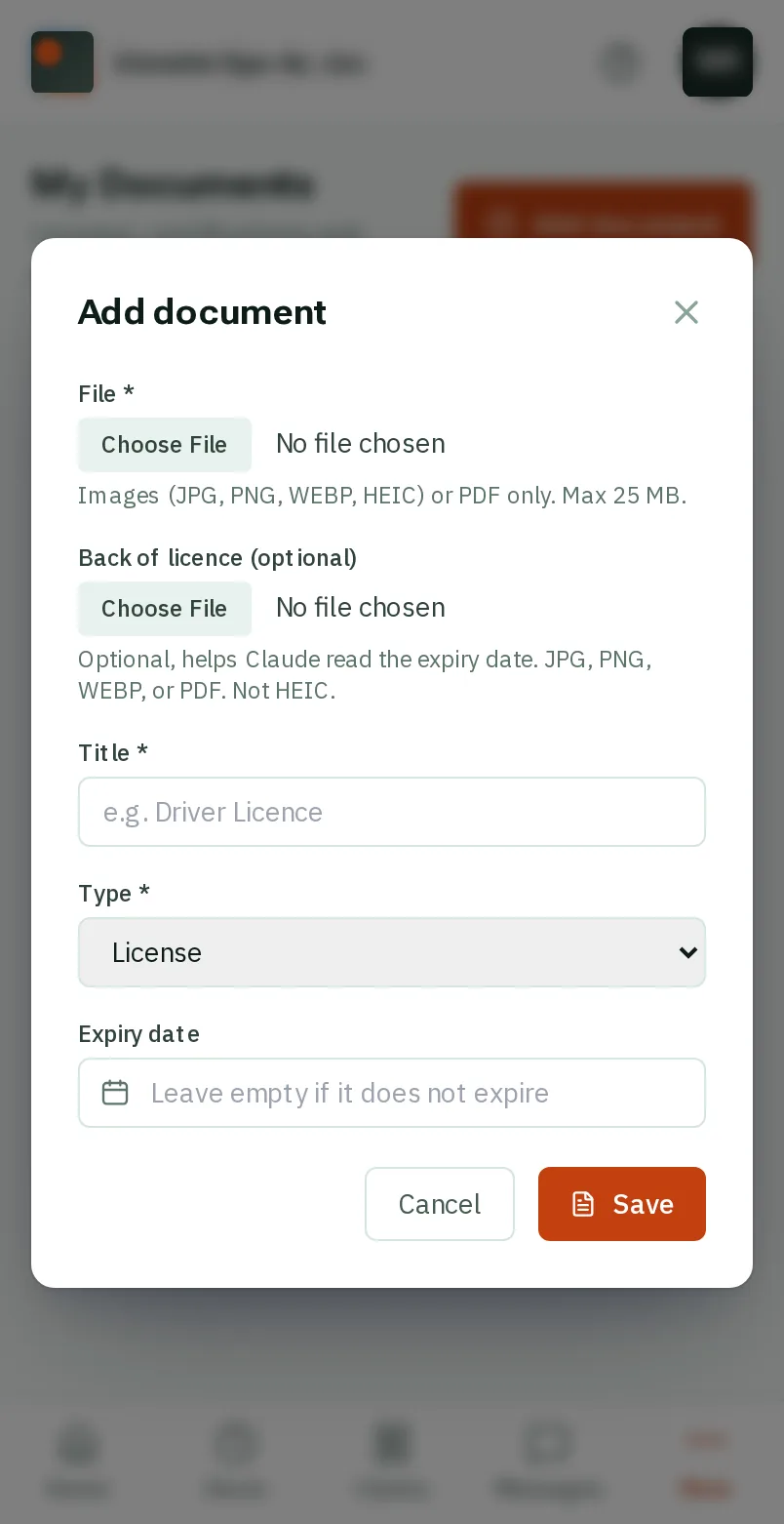
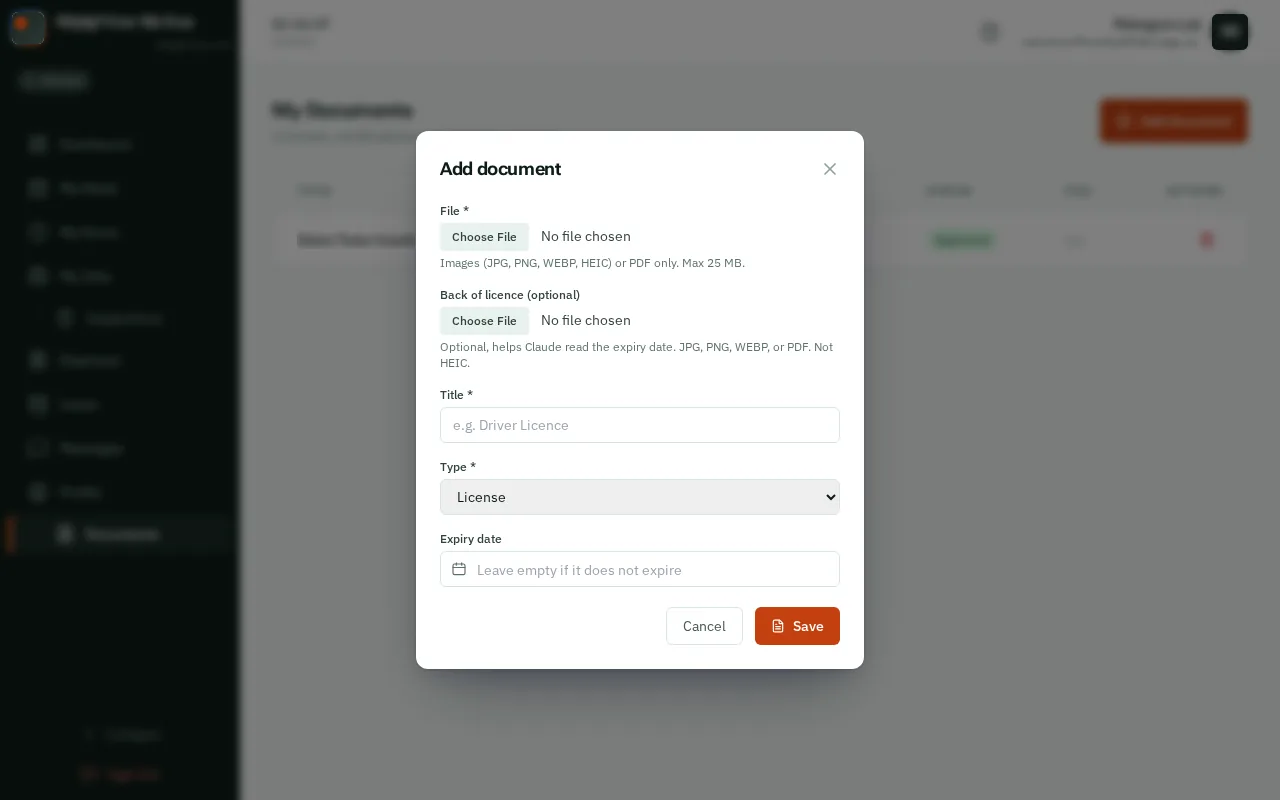
Under File, tapclick the box and take a photo of the front, or choose one you took before. A driver licence has a back as well: add it under Back of licence.


The Title and Expiry date fill themselves in from the photo. Check them, fix anything wrong, and choose the Type: License, Certification or Other.


TapClick Save. Your manager checks it and approves it.
Good to know: Each document shows when it expires, and turns orange when it is close, so you know to renew it.