Step 1: Open your profile
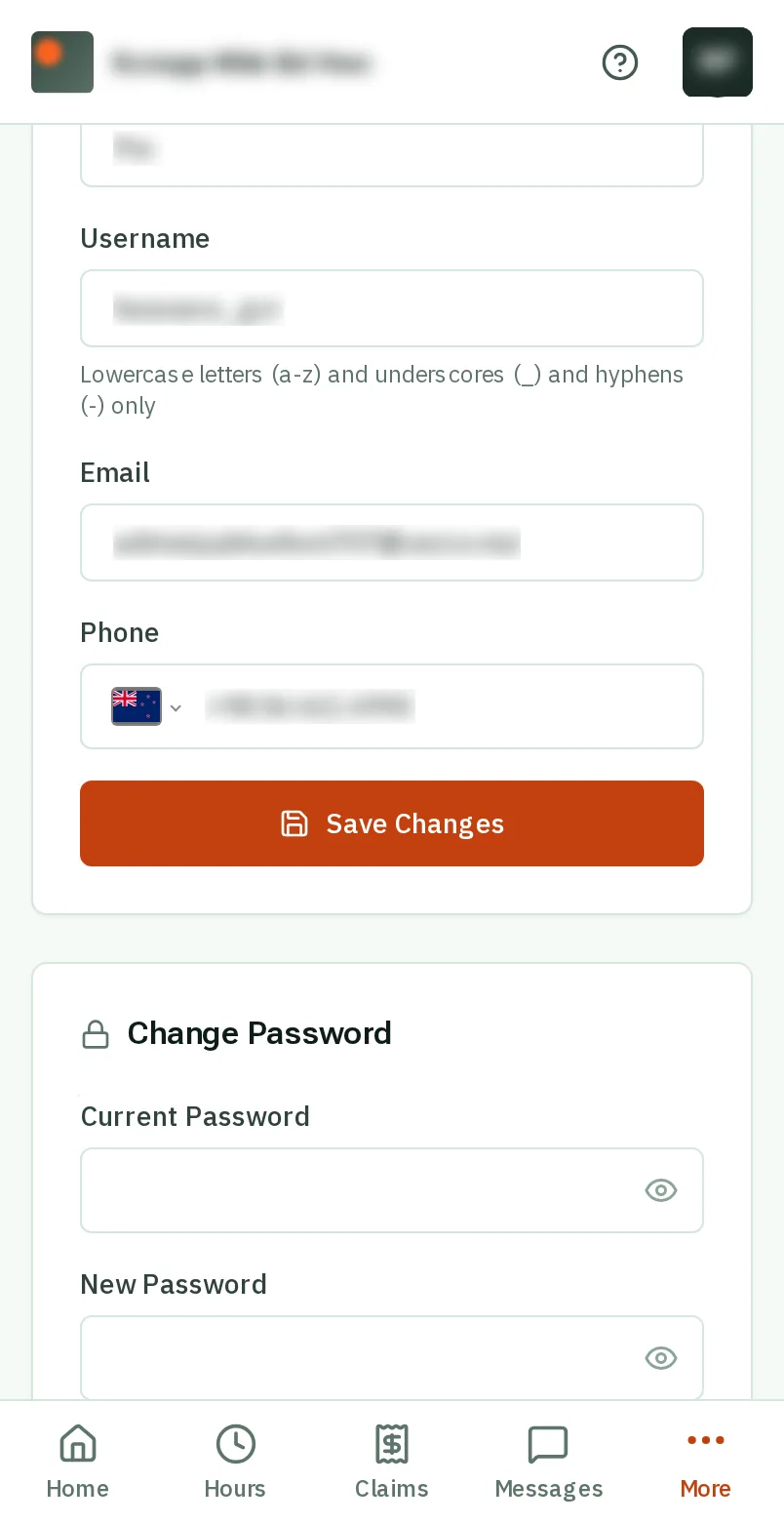
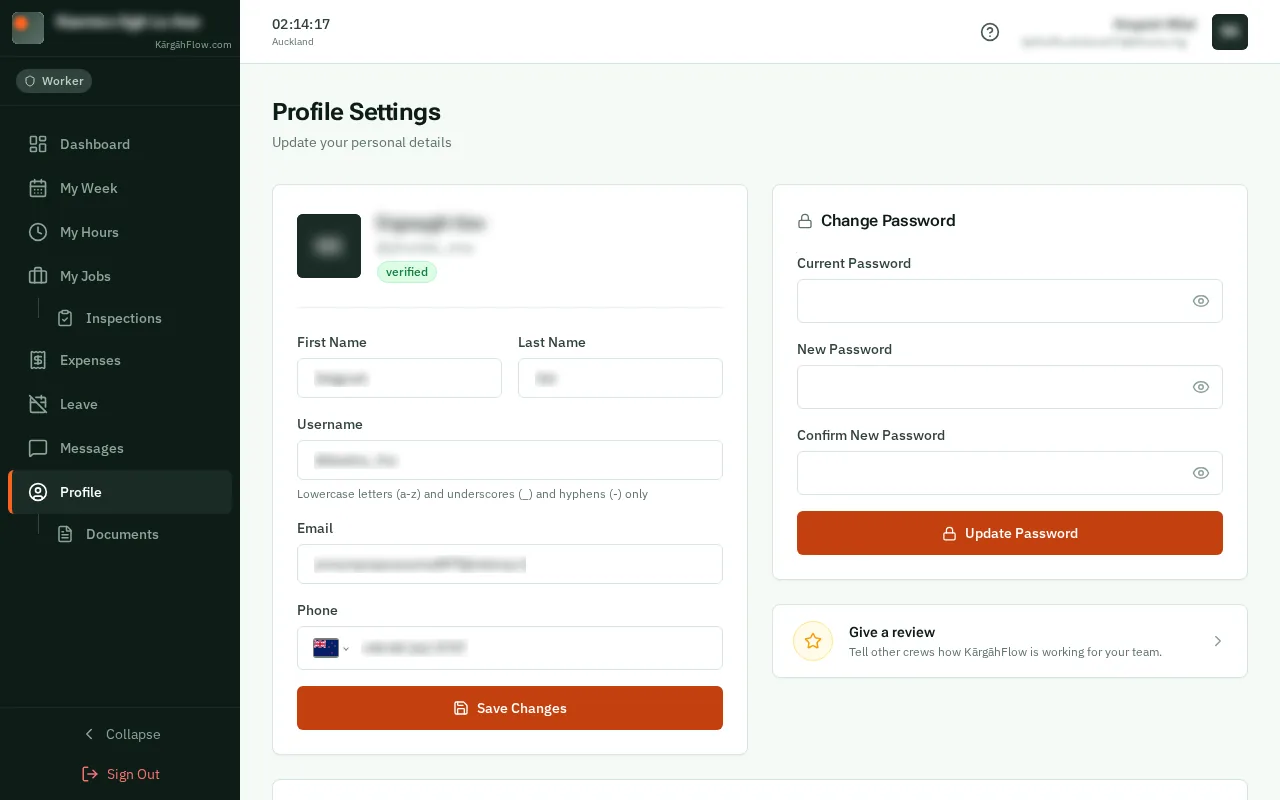
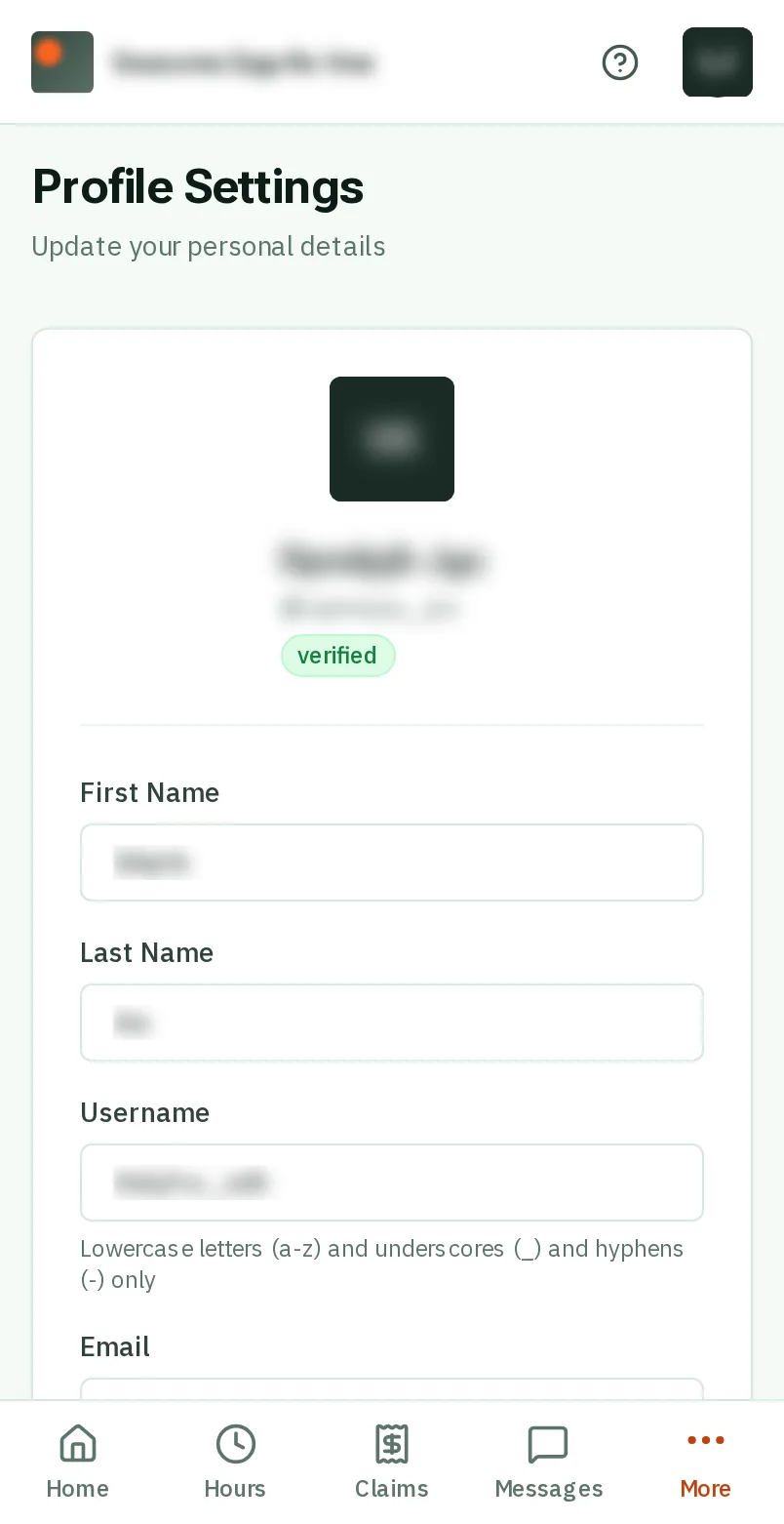
TapClick More at the bottom right of the screen, then Profile.TapClick Profile in the menu on the left.
Look forthe More tab in the bar at the bottom of the screen
Good to know: Admins and owners: Profile is in your menu.
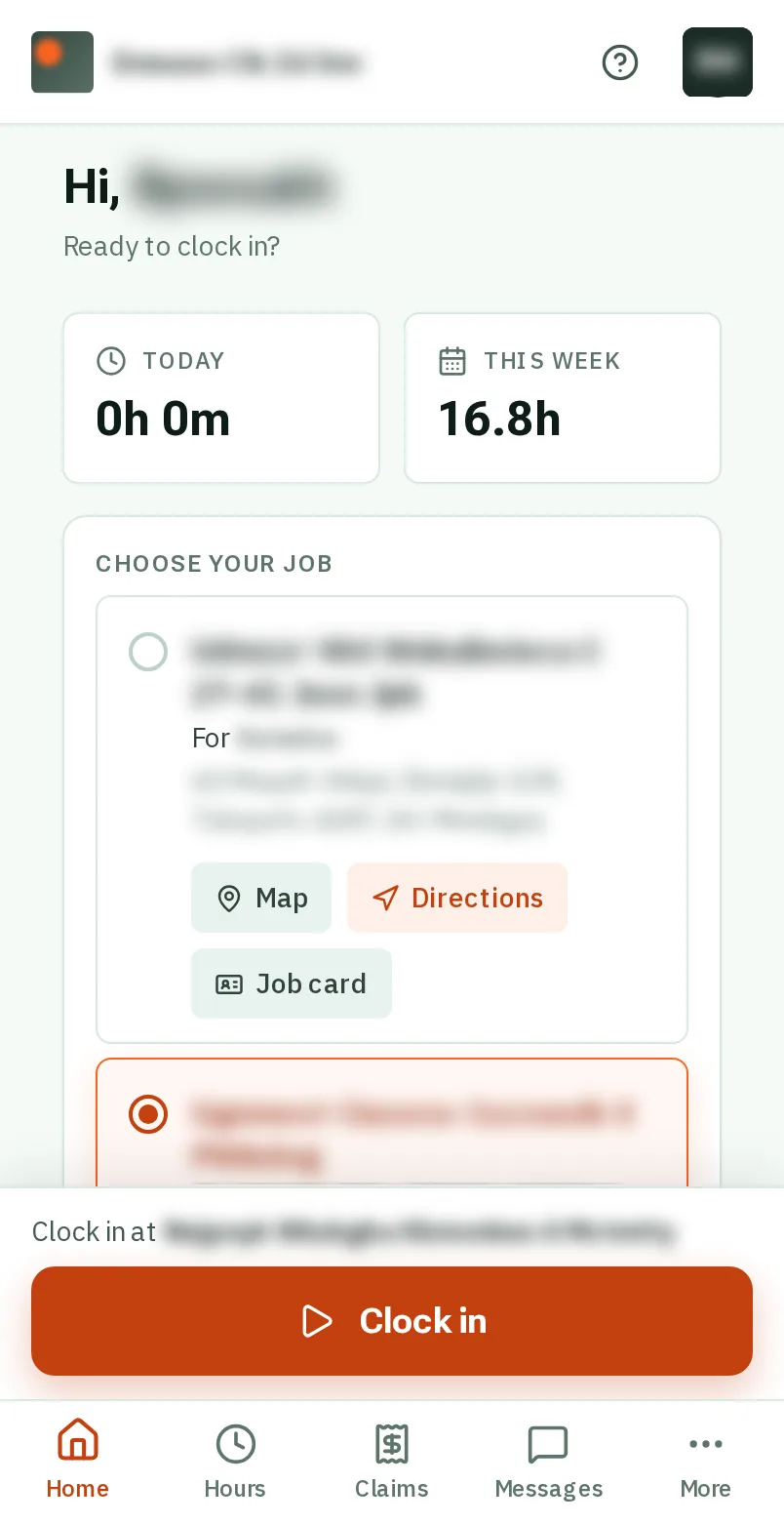
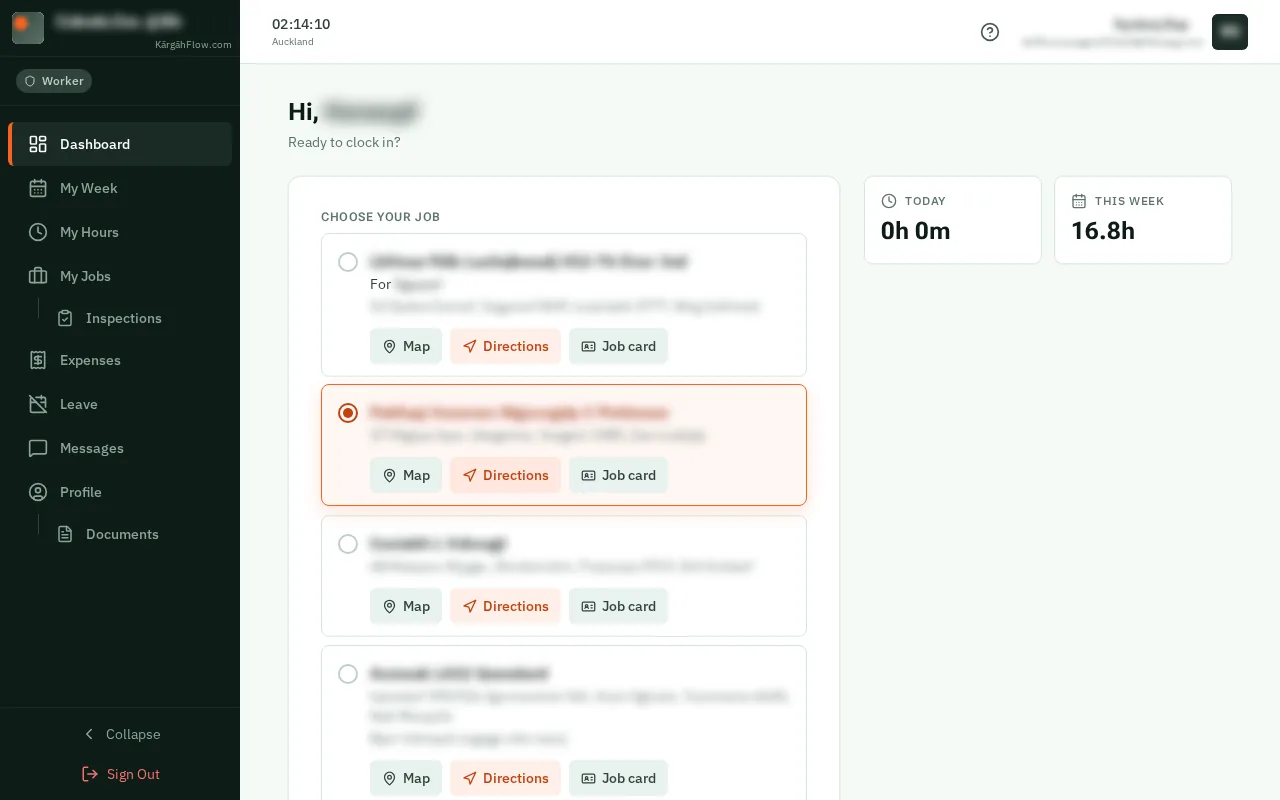
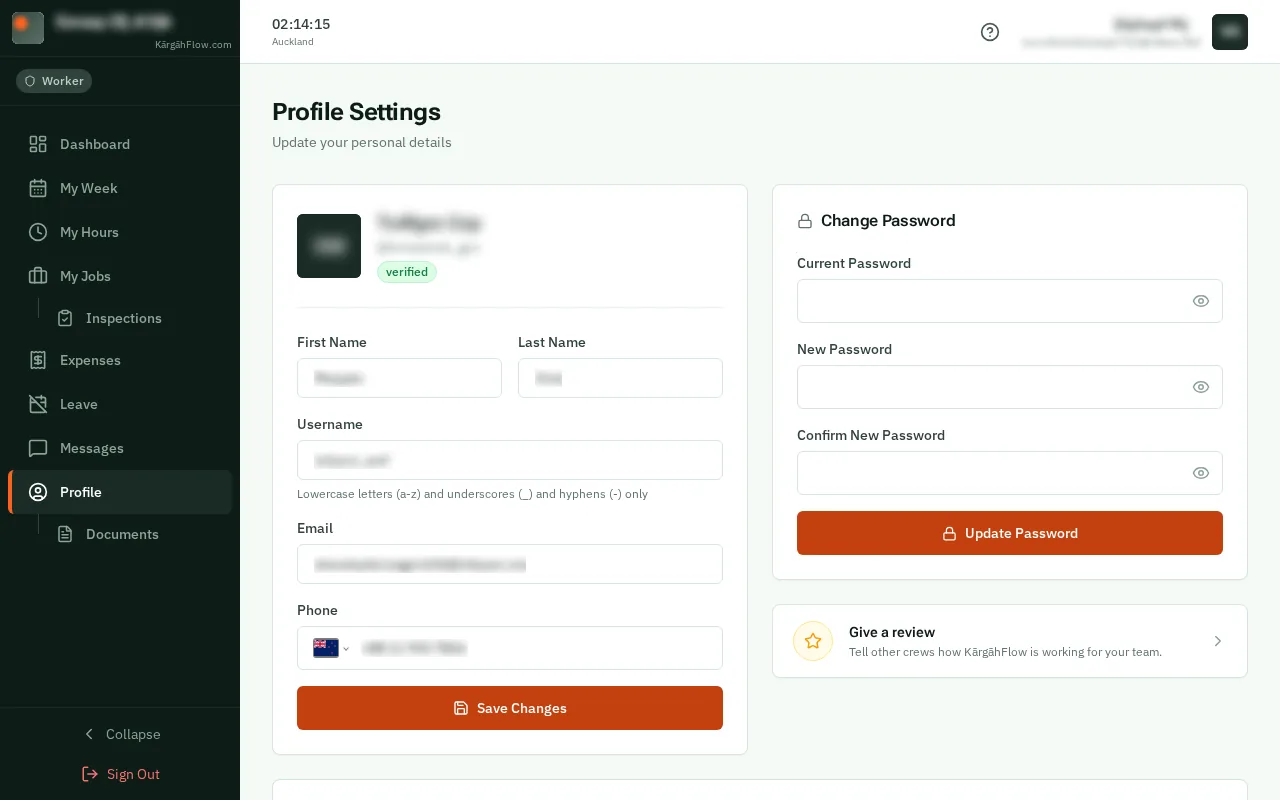
TapClick More at the bottom right of the screen, then Profile.TapClick Profile in the menu on the left.
Good to know: Admins and owners: Profile is in your menu.
TapClick your photo, or your initials, at the top. Choose a picture, drag the square over your face, and tapclick Crop & Upload.
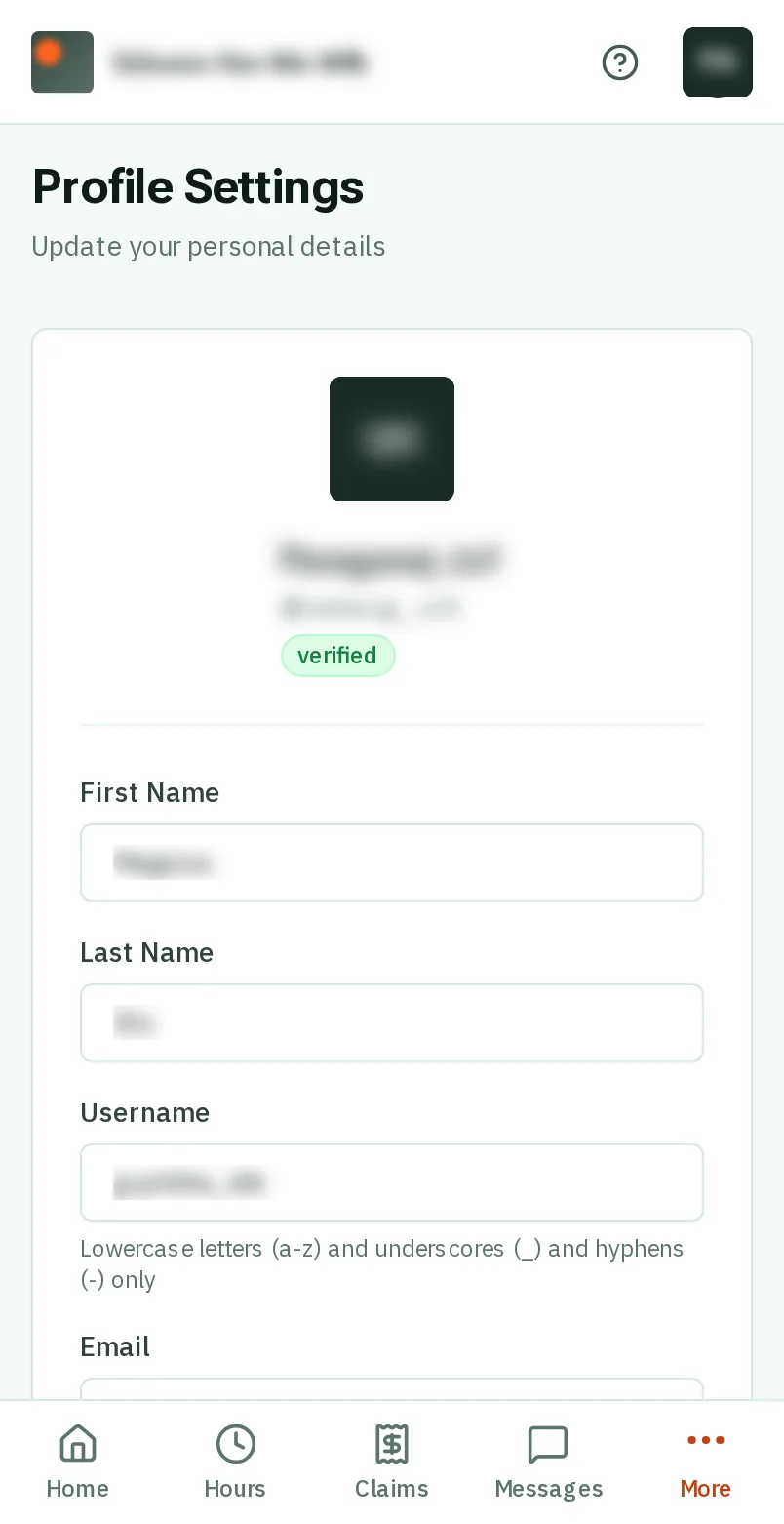
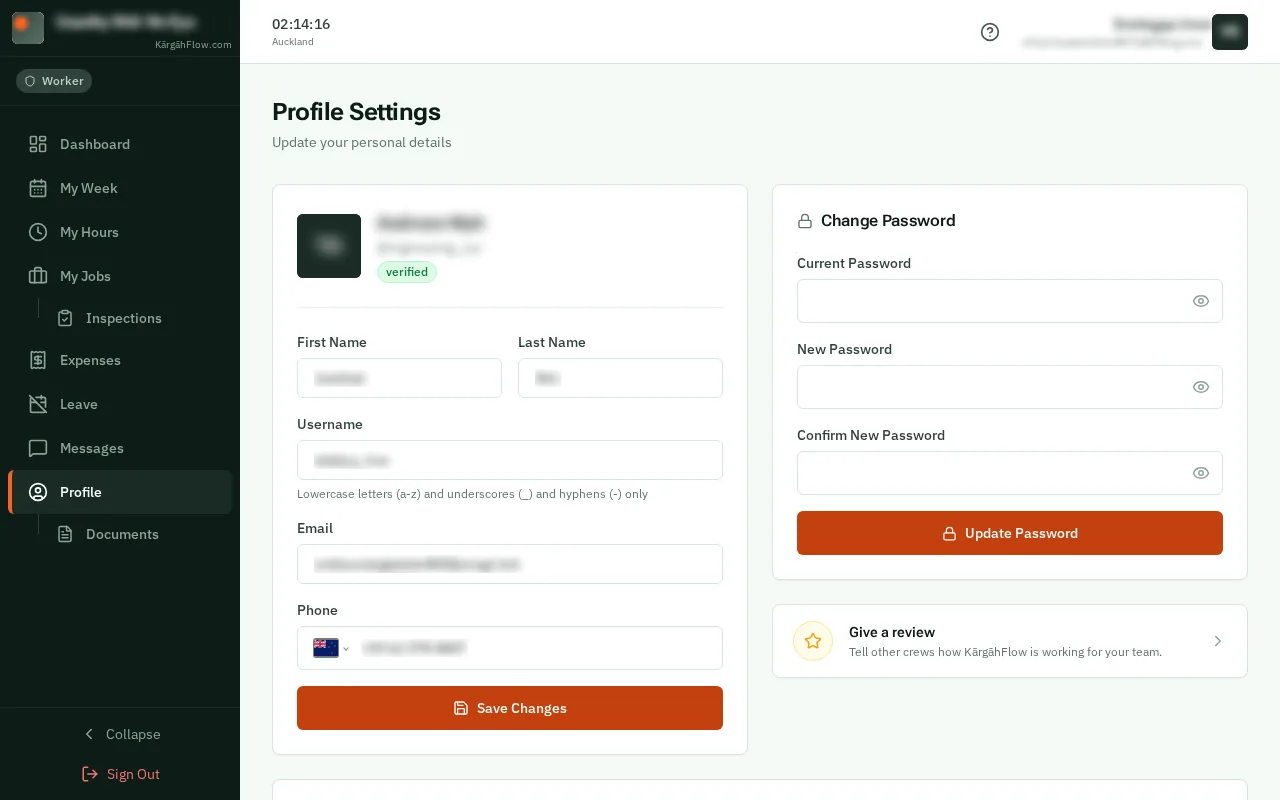
Change your name, email or phone in the boxes, then tapclick Save Changes.
Good to know: Your pay rates are on this page too. Only your manager can change them.
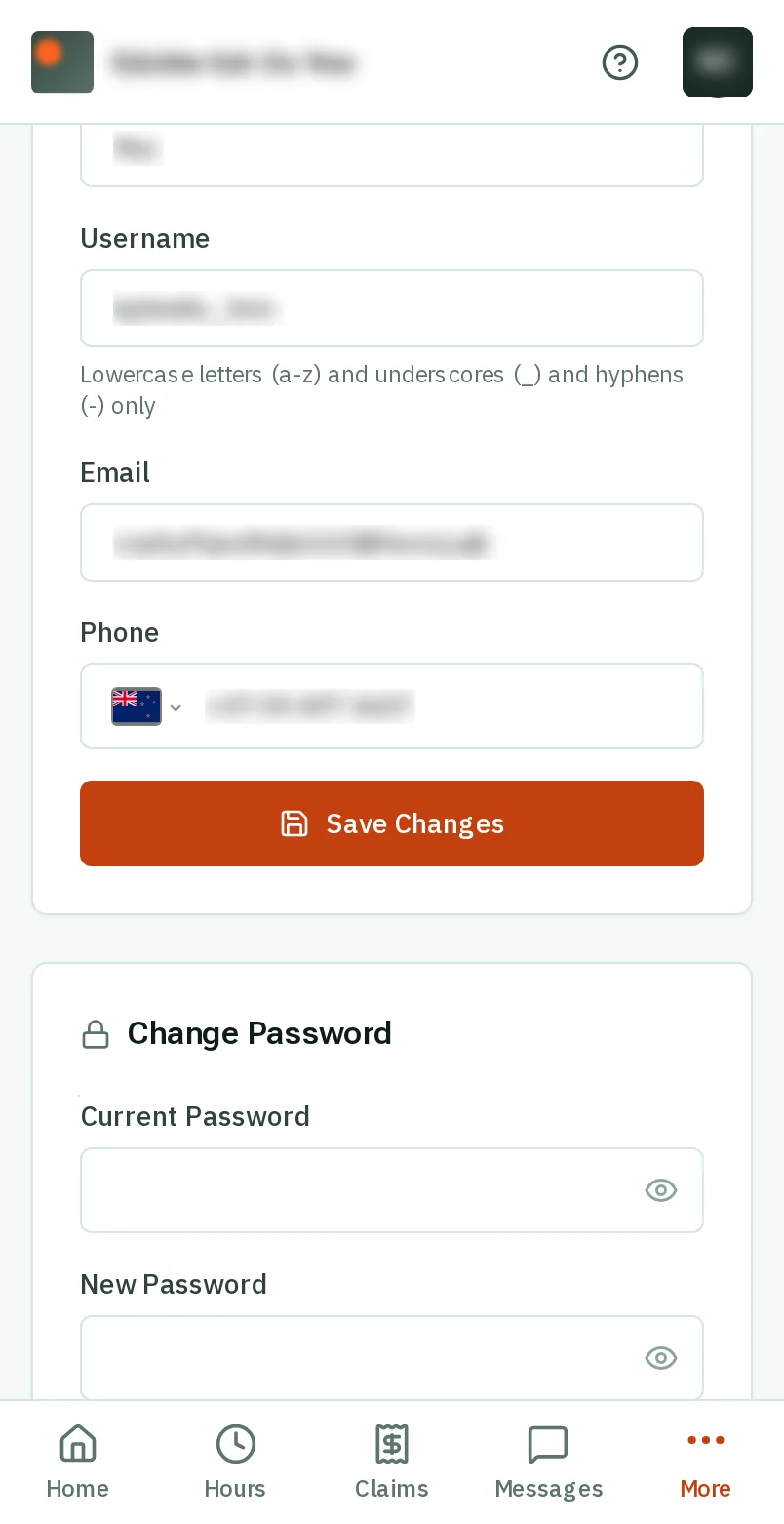
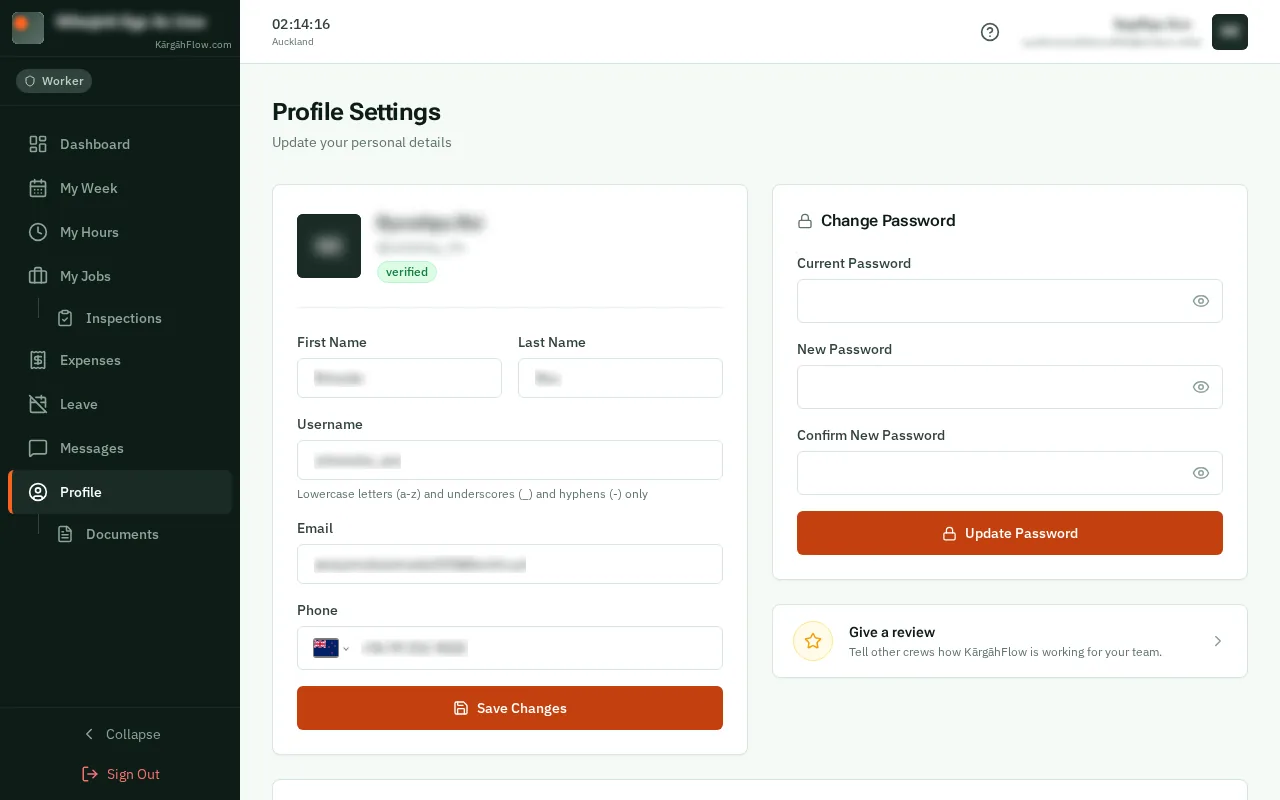
Under Change Password, type your current password, then your new one twice, and tapclick Update Password.
Good to know: To turn KārgāhFlow’s small sounds on or off, tapclick Sounds at the very bottom of this page.