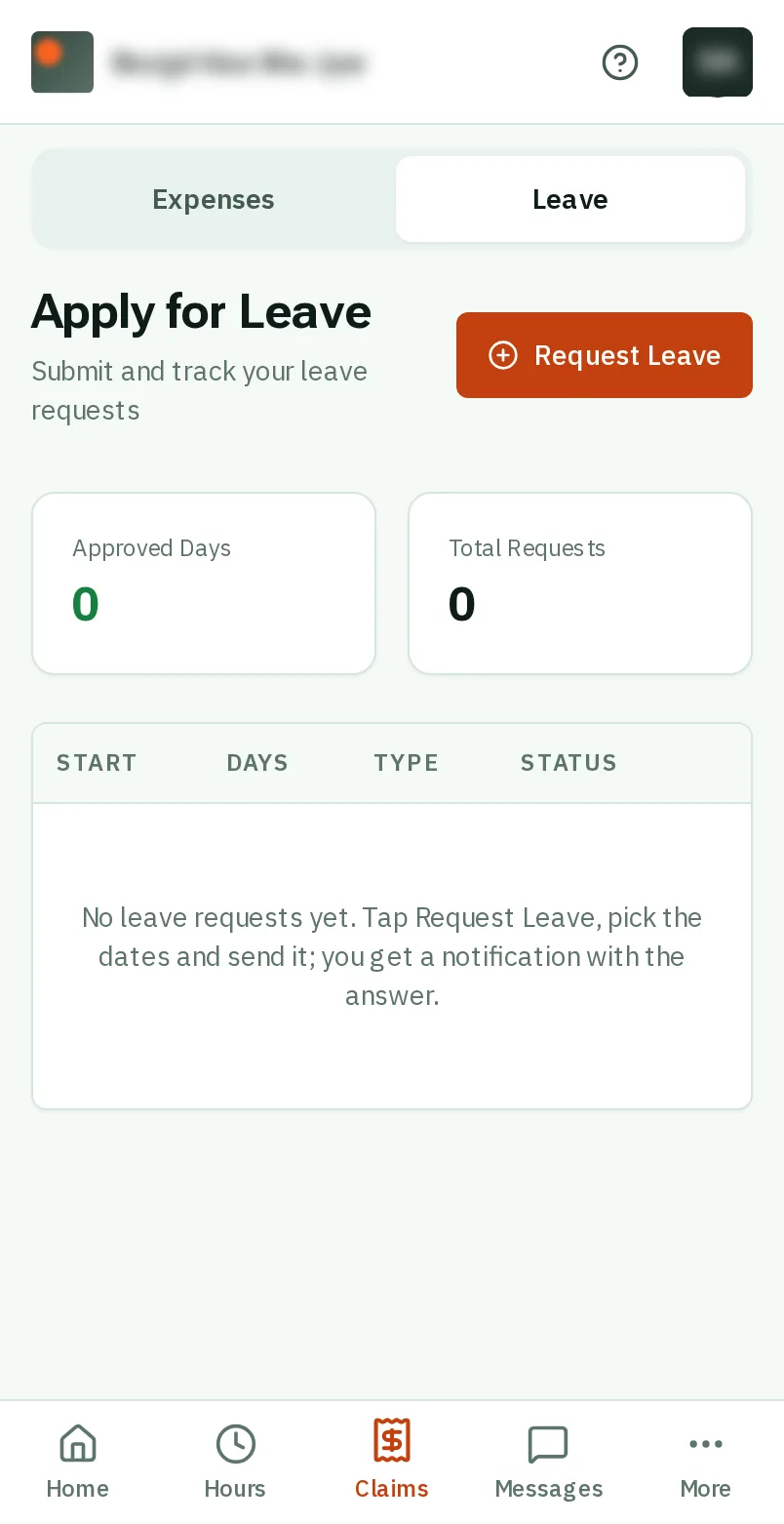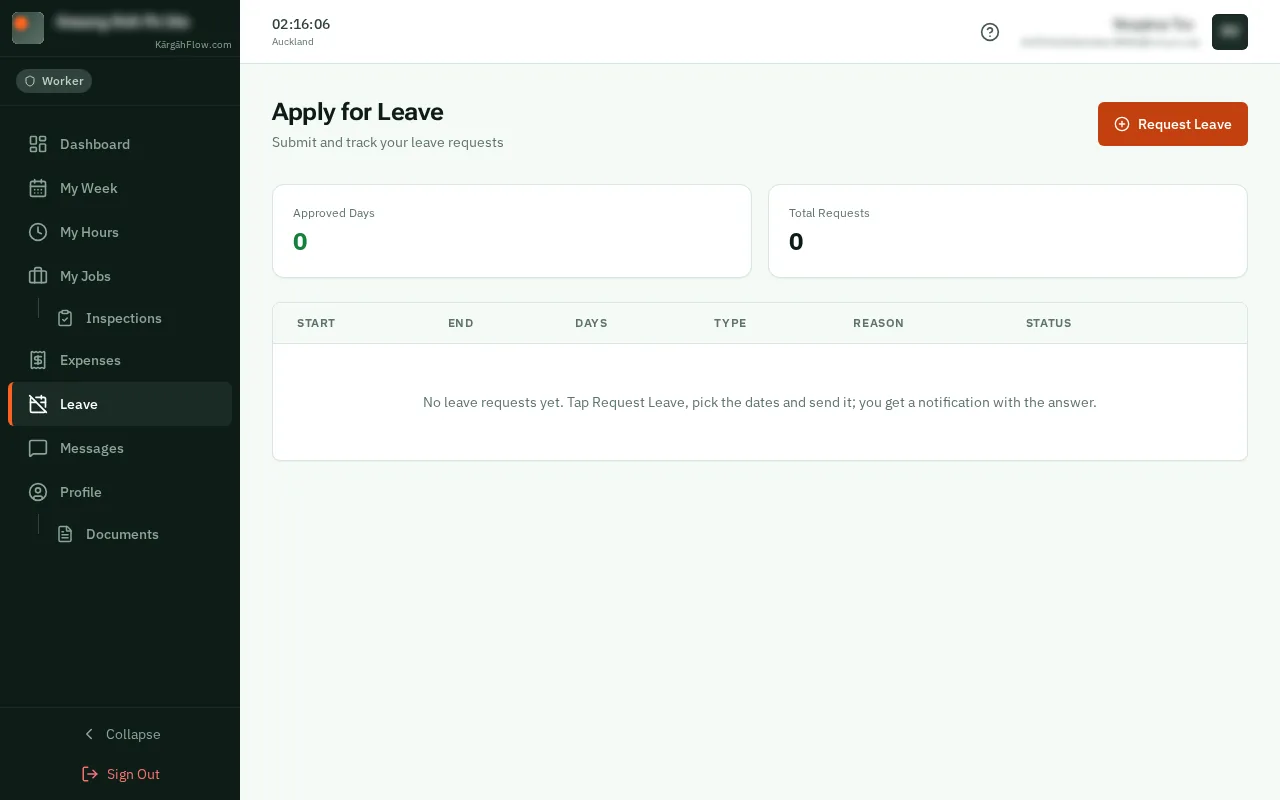
Step 1: Open Leave
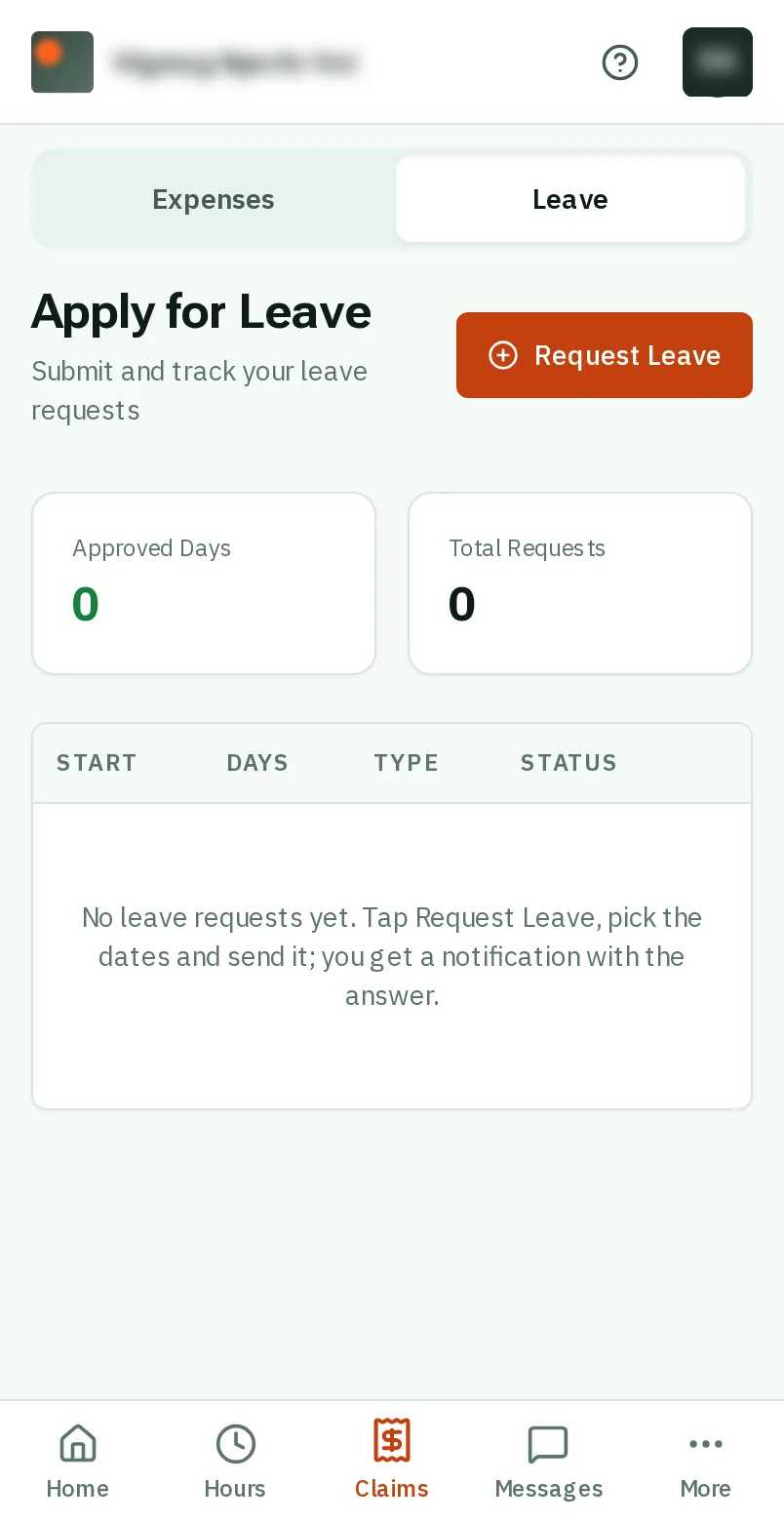
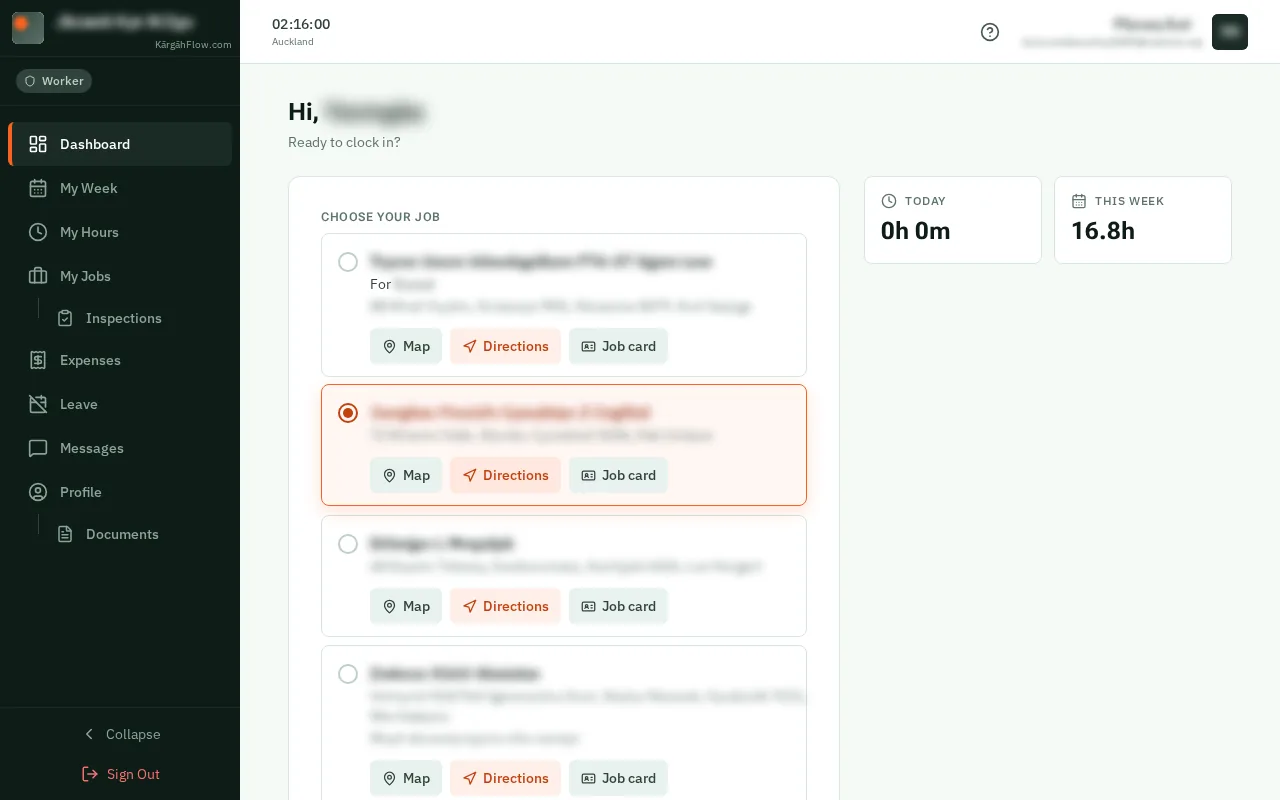
TapClick Claims in the bar at the bottom of the screen, then Leave at the top.TapClick Leave in the menu on the left.
Good to know: Admins and owners: your own leave is under Profile, then My Leave.
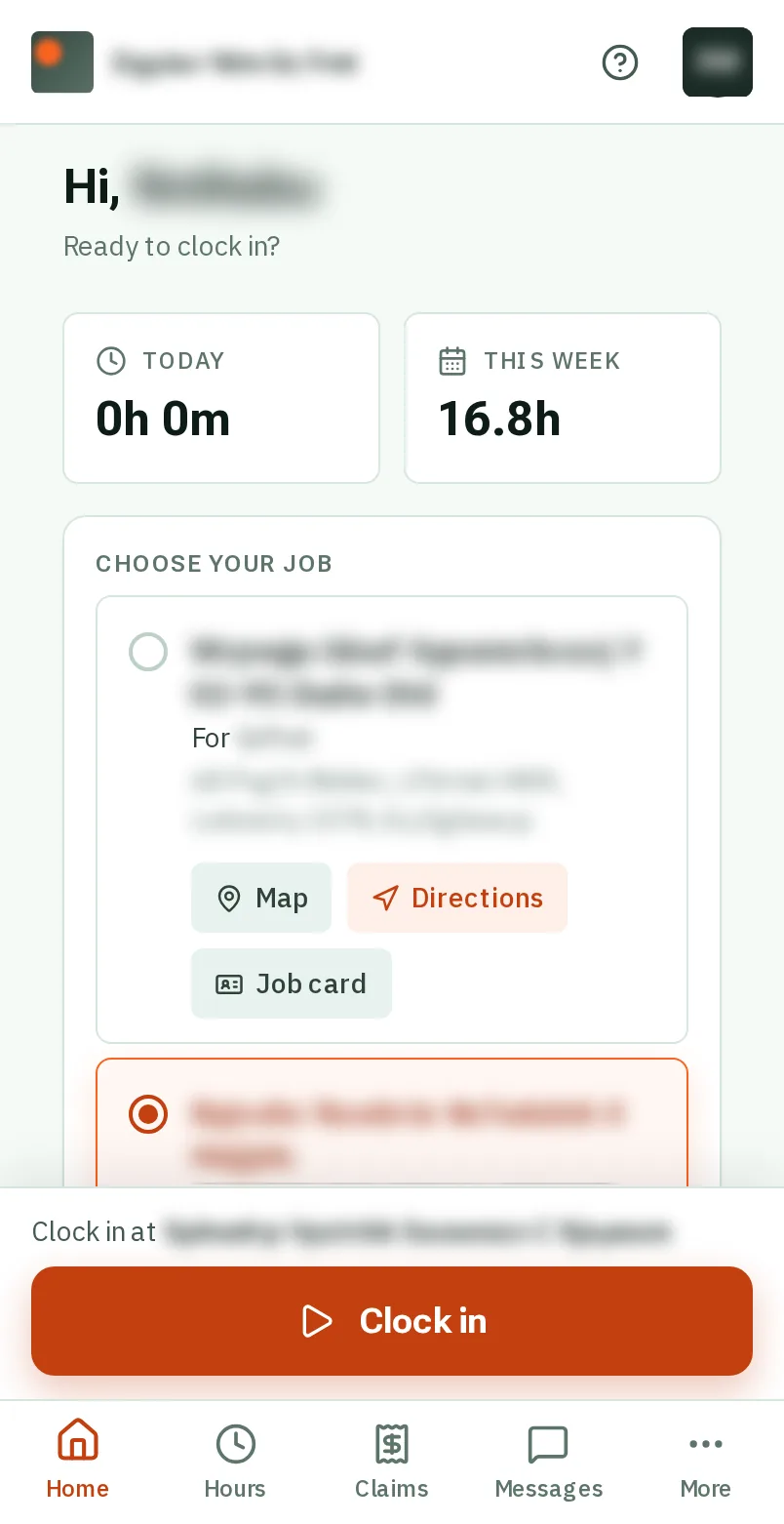

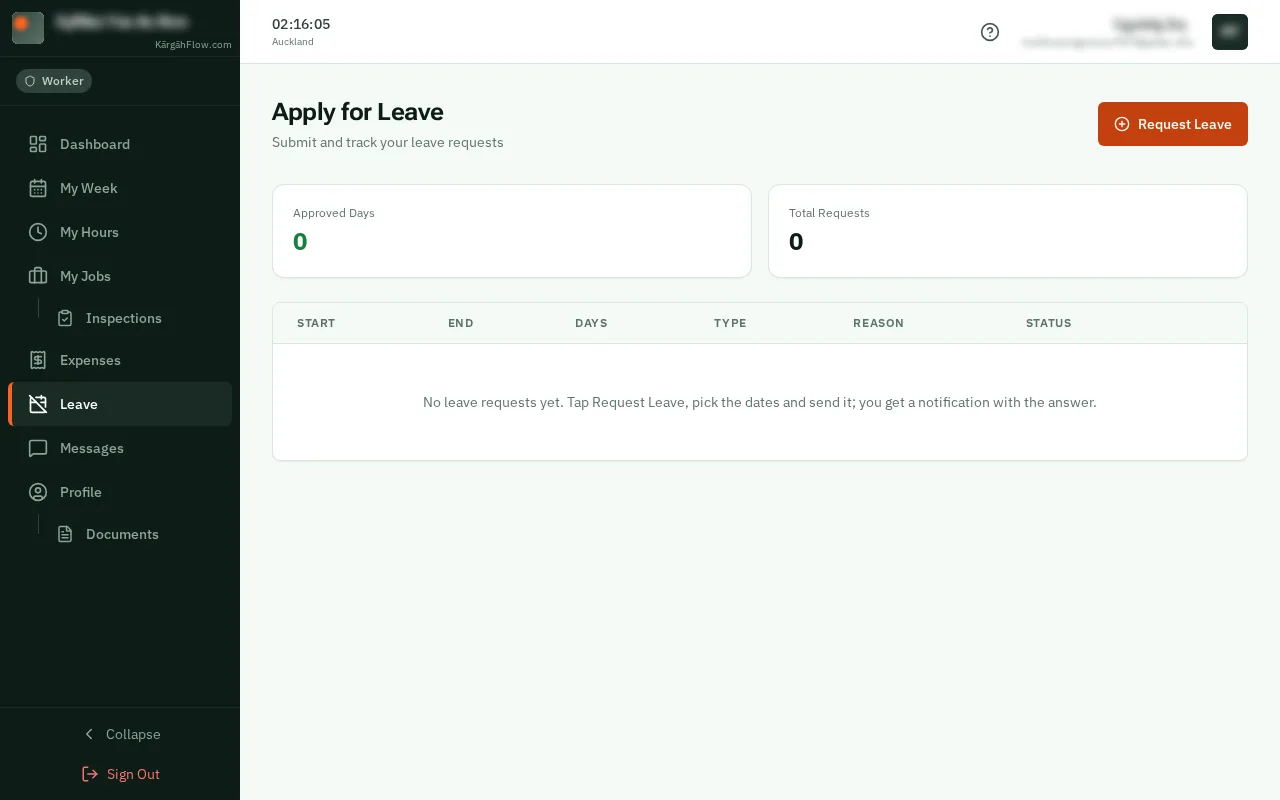
TapClick Claims in the bar at the bottom of the screen, then Leave at the top.TapClick Leave in the menu on the left.
Good to know: Admins and owners: your own leave is under Profile, then My Leave.

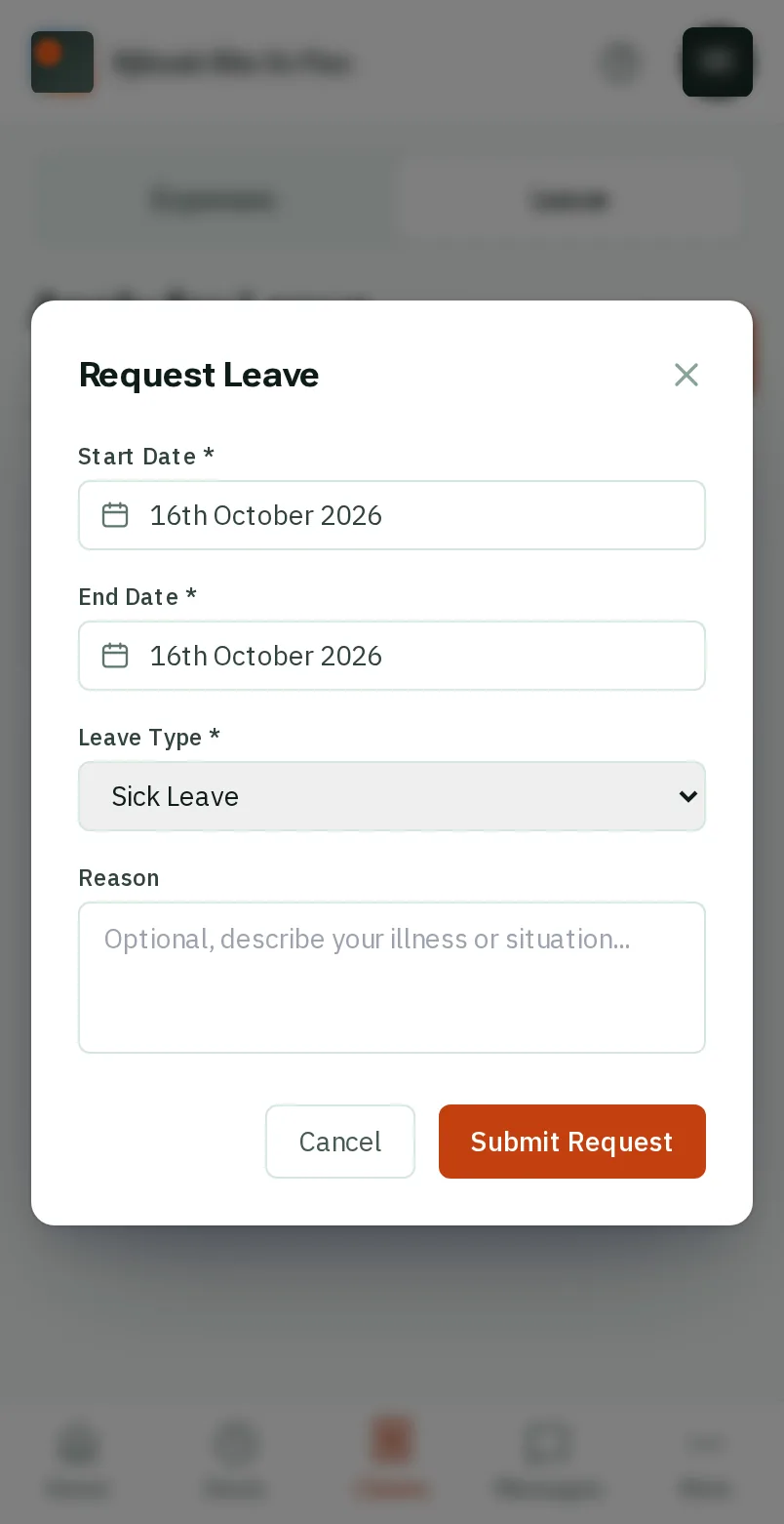
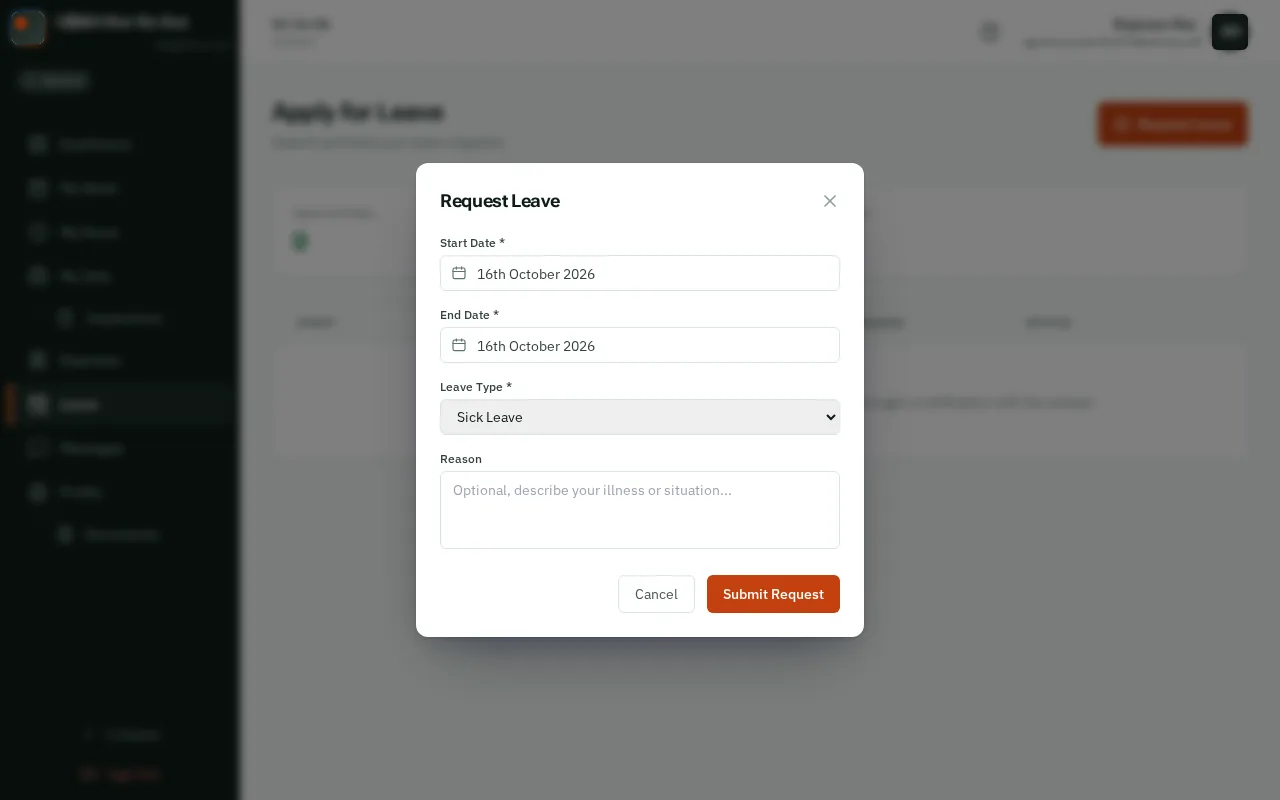
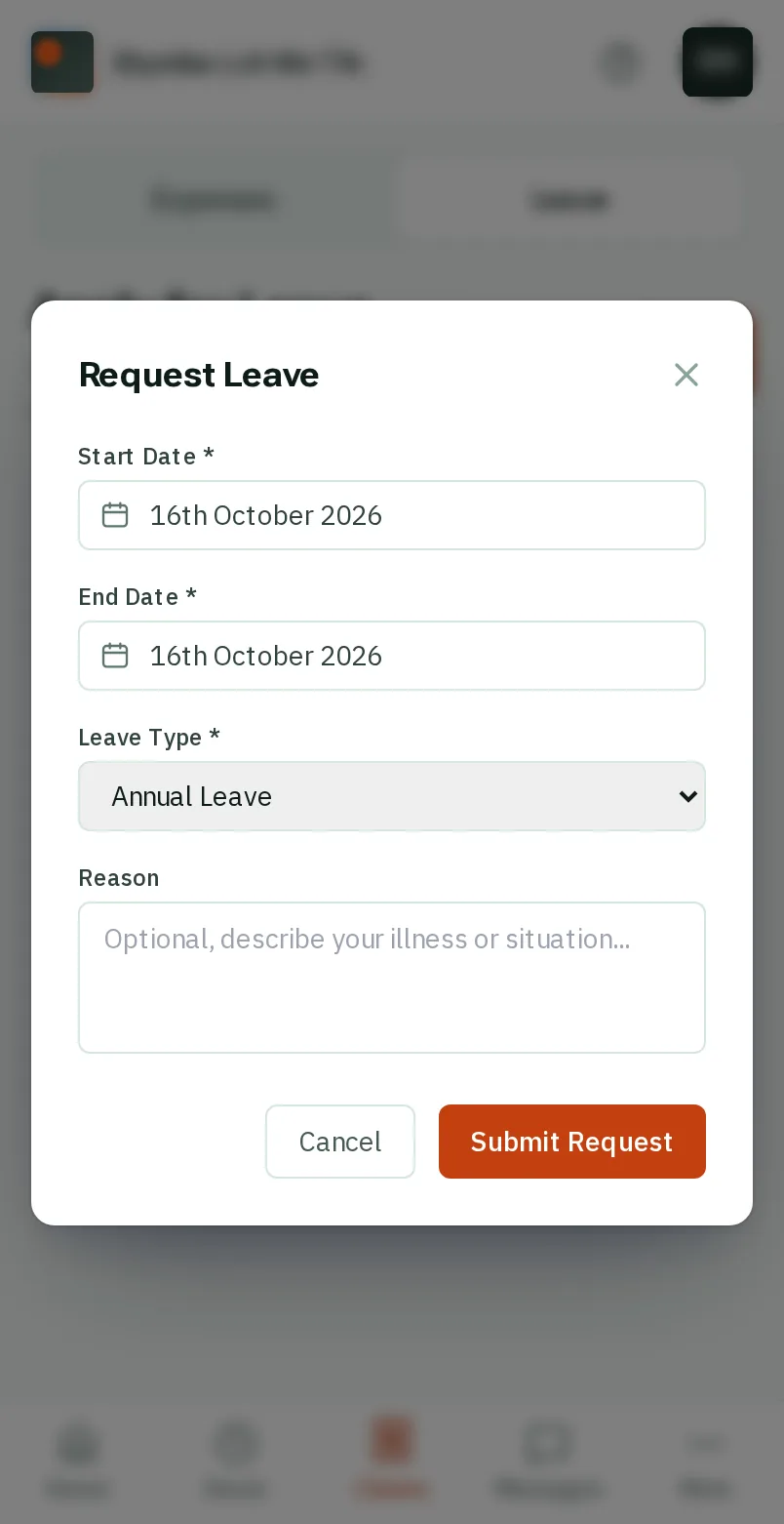
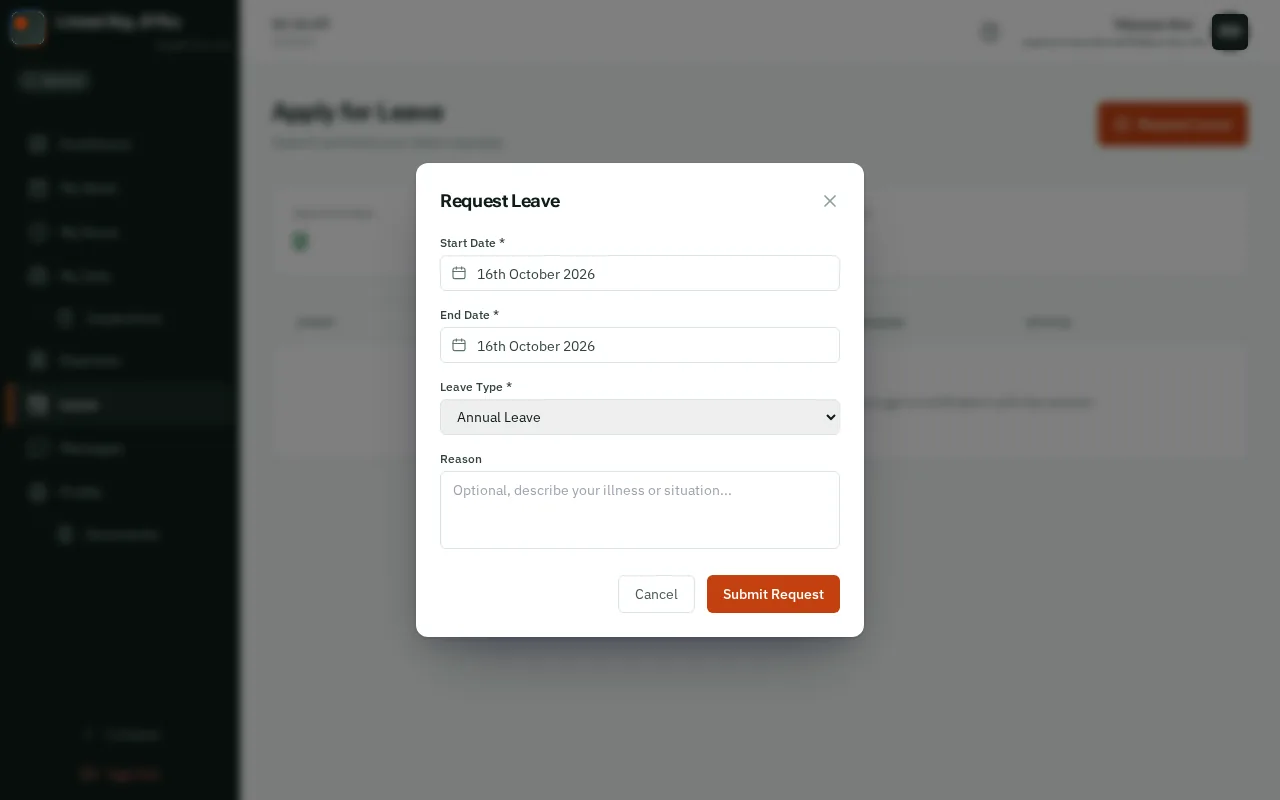
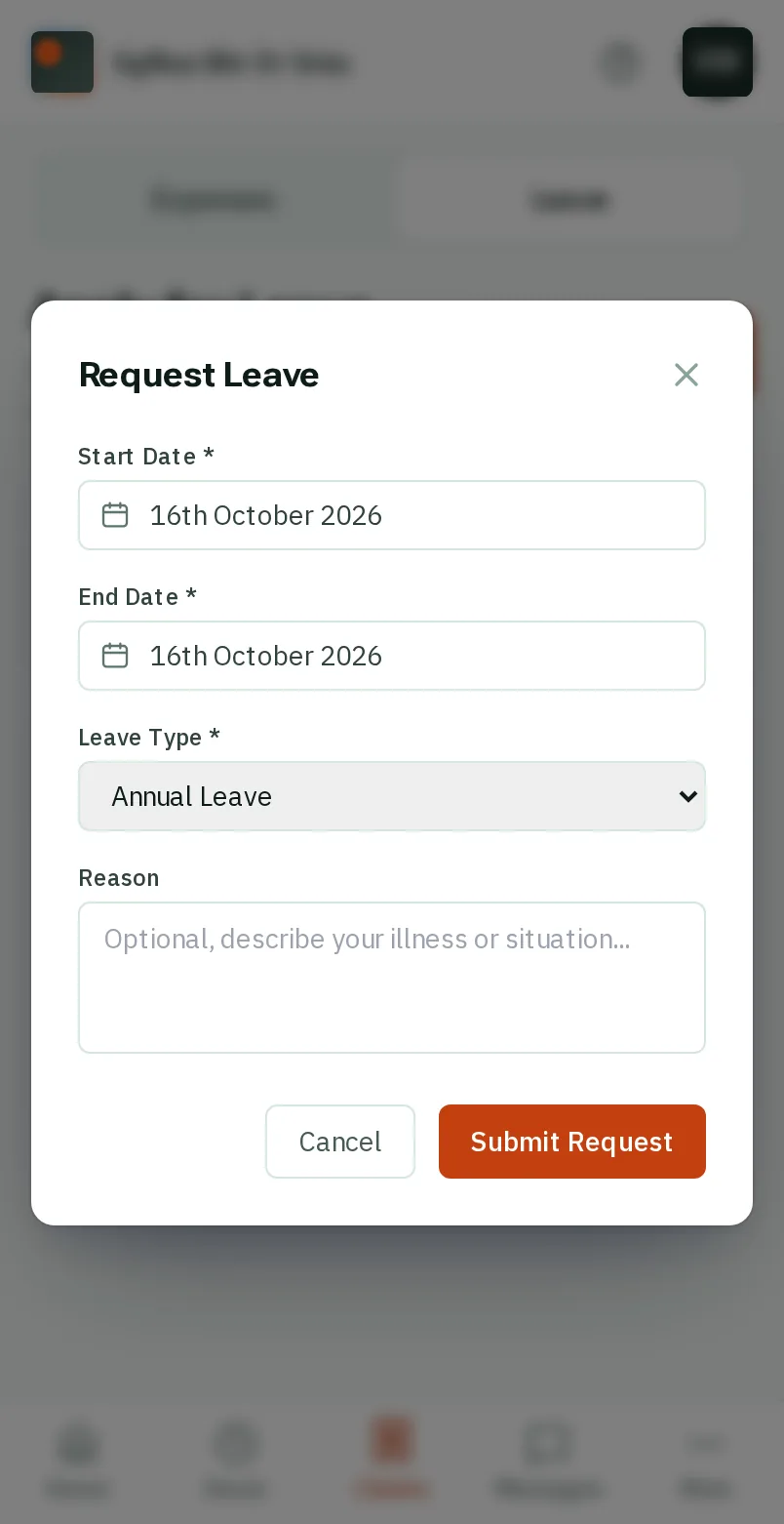
TapClick the orange Request Leave button.


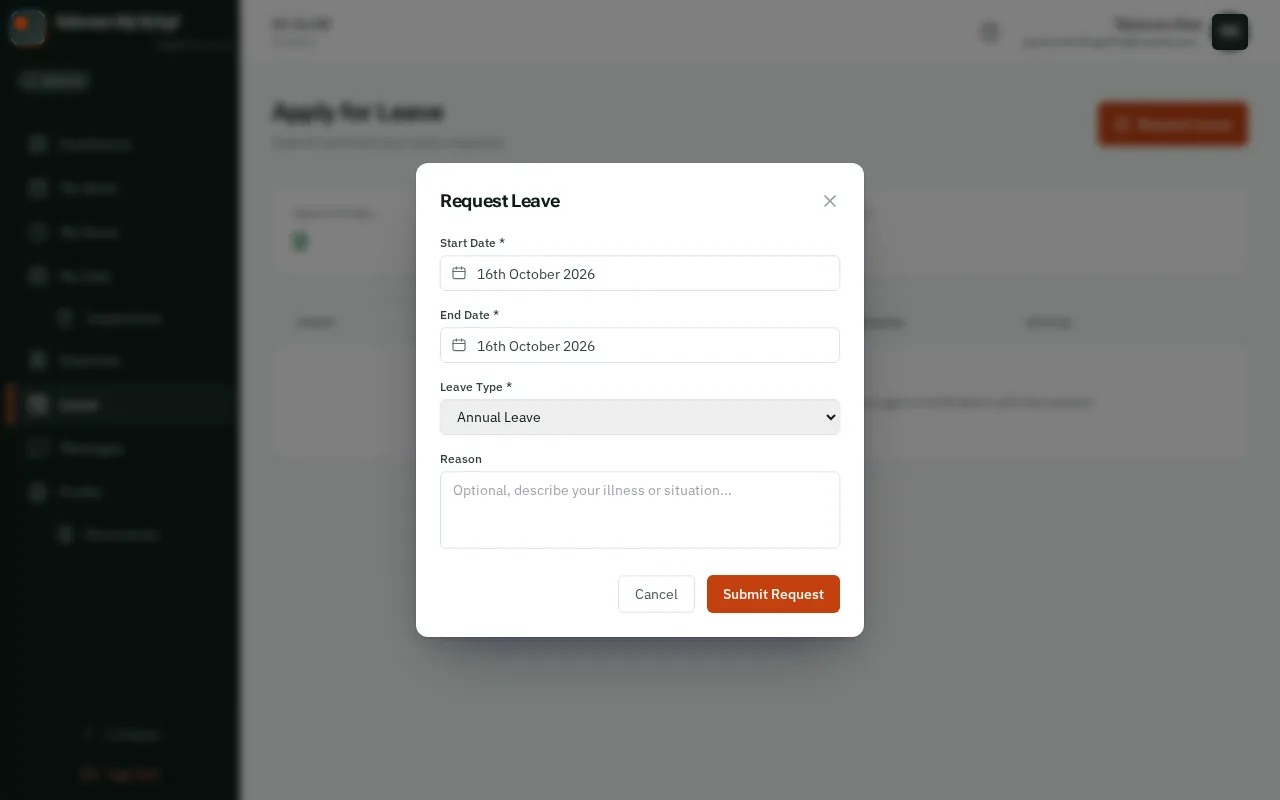
TapClick Start Date and pick your first day off, then End Date and pick your last. For one day off, pick the same day in both.


Under Leave Type, choose Sick Leave, Annual Leave, Public Holiday or Other Leave.


Under Reason, write a line for your manager. You can leave it empty.


TapClick Submit Request. It shows as Pending until your manager decides.
Good to know: With notifications on, your phone tells you the answer. You can delete a request until it has been decided.