KārgāhFlow
About 1 minute 5 stepsFor crew

Clock in with a QR poster

Scan the poster on site with your phone’s camera to clock in or out.

Clock in with a QR poster: the screen on a phone
Step 1 of 5
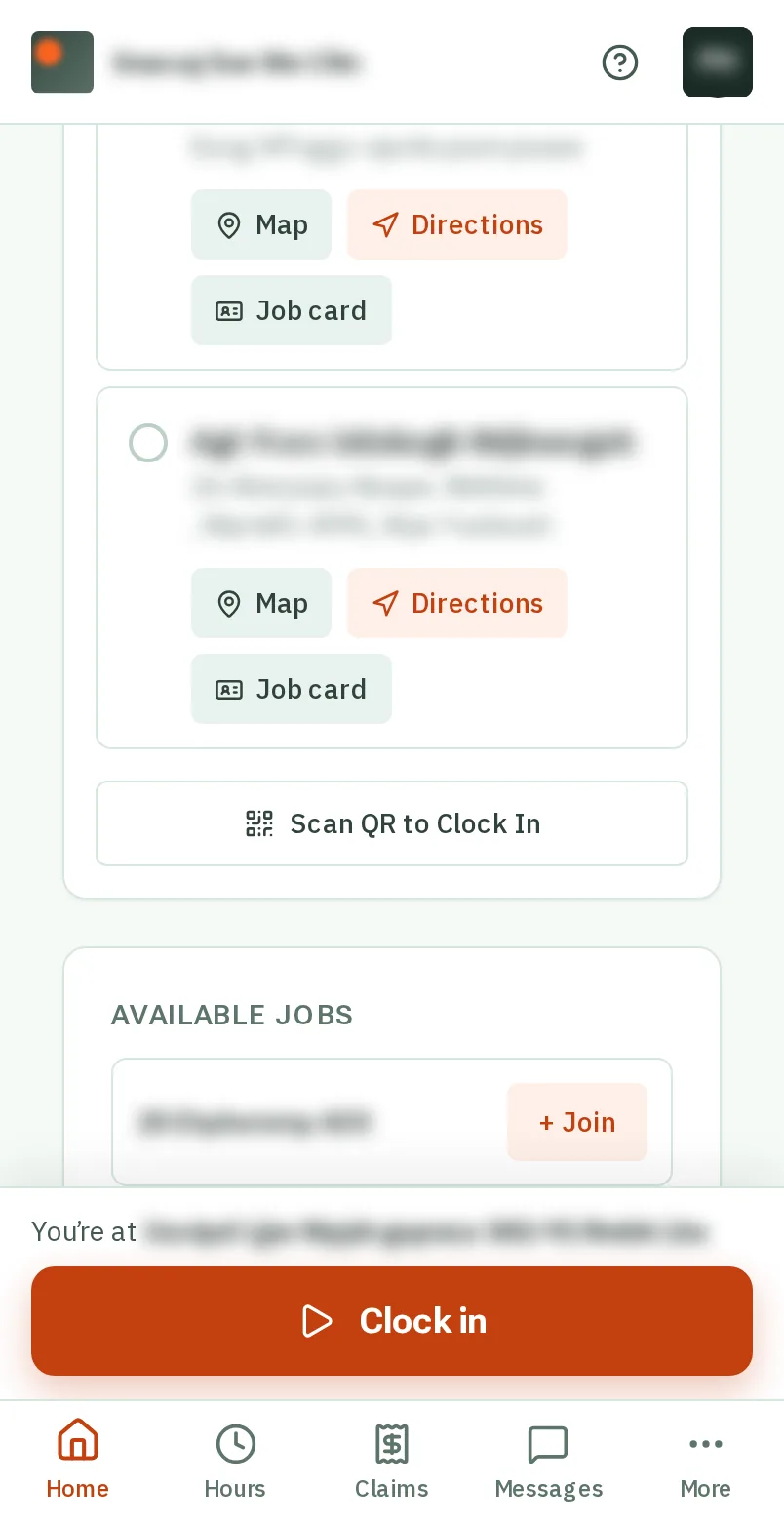
  1. Step 1: Scan the poster

    Open your phone’s camera and point it at the QR code on the poster, then tap the link that pops up. Or open KārgāhFlow and tap Scan QR to Clock In.

    Look forthe Scan QR to Clock In button

    Good to know: Signed out? KārgāhFlow asks you to sign in first, then carries on.
    Scan the poster
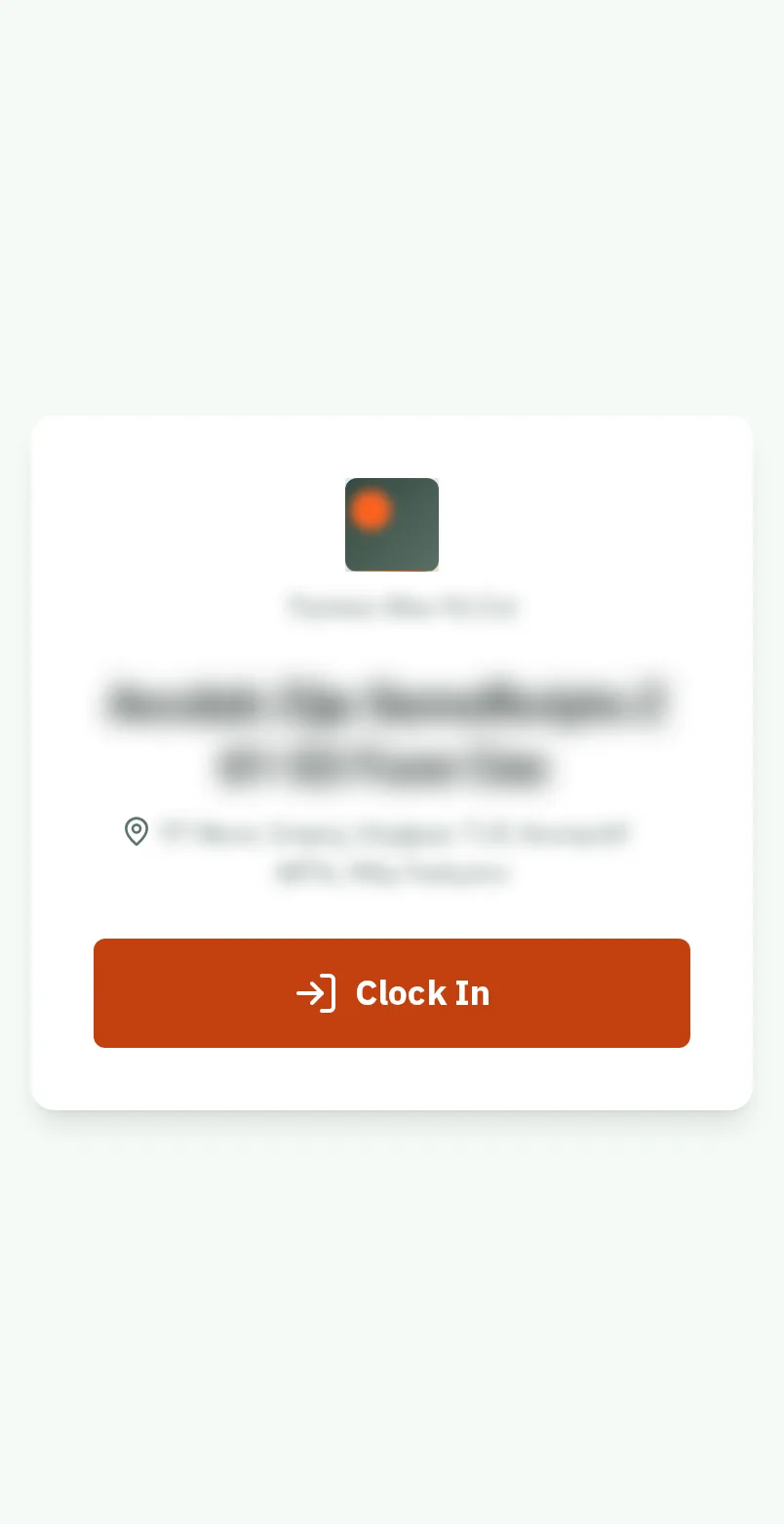
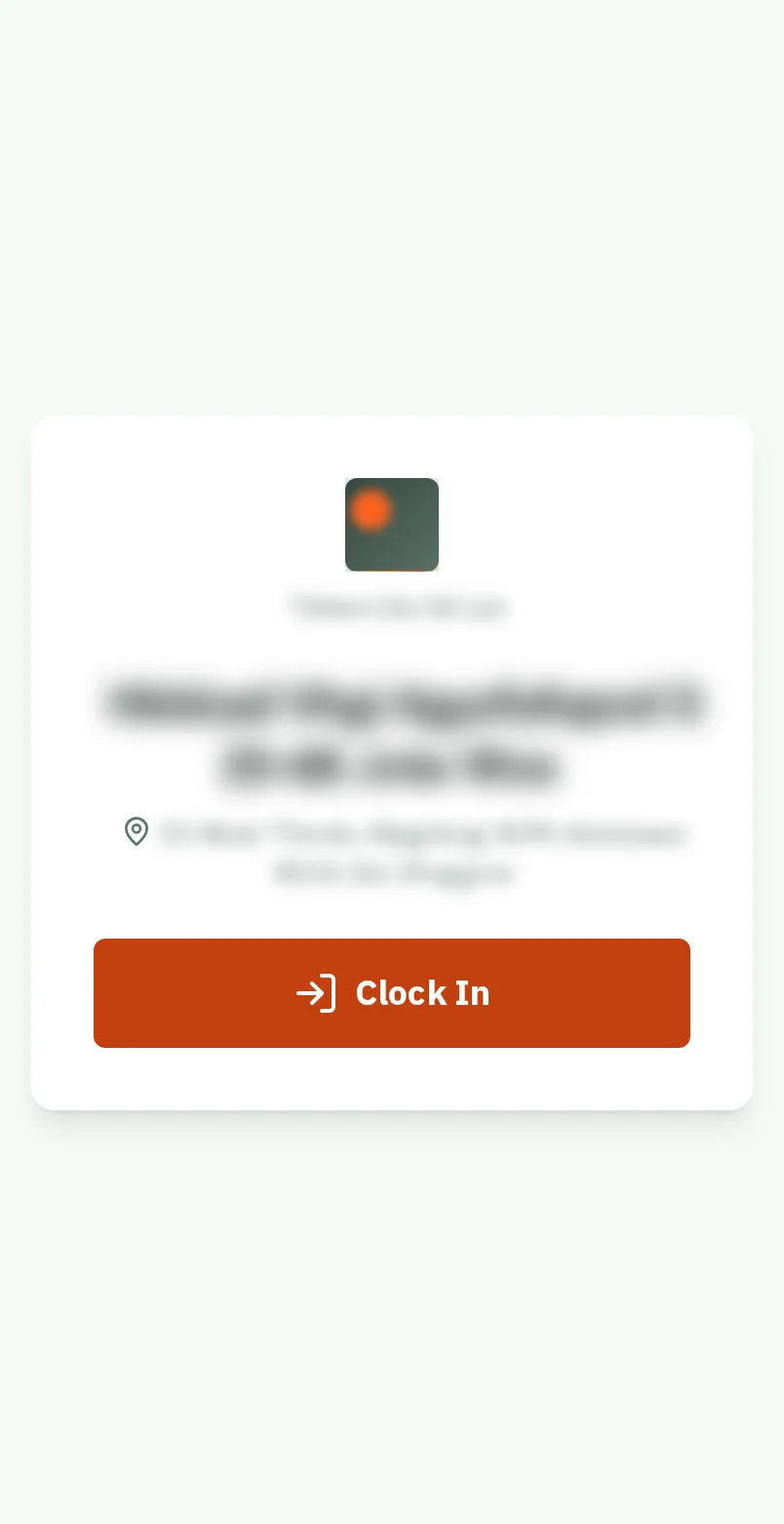
  2. Step 2: Tap Clock In

    A job’s own poster opens that job. Tap the big orange Clock In button.

    Look forthe Clock In button

    Good to know: The first time, your phone asks to use your location. Say yes (Allow).

    Tap Clock In
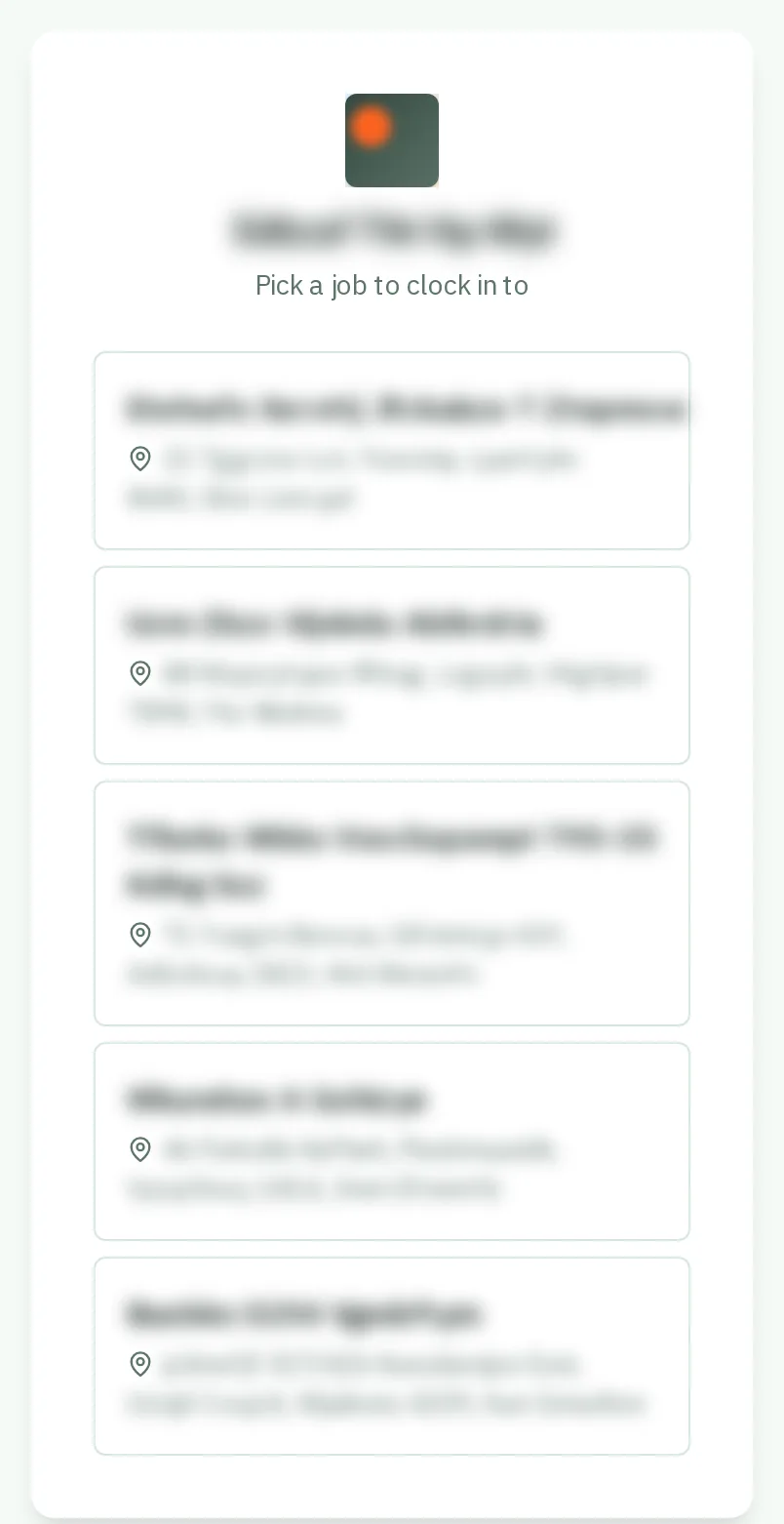
  3. Step 3: Or tap your job

    A poster for the whole company lists your jobs instead. Tap the one you are working at.

    Look forthe Your job choice
    Or tap your job
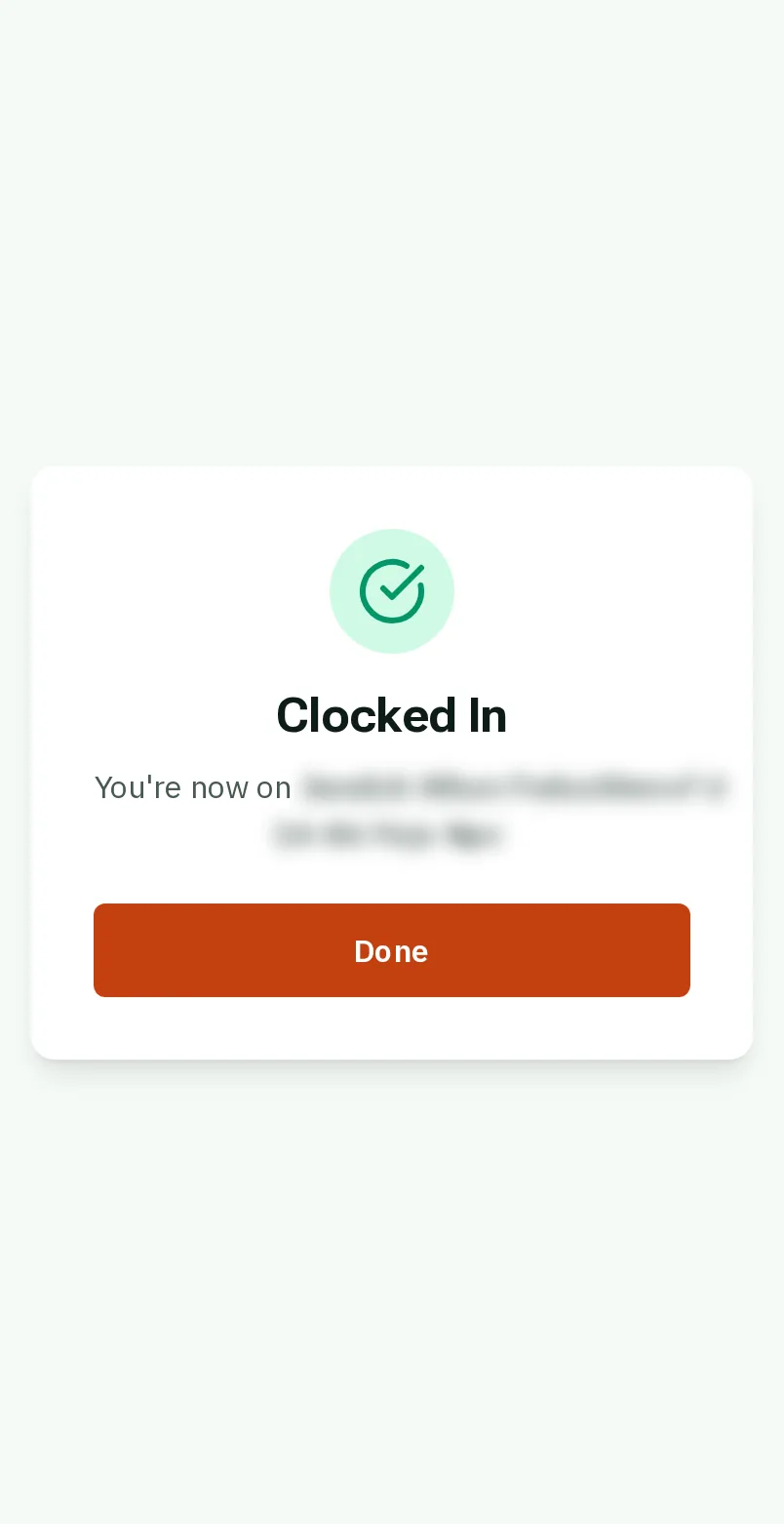
  4. Step 4: You are clocked in

    Clocked In shows, with the job. Tap Done, and put your phone away.

    Look forthe Done button
    You are clocked in
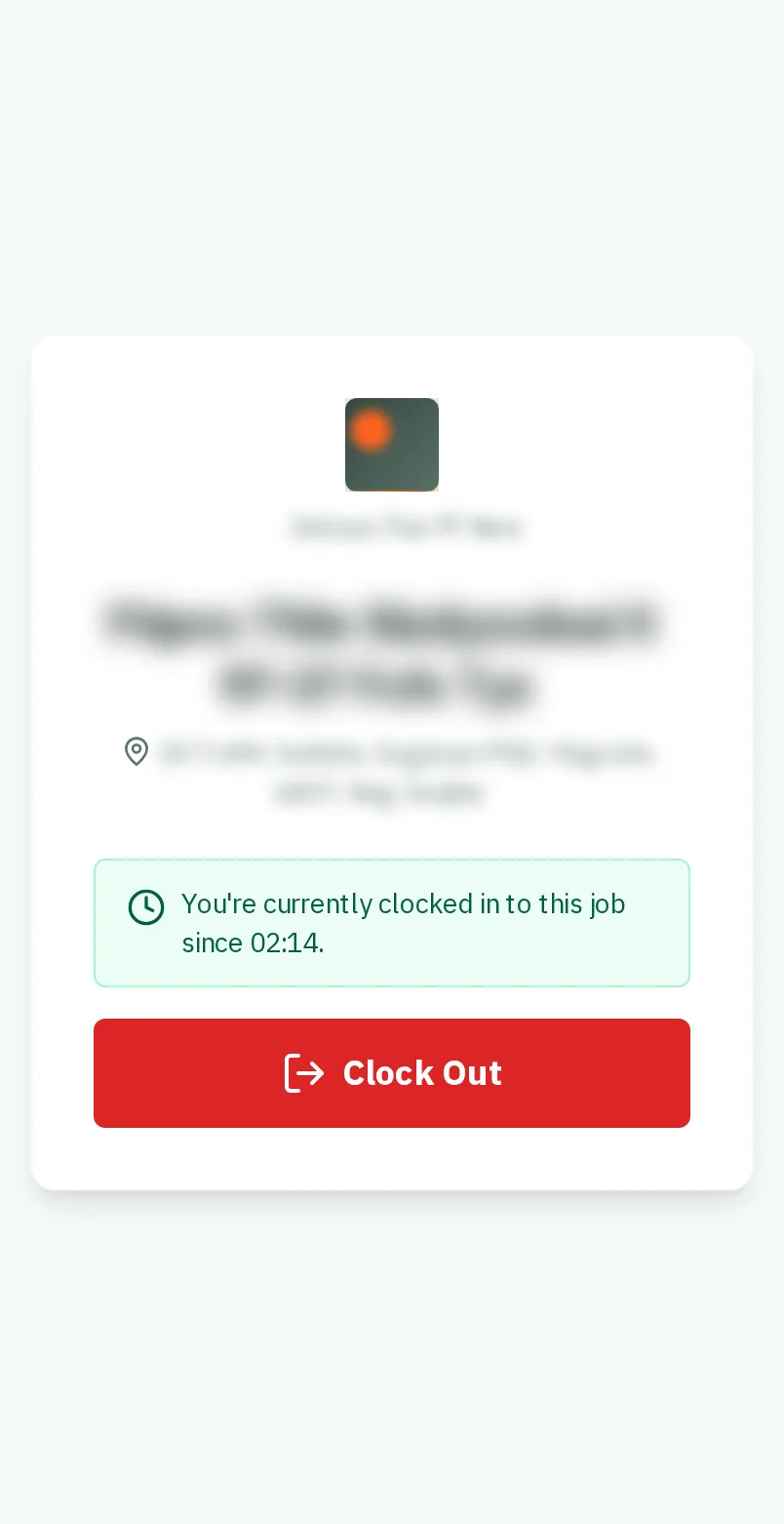
  5. Step 5: Scan again to clock out

    At the end of the day, scan the same poster and tap the red Clock Out button.

    Look forthe Clock Out button
    Scan again to clock out

That's it

No buttons to hunt for: scan, tap, done.

Next: Let the app clock you in

Usually next

Still stuck? Ask your manager, or tap the ? at the top of any page in KārgāhFlow. Running the business and need us?