Step 1: Open Settings
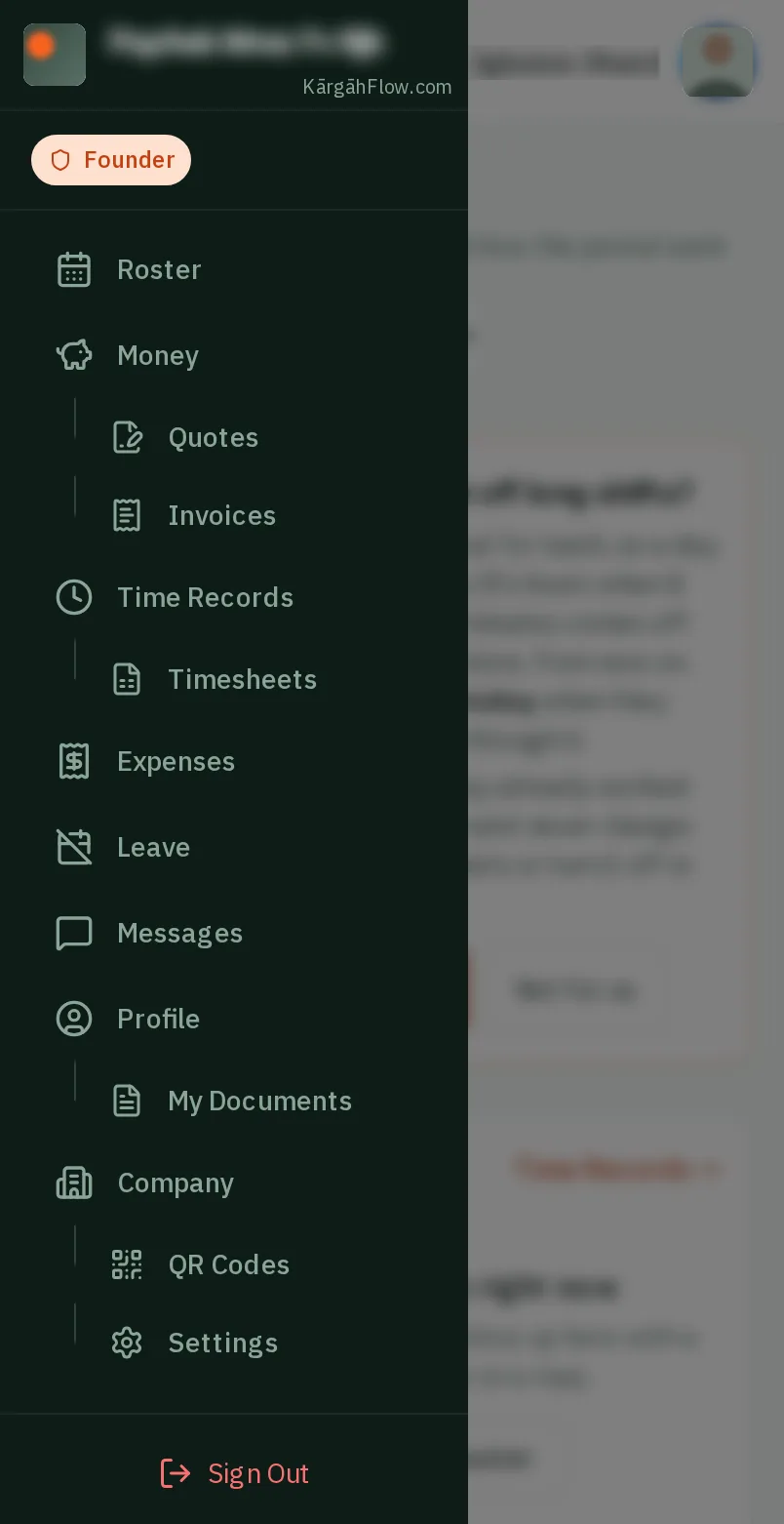
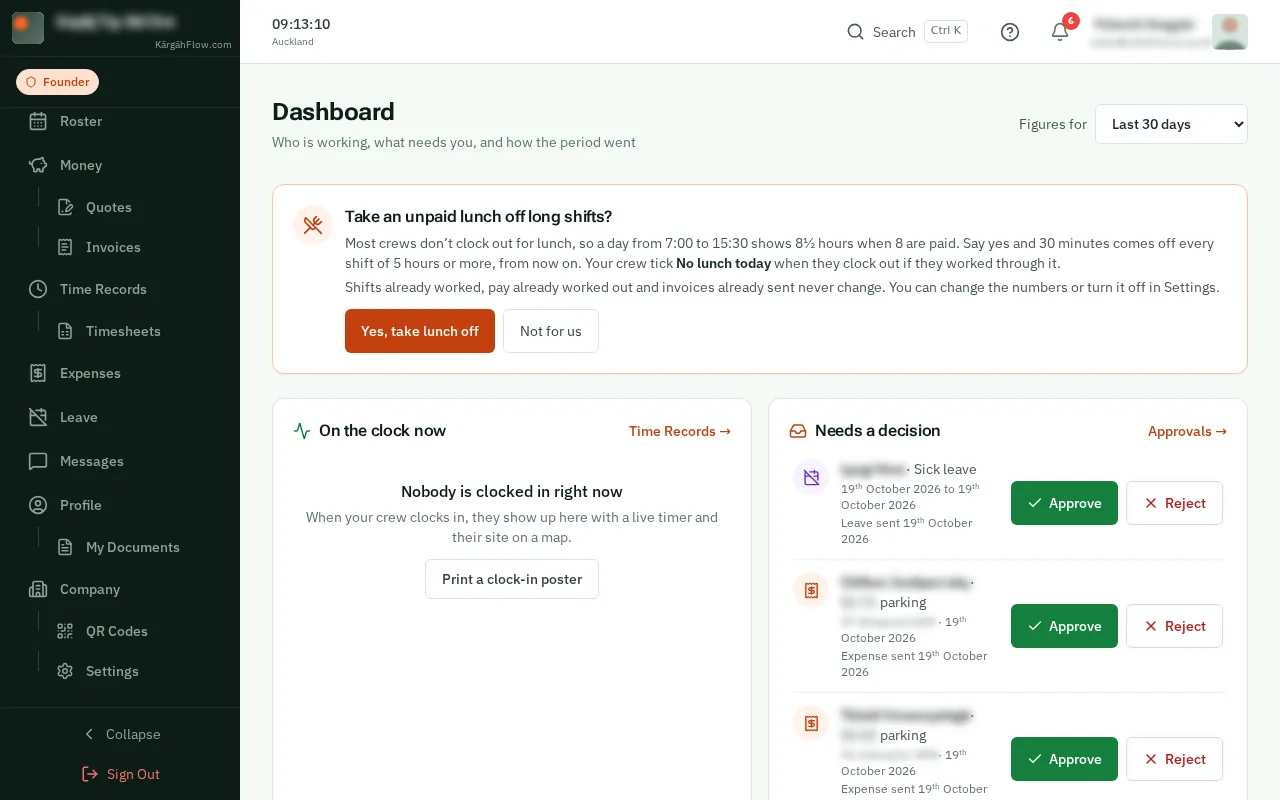
TapClick the menu button at the top left of the screen, then Settings.TapClick Settings in the menu on the left.
Look forthe Settings item in the menu
Good to know: Settings sits under Company in the menu.
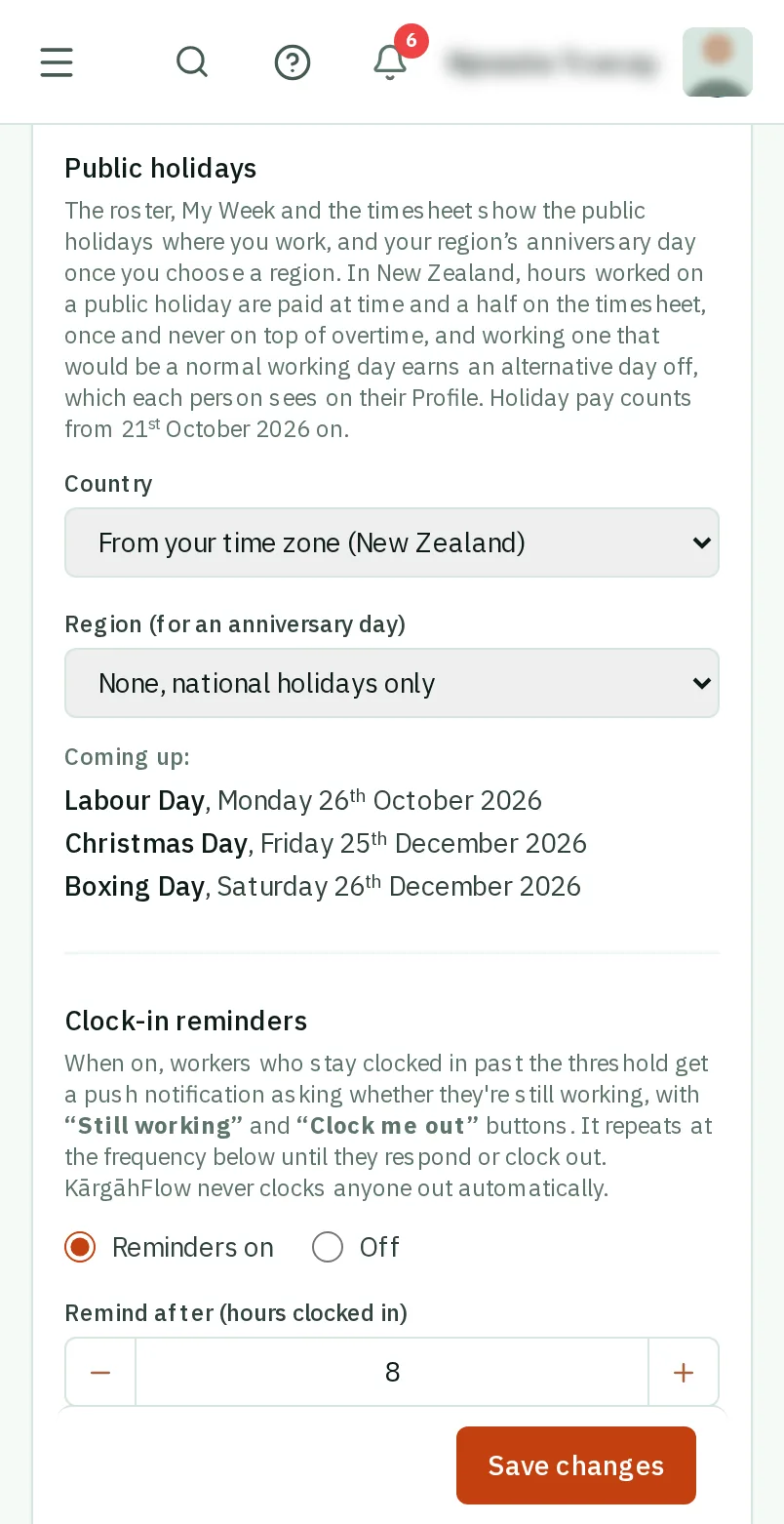
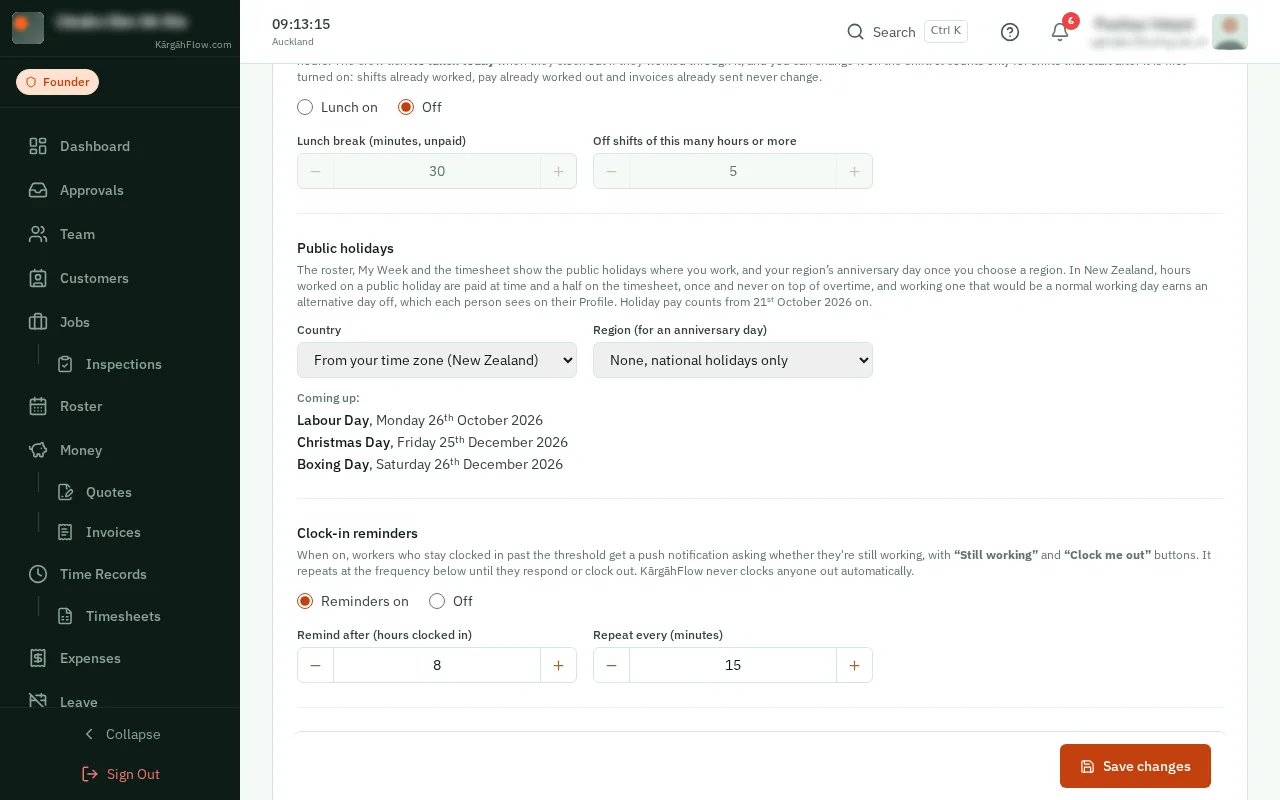
KārgāhFlow knows the public holidays where you work. It names them on the roster and on your crew’s week, and asks before anyone is put on one.
In New Zealand, hours worked on a public holiday are paid at time and a half on the timesheet, once and never on top of overtime, and each one worked on a normal working day earns an alternative day off.
TapClick the menu button at the top left of the screen, then Settings.TapClick Settings in the menu on the left.
Good to know: Settings sits under Company in the menu.
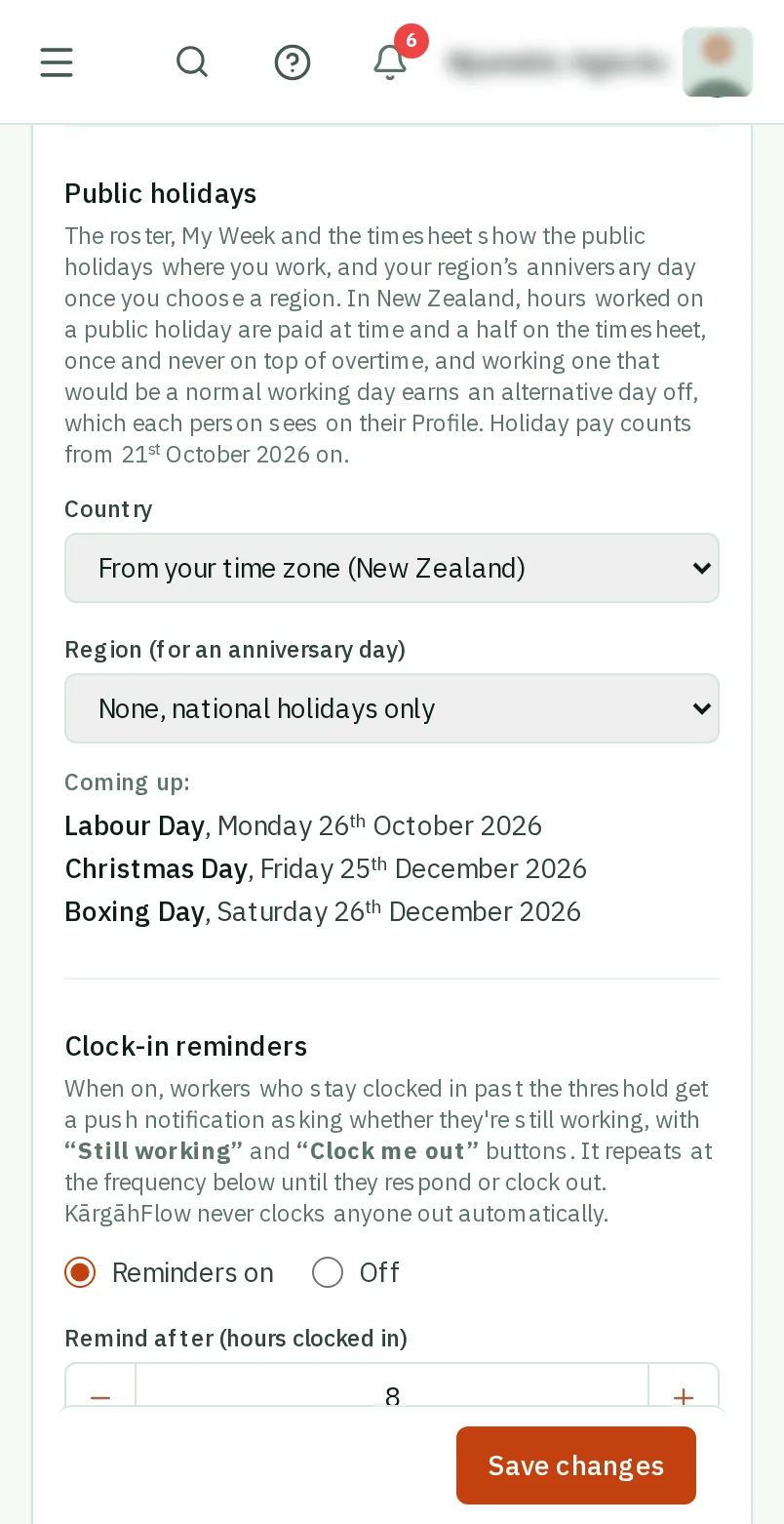
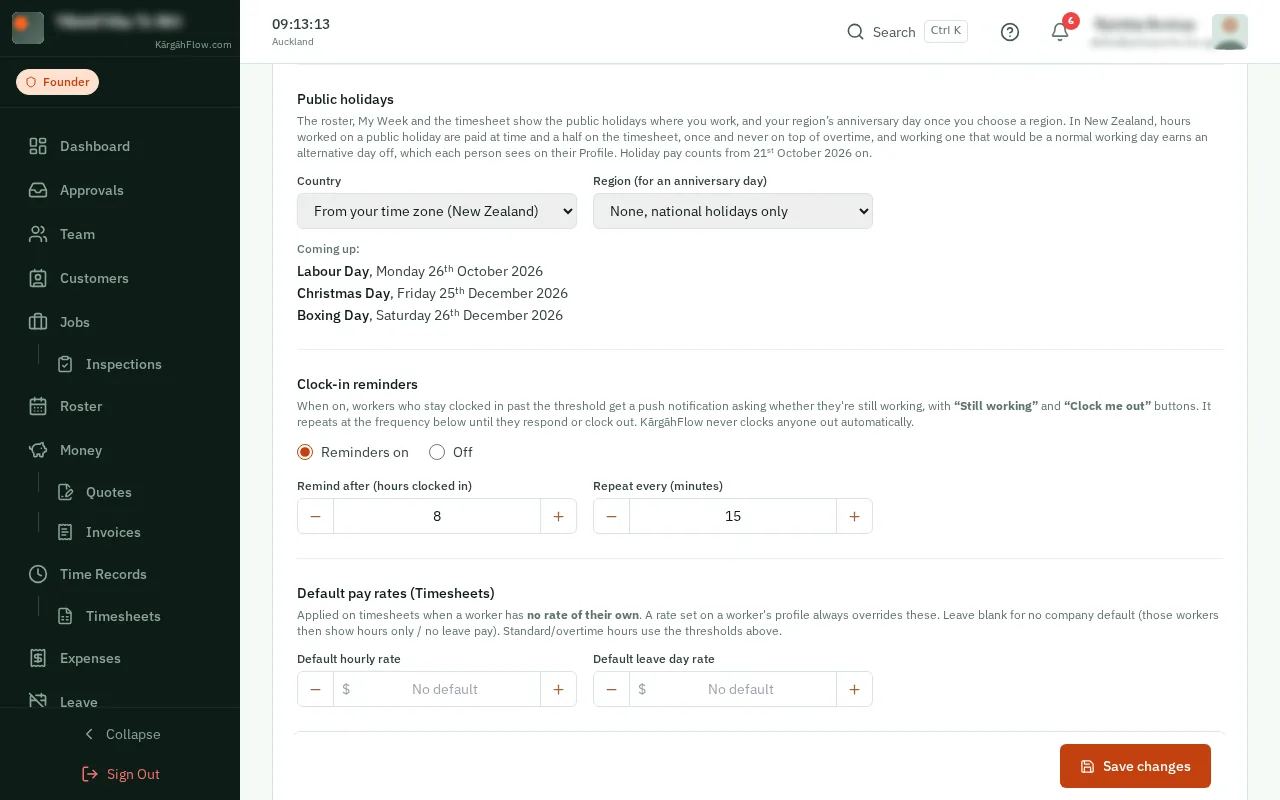
Under Public holidays, the country comes from your time zone. Choose your Region to add its anniversary day, then tapclick Save changes.
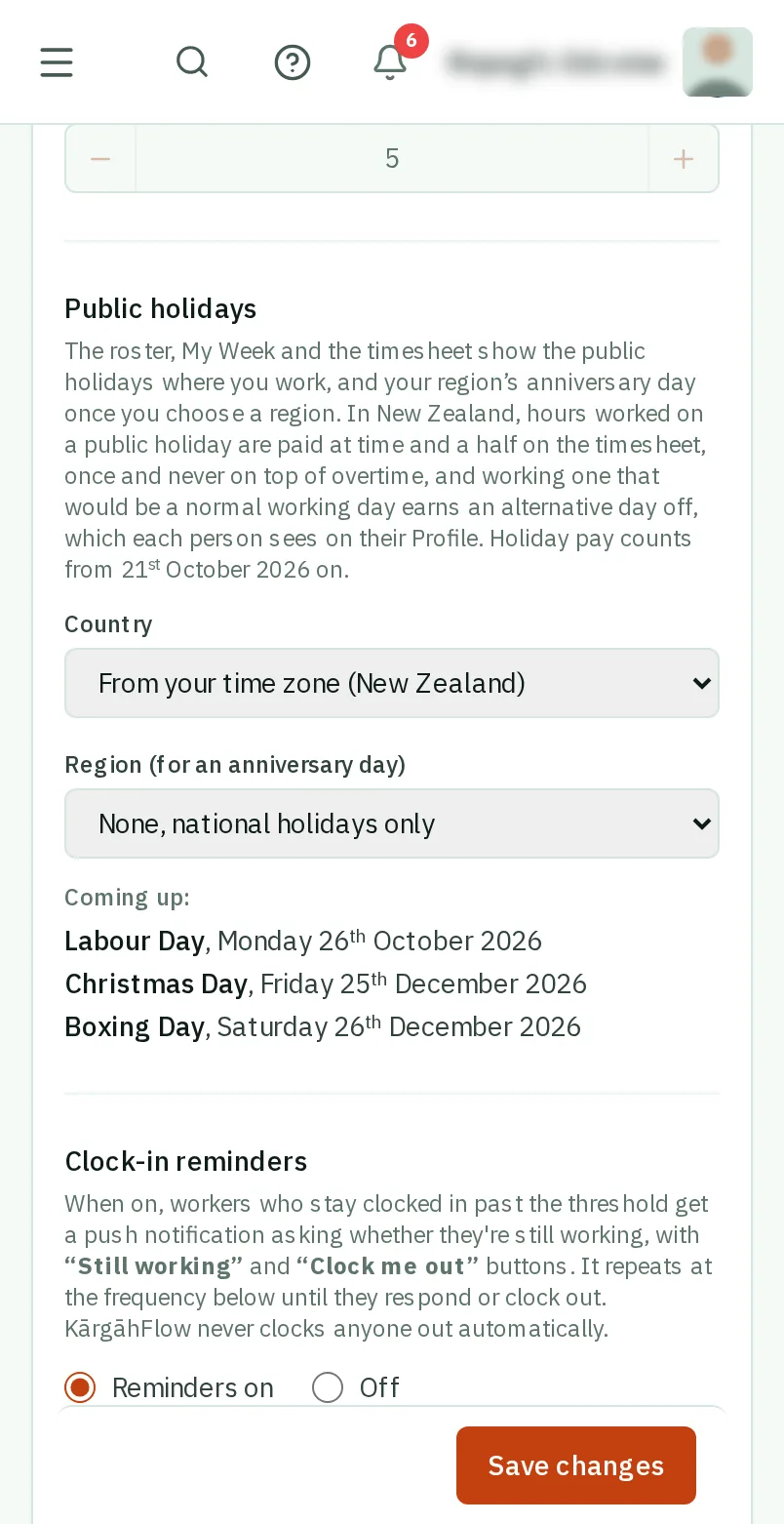
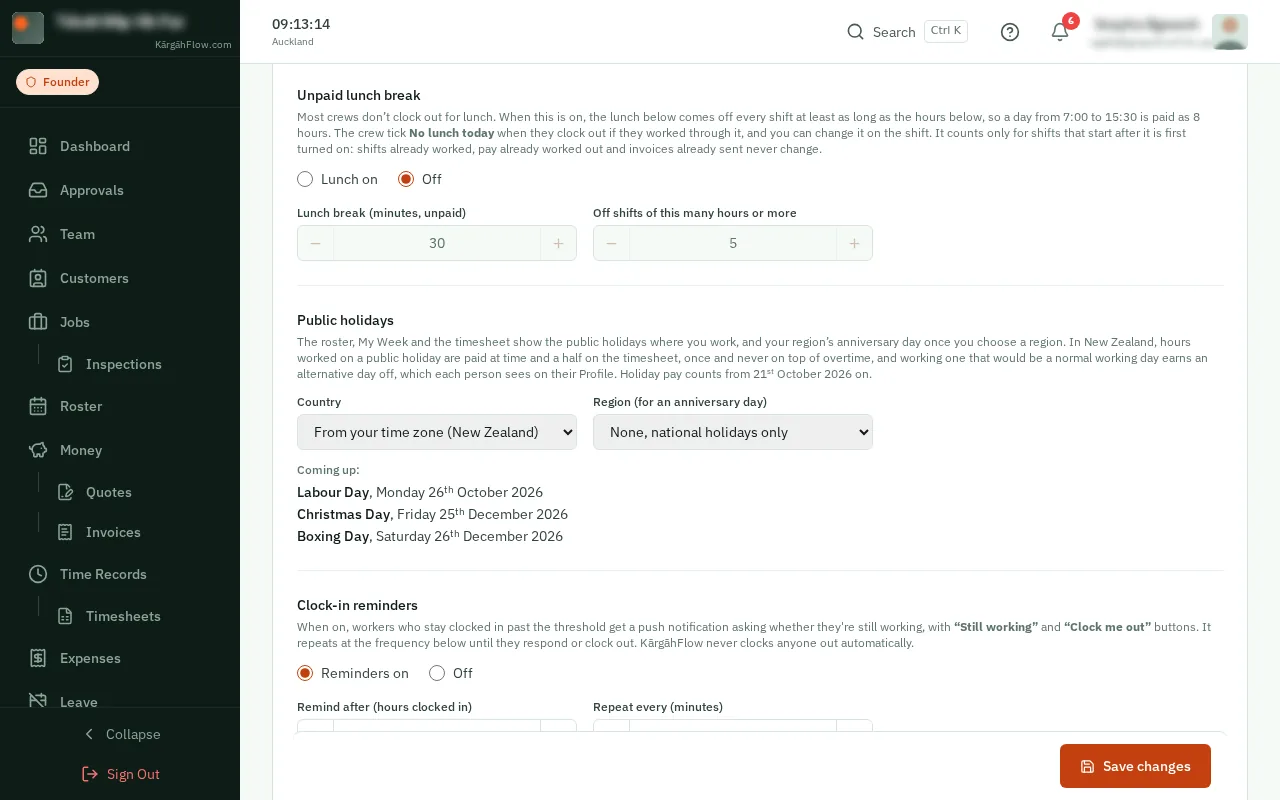
Coming up lists the next public holidays, so you can check they are yours.
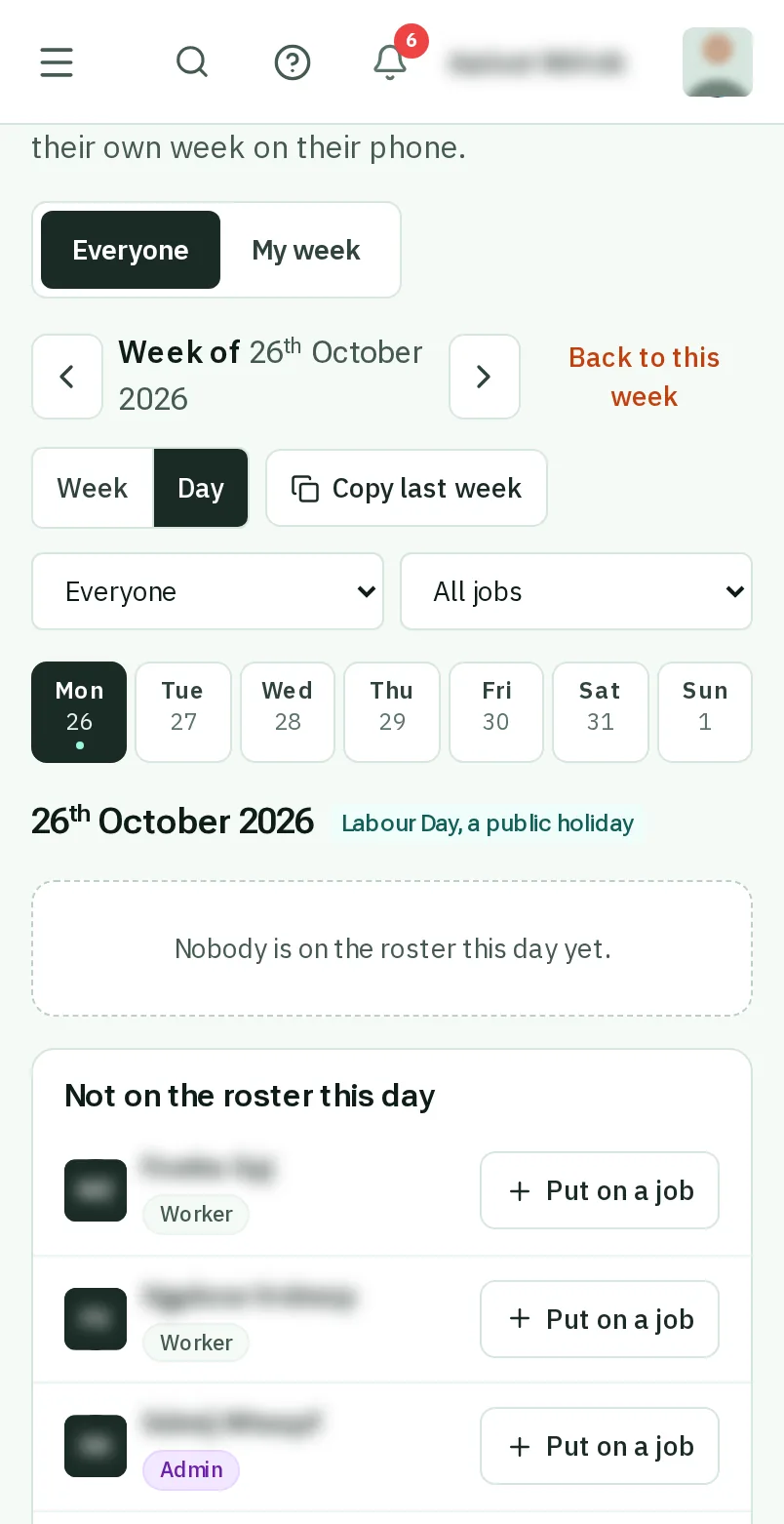
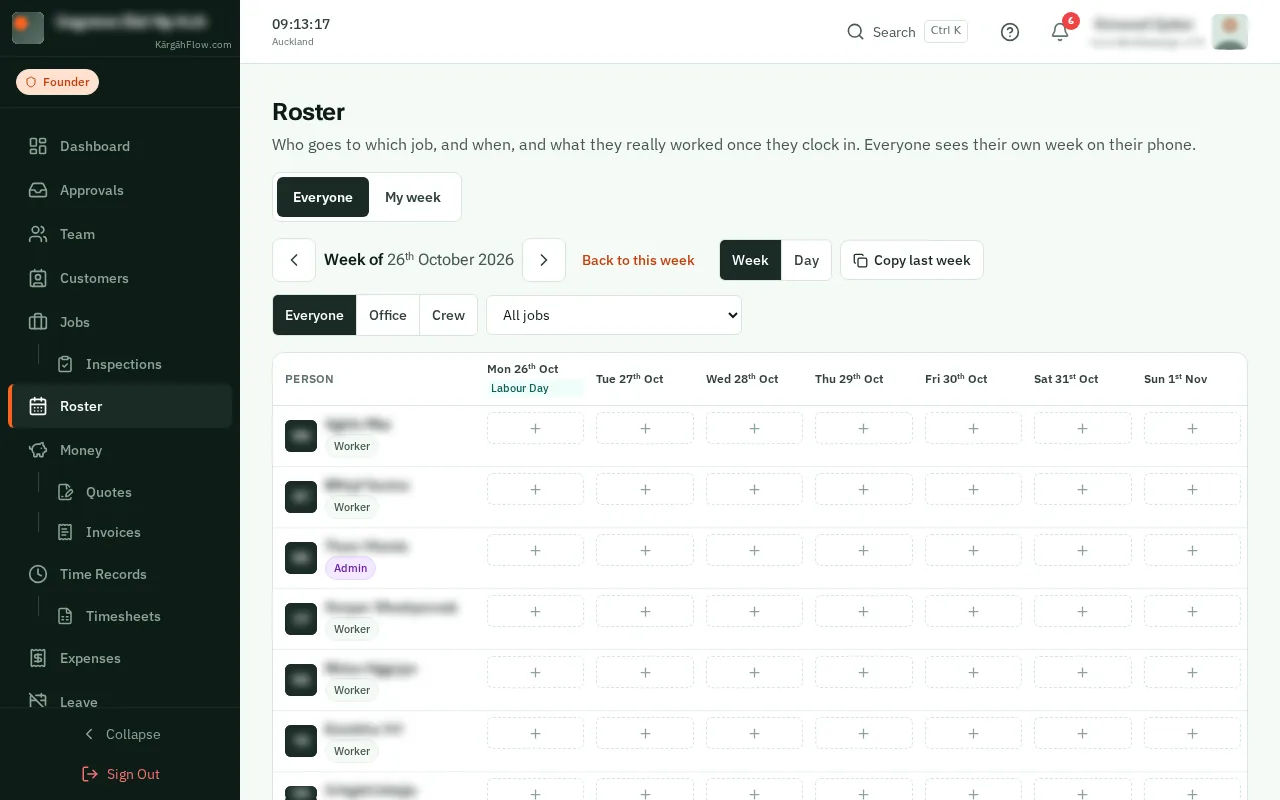
On the Roster, a public holiday is named on its day. Your crew see it on My Week too.
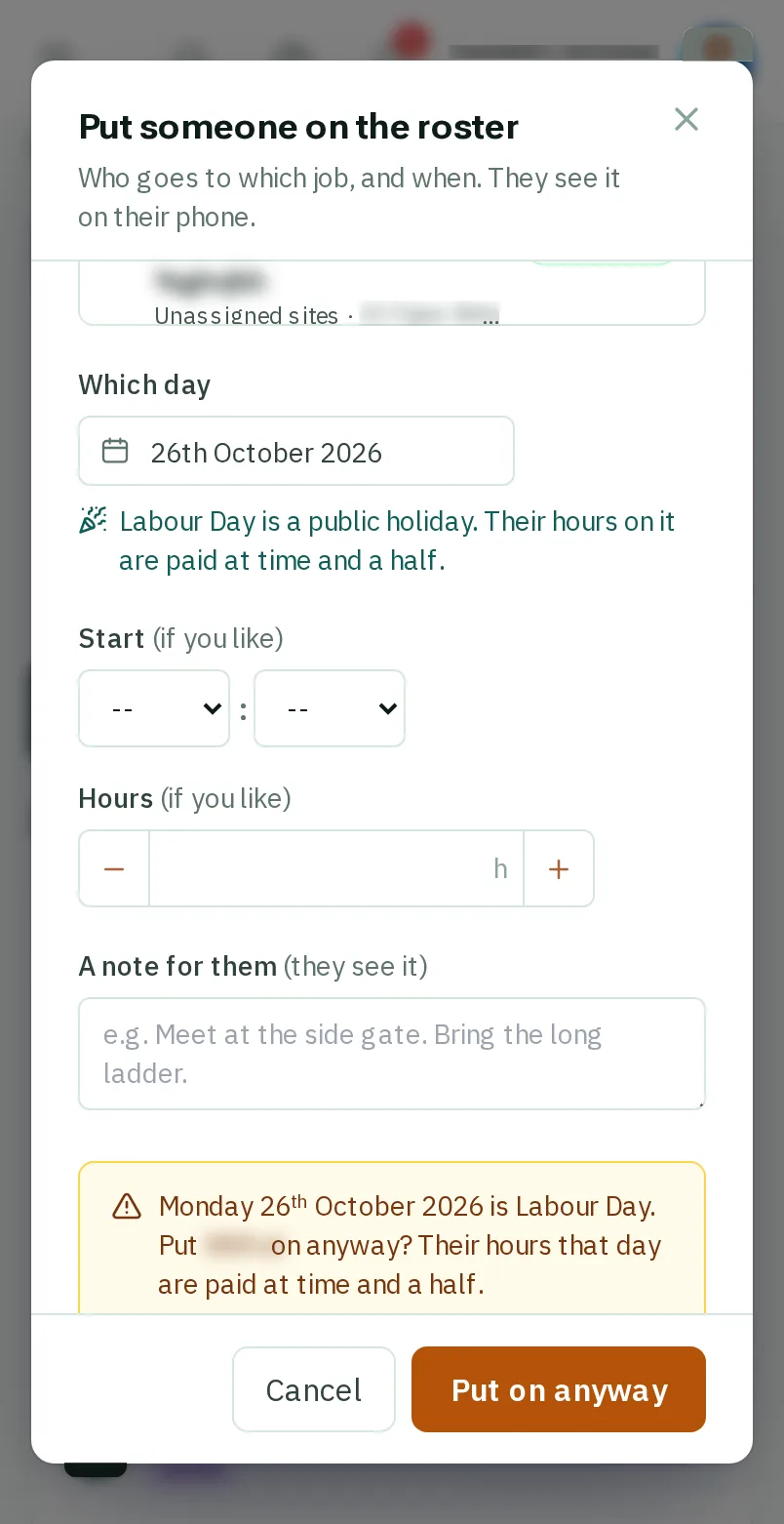
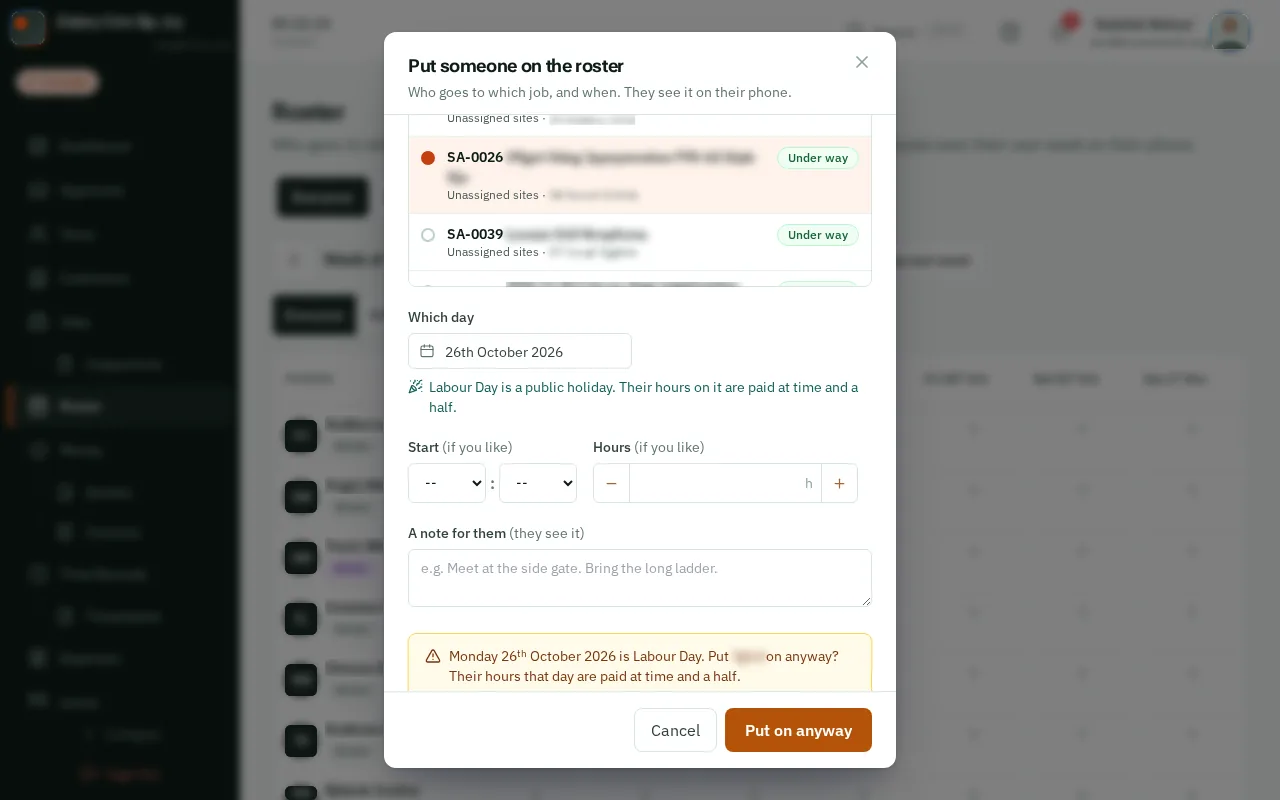
Put someone on the roster on a public holiday, and the window asks first. TapClick Put on anyway if they are working it.
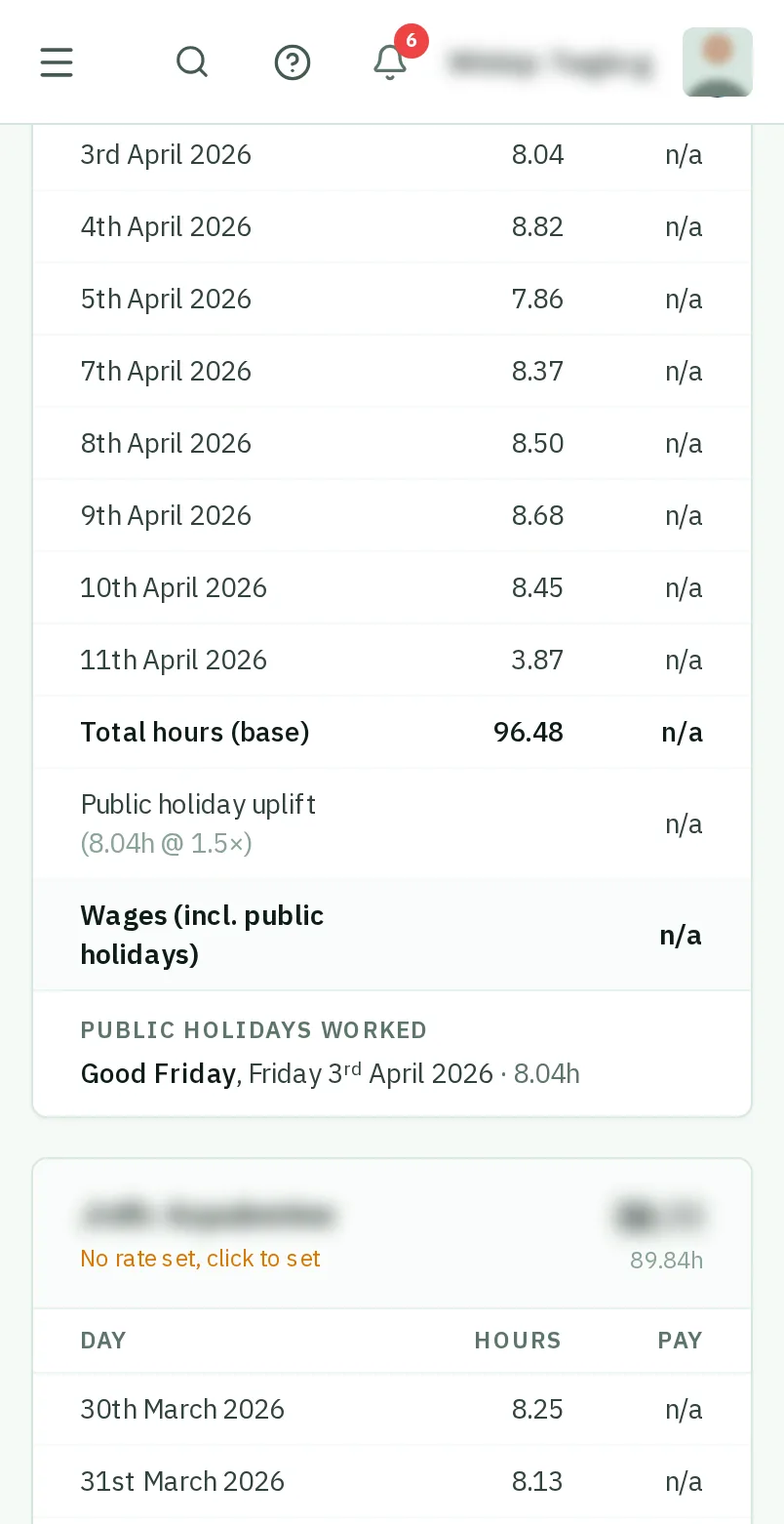
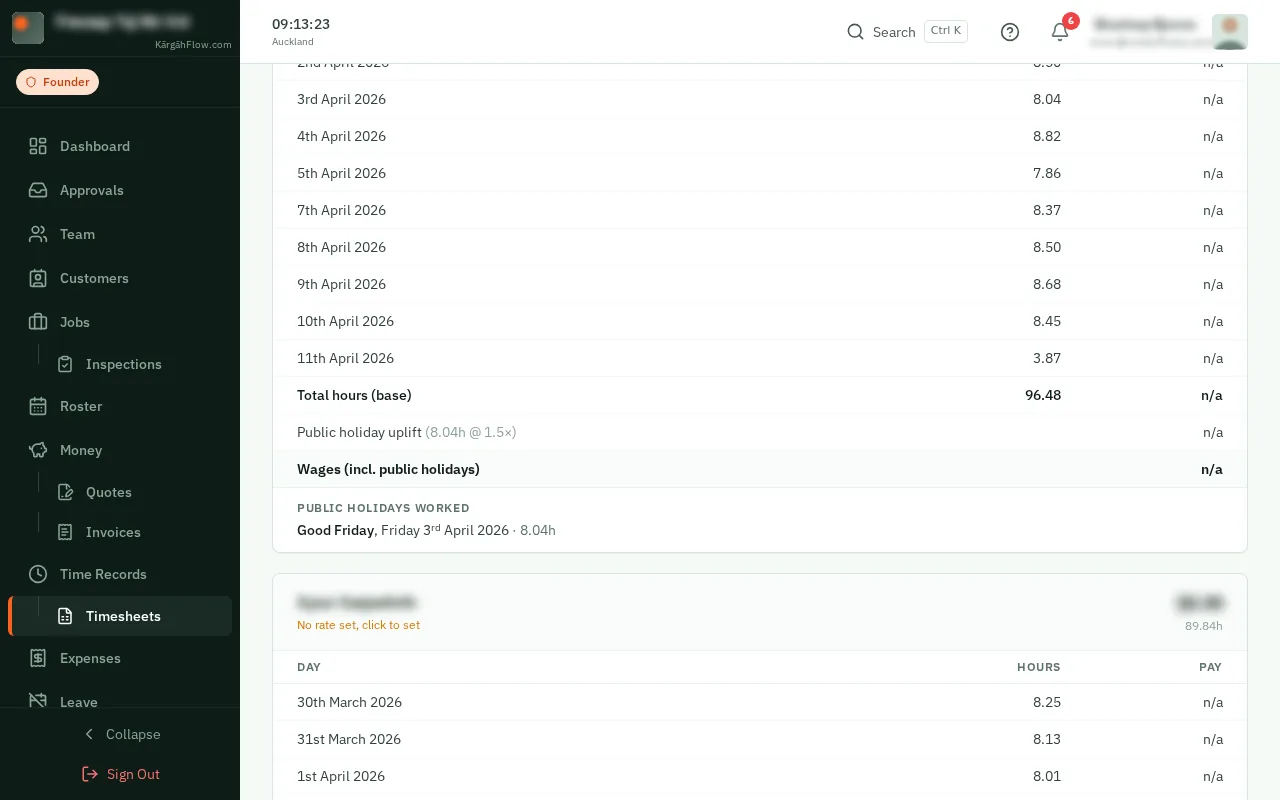
On Timesheets, hours worked on a public holiday are paid at time and a half, on a line of their own: Public holiday uplift.
Good to know: An hour that is overtime as well is paid once, at the higher rate. Outside New Zealand the pay is left as it is, as your award or agreement sets the rate.
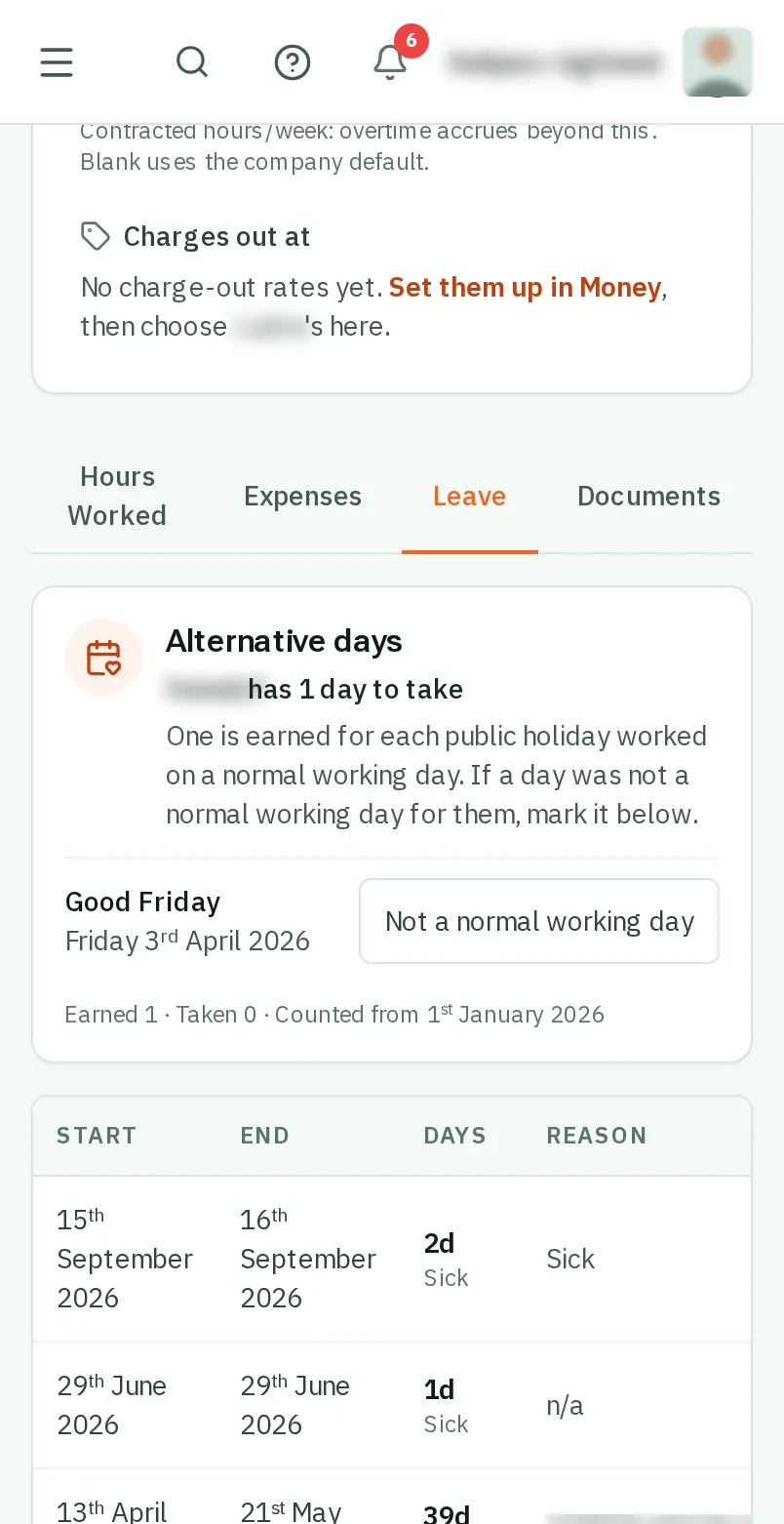
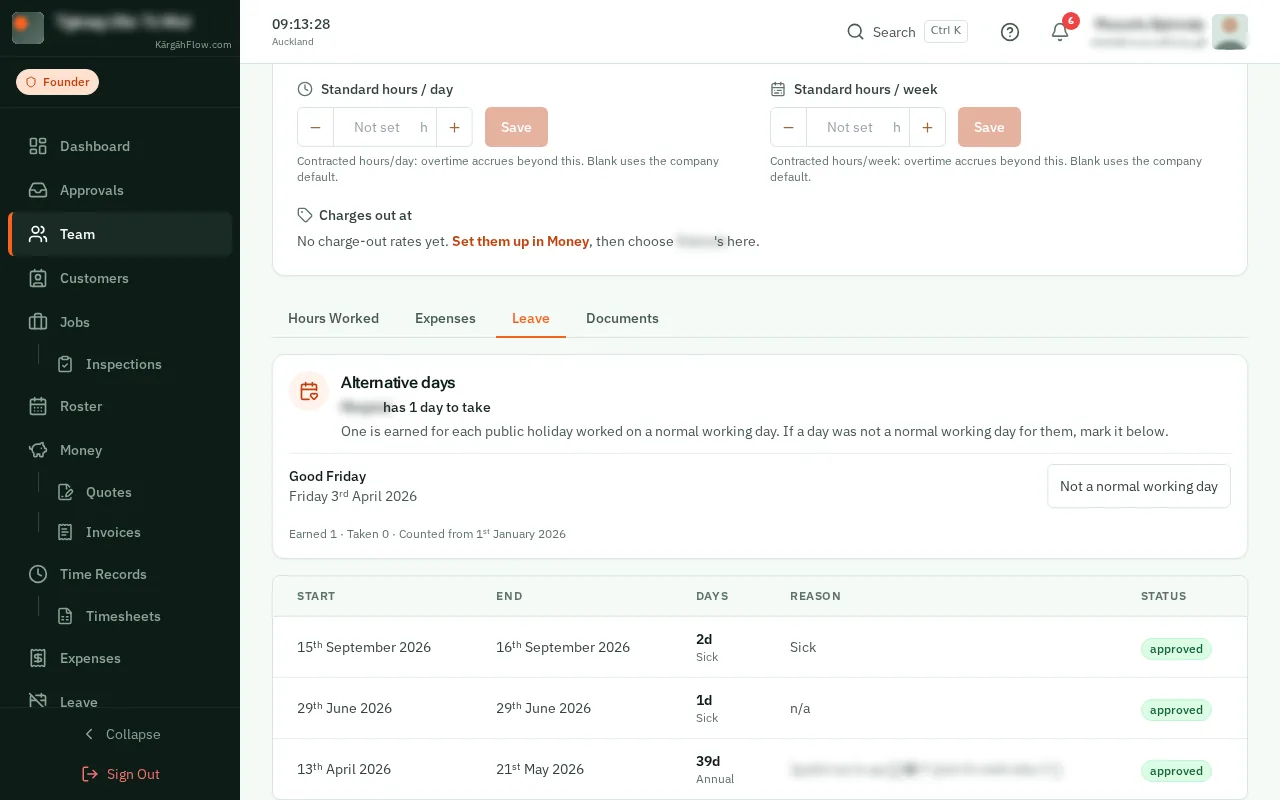
In New Zealand, each public holiday worked on a normal working day earns an alternative day off. Open the person from Team, and their Leave tab shows theirs.
Good to know: Was it not a normal working day for them? TapClick Not a normal working day beside it. They see their days on their Profile too, and take one as leave, choosing Alternative Holiday.