Step 1: Open Money
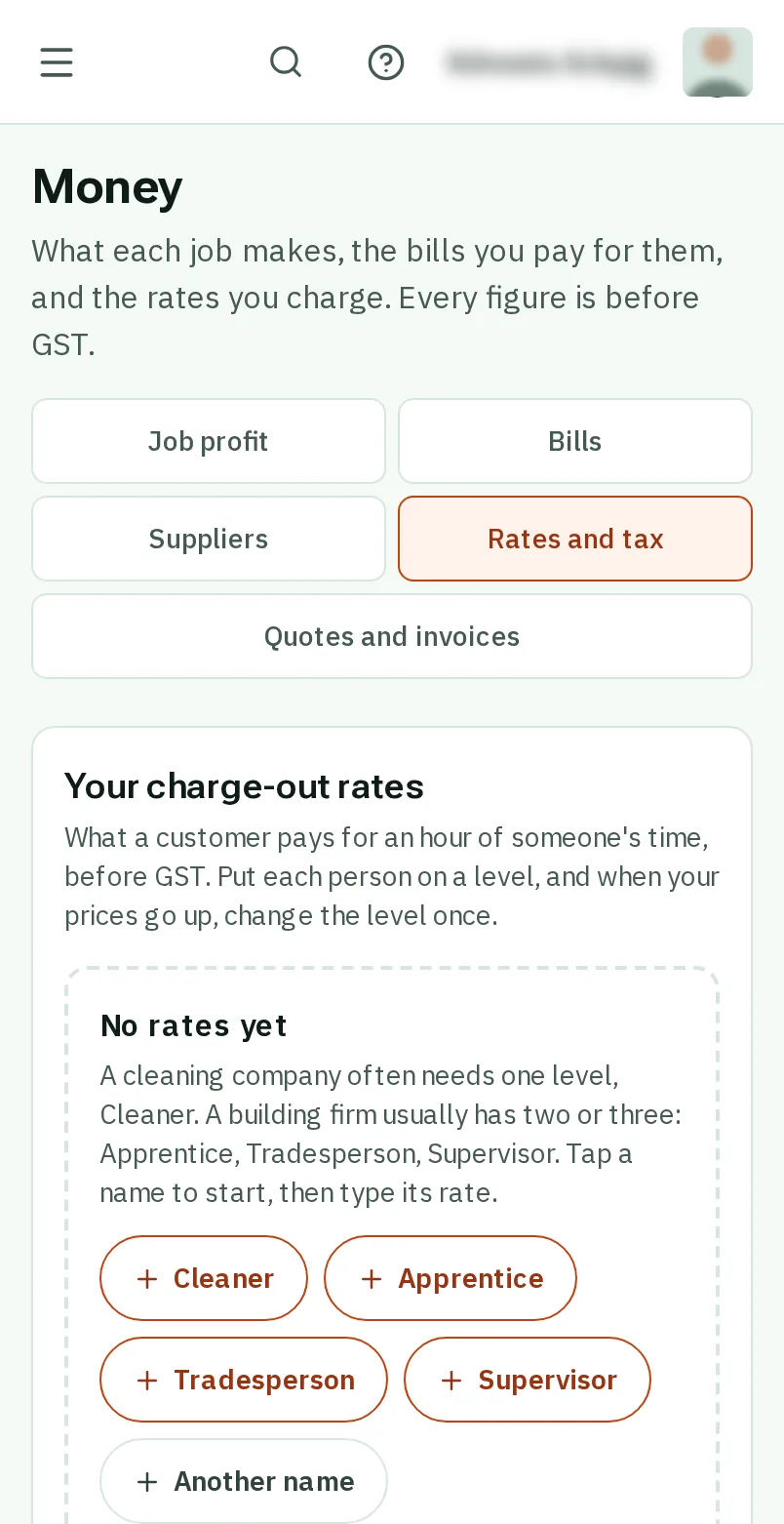
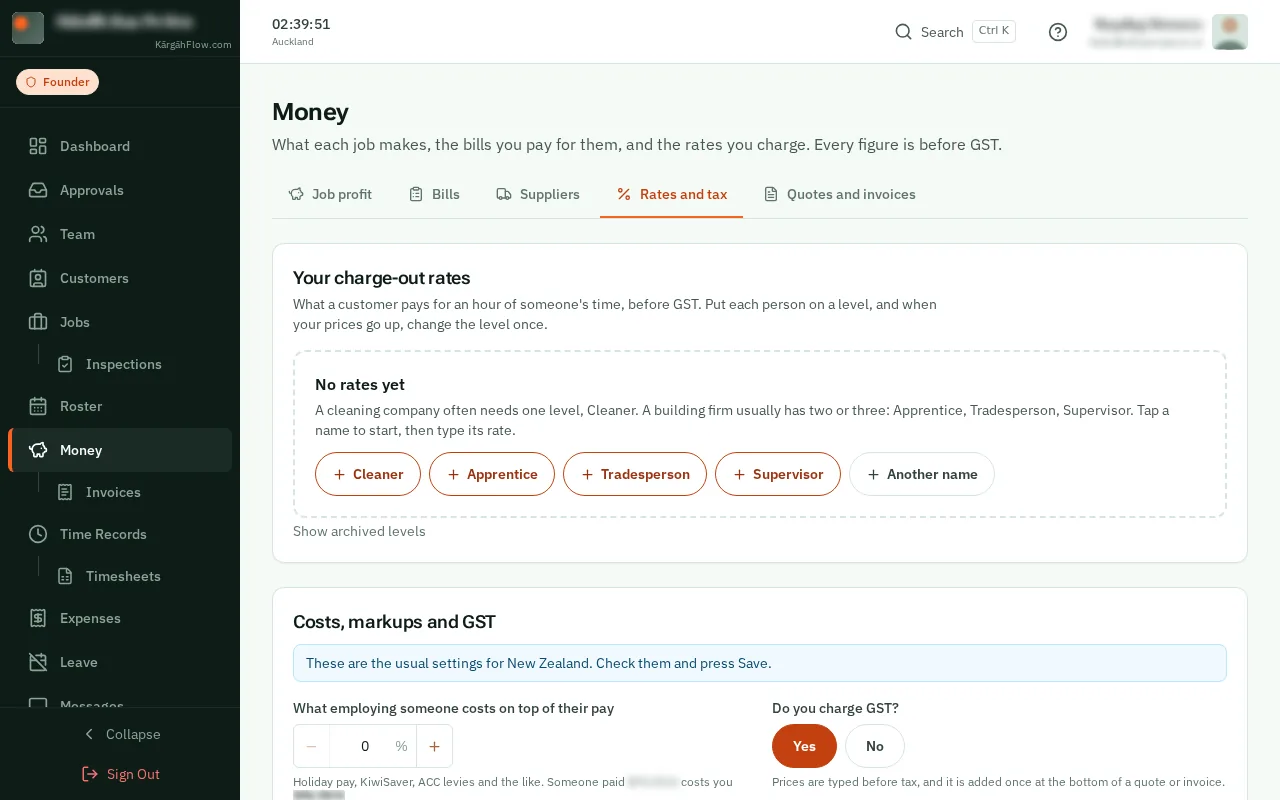
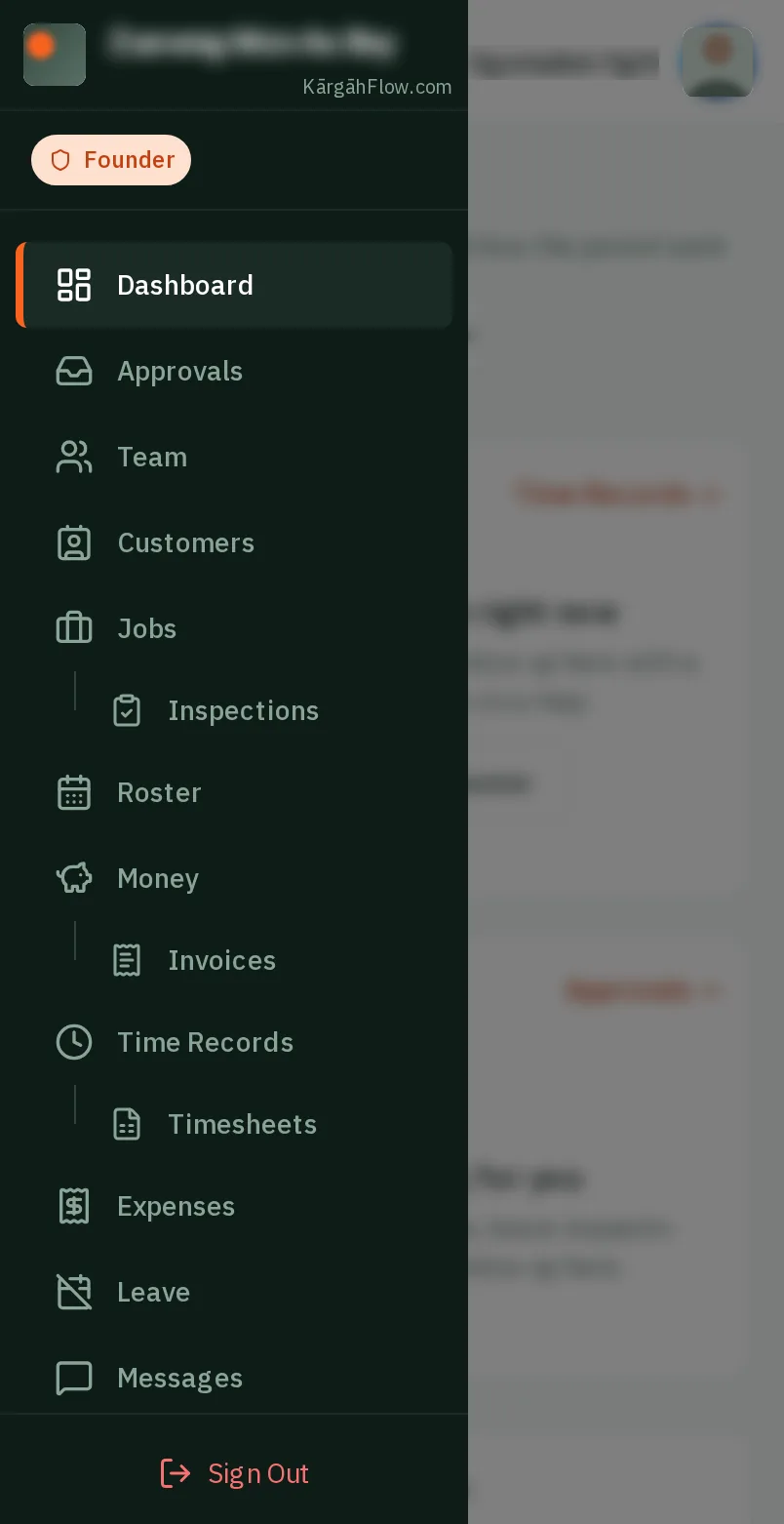
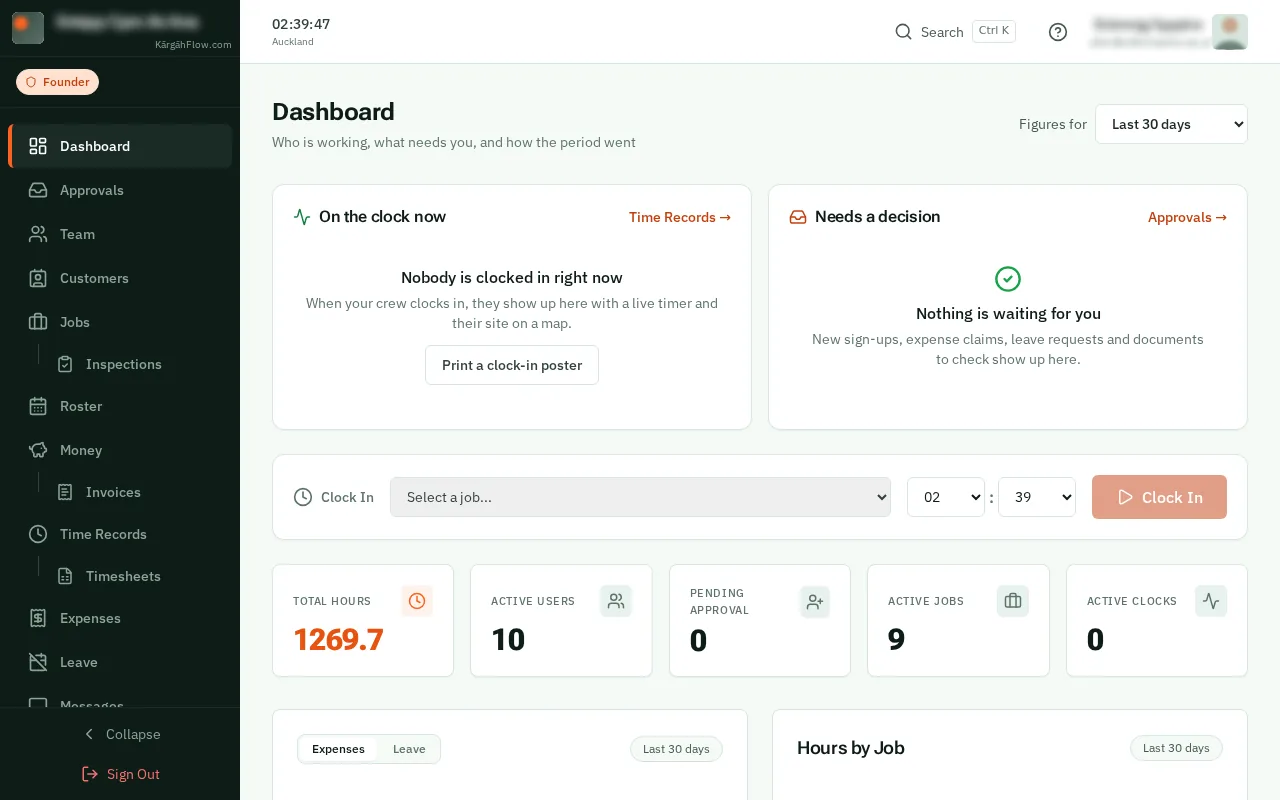
TapClick the menu button at the top left of the screen, then Money.TapClick Money in the menu on the left.
Look forthe Money item in the menu
Your charge-out rate is what a customer pays for an hour of someone’s time. You make a few levels, like Apprentice or Cleaner, and put each person on one.
From then on every job charged by the hour works out what you can charge by itself, and what each hour costs you, so you can see its profit.
TapClick the menu button at the top left of the screen, then Money.TapClick Money in the menu on the left.
TapClick the Rates and tax tab.
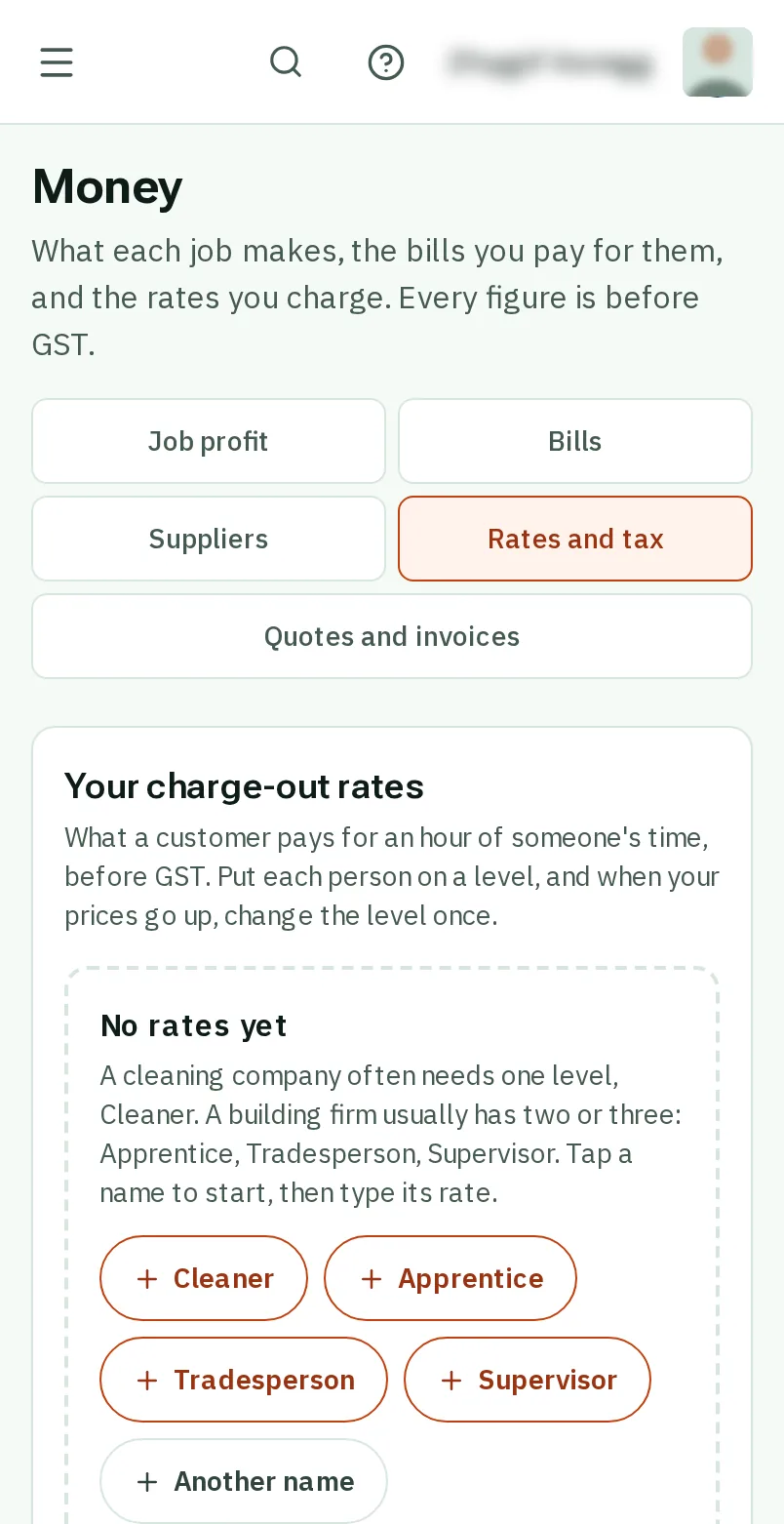
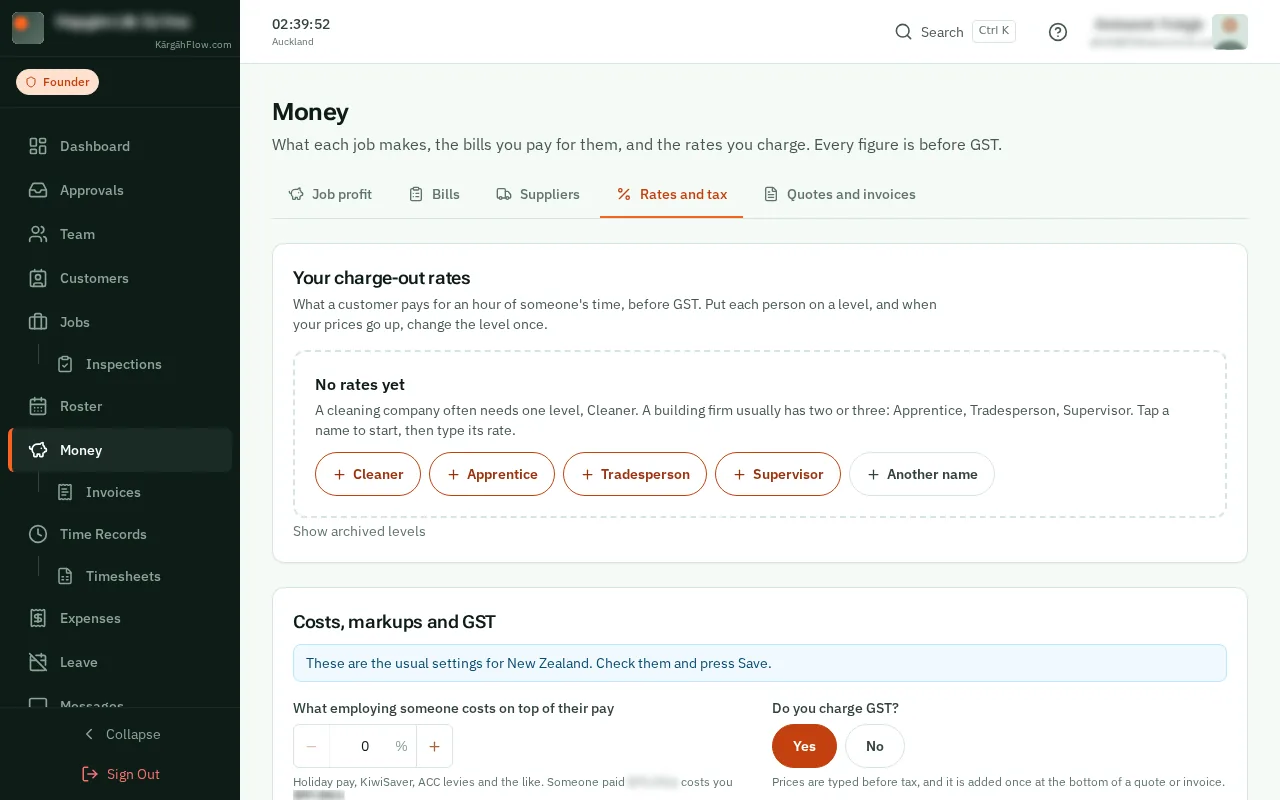
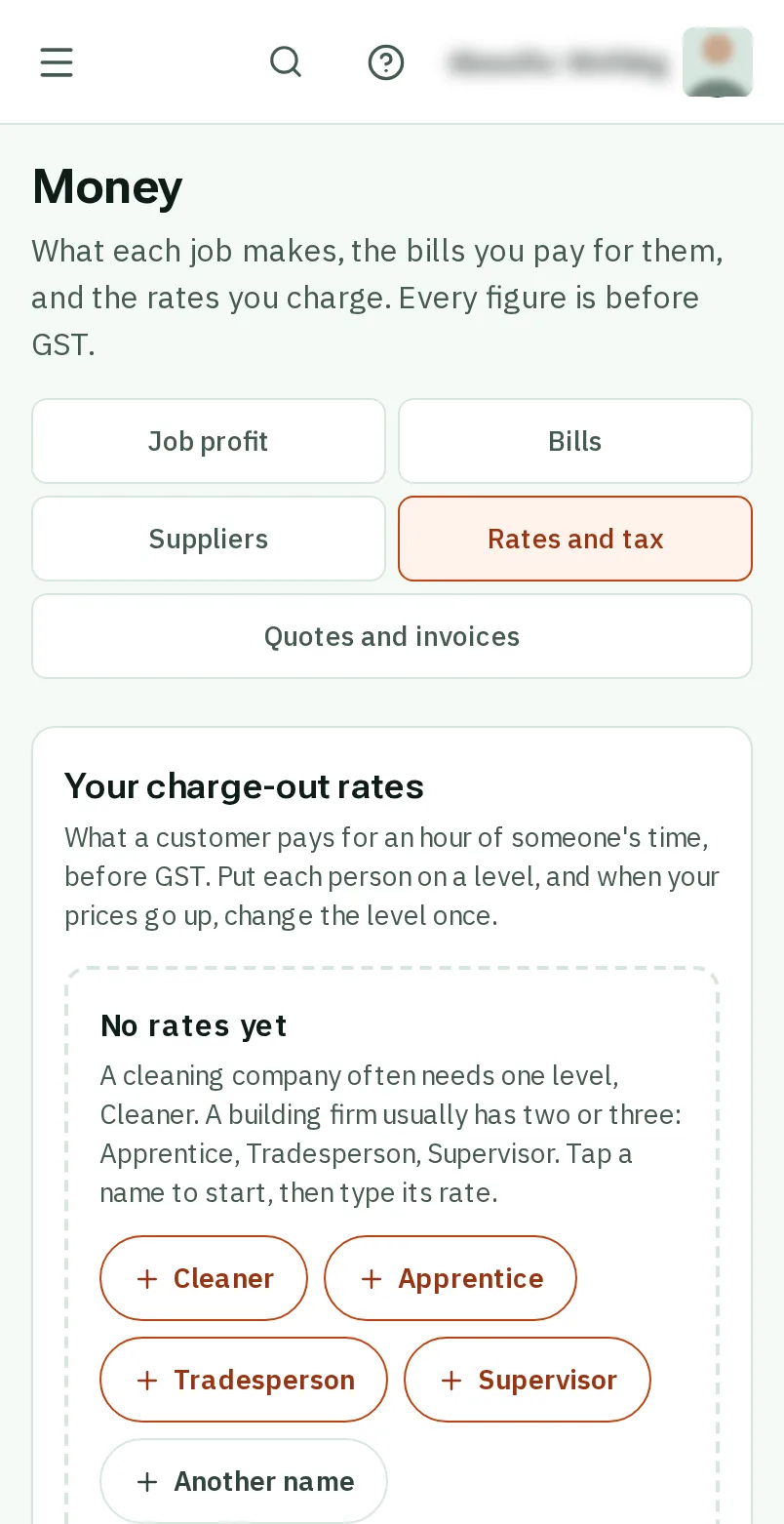
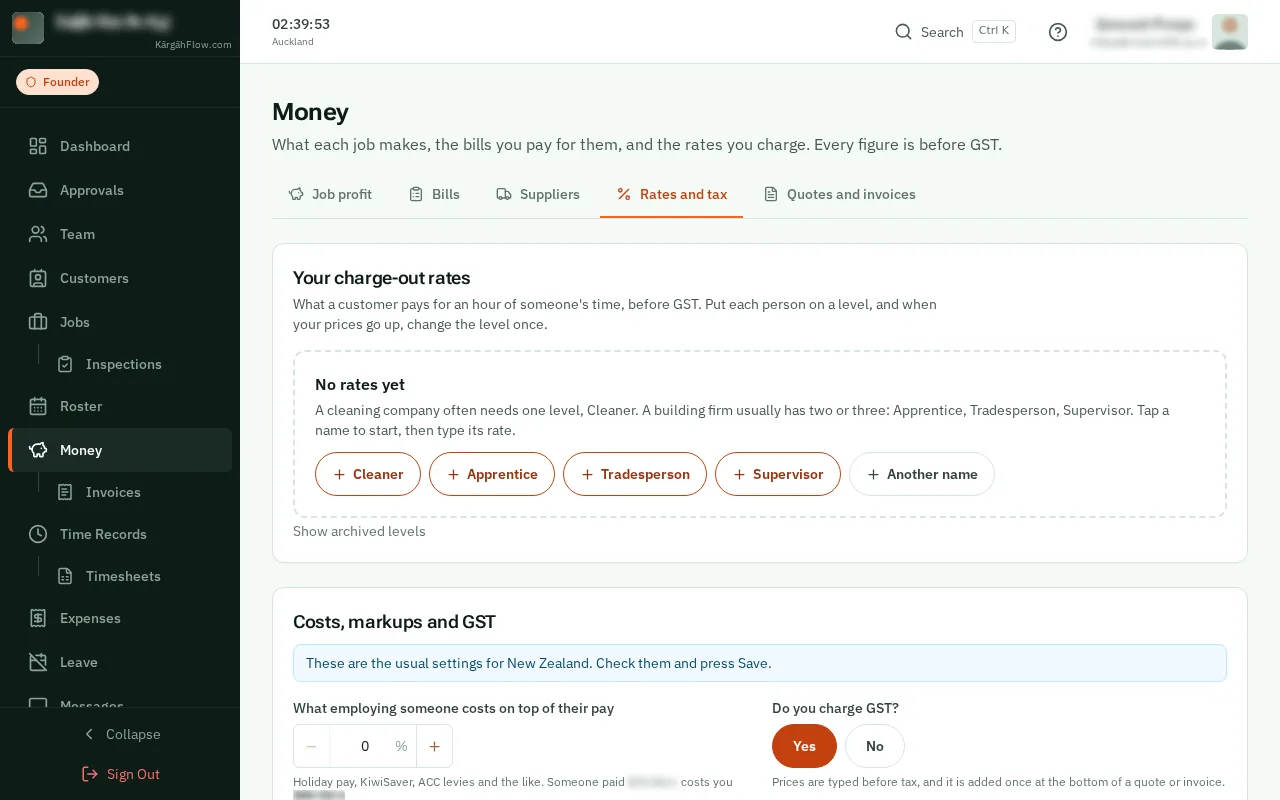
Under Your charge-out rates, tapclick a name like Tradesperson or Cleaner. A cleaning company often needs one level; a building firm two or three.
Good to know: Only the owner sets the levels. Once there is one, Add a level adds the next.
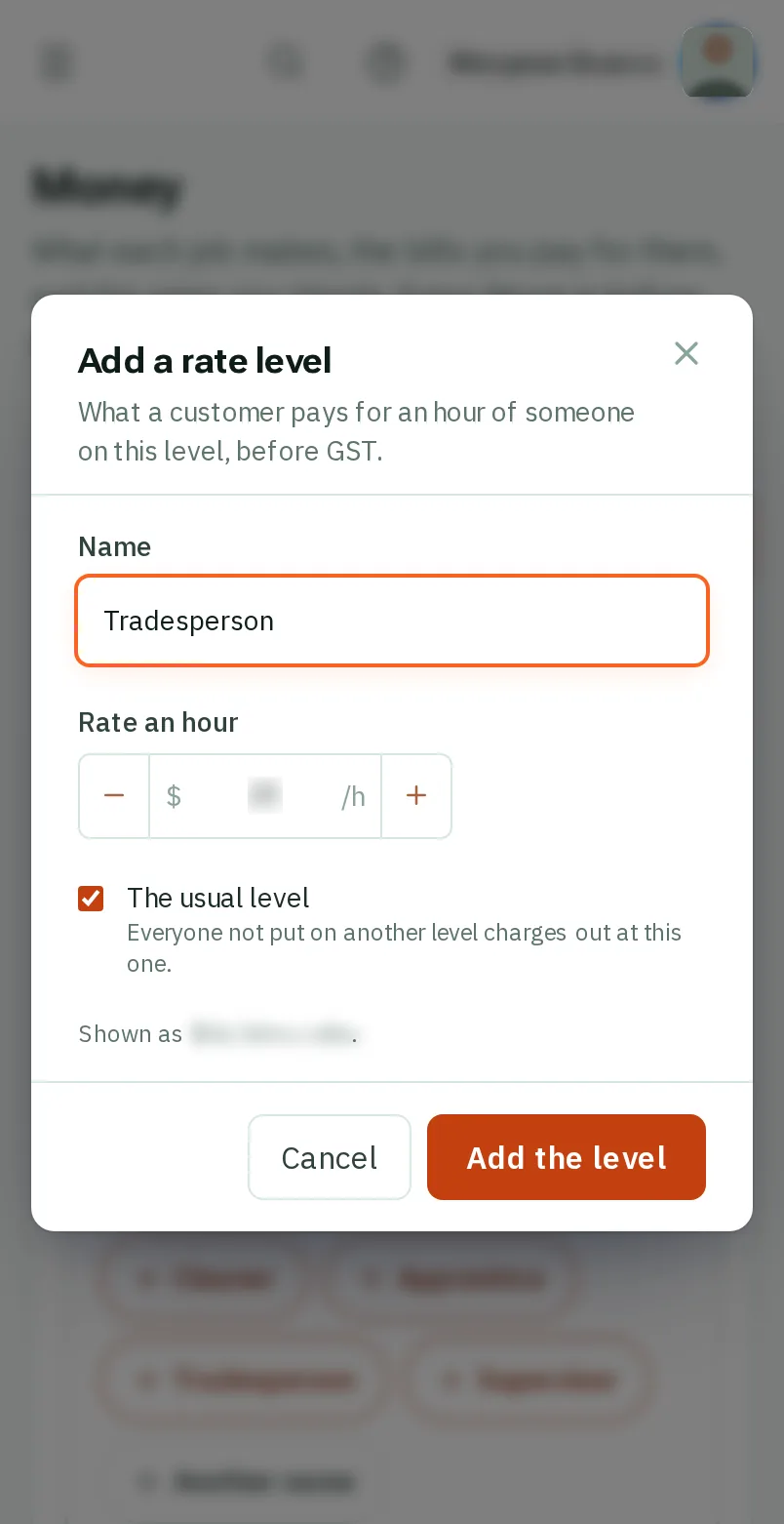
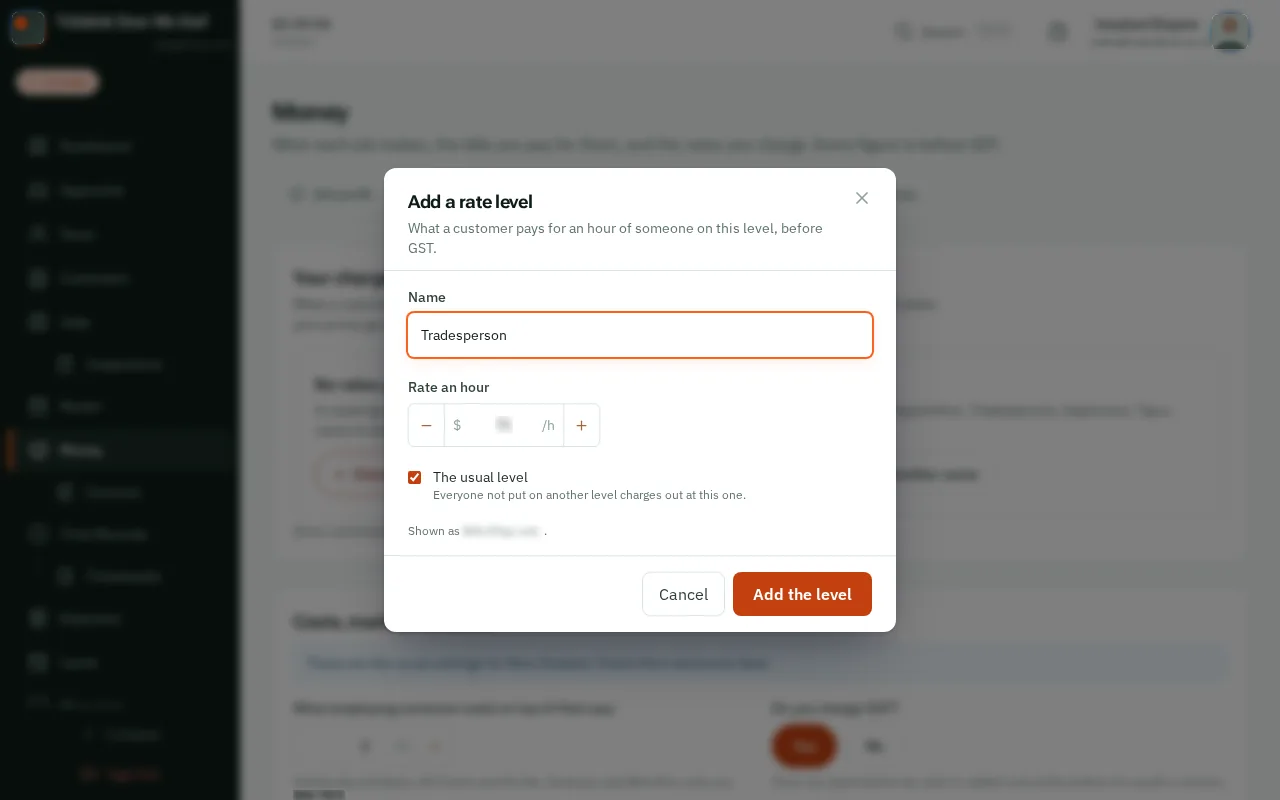
Type what you charge for an hour, before GST, and tapclick Add the level. The first one is the usual level: everyone charges out at it until you put them on another.
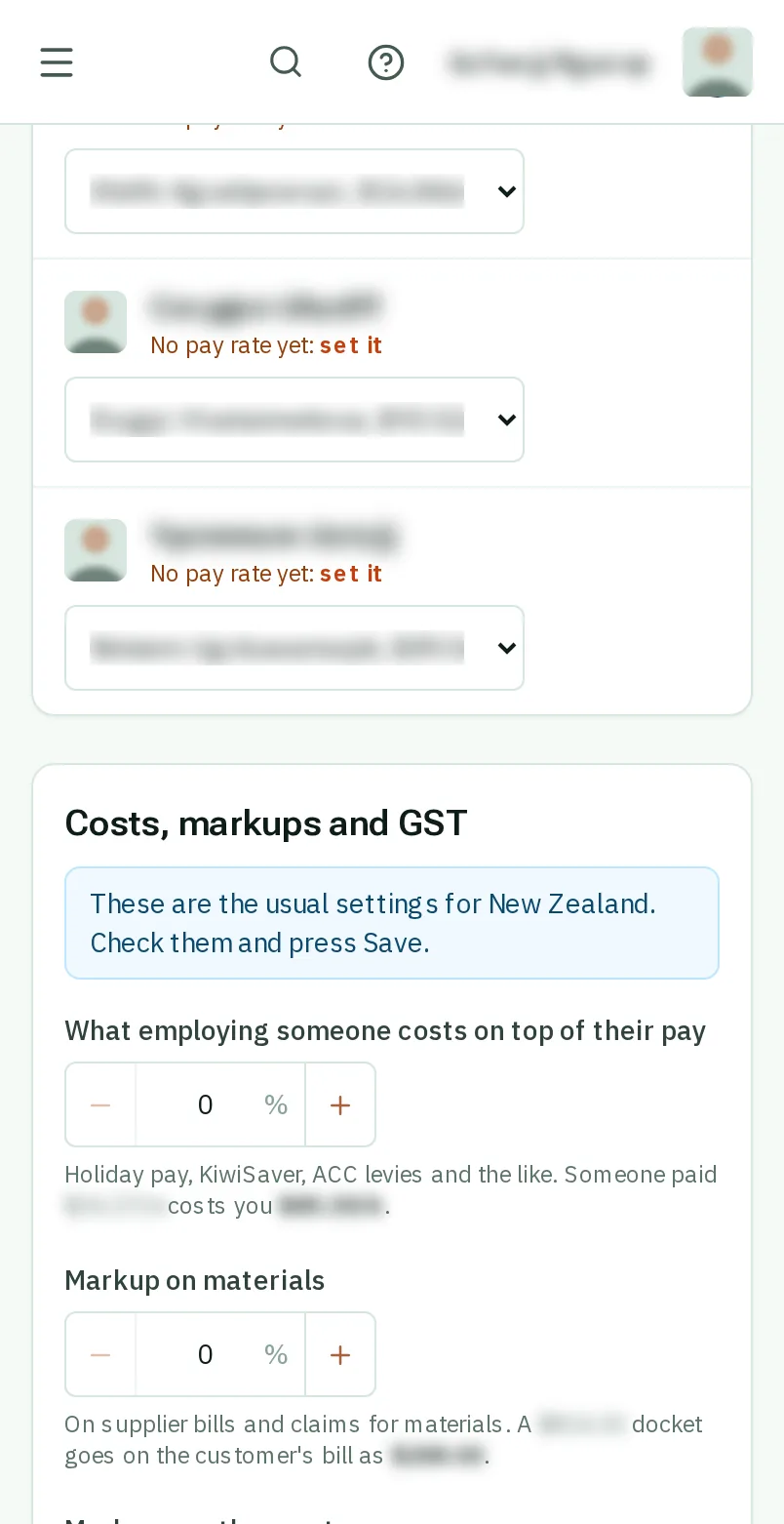
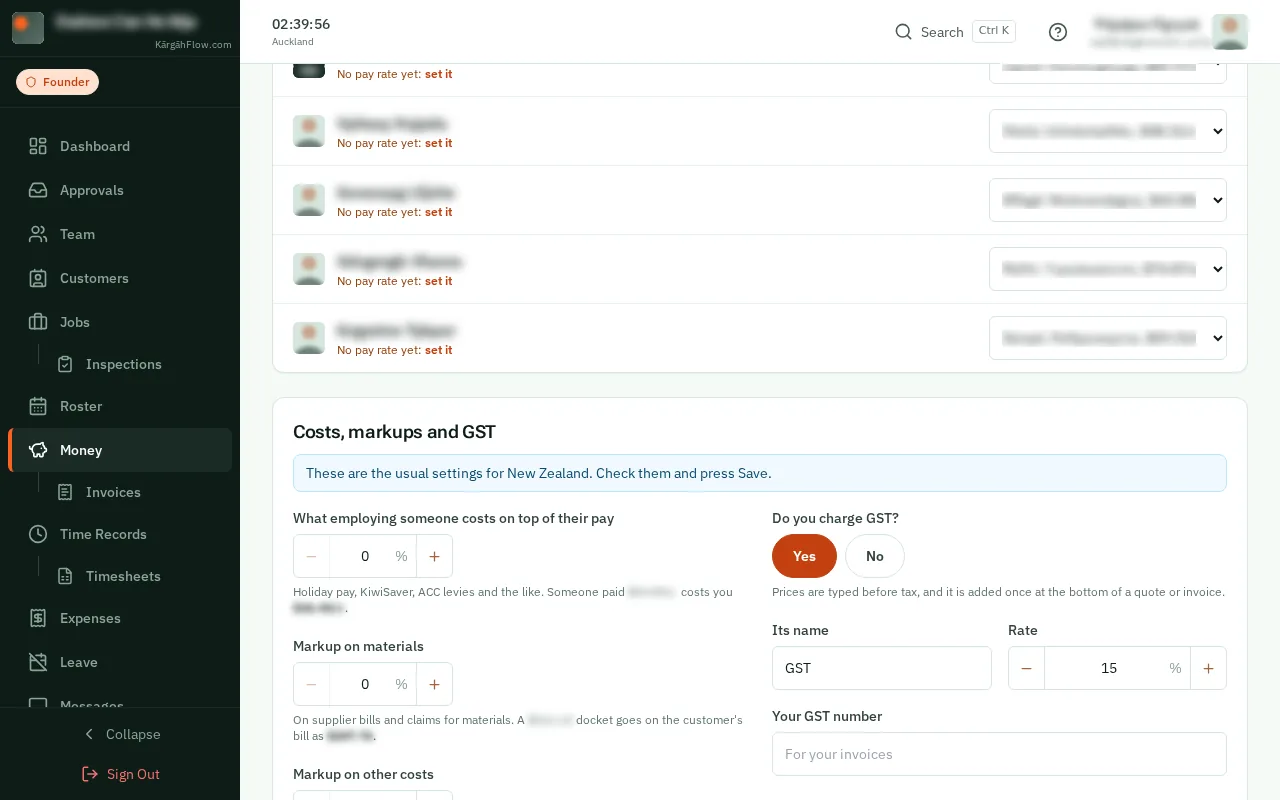
Under Who charges out at which level, choose each person’s level from the list beside their name. It saves straight away.
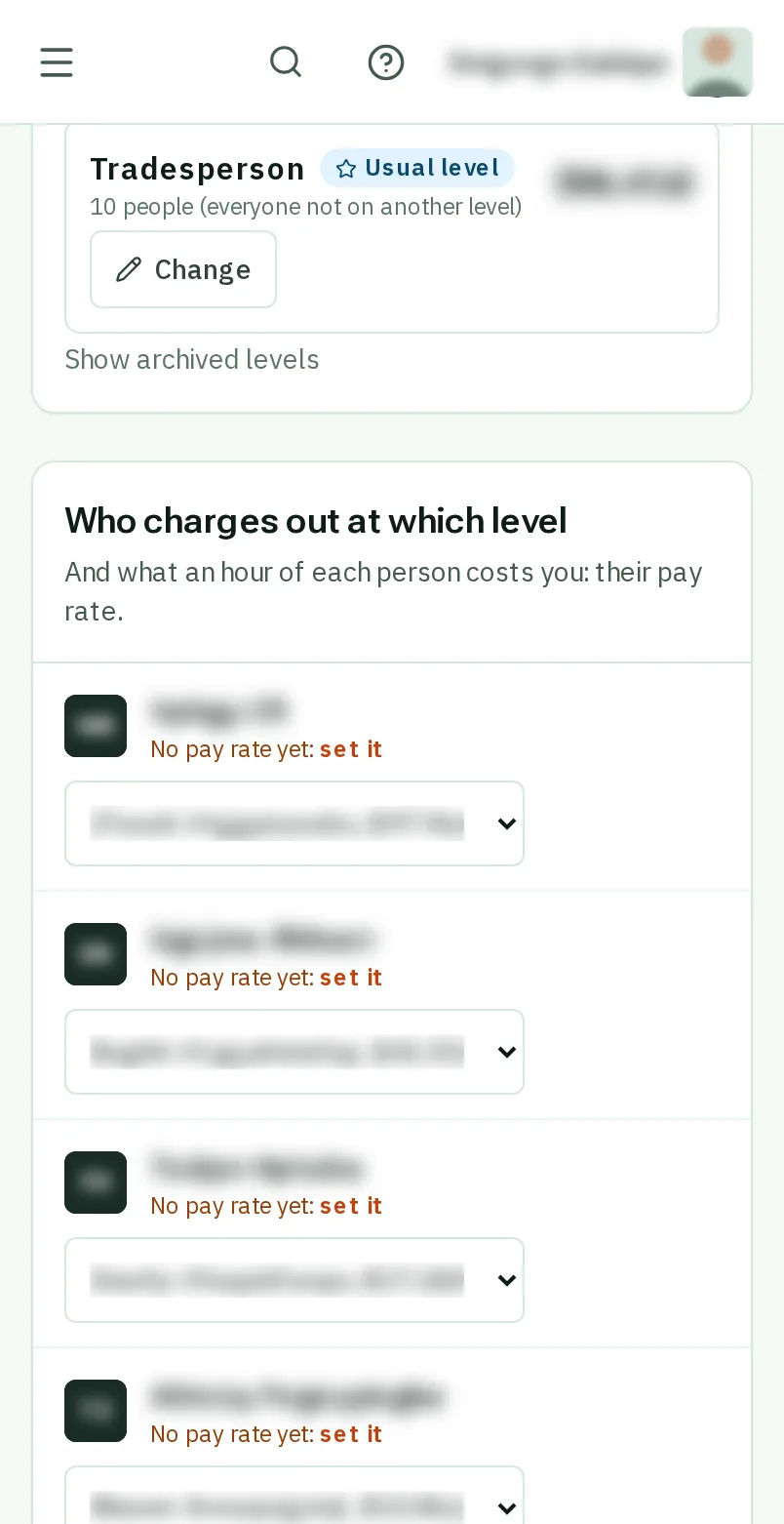
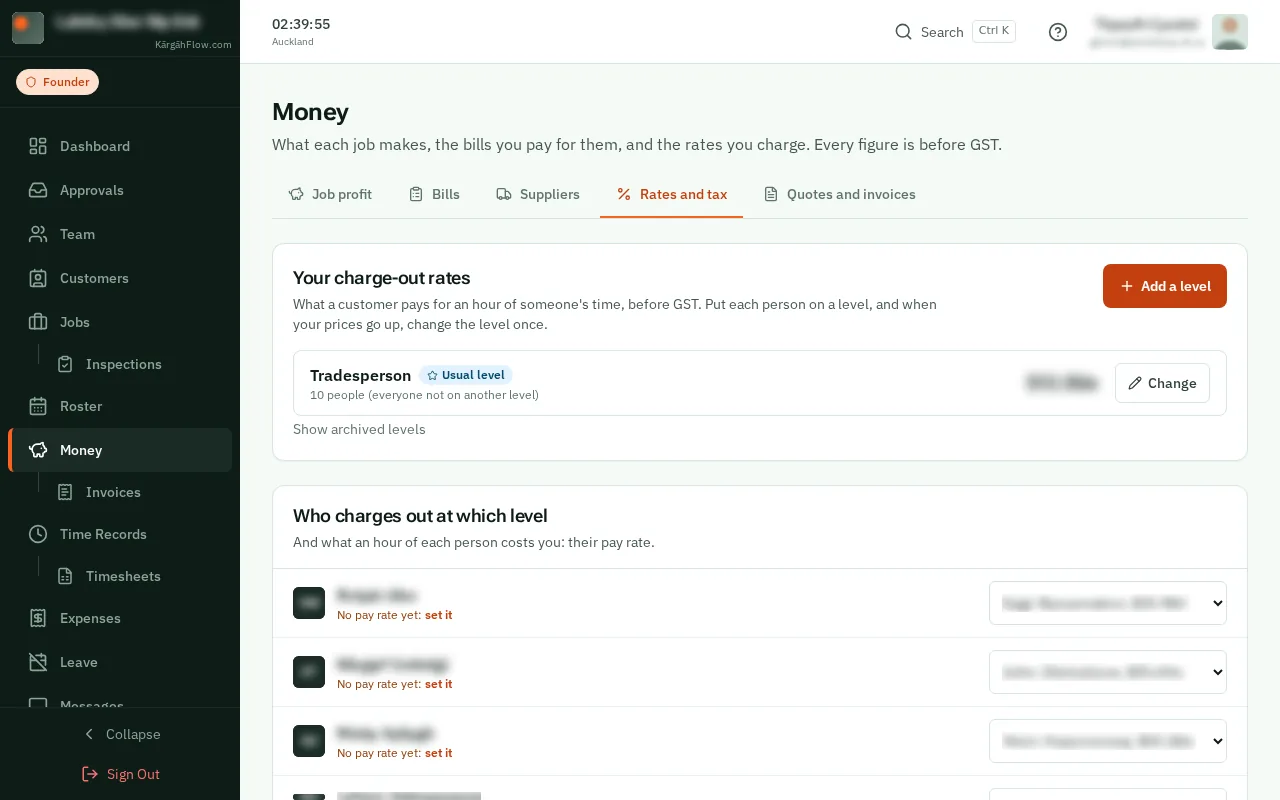
Under Costs, markups and GST, set what employing someone costs on top of their pay, your markup on materials, and whether you charge GST. Then tapclick Save.
Good to know: Each box shows an example in your own money, so you can see what it means before you save.