Step 1: Open the job
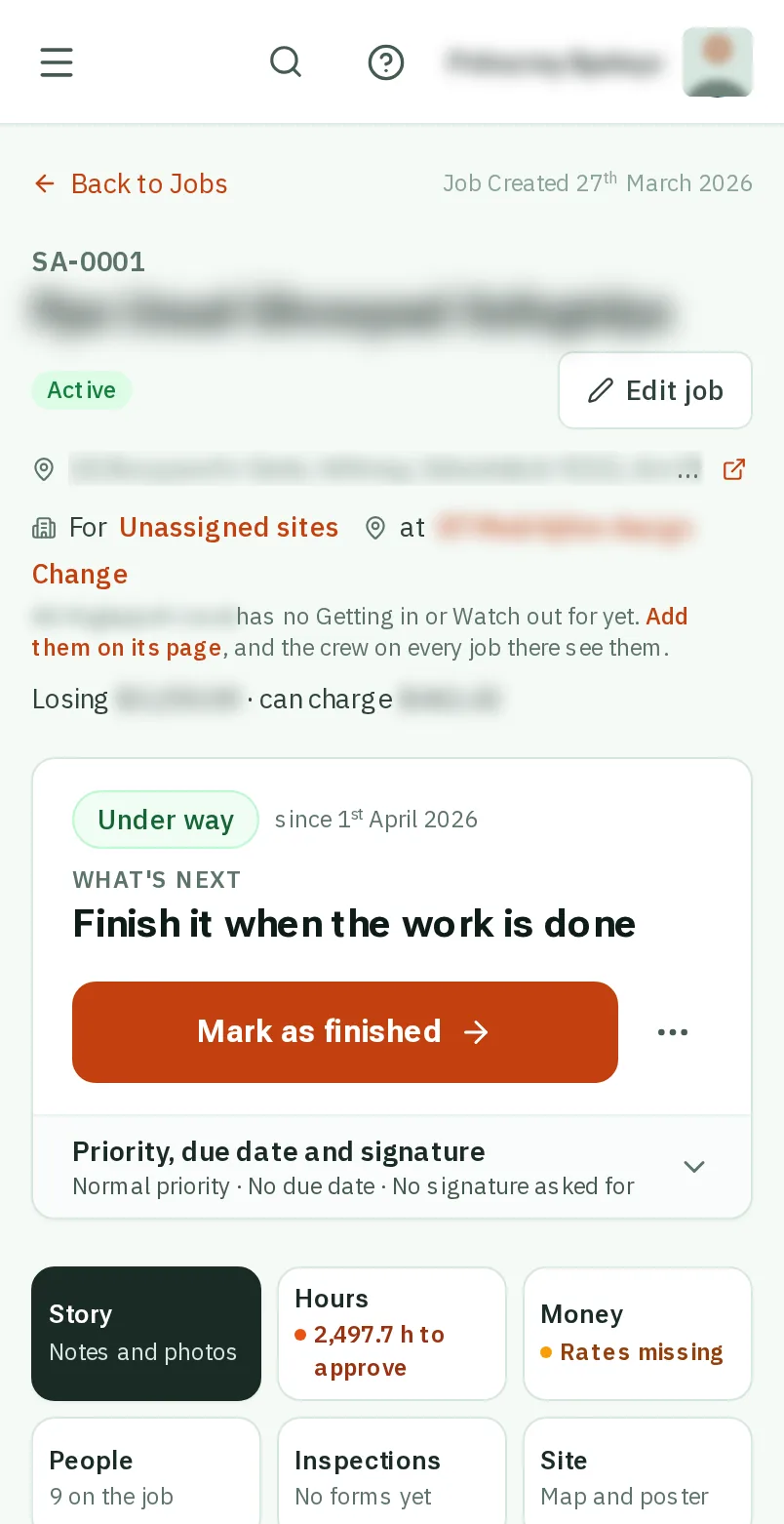
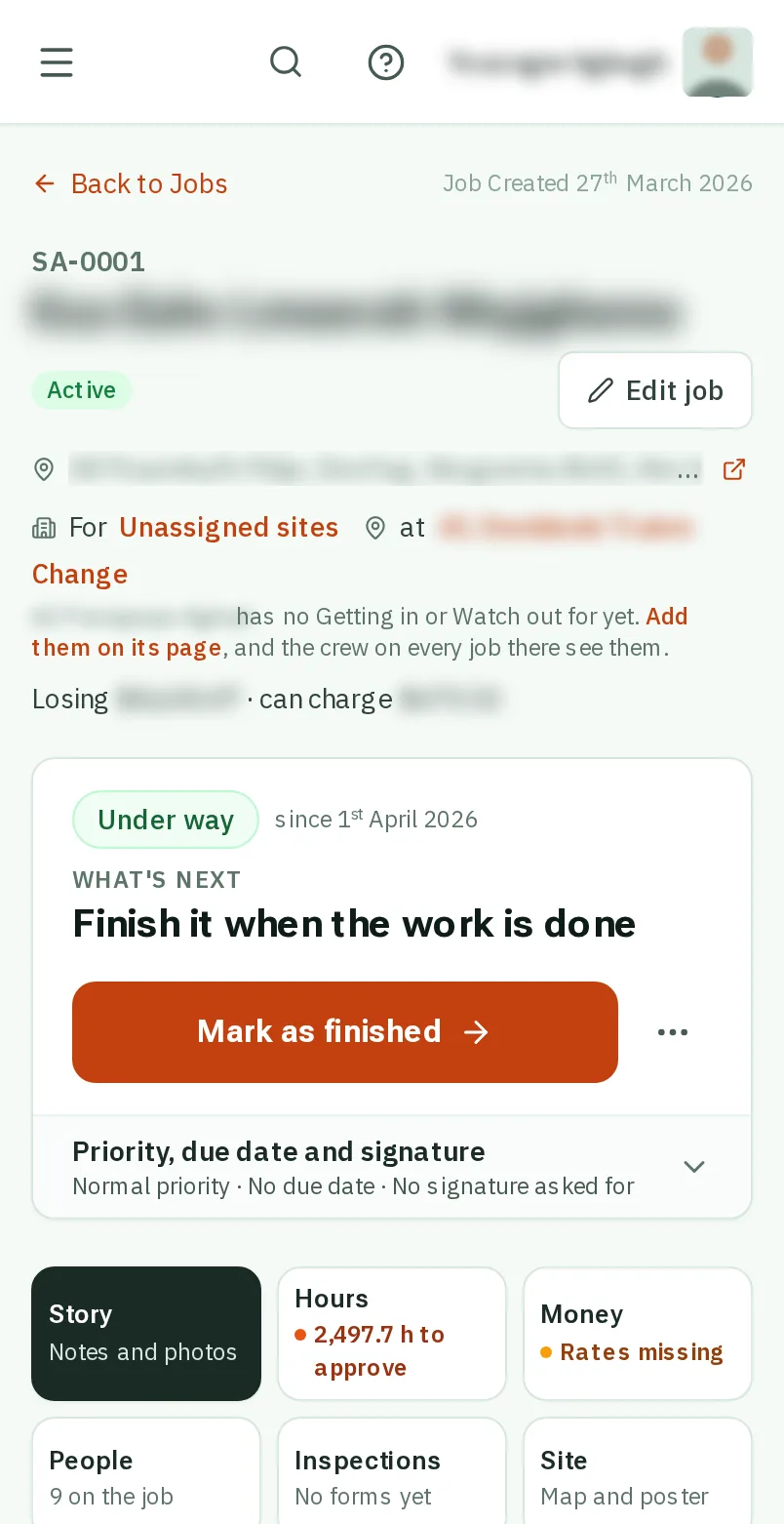
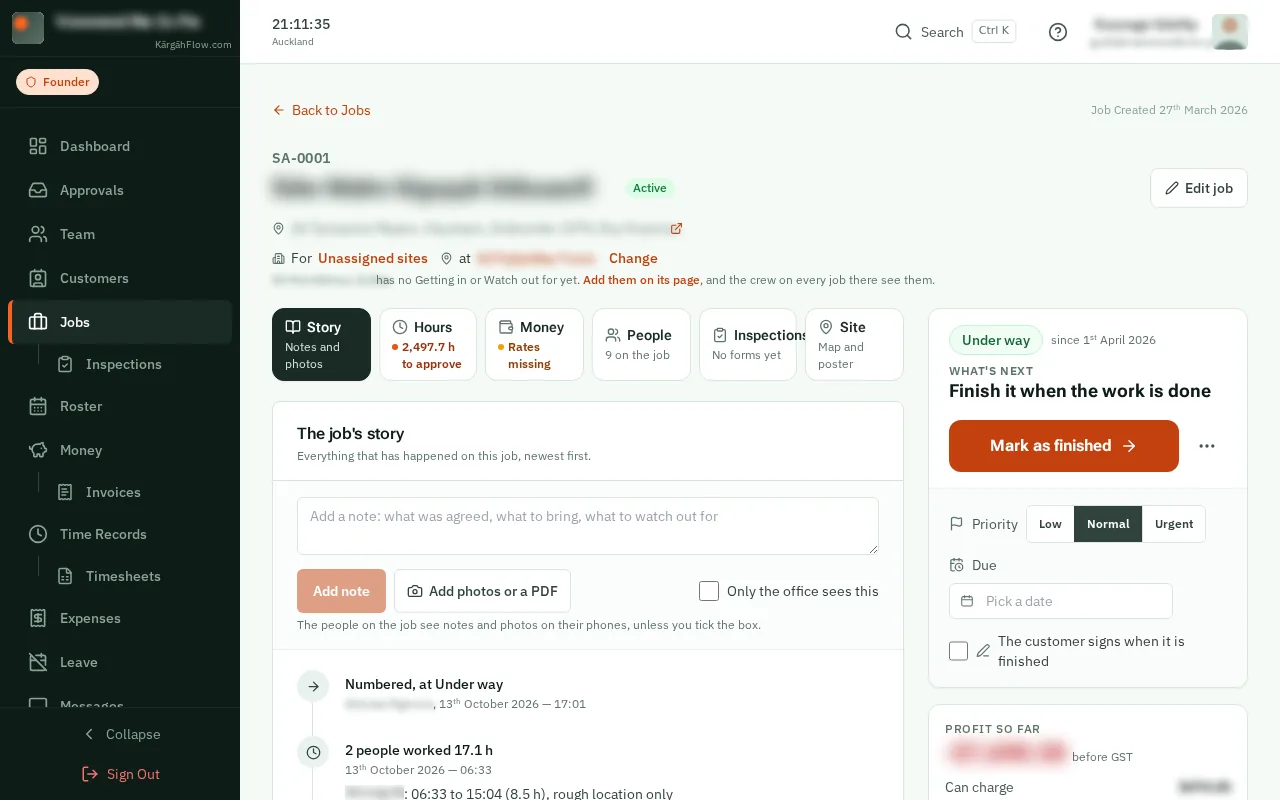
Open Jobs and tapclick the job.
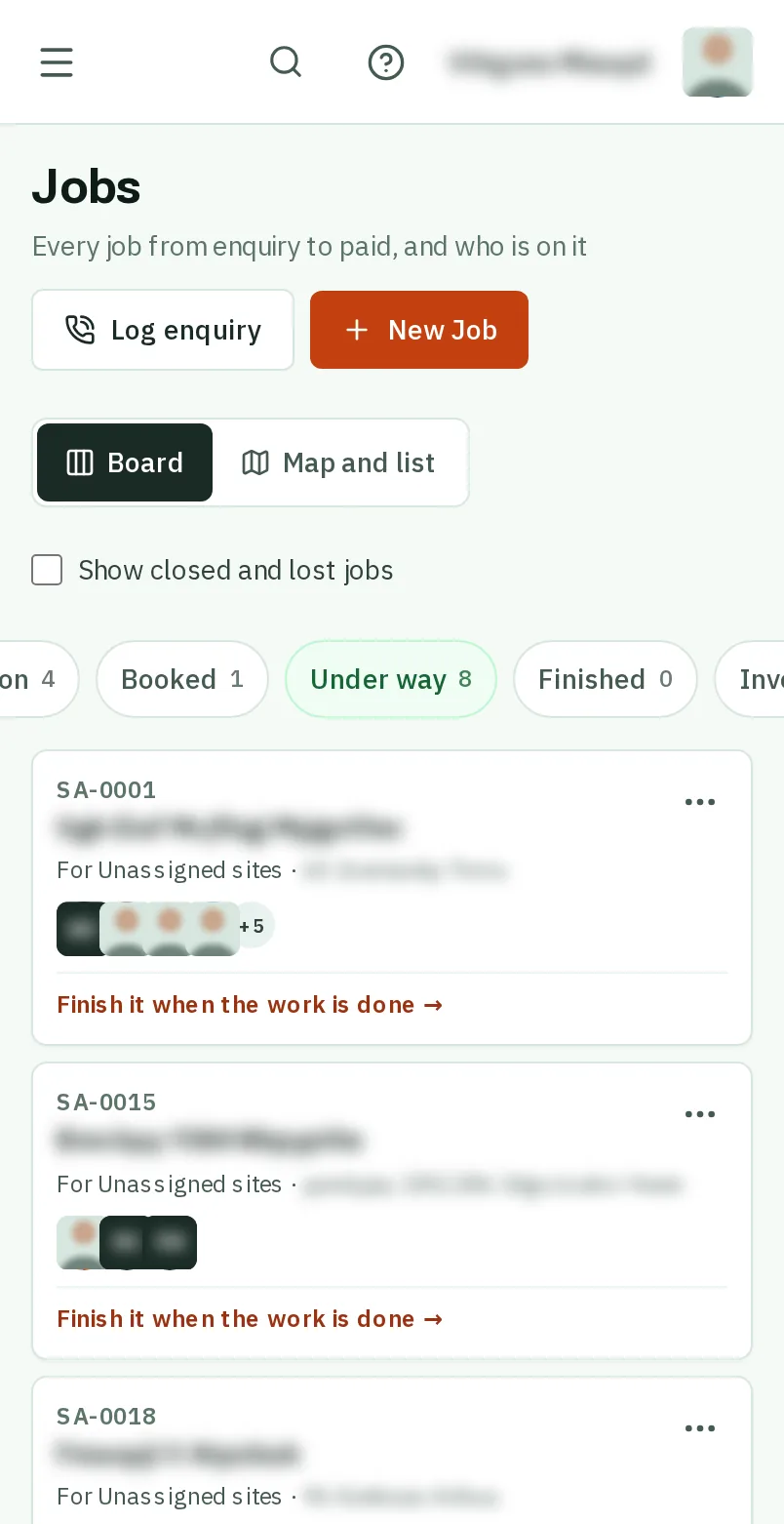
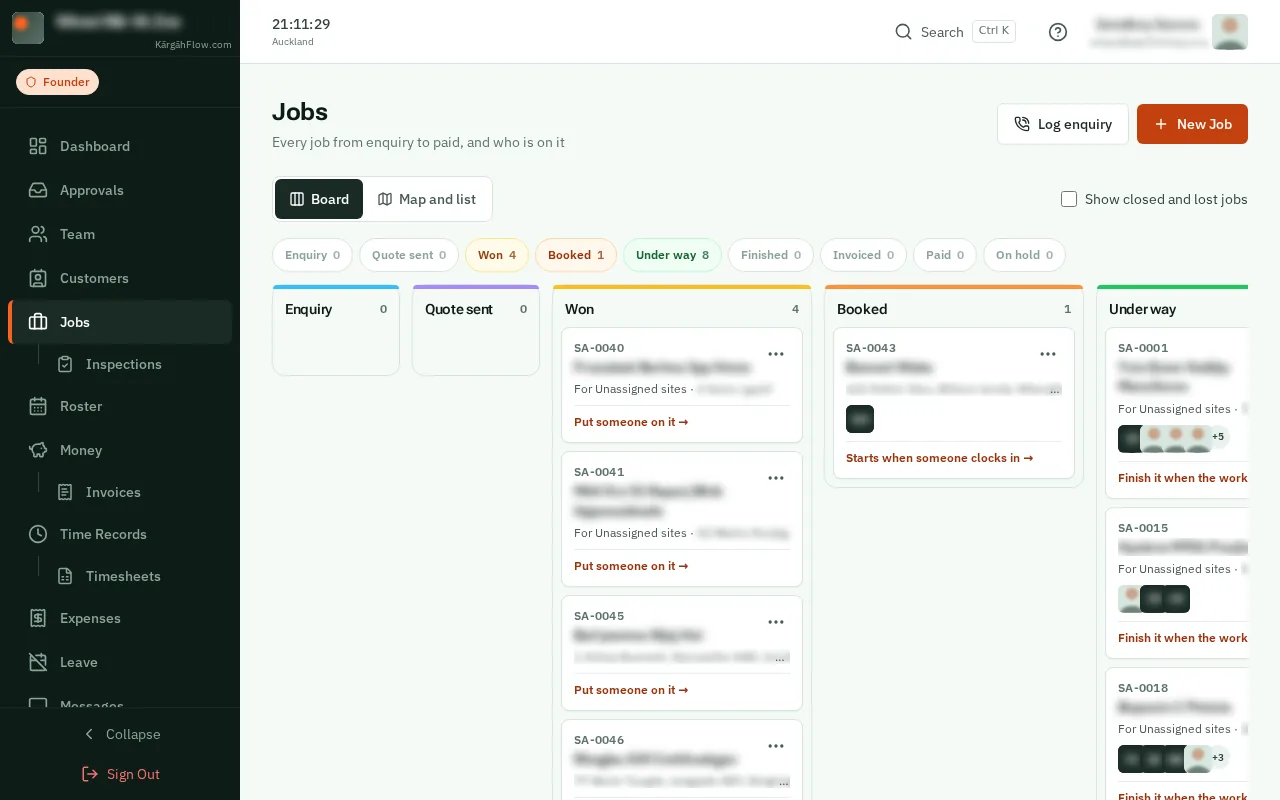
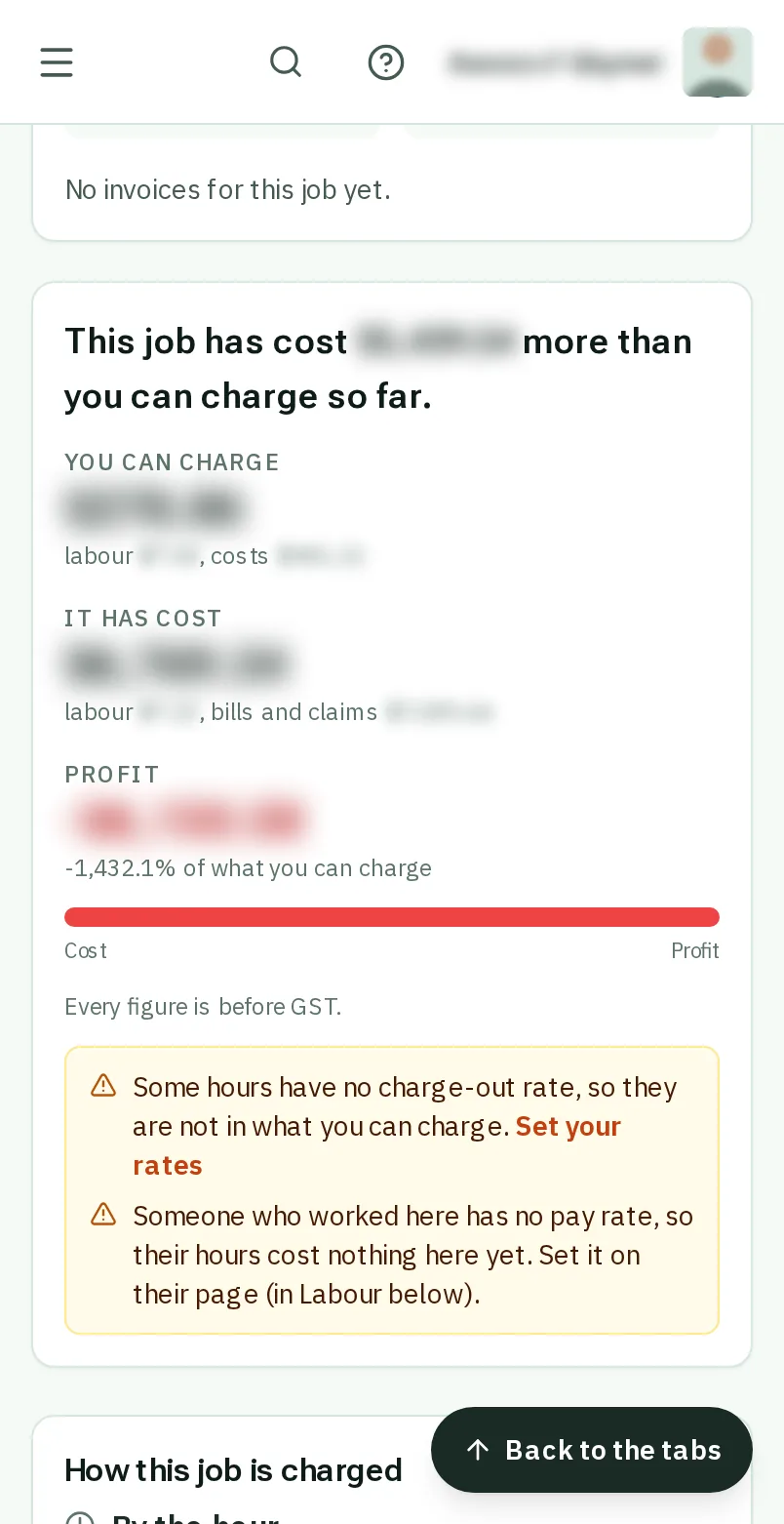
What a job makes is what you can charge for it, less what it has cost you: the hours worked, the bills you paid and the claims from the crew.
Every figure is before GST, and only hours you have approved count as something you can charge.
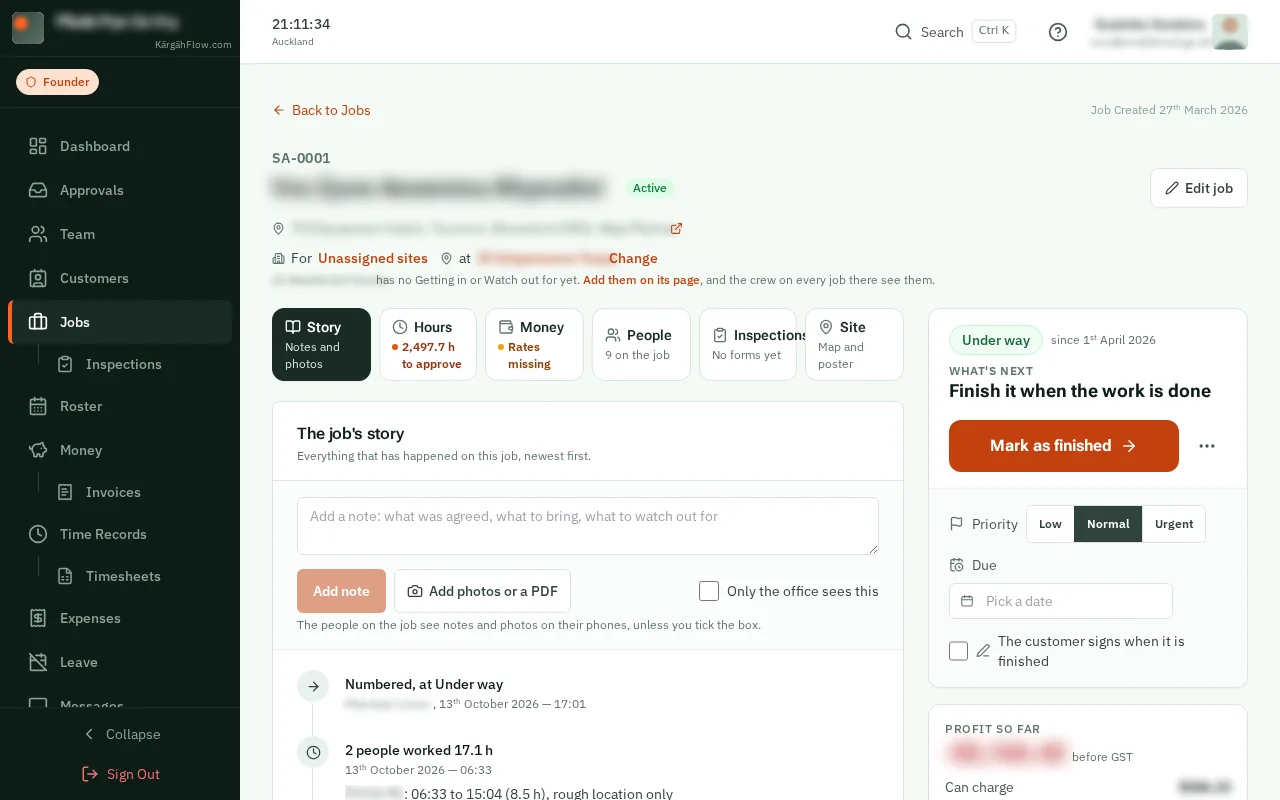
Open Jobs and tapclick the job.
The line under the job’s name says how it is doing: the profit so far and what you can charge.Profit so far, on the right, is what you can charge less what the job has cost. A fixed-price job shows how much of its price is spent.
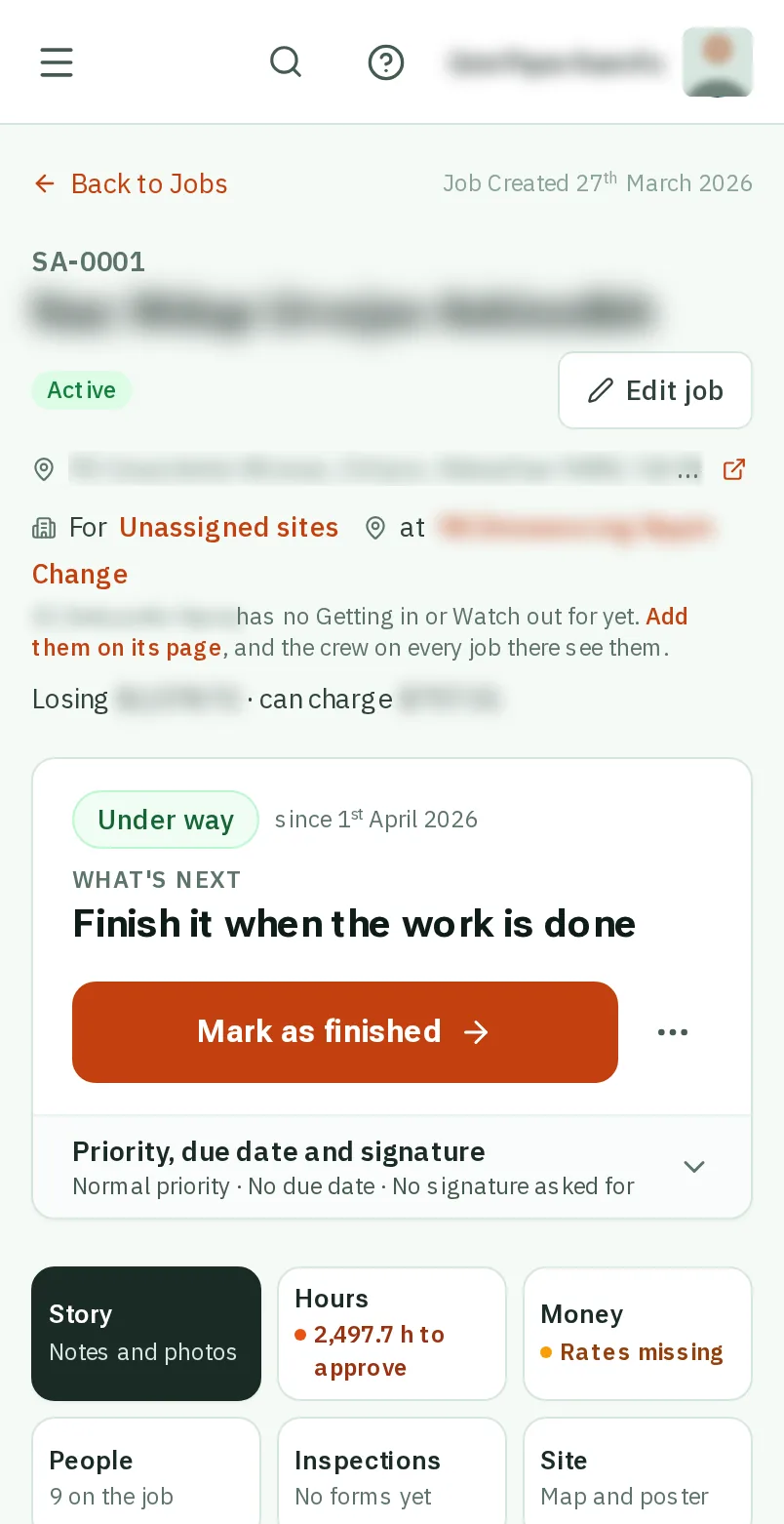
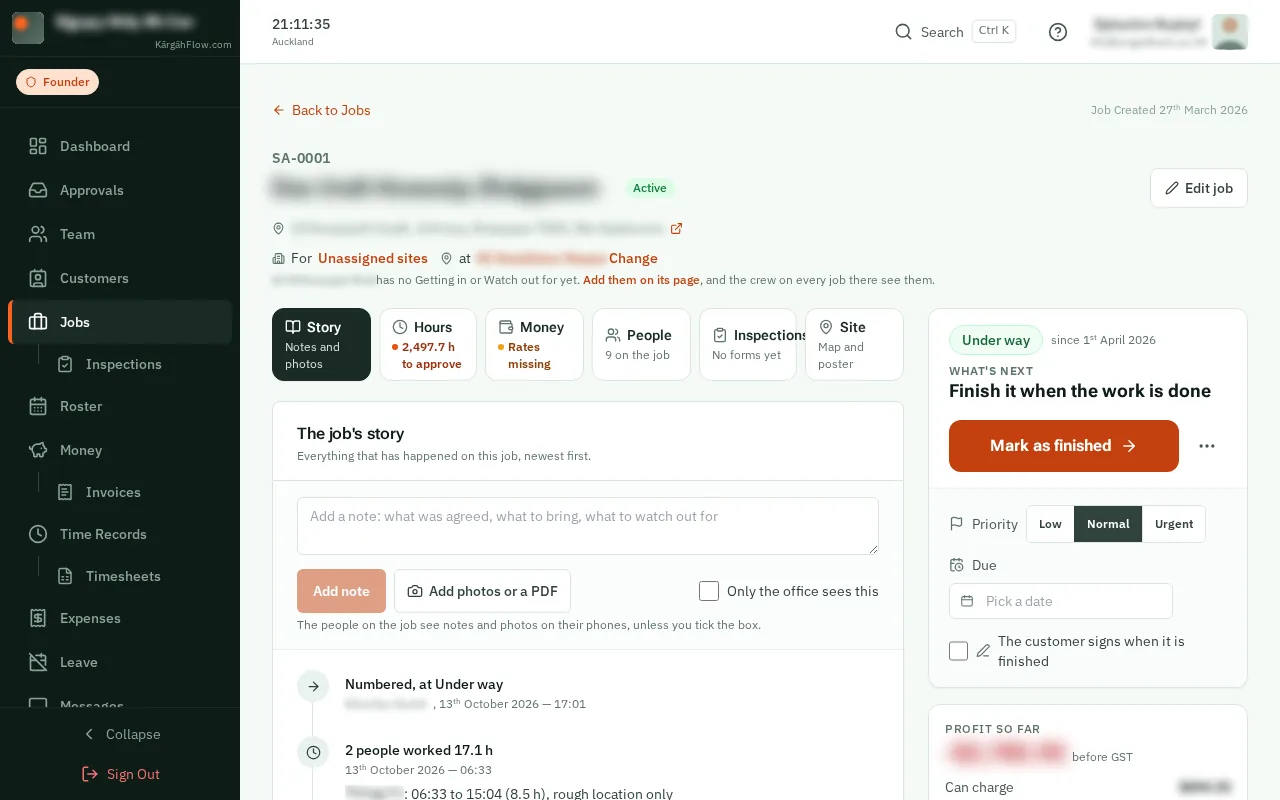
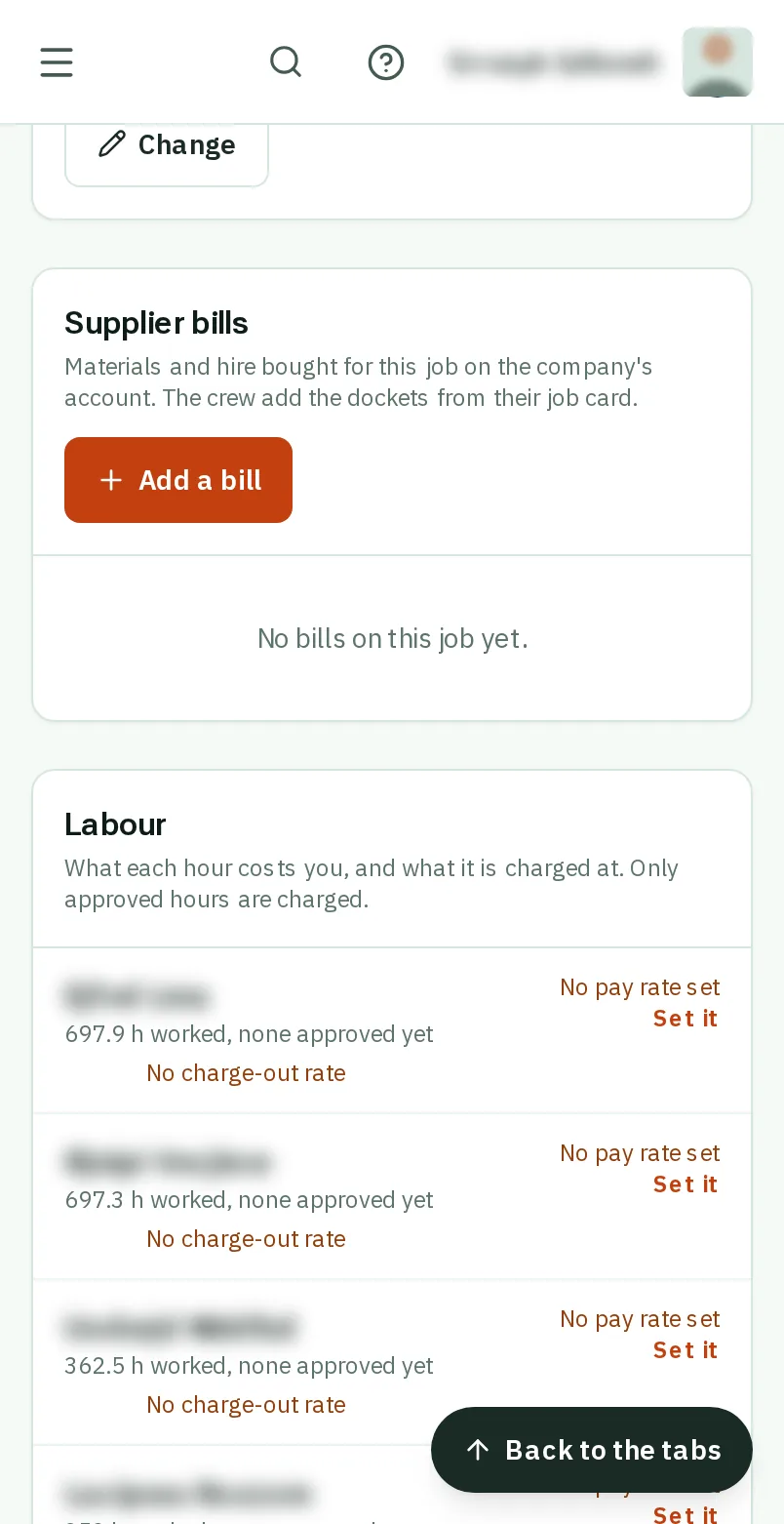
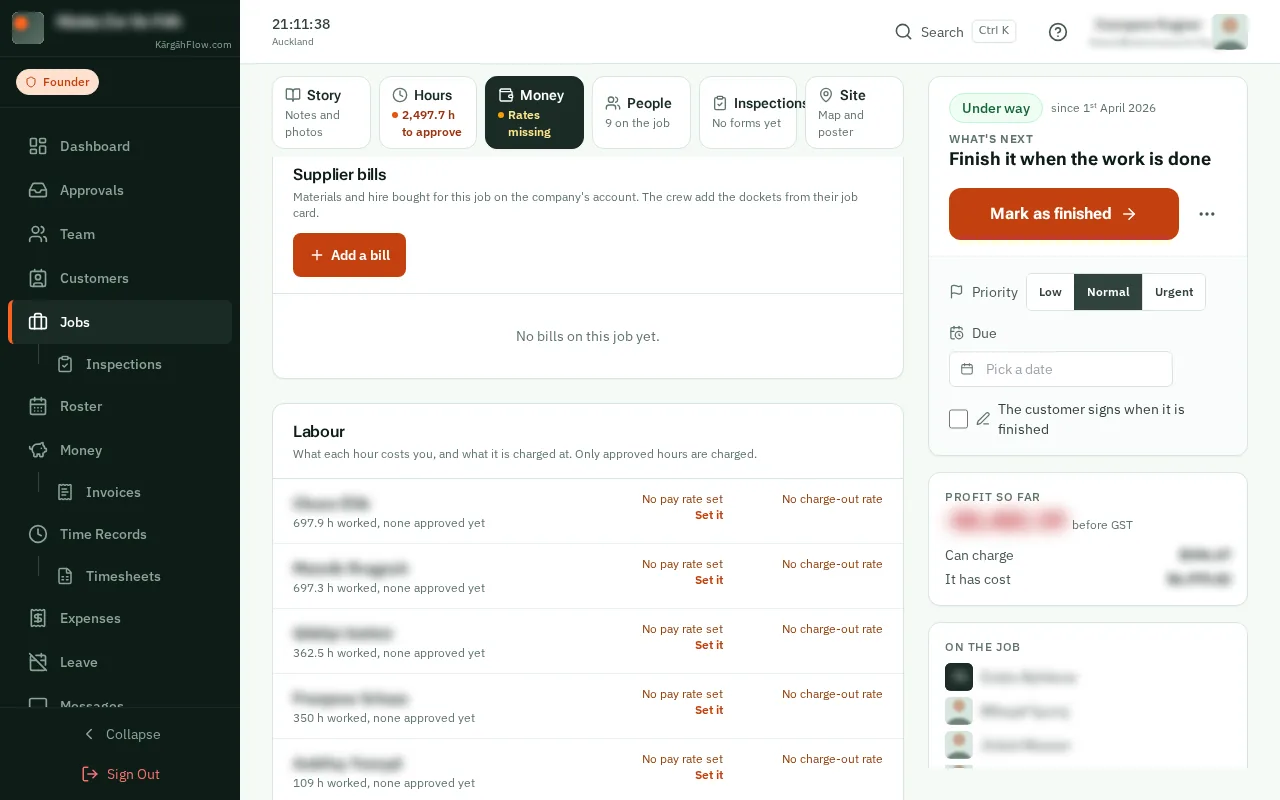
TapClick the Money tab. It has everything about the job’s money.
Good to know: The tab says first what needs you: Rates missing, a bill to check, or claims waiting.
At the top, You can charge is the approved hours at your rates, plus the costs that go on the customer’s bill. It has cost is what those hours cost you, plus the bills and claims. The difference is the profit.
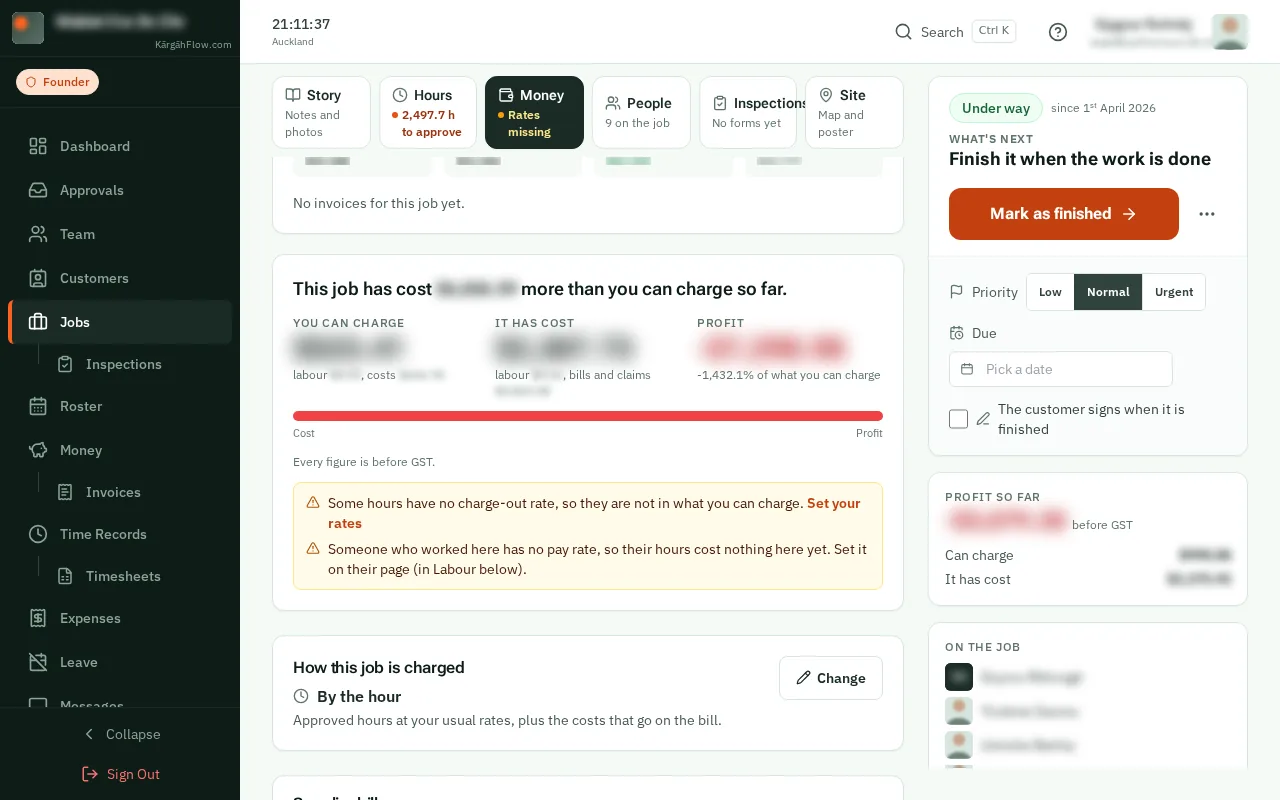
Under How this job is charged, tapclick Change to make it by the hour, one fixed price, or a contract paid every week, fortnight or month.
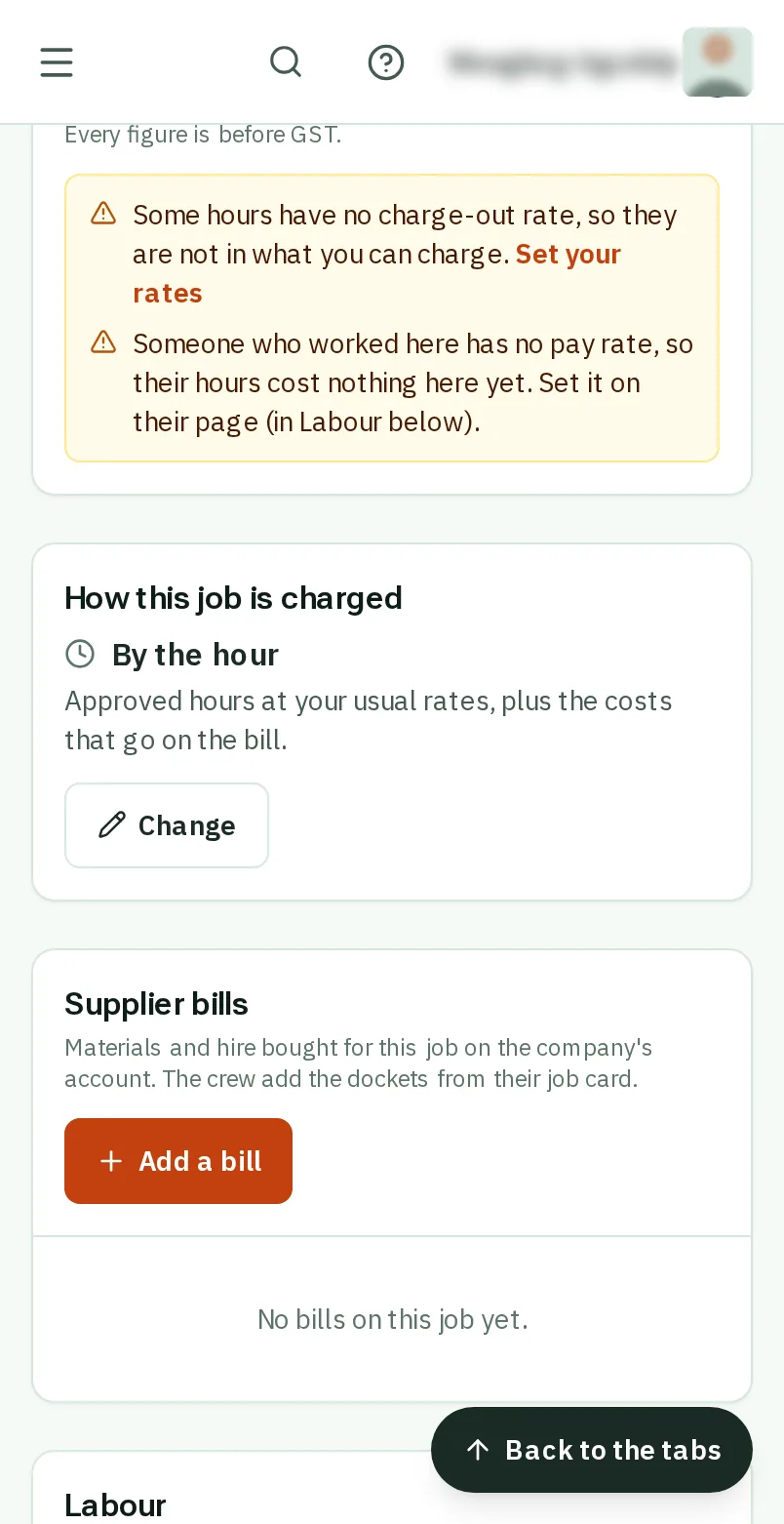
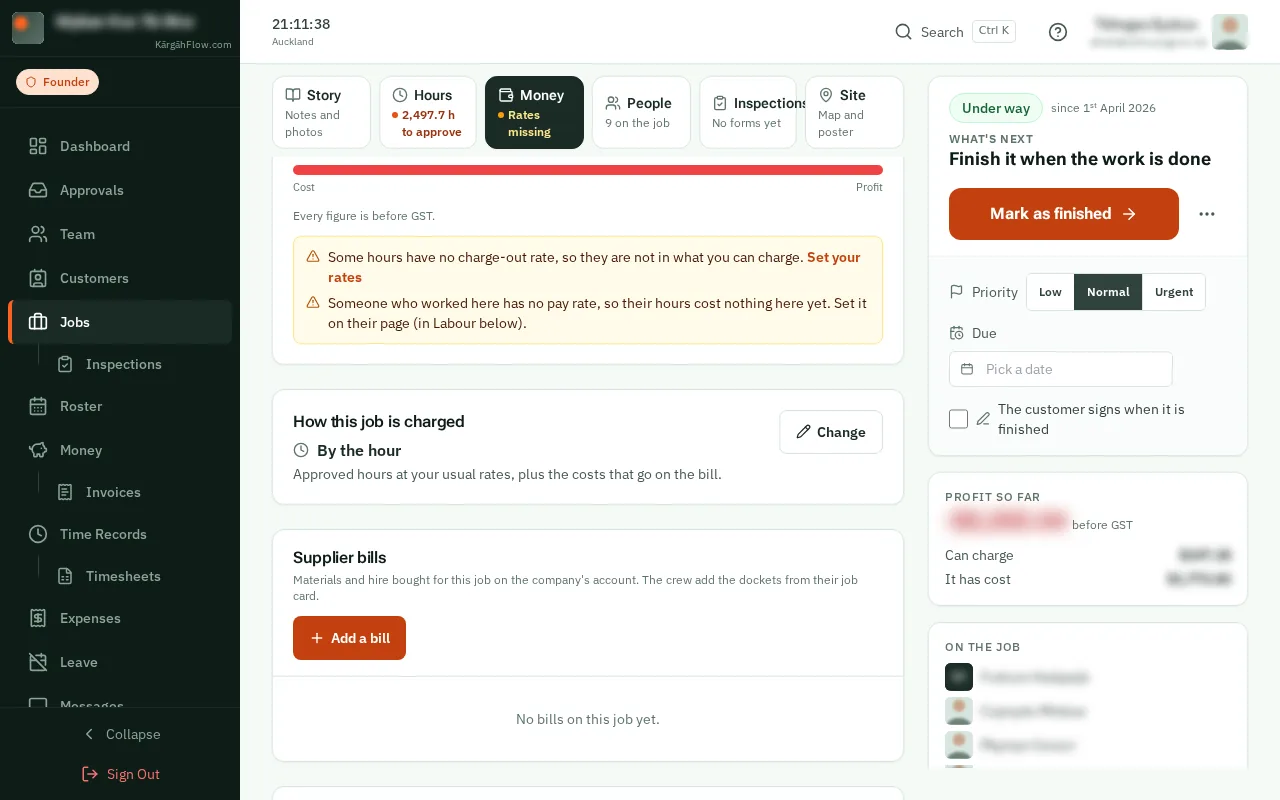
Further down are the Supplier bills, the Labour person by person, and the crew’s Claims. Each one says whether it goes on the customer’s bill.
Good to know: Labour is counted at each person’s normal rate. Overtime is on the timesheets, not split between jobs.