Step 1: Open Money
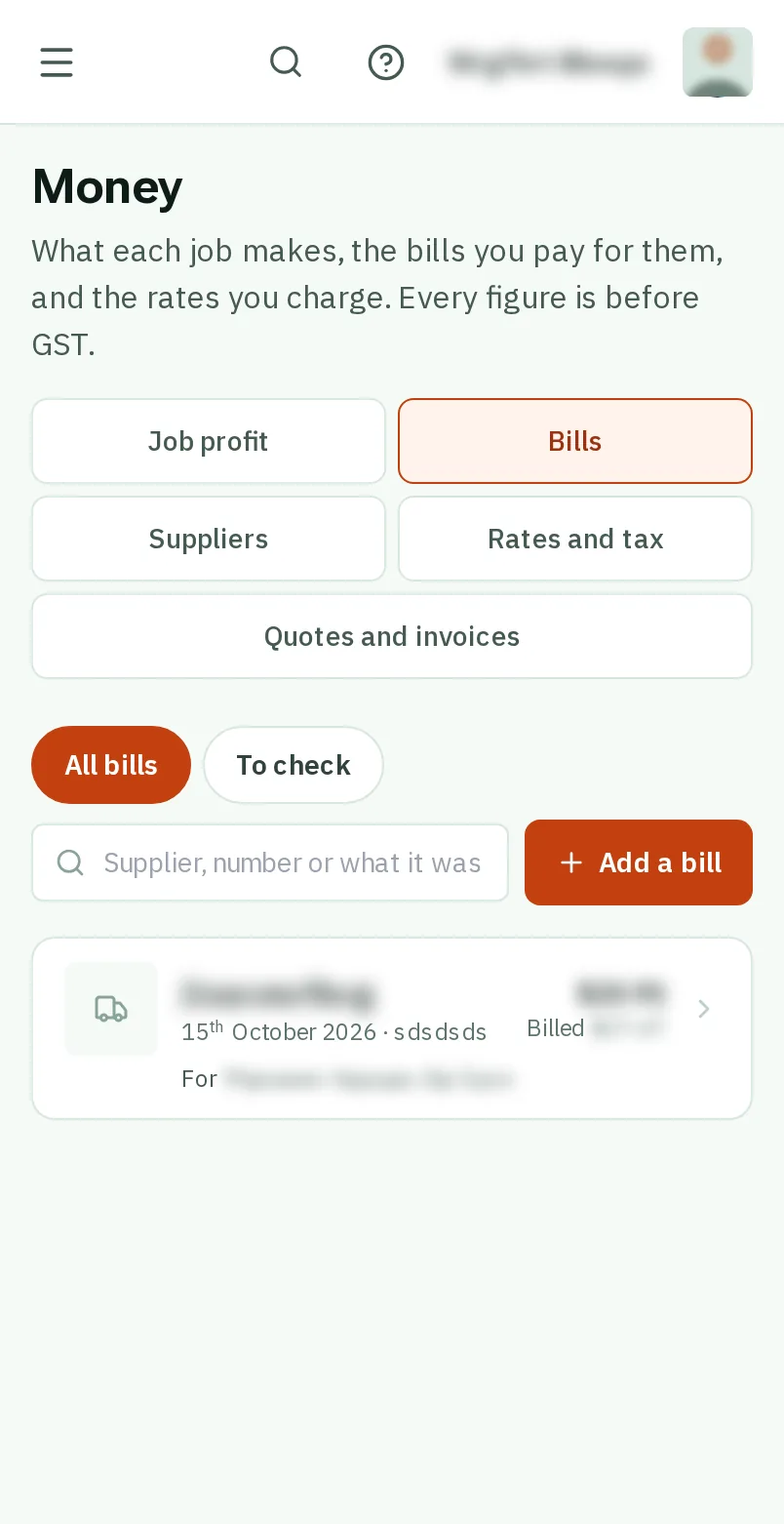
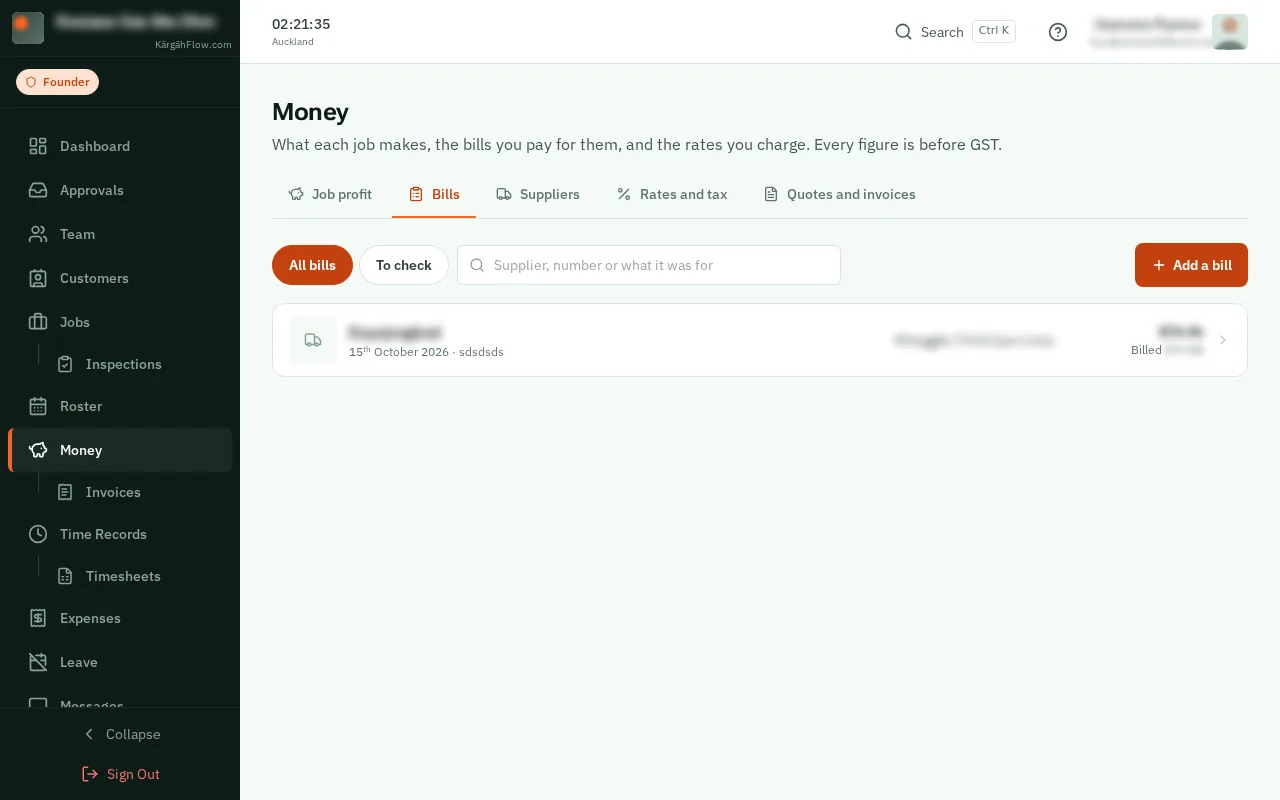
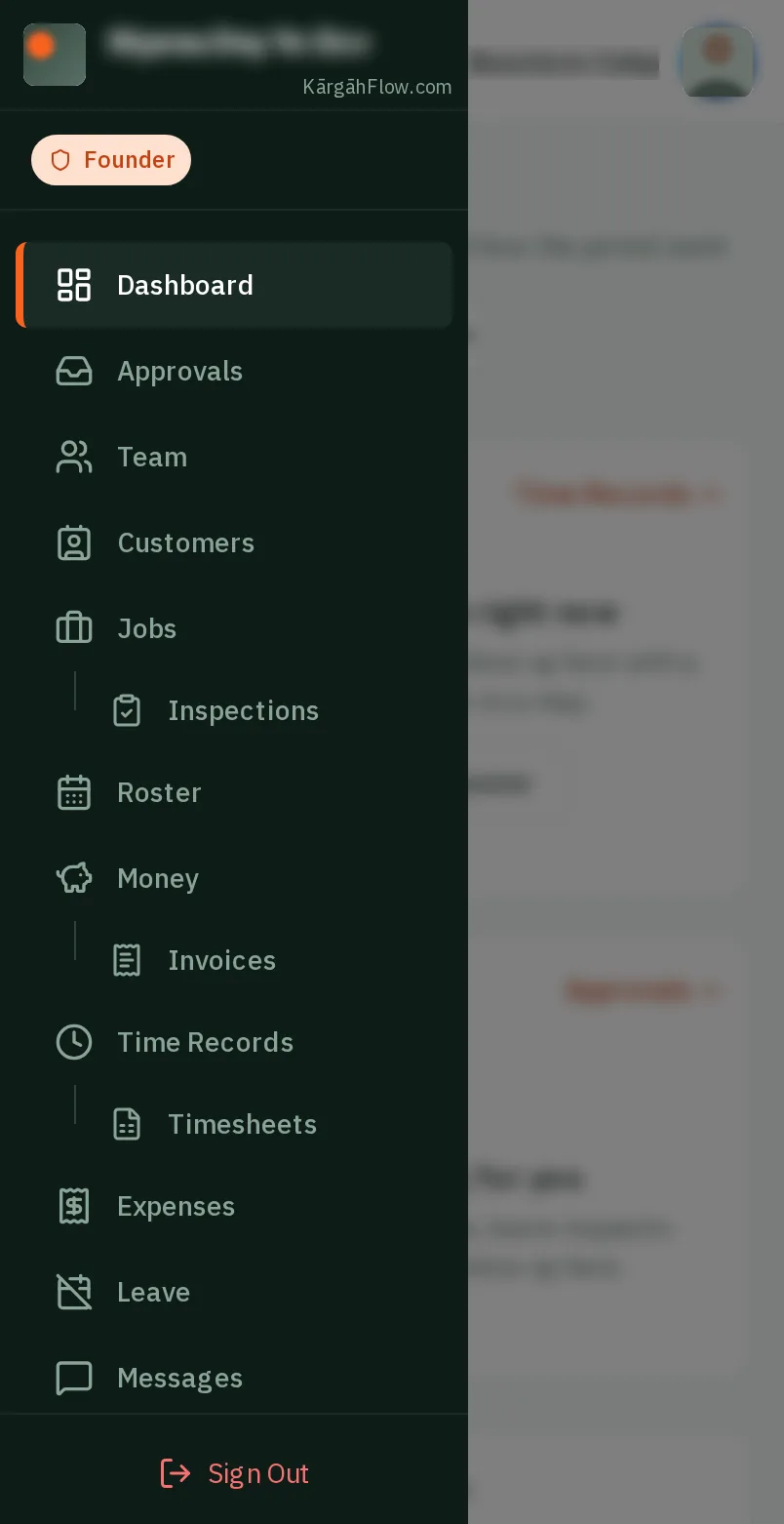
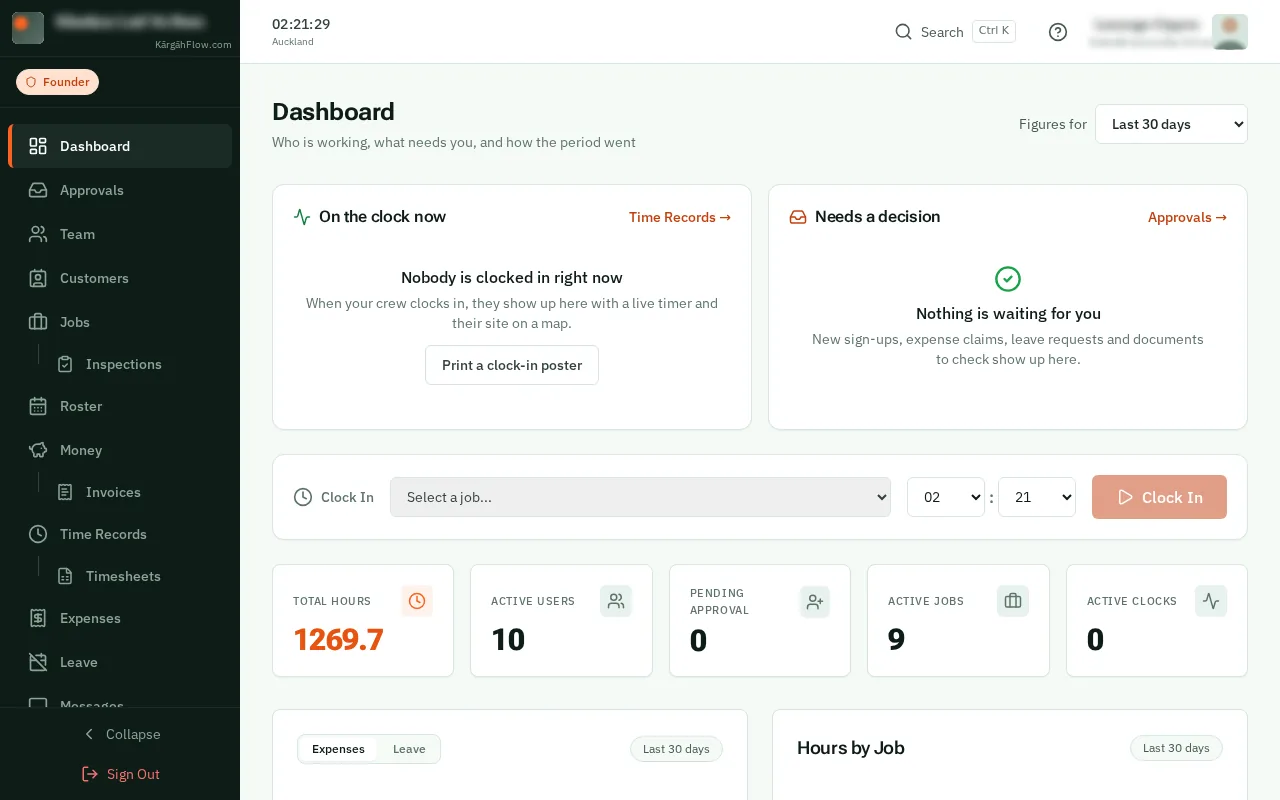
TapClick the menu button at the top left of the screen, then Money.TapClick Money in the menu on the left.
Look forthe Money item in the menu
A supplier bill is something the company bought for a job on its account: a docket from the trade counter, a merchant’s invoice, a hire charge.
Put it on its job and the job’s profit counts it. On a job charged by the hour it goes on the customer’s bill with your markup.
TapClick the menu button at the top left of the screen, then Money.TapClick Money in the menu on the left.
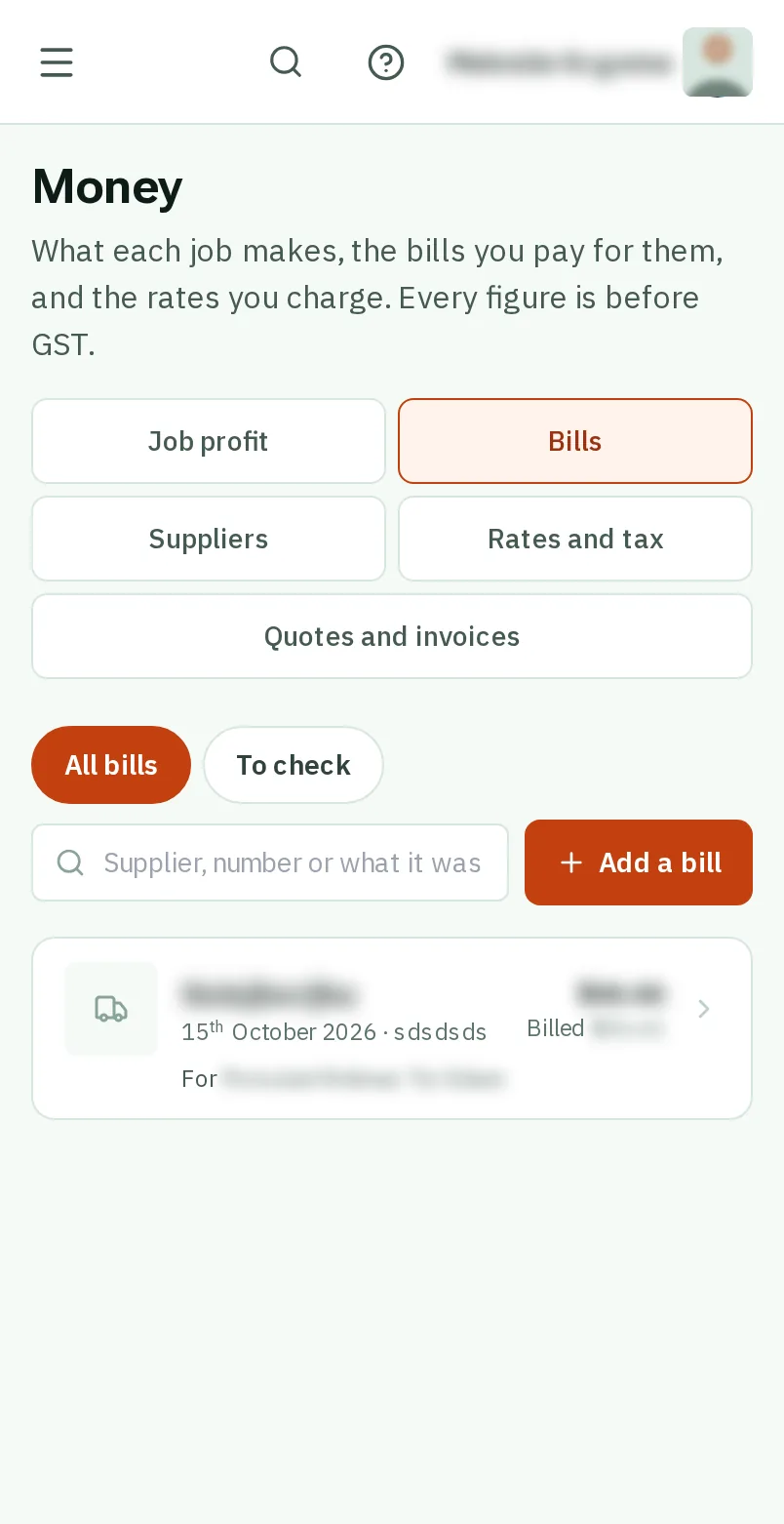
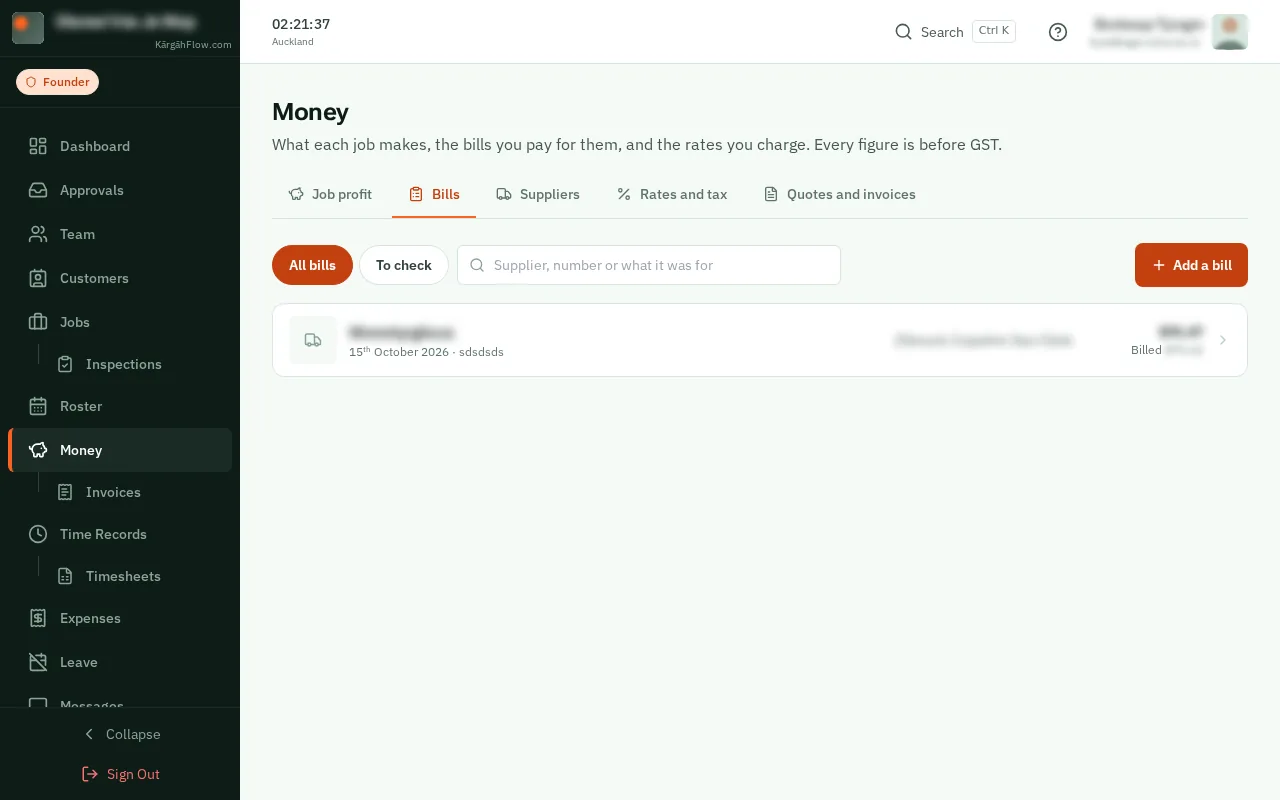
TapClick the Bills tab. It lists every bill on every job, newest first.
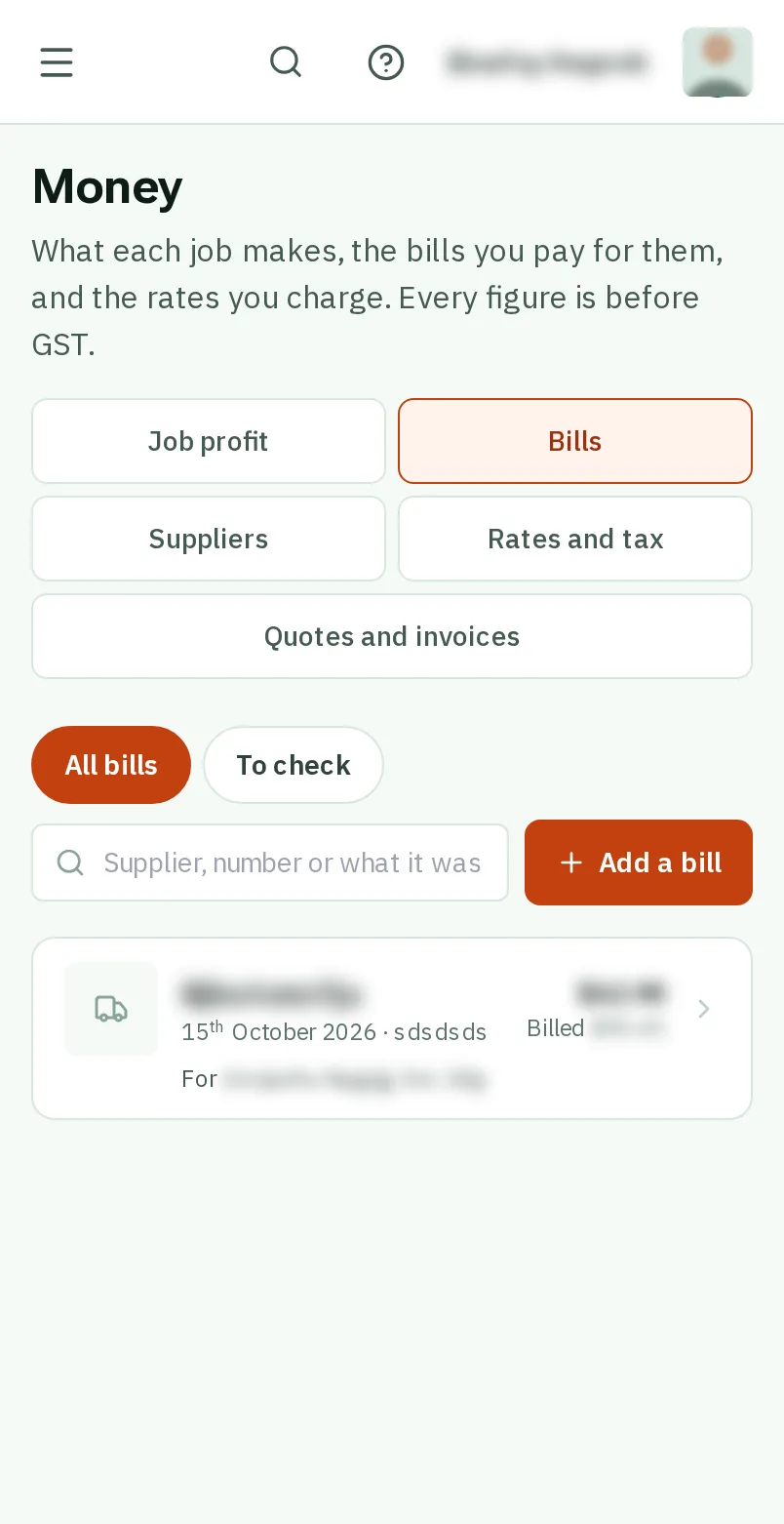
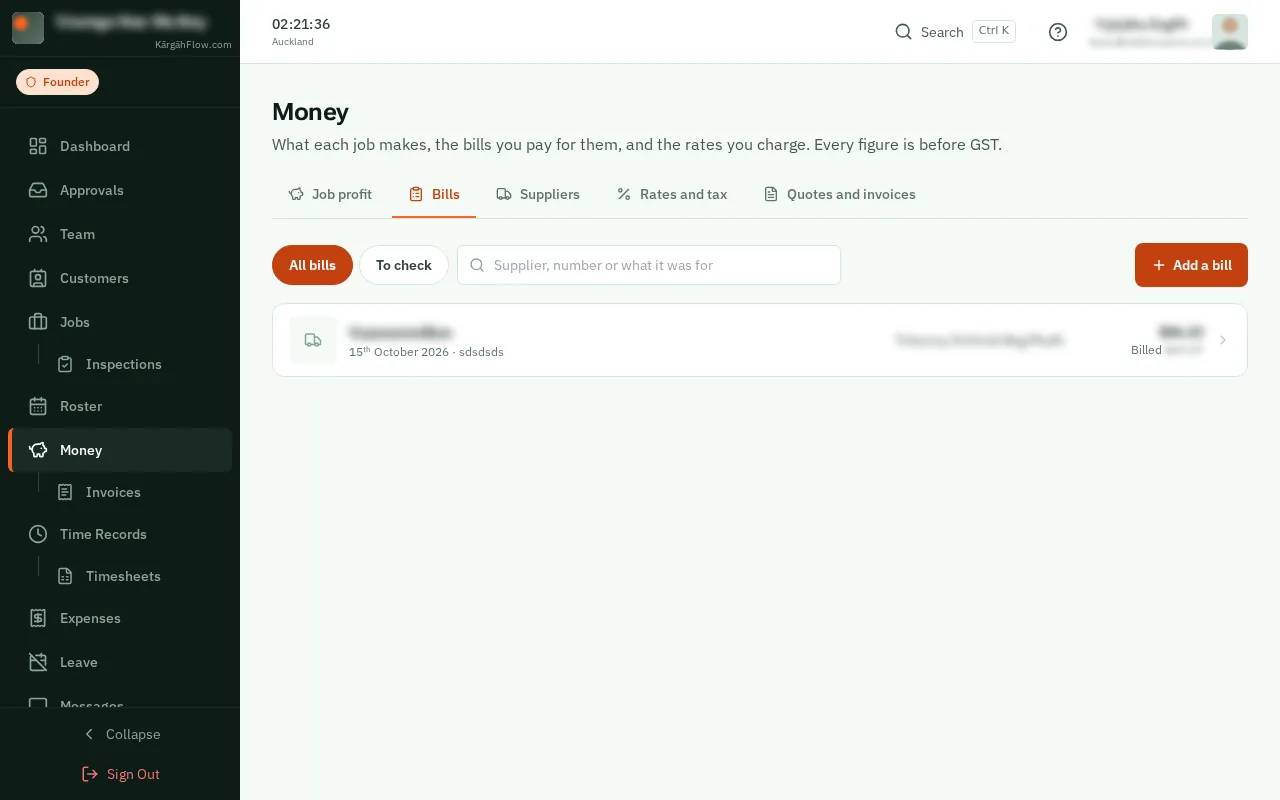
TapClick the orange Add a bill button.
Good to know: On a job’s own page, the Money tab has an Add a bill button too.
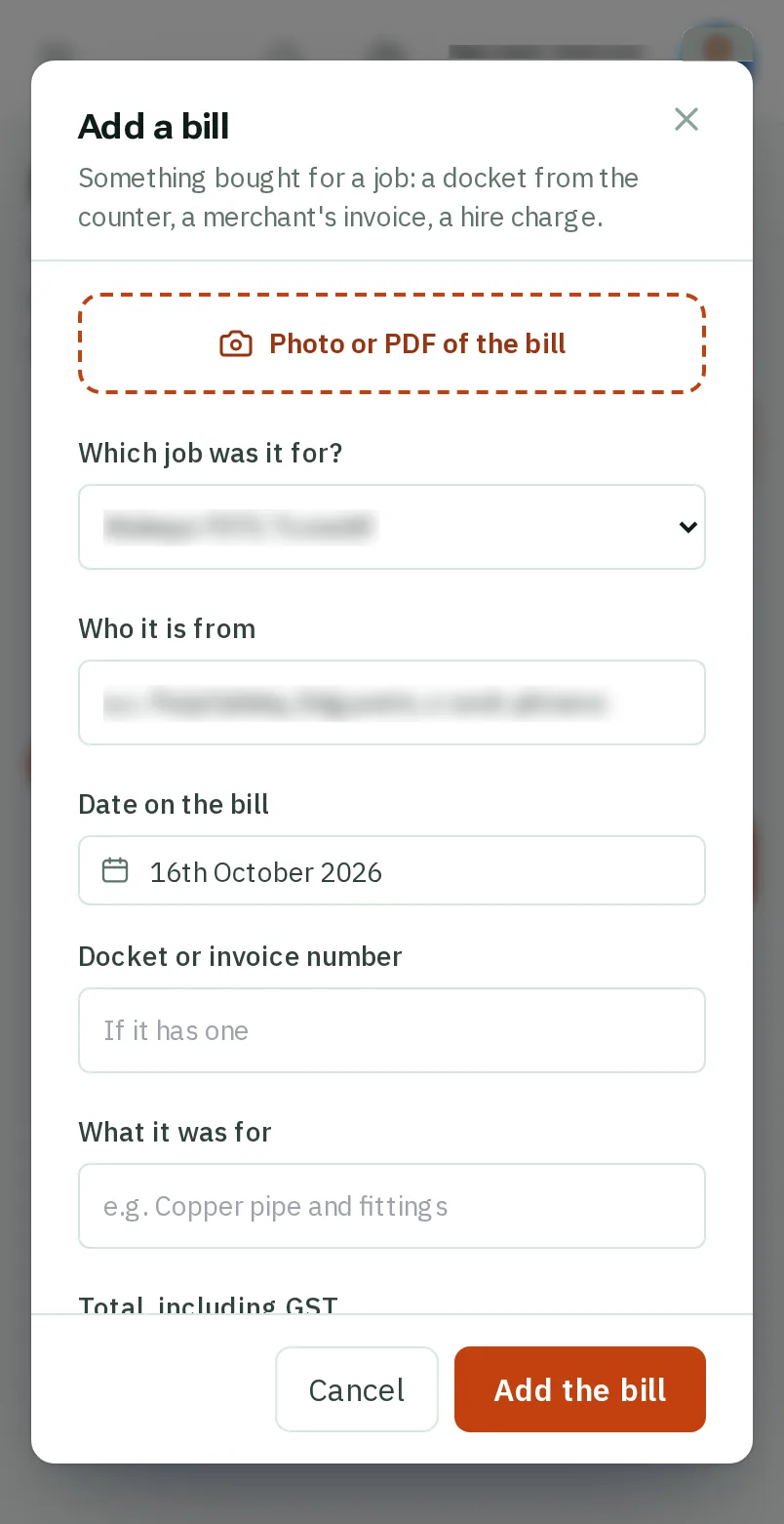
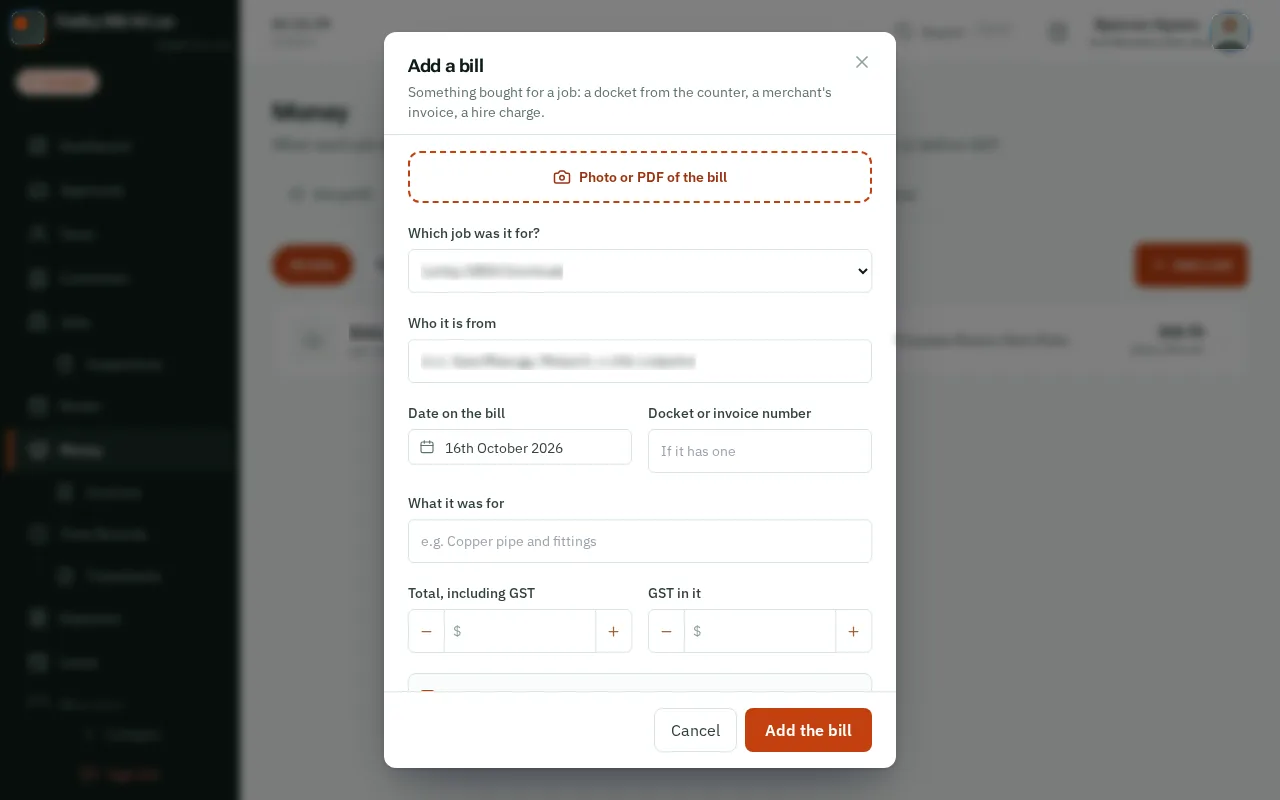
TapClick Photo or PDF of the bill and take a photo of it. Who it is from, the date and the amounts fill themselves in.TapClick Photo or PDF of the bill and choose it from your computer. Who it is from, the date and the amounts fill themselves in.
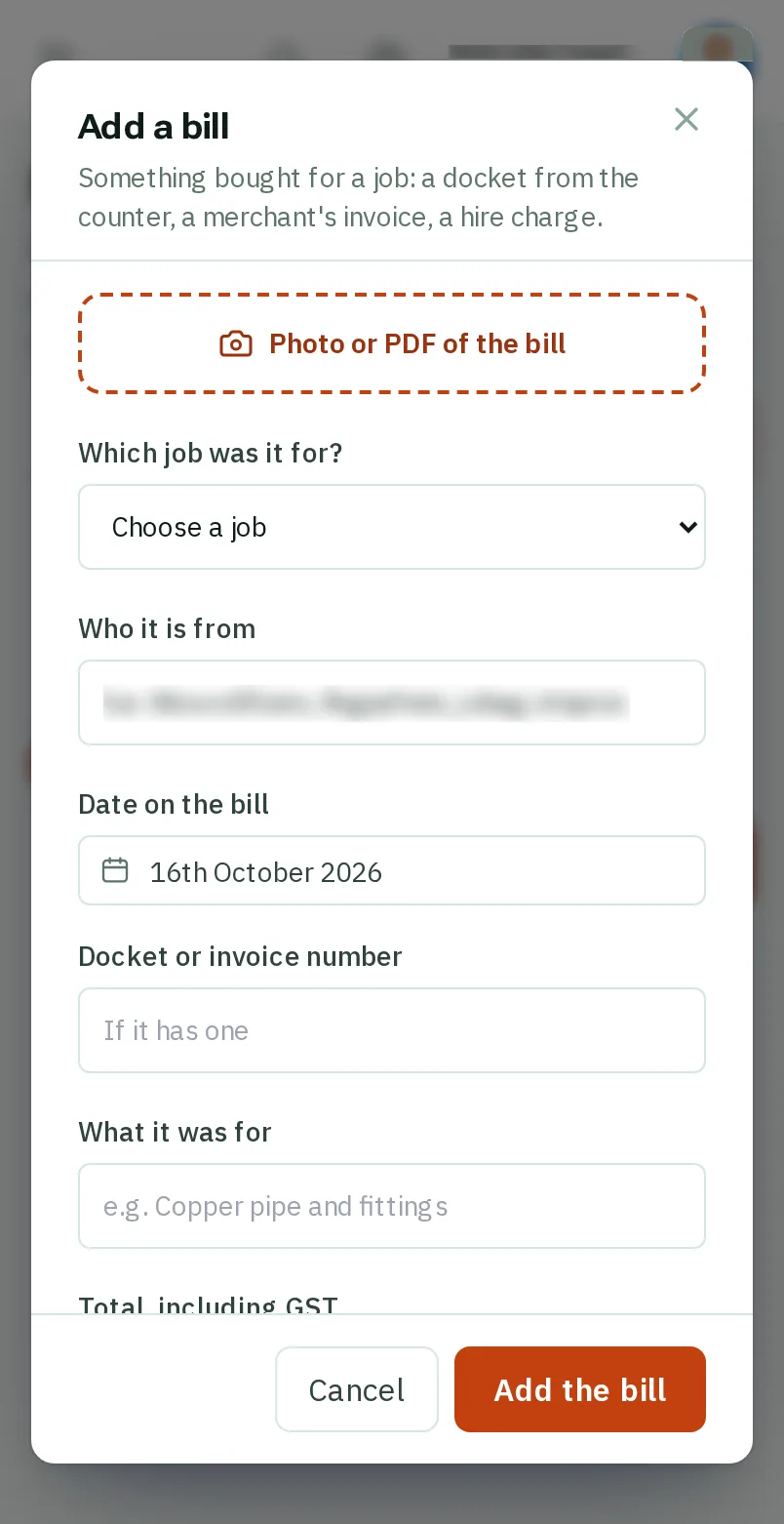
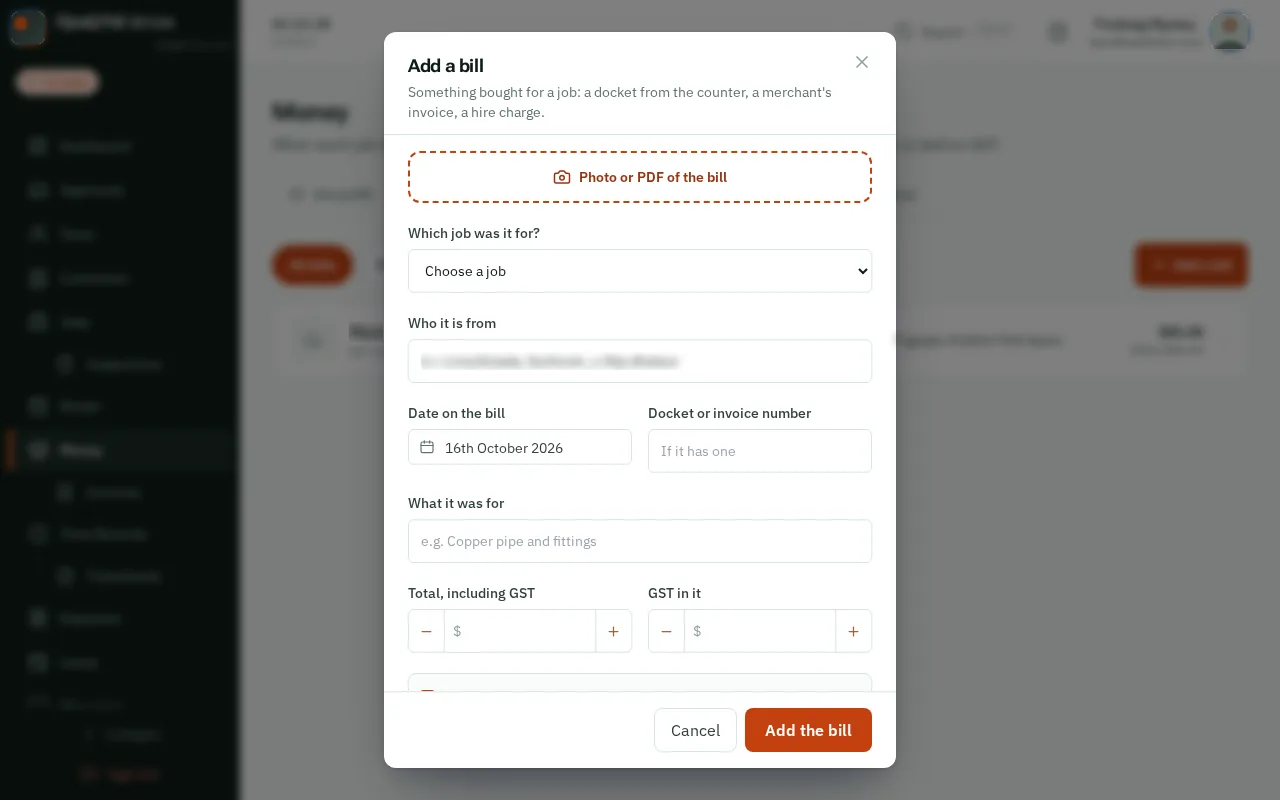
Under Which job was it for?, choose the job.
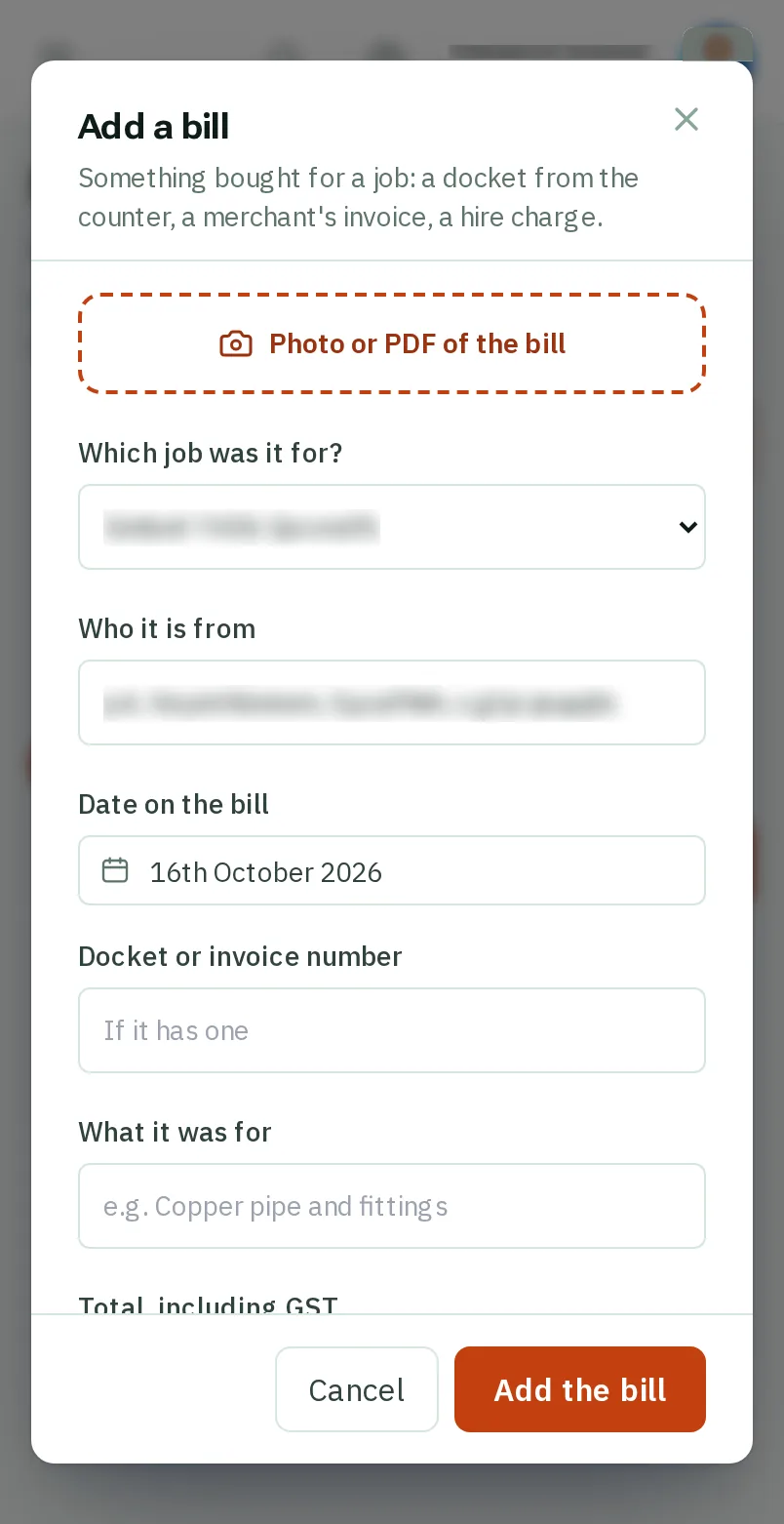
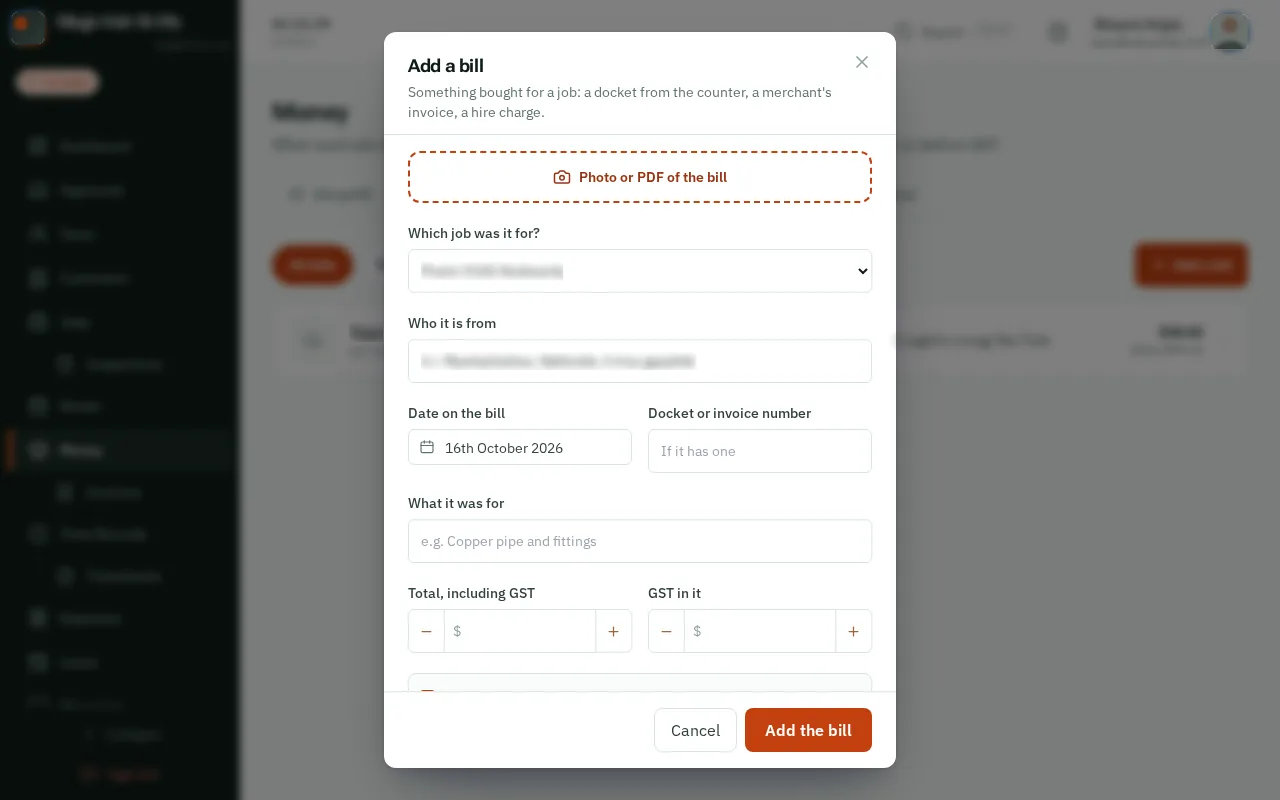
Check the figures against the bill, then tapclick Add the bill.
Good to know: Bills the crew send from a job card wait under To check. Open one, check it against its photo, and tapclick Checked, save.