Step 1: Open the job
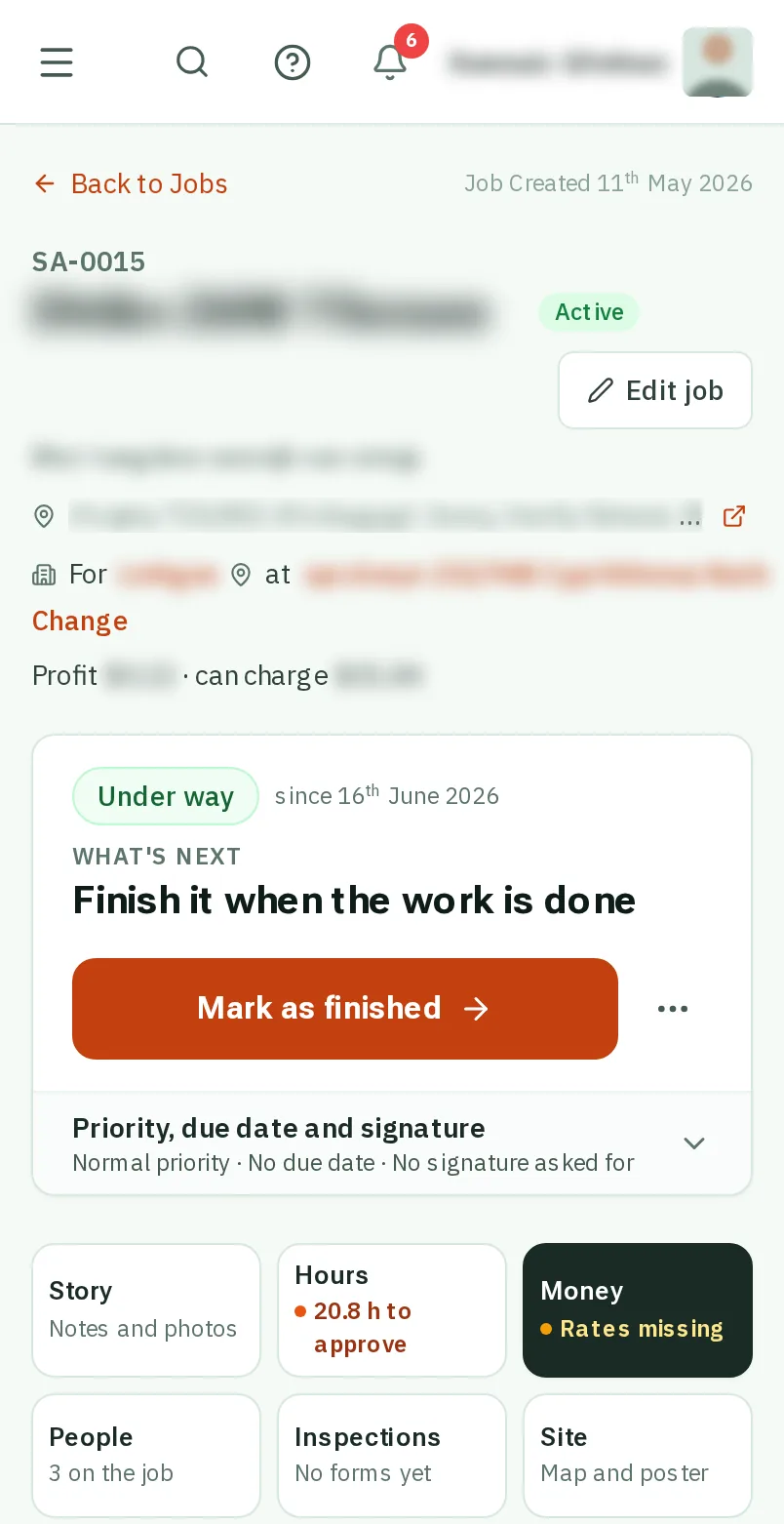
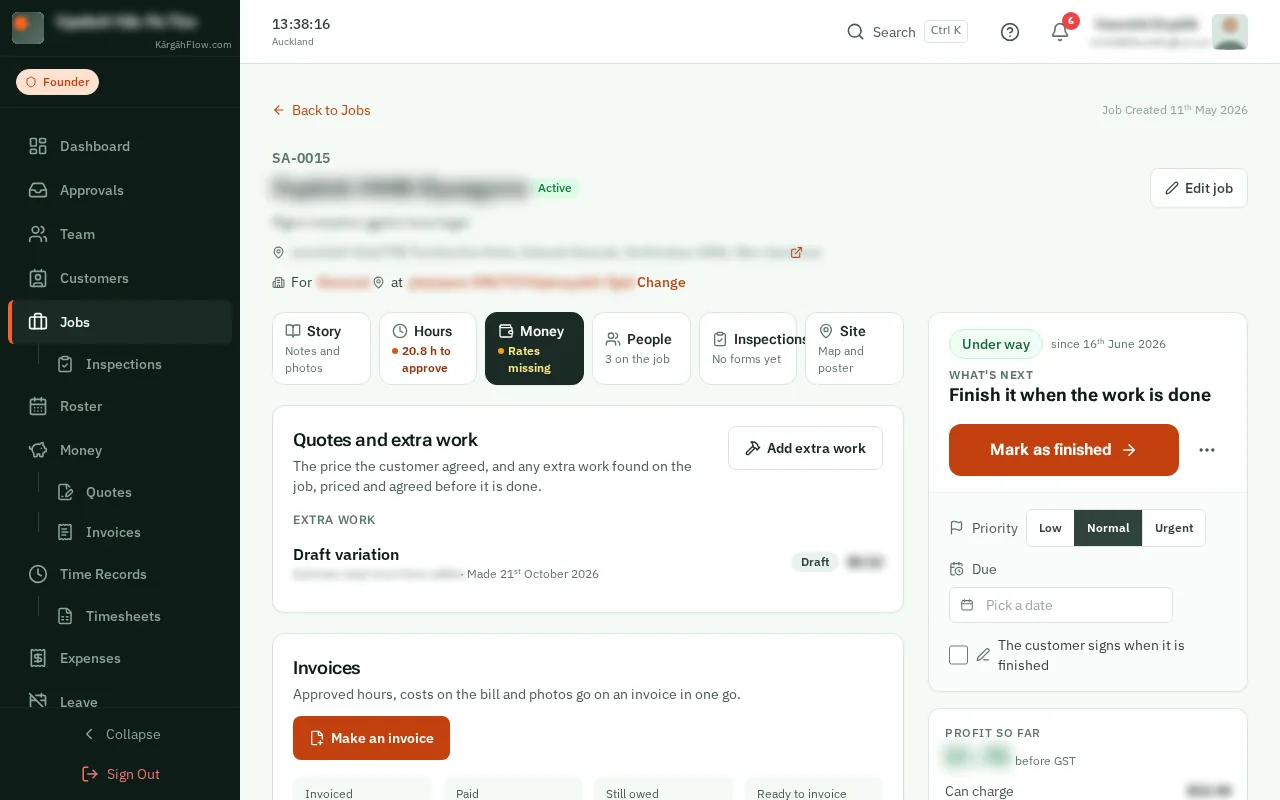
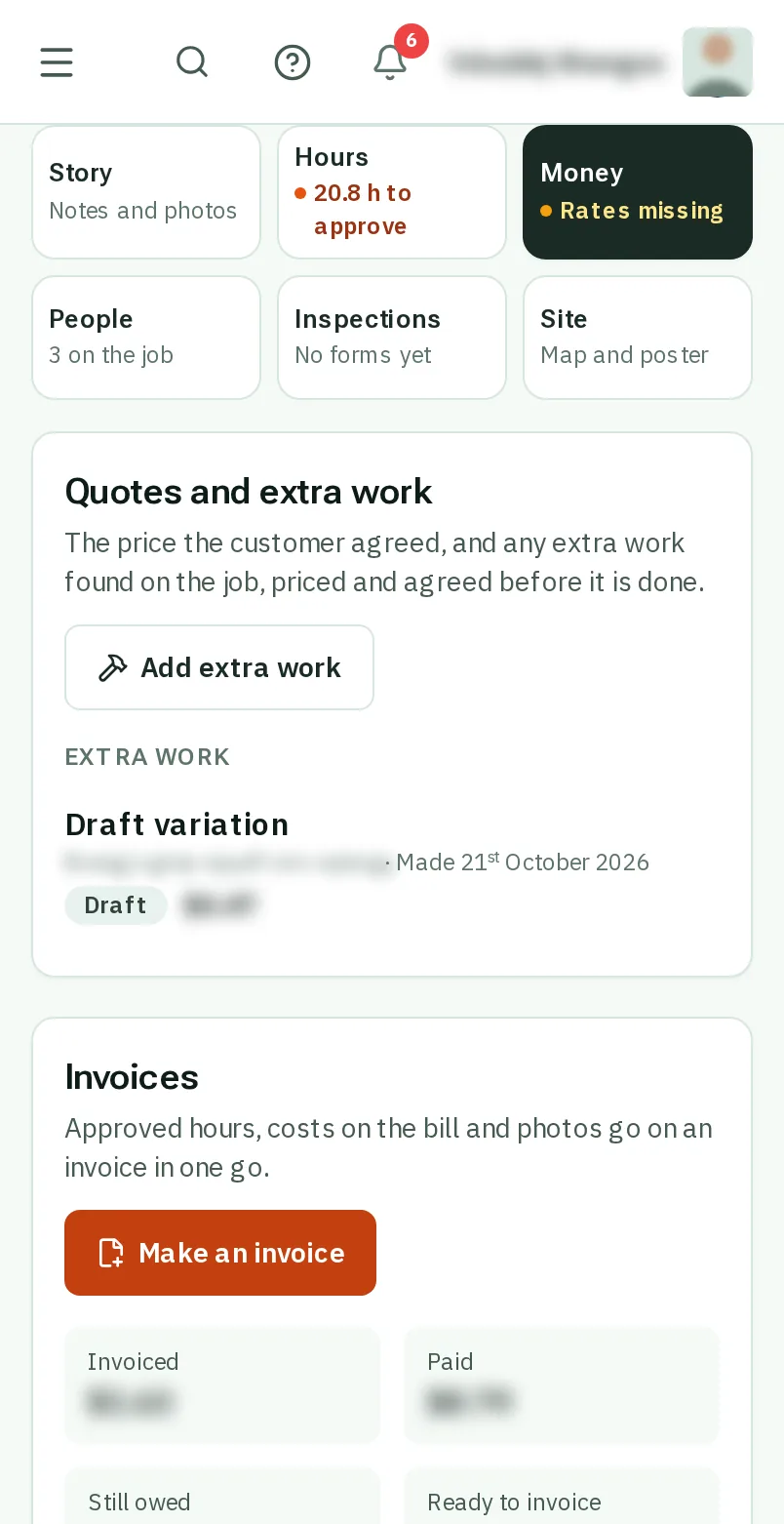
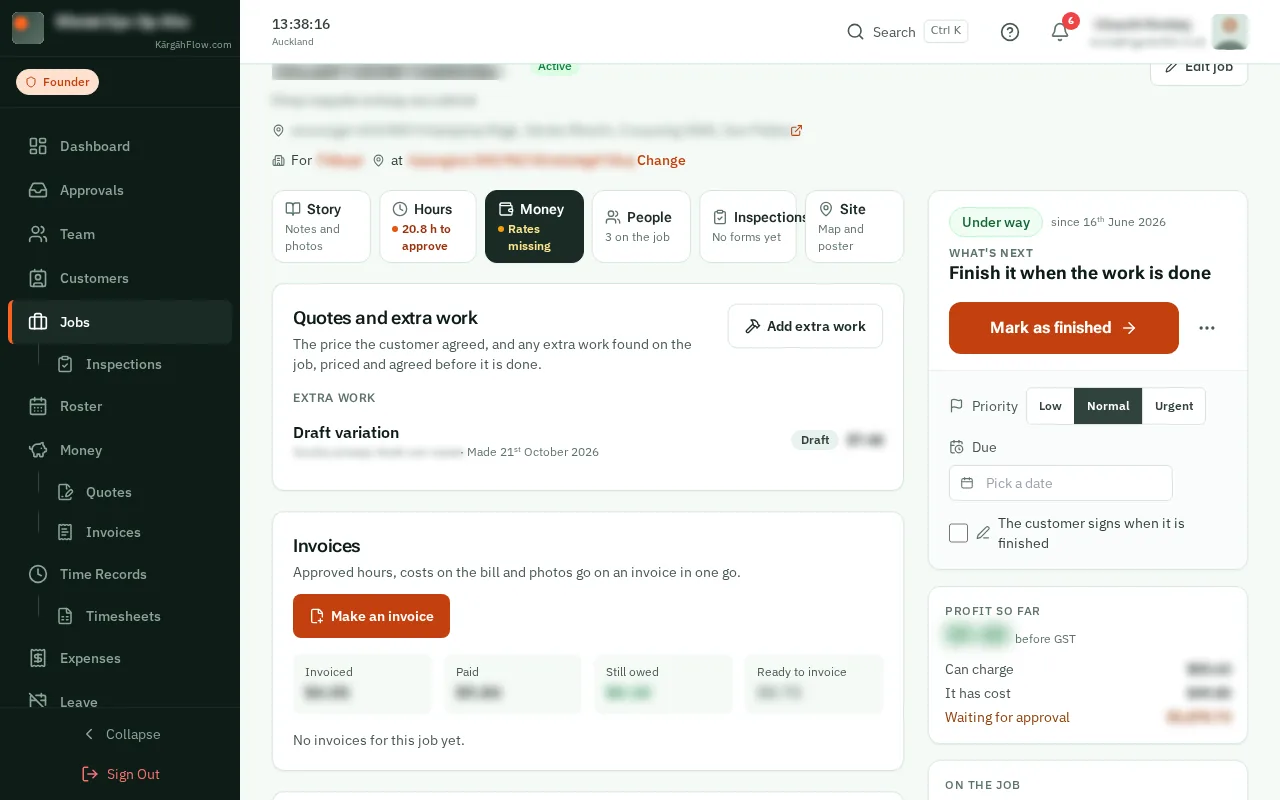
Open Jobs and tapclick the job. When the crew find extra work, you get a notification, and it opens the extra work itself.
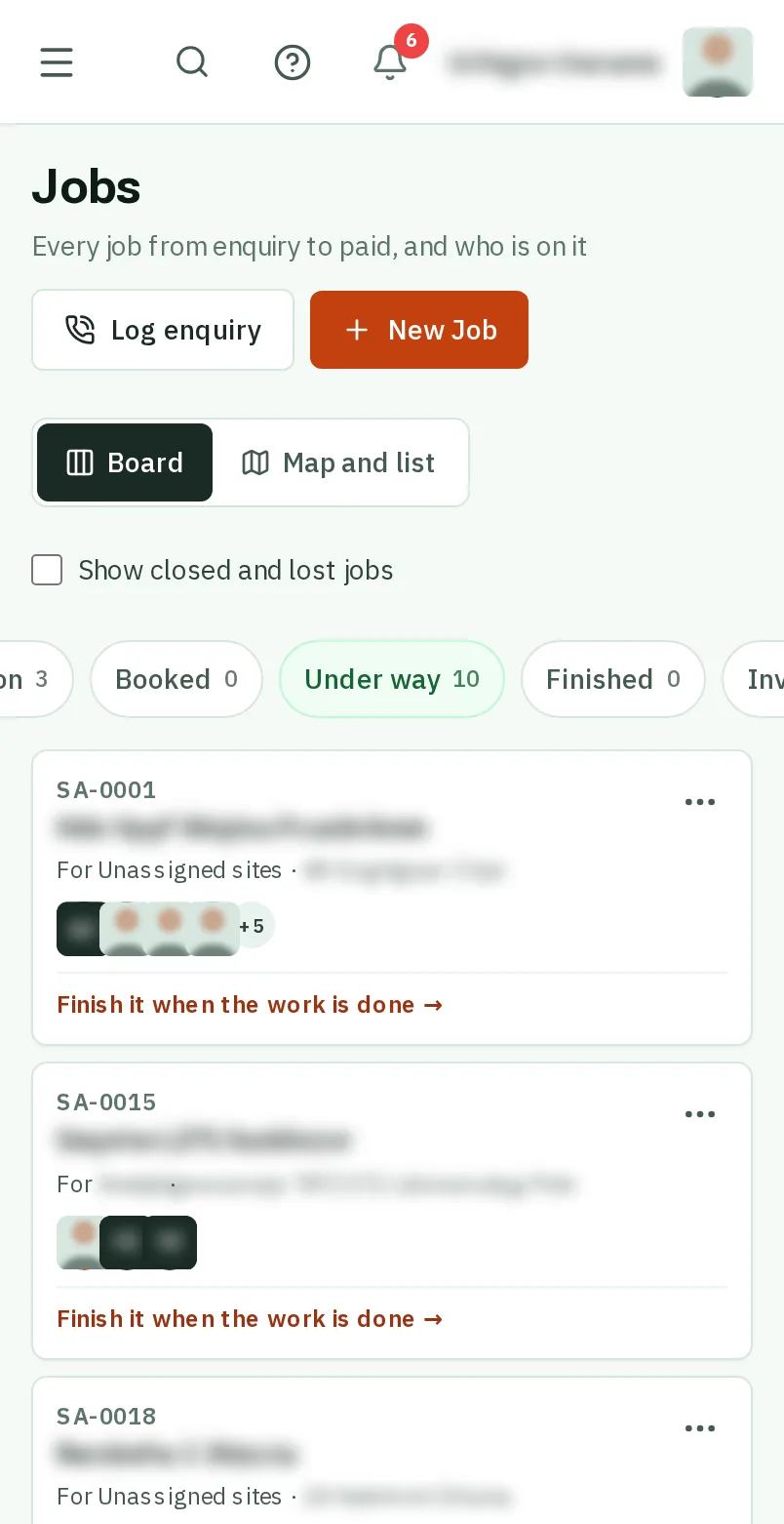
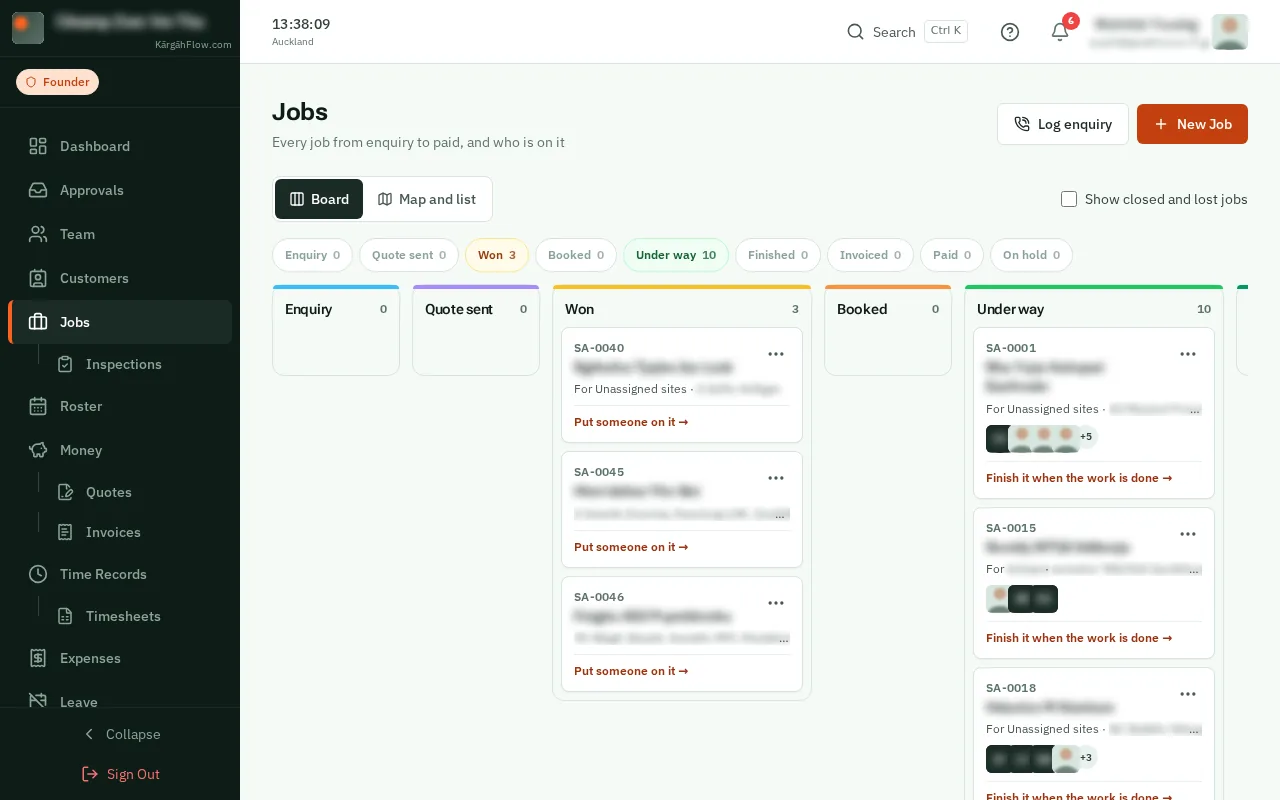
Extra work is anything the quote does not cover: the crew find it on site and tell you from their job card, with photos, or you add it yourself. It is called a variation.
You price it and send it. The customer agrees online, or you record that they said yes, and it goes on the job’s next invoice once. The crew never see the price.
Open Jobs and tapclick the job. When the crew find extra work, you get a notification, and it opens the extra work itself.
TapClick Money. At the top, Quotes and extra work lists the job’s quote and every piece of extra work, with where each one is up to.
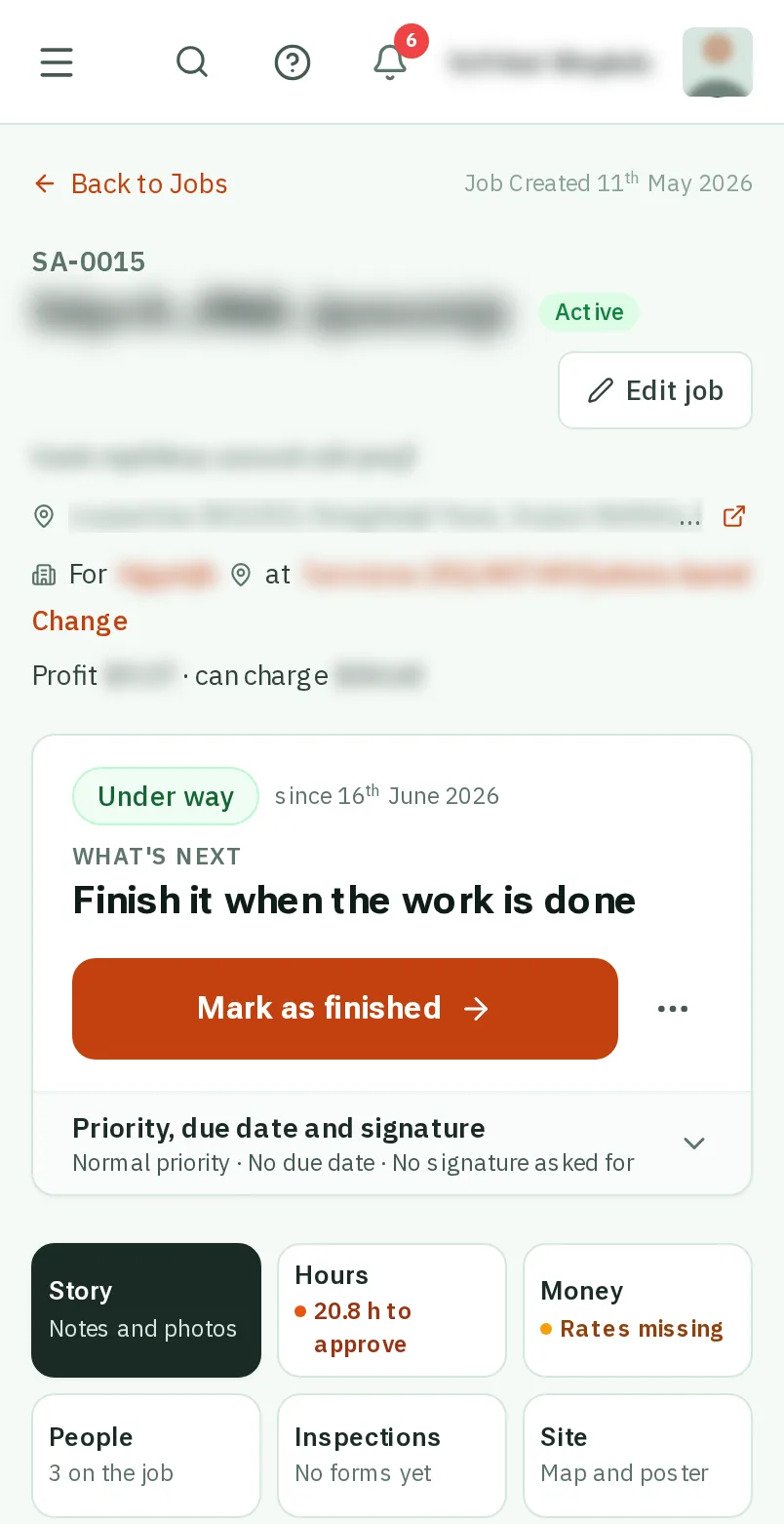
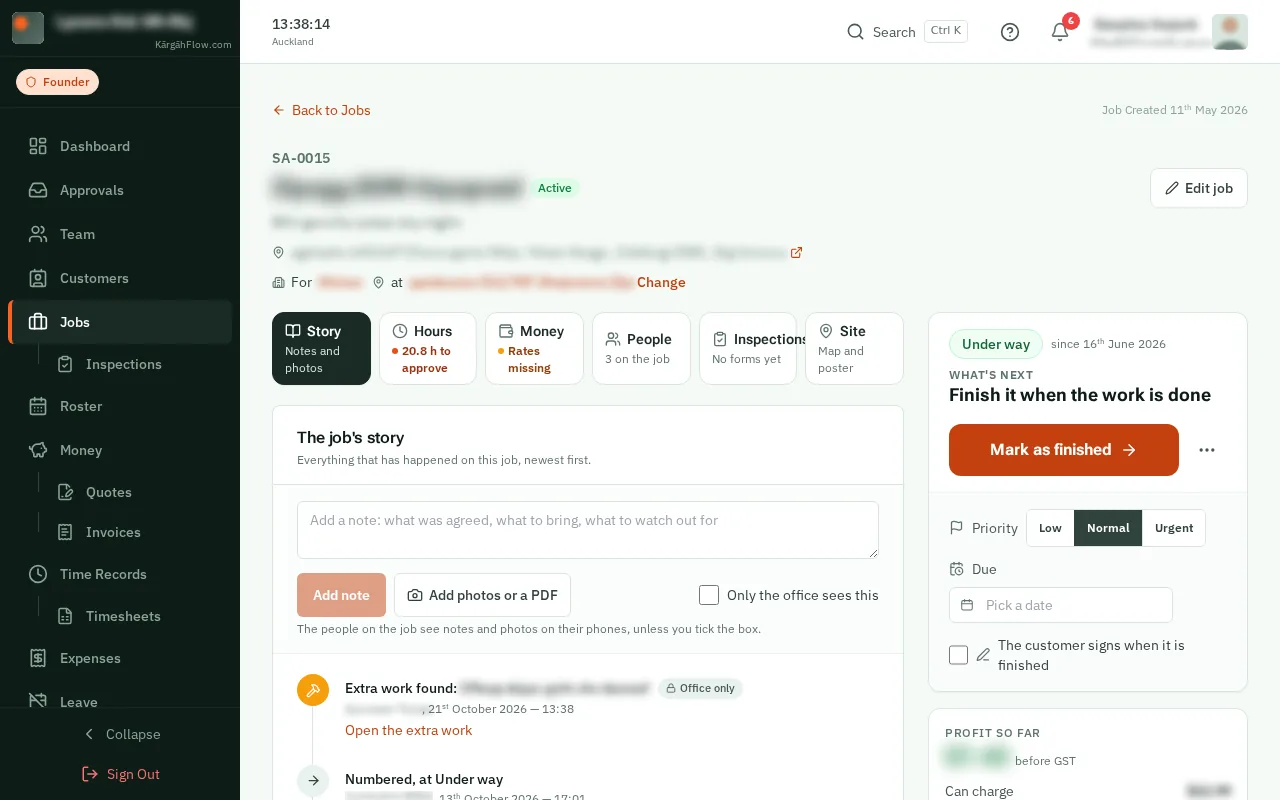
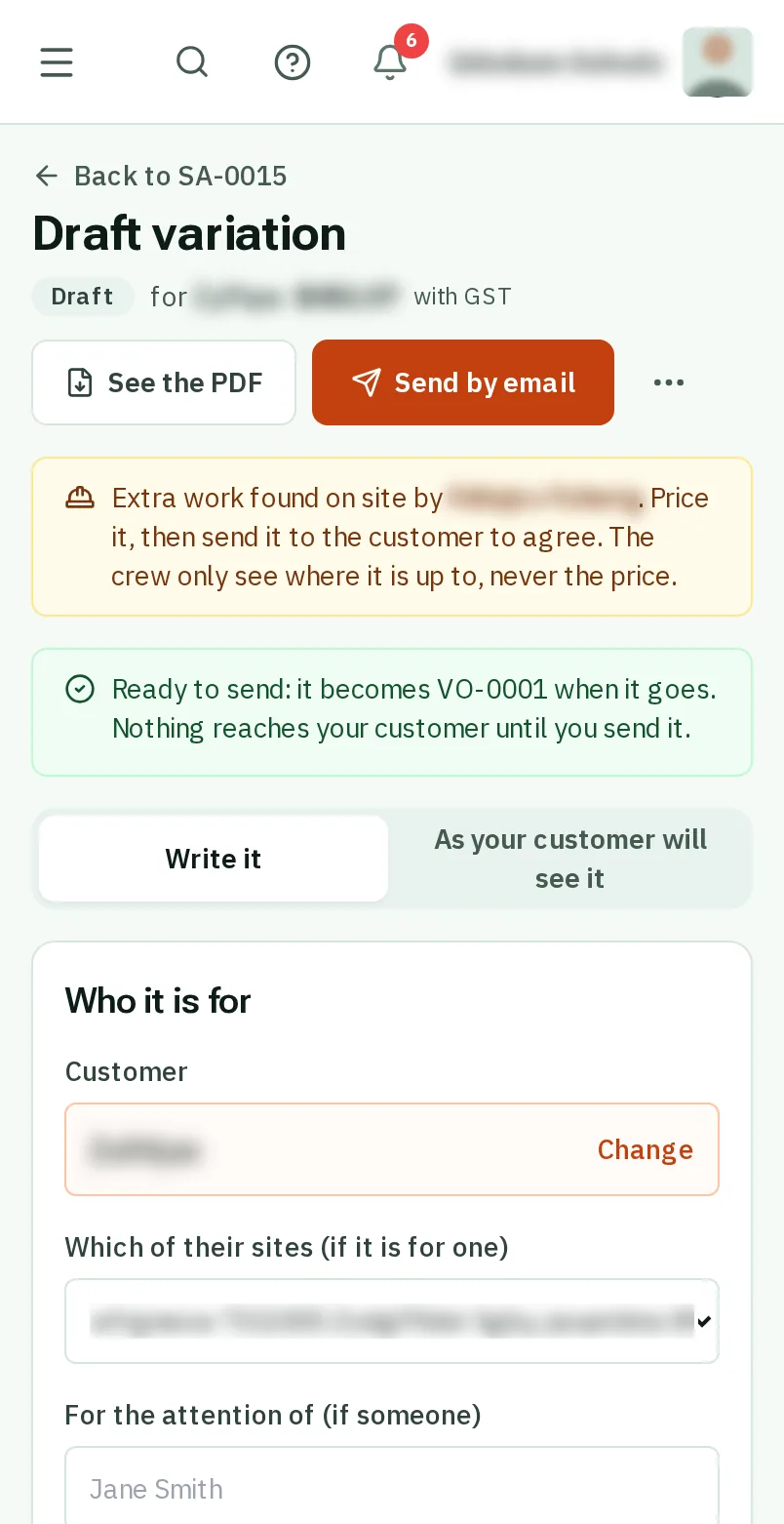
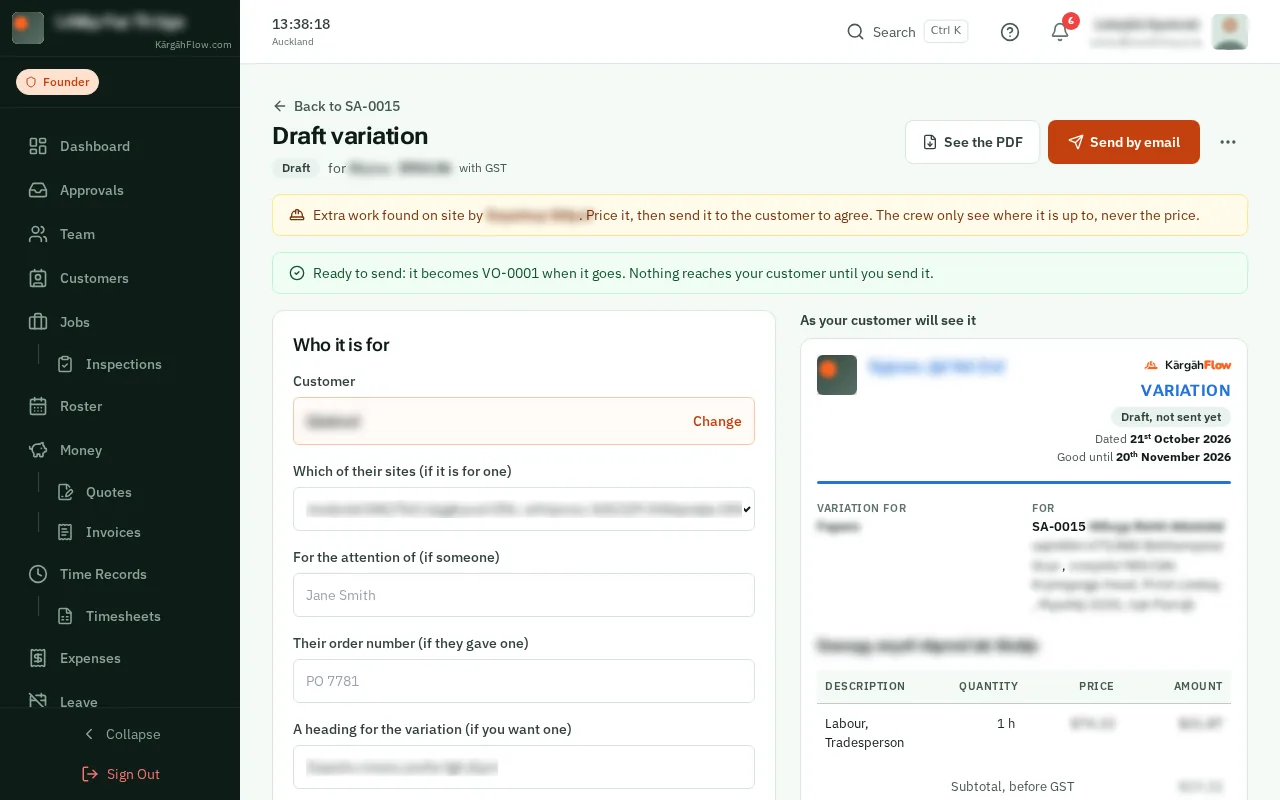
TapClick the extra work the crew found. Found it yourself? TapClick Add extra work, say what it is, and tapclick Price it.
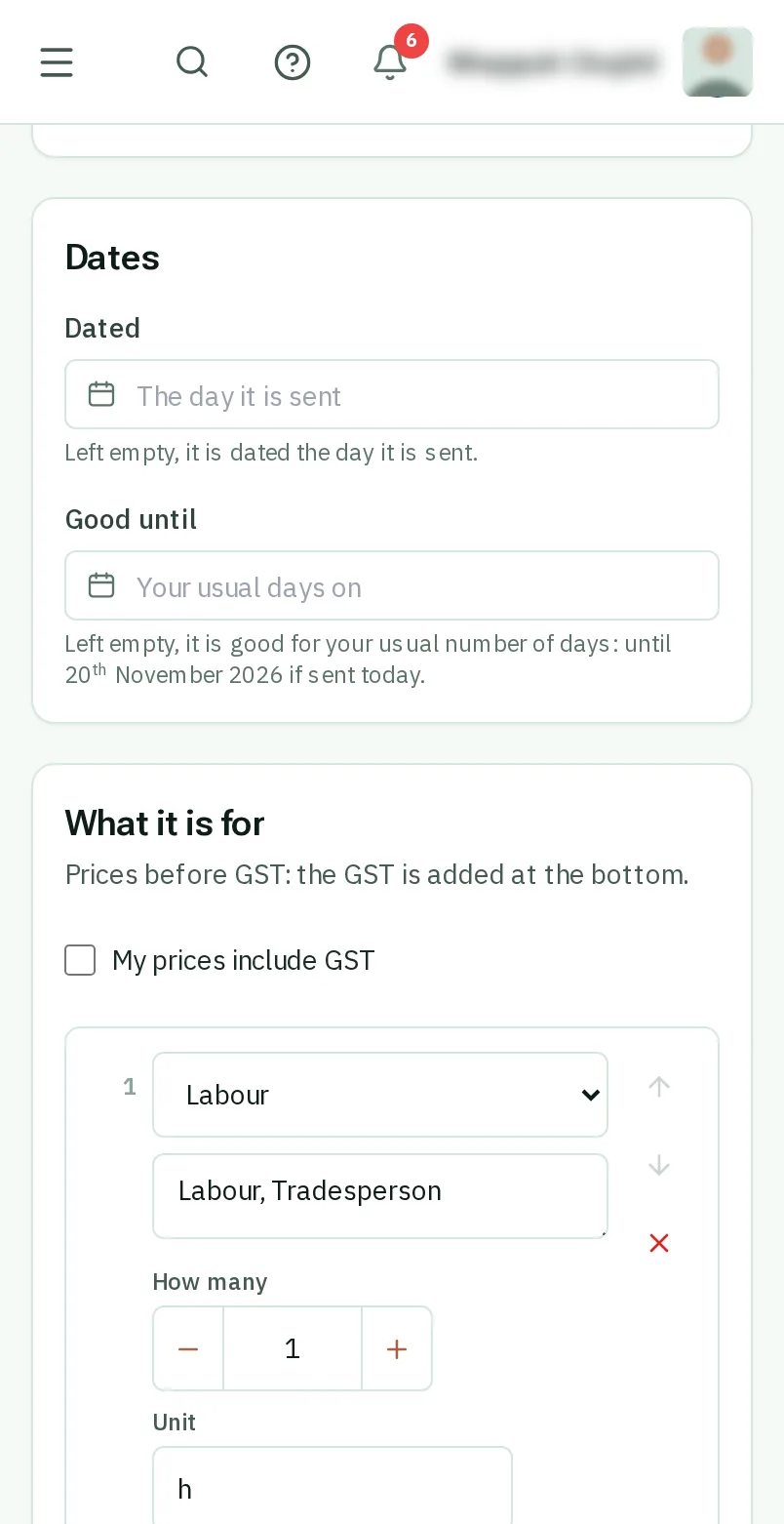
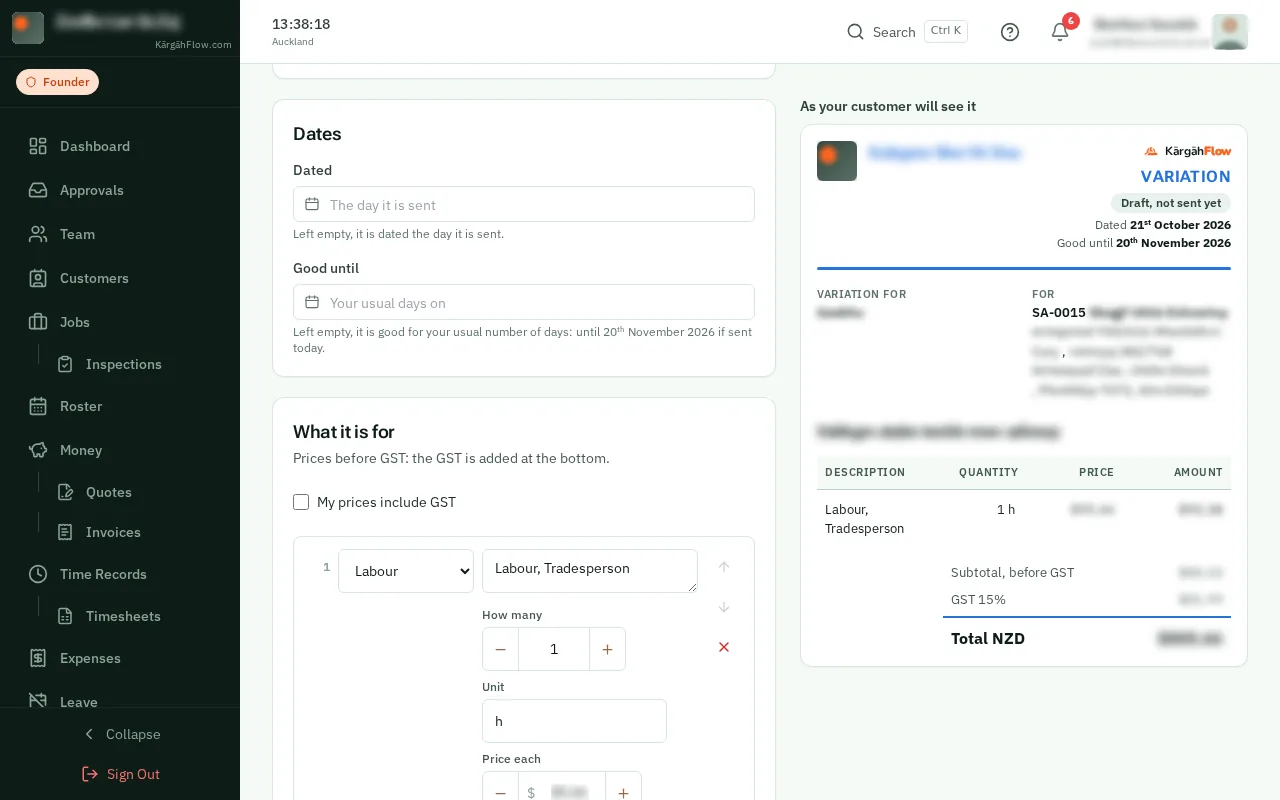
The crew’s words and photos are on it. Under What it is for, add the lines and their prices, as on a quote. When the job has an accepted quote, the paper says what the job comes to with it.
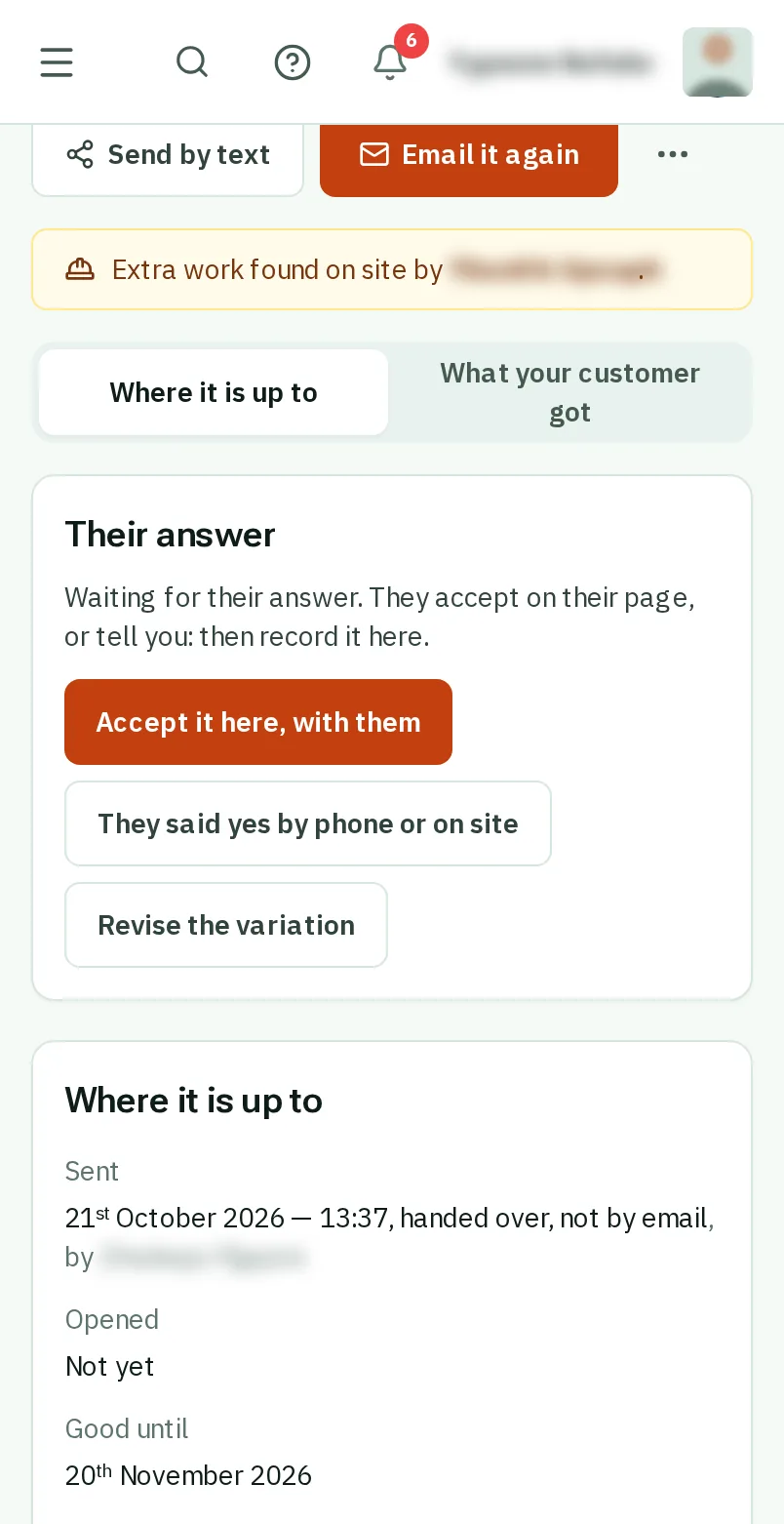
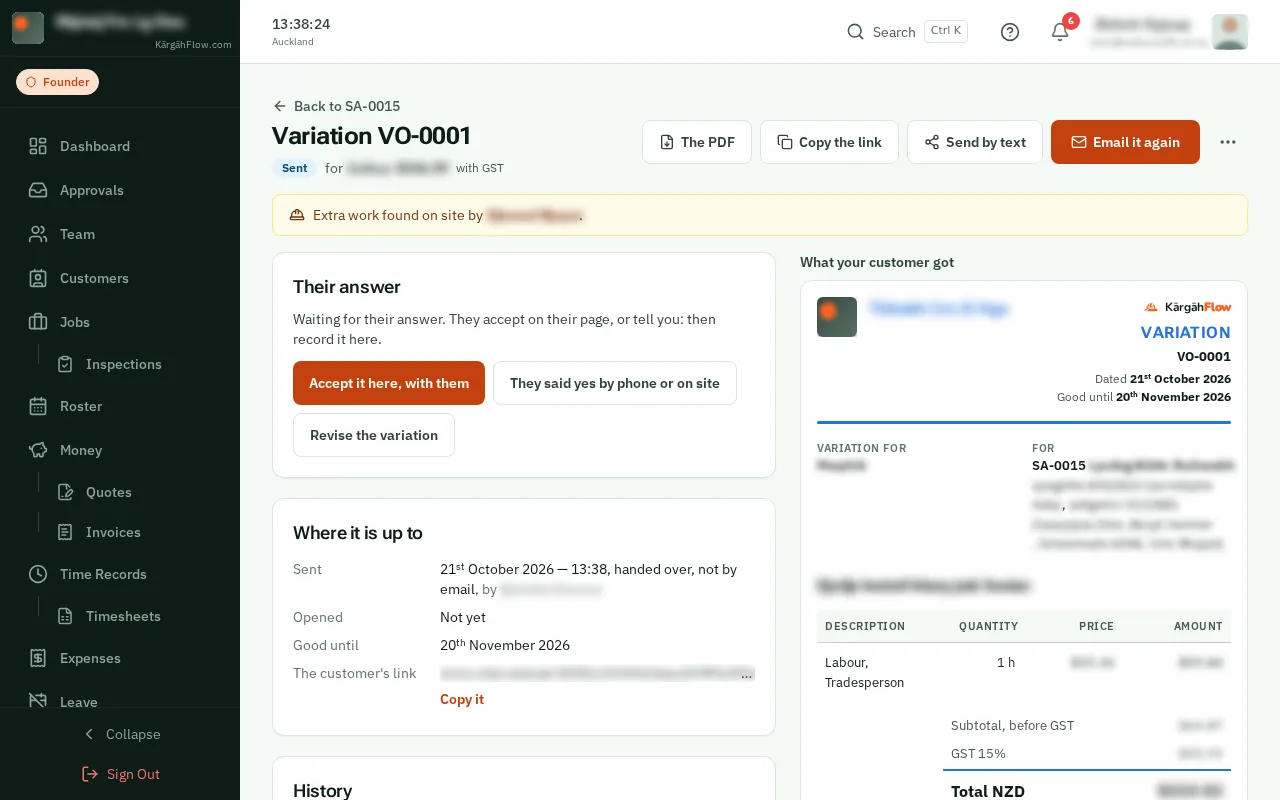
TapClick Send by email, check the address, then tapclick Send it. Your customer gets it with a link to agree to it online.
They agree on their page, and you are told. Said yes on the phone or on site? TapClick They said yes by phone or on site and record it.
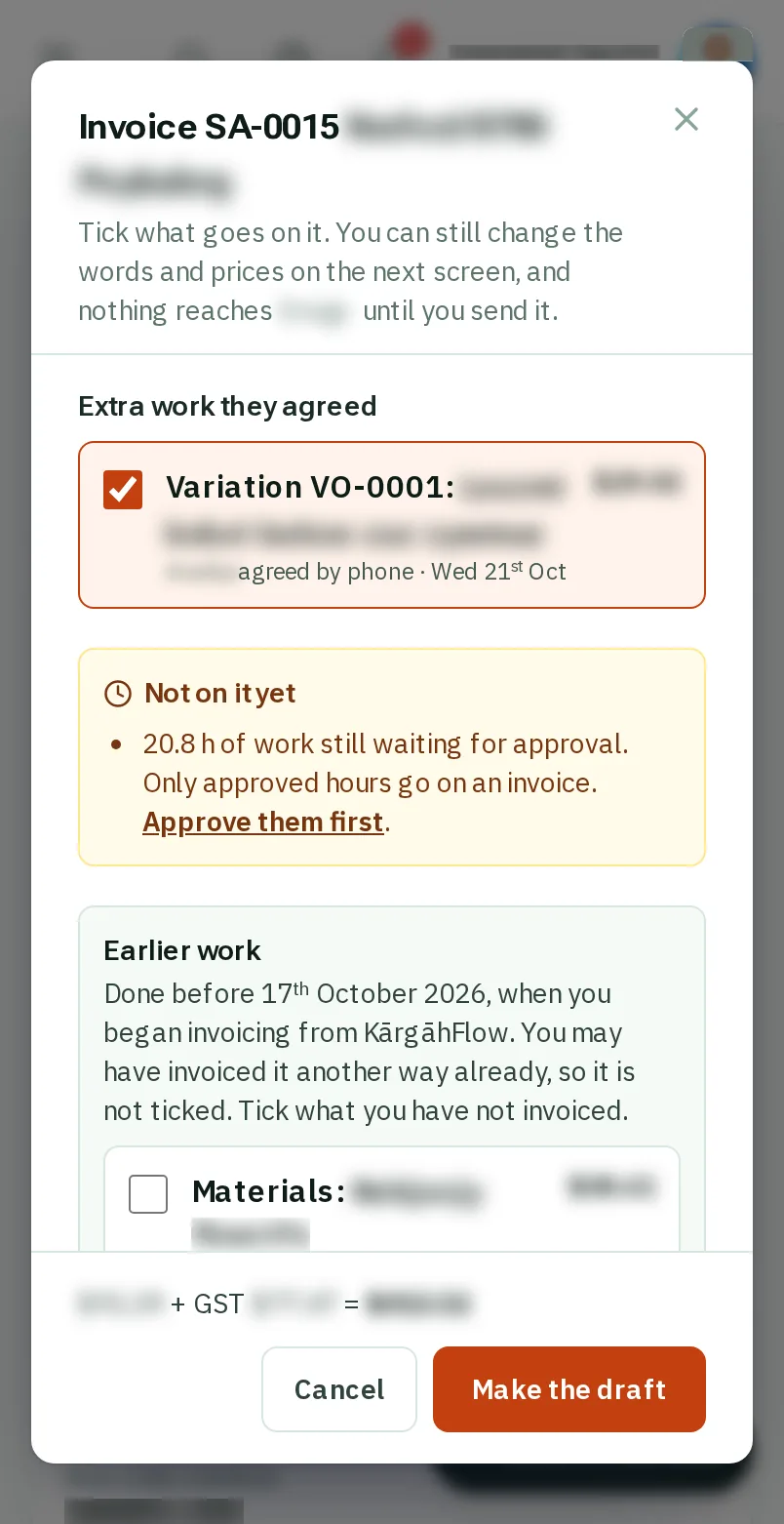
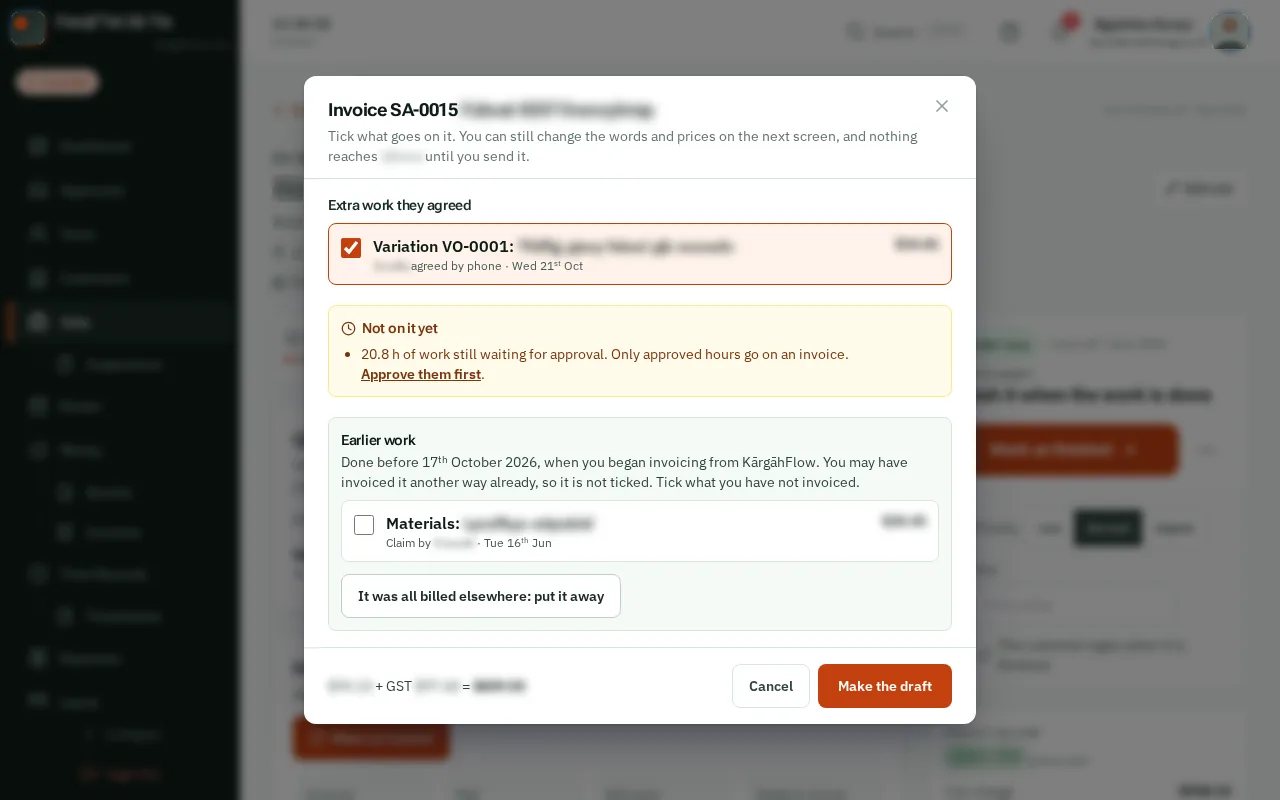
Agreed extra work is ticked under Extra work they agreed on the job’s next invoice, once. The job’s Money tab counts it in what you can charge.