Step 1: Open Money
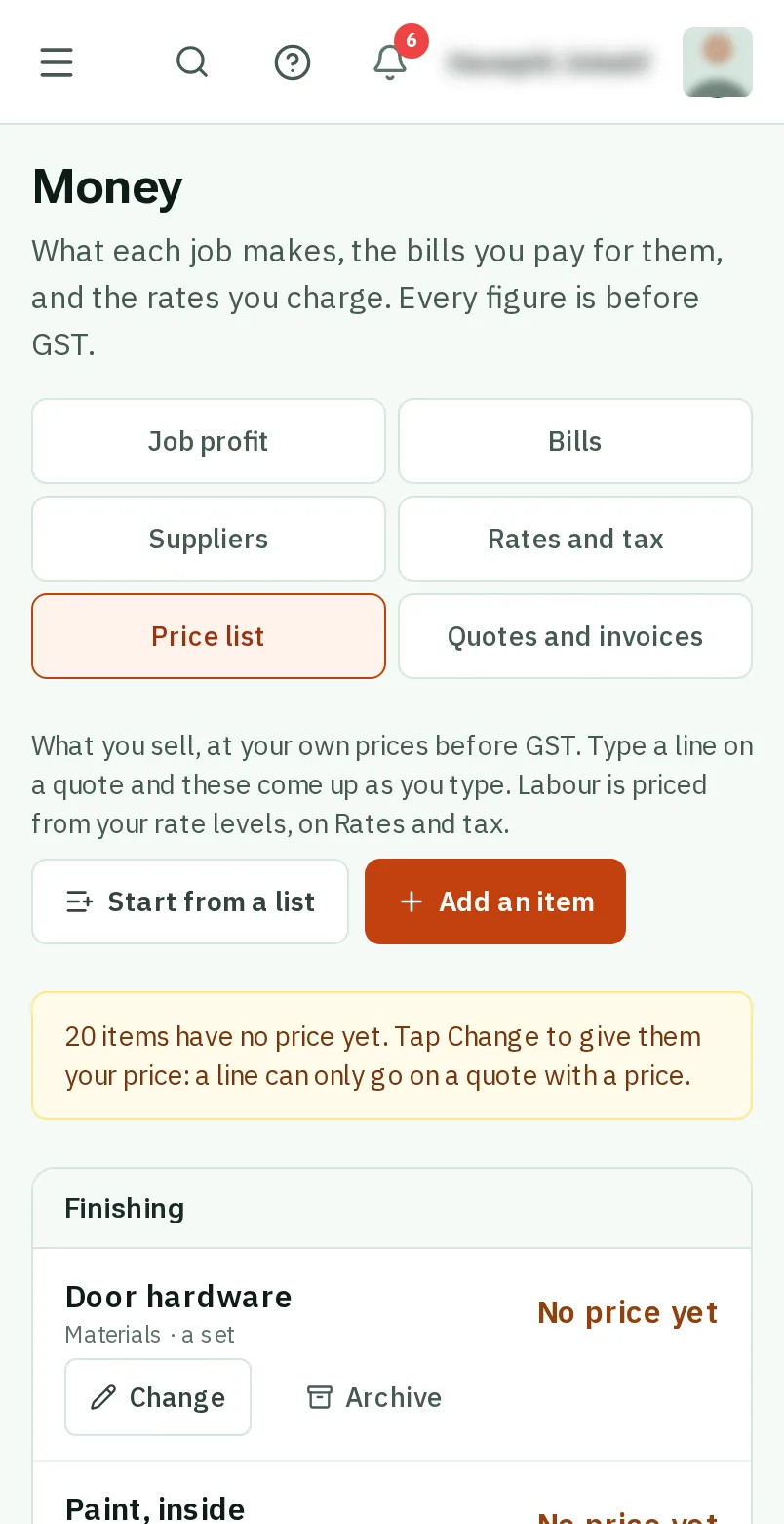
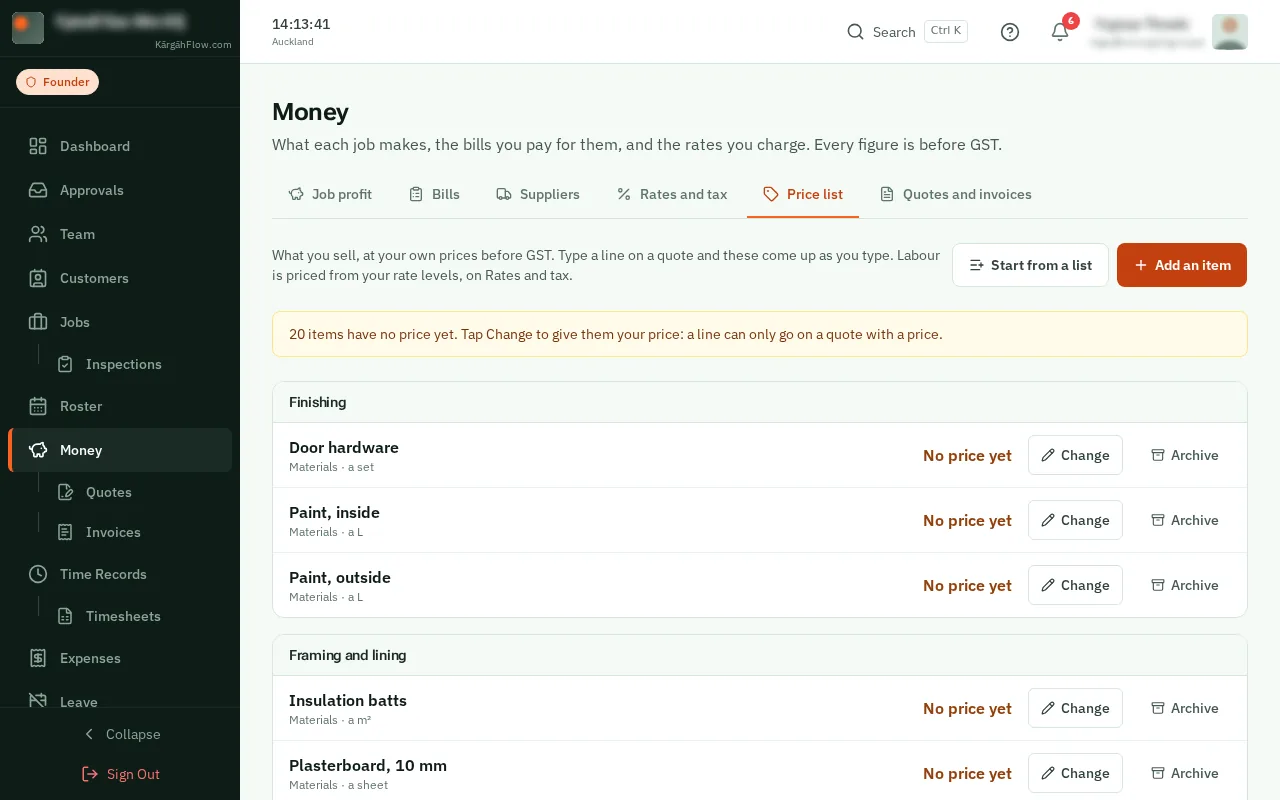
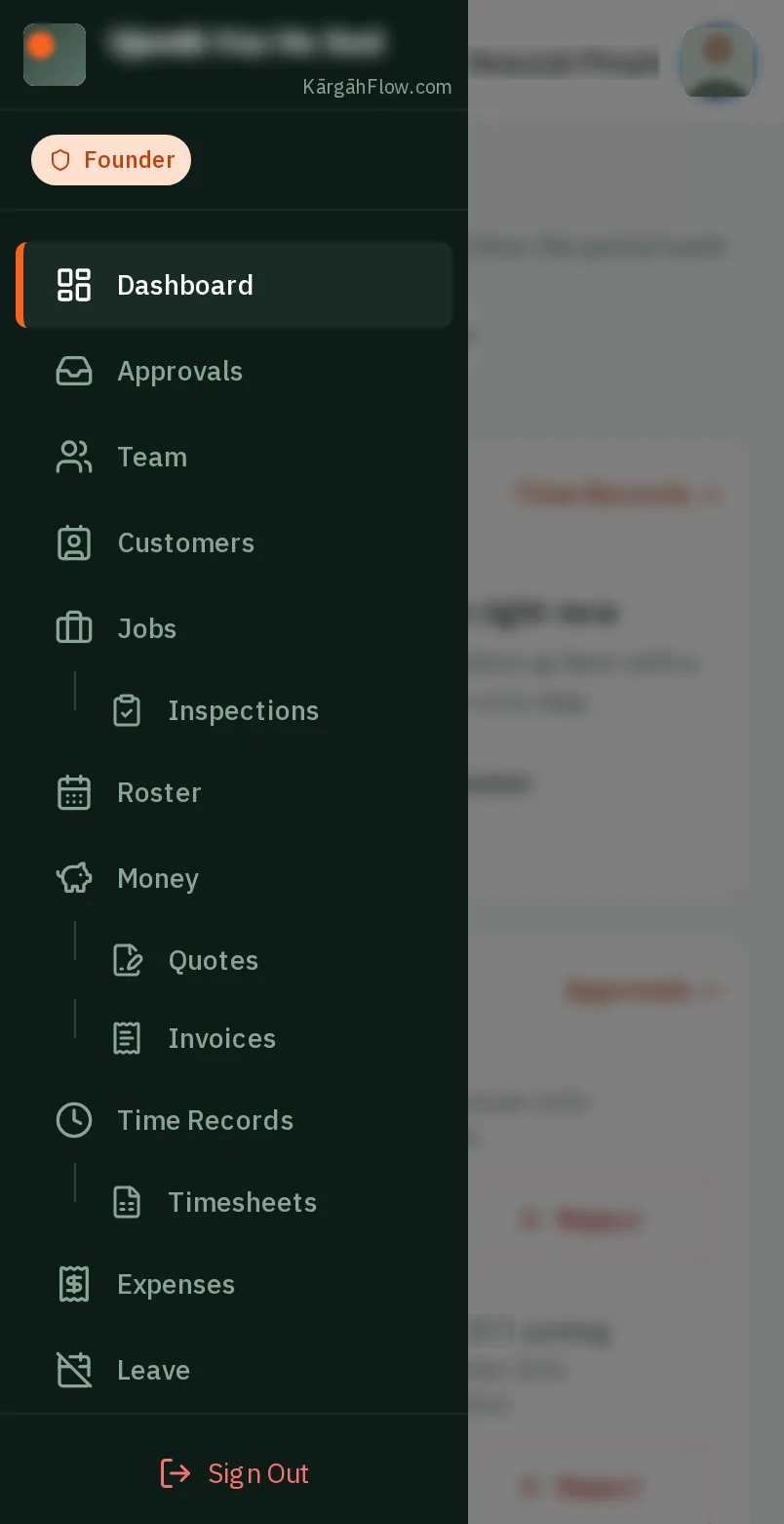
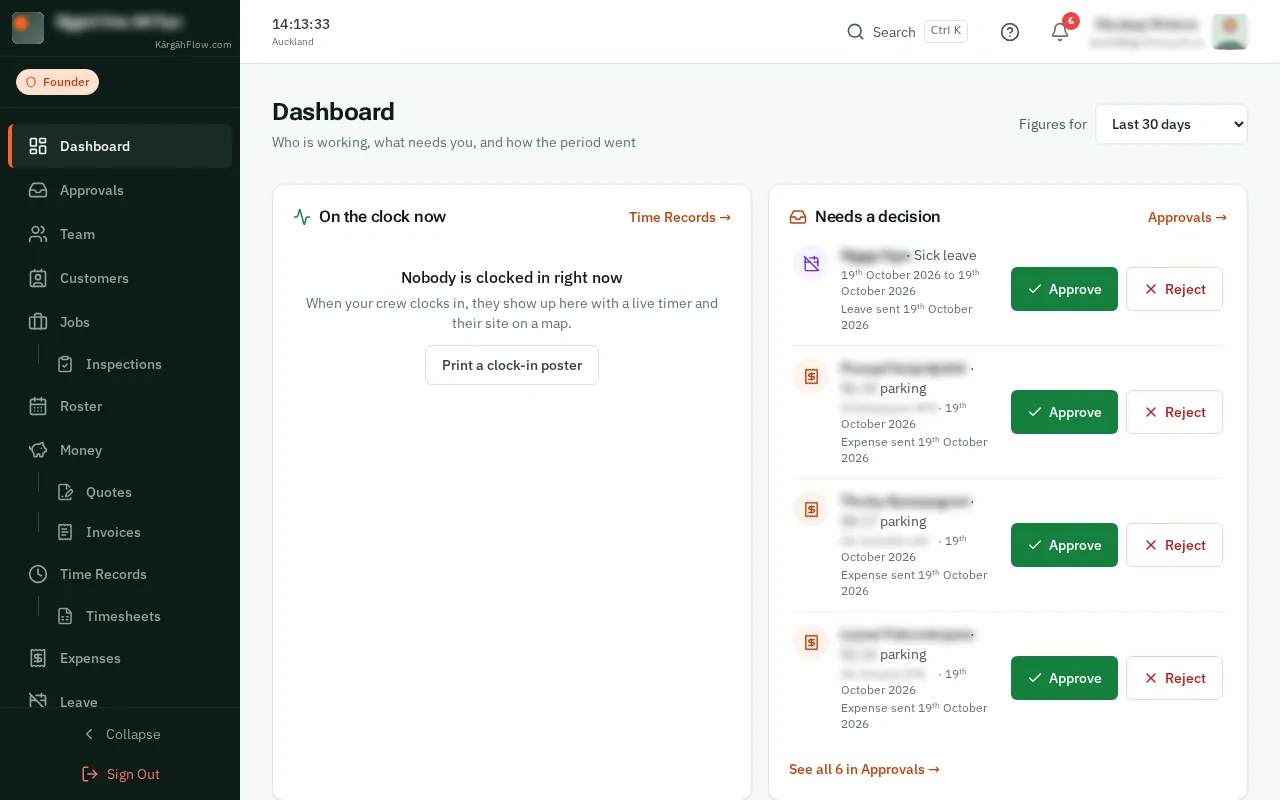
TapClick the menu button at the top left of the screen, then Money.TapClick Money in the menu on the left.
Look forthe Money item in the menu
Your price list is what you sell, at your own prices before GST: an oven clean, a downlight, a box of tiles. When you type a line on a quote, its items come up as you type.
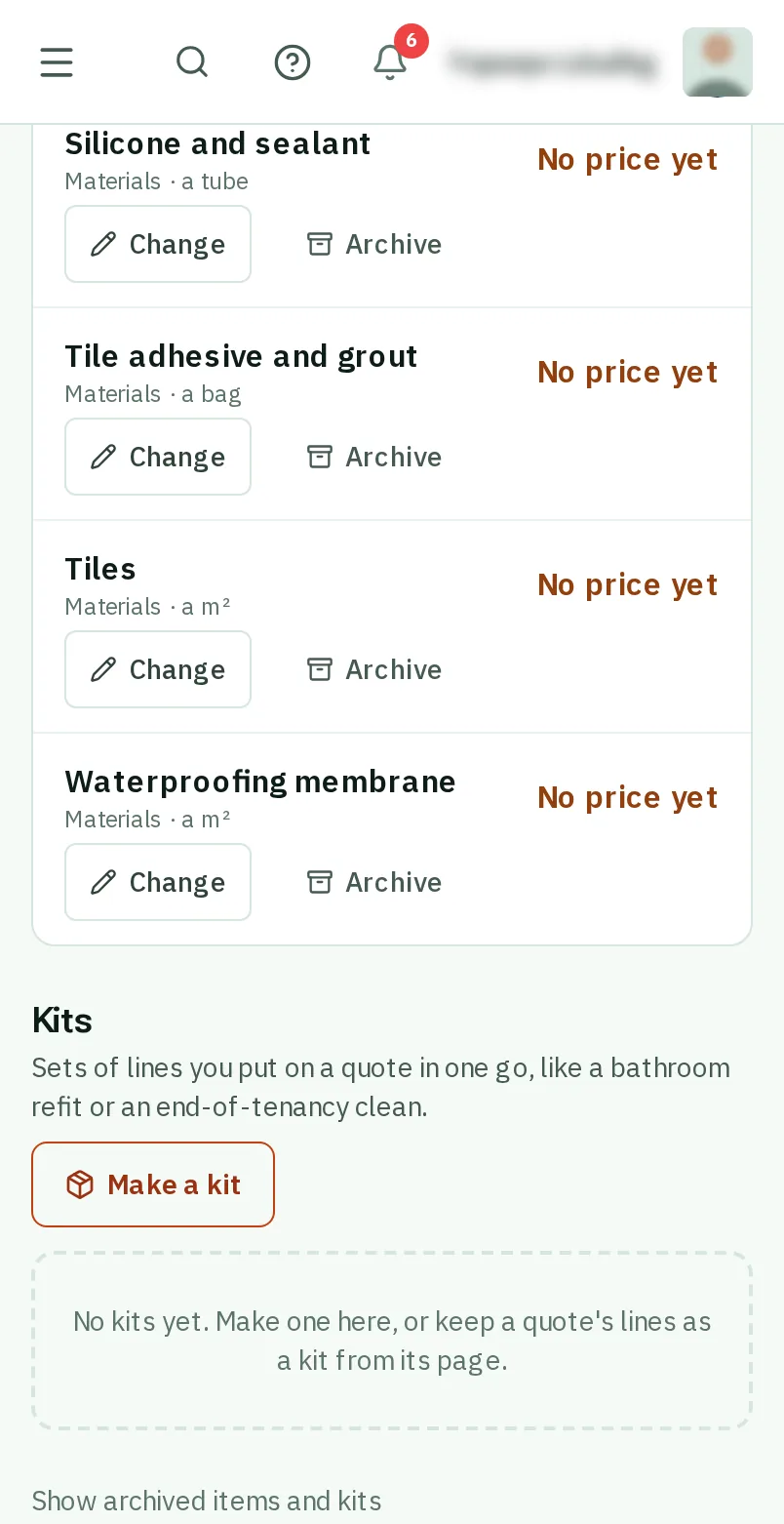
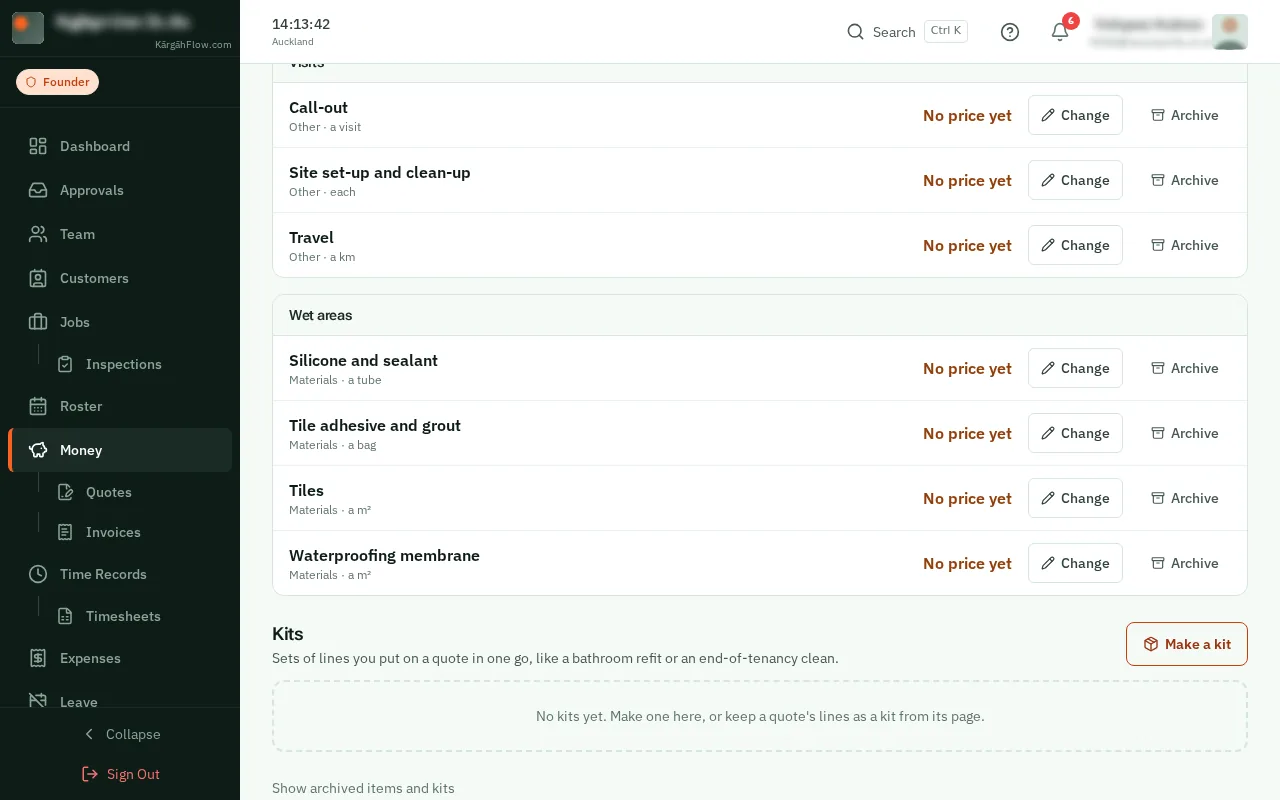
A kit is a set of lines you quote again and again, like a bathroom refit or an end-of-tenancy clean. Put on a quote, it takes today’s prices.
Start from a list of what companies like yours usually sell. It comes with no prices: KārgāhFlow never tells you what to charge.
TapClick the menu button at the top left of the screen, then Money.TapClick Money in the menu on the left.
TapClick the Price list tab.
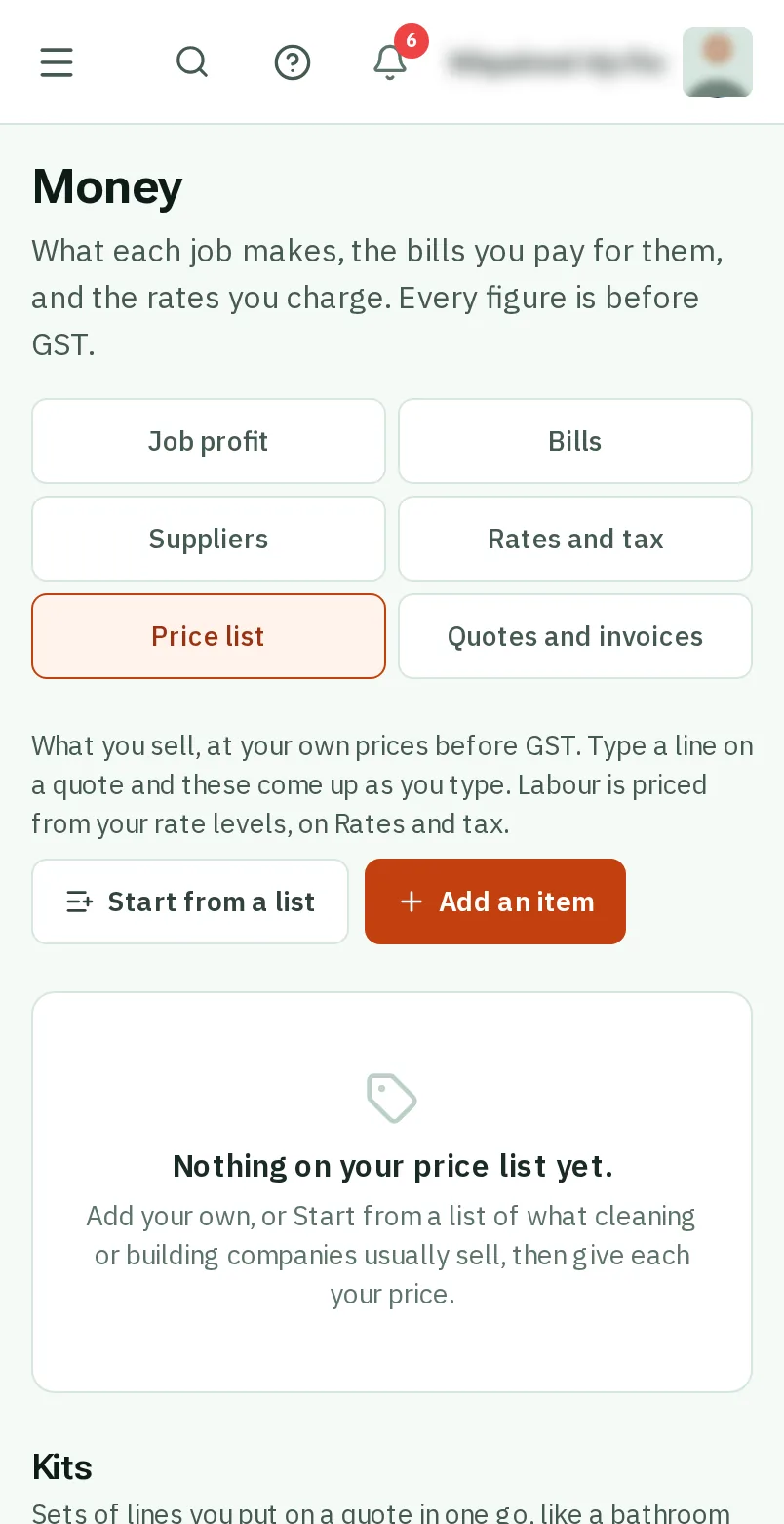
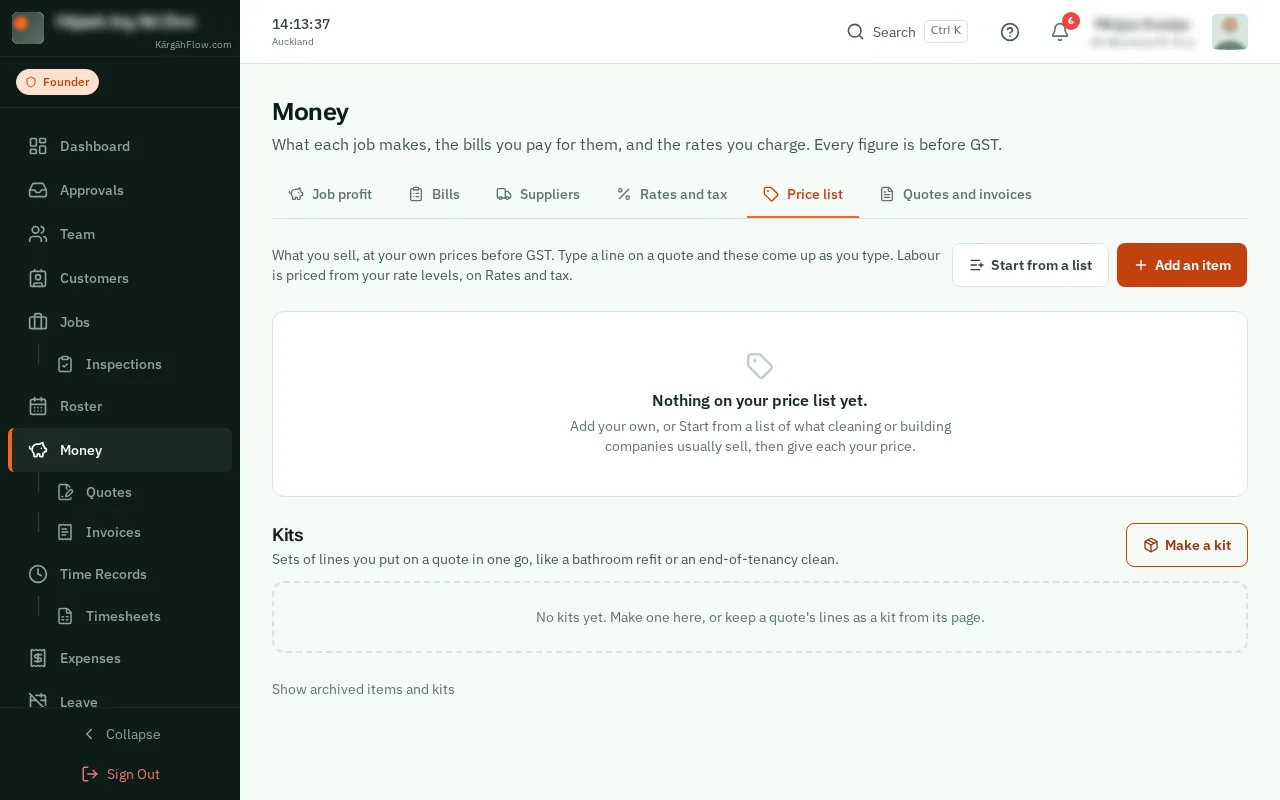
TapClick Start from a list, then Building or Cleaning. Untick anything you do not sell, and tapclick the Add button at the bottom.
Good to know: Anything already on your list is left as it is, so you can come back for more.
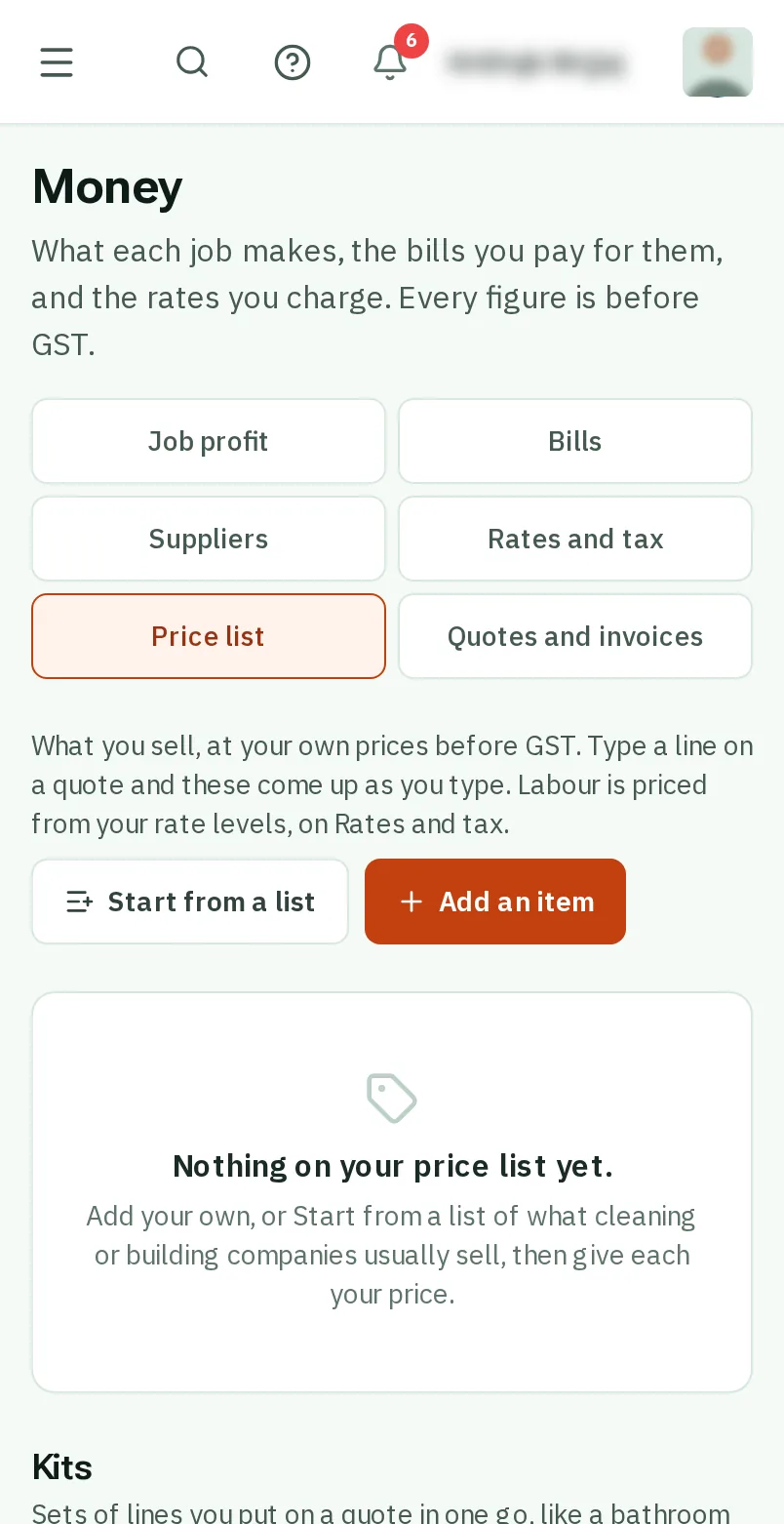
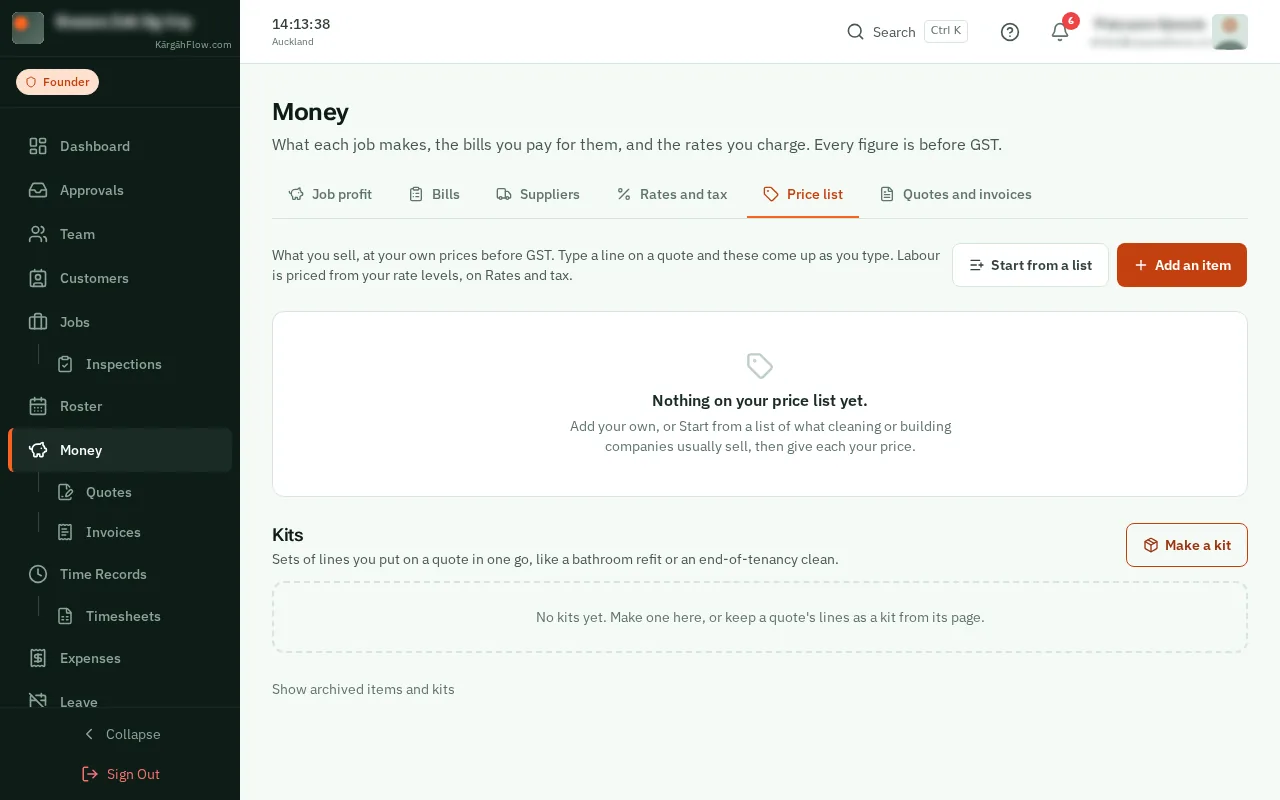
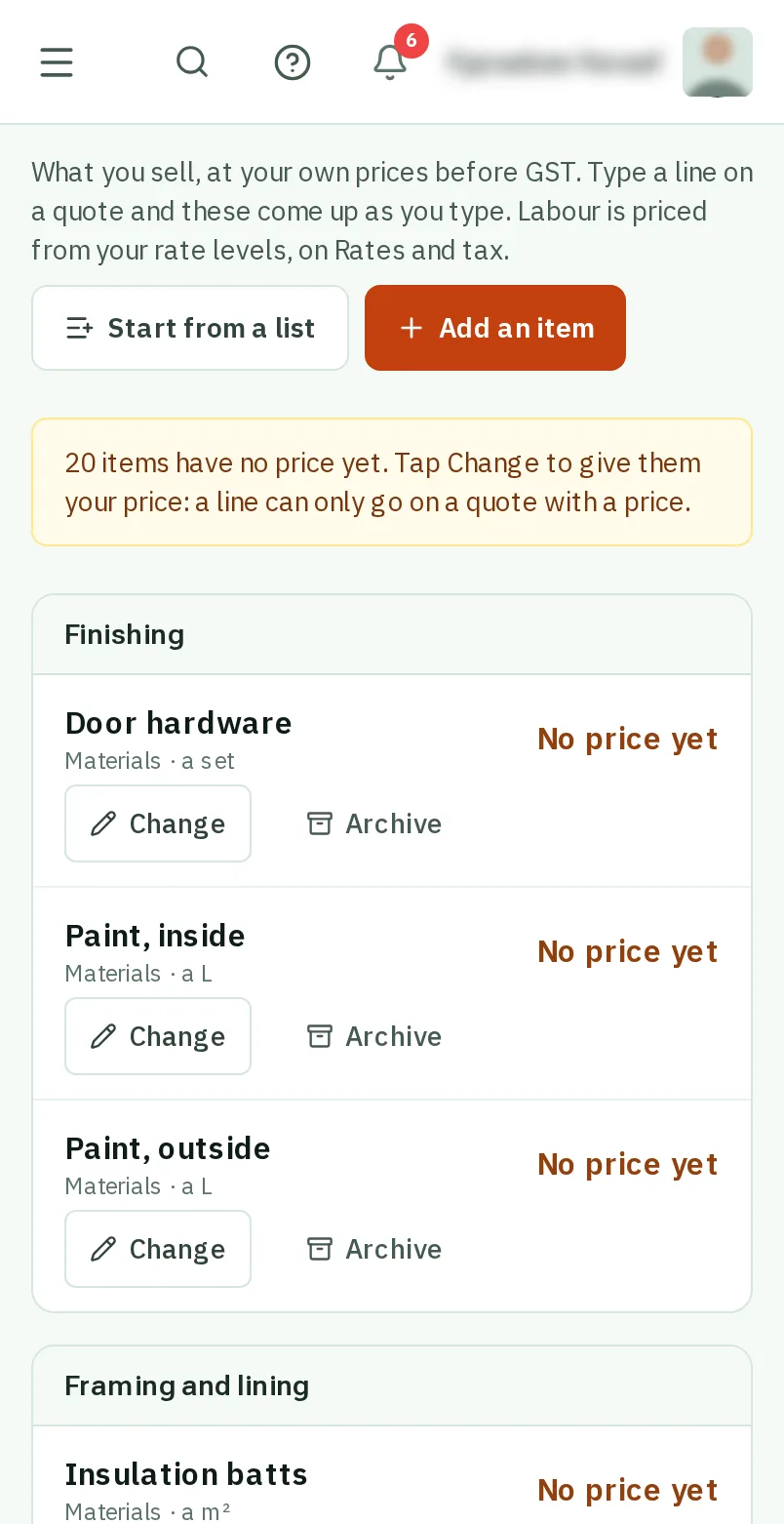
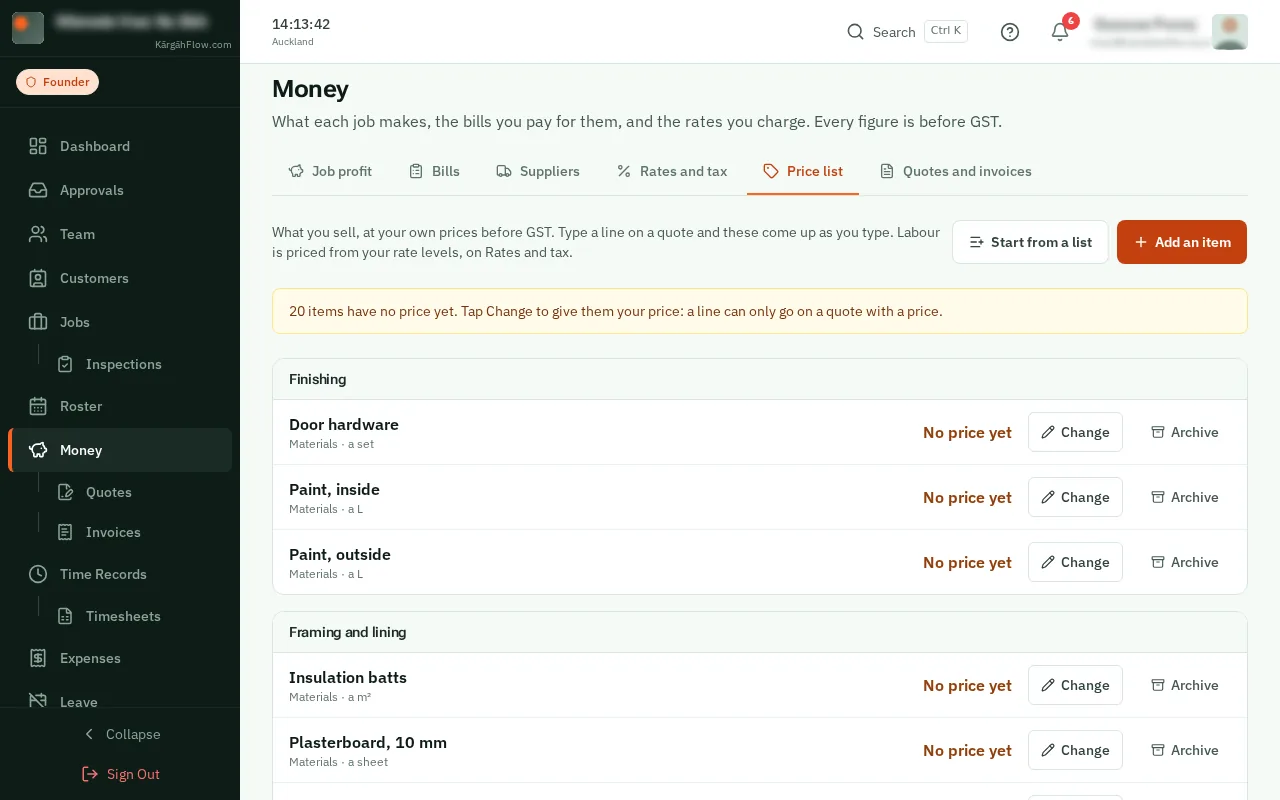
Each new item says No price yet. TapClick Change, type your price before GST, and what it costs you if you know, then tapclick Save.
Good to know: What it costs you is never shown to a customer. It works out what a quote makes, so you can see a quote priced too low before it goes.
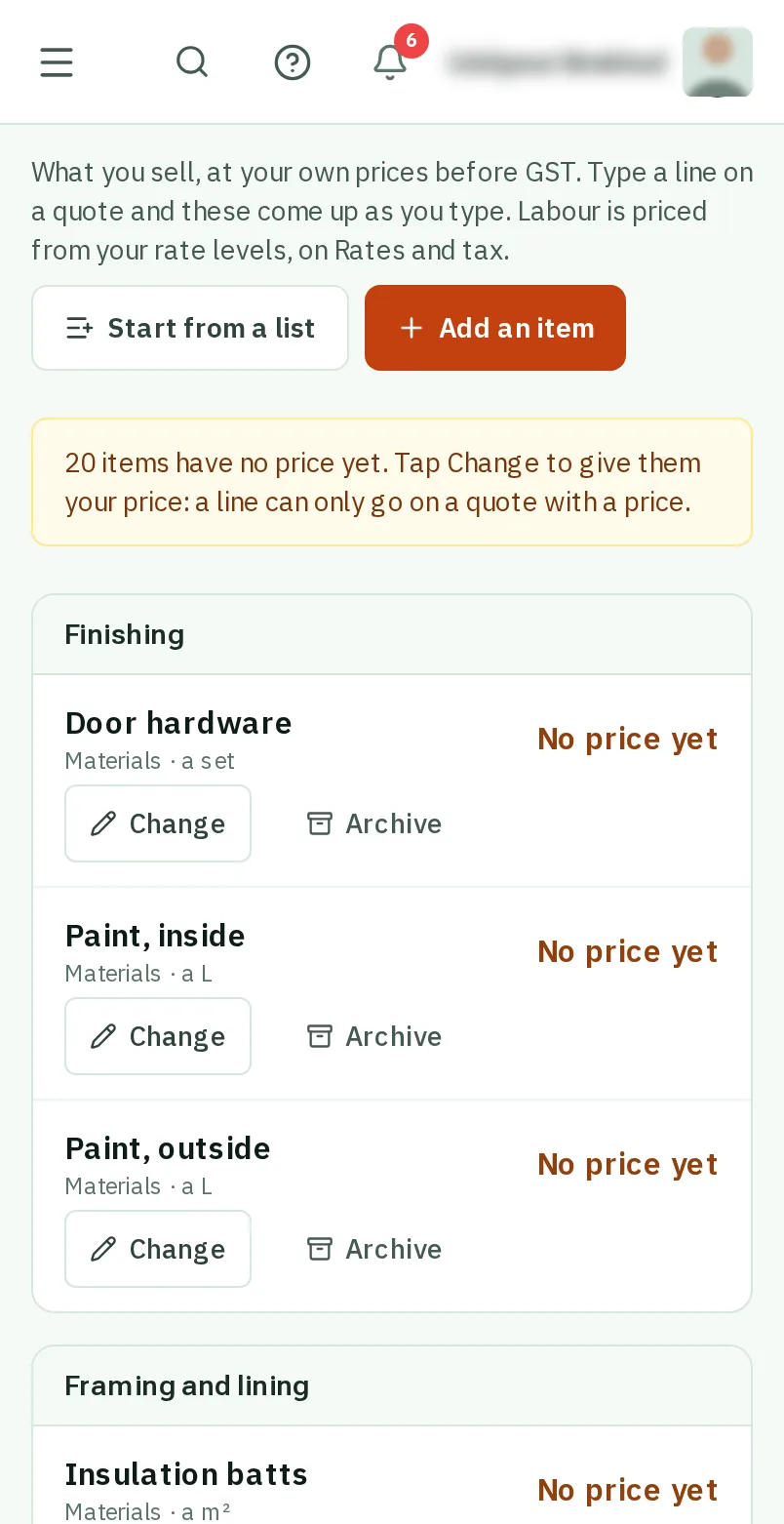
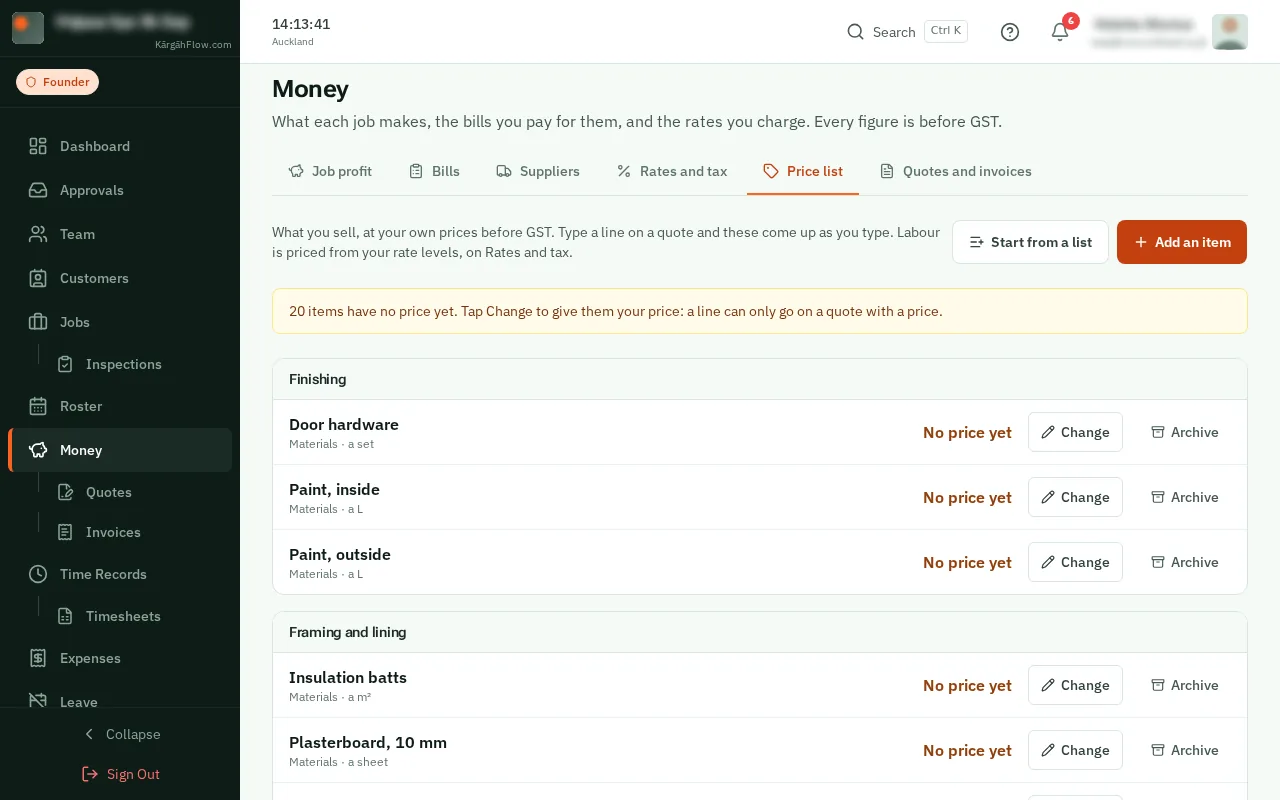
TapClick Add an item for anything that is not on the list. Say what it is, what it is sold by (each, an hour, a square metre), and its price.
Under Kits, tapclick Make a kit. Name it, add its lines from your price list, your rate levels or typed in, and tapclick Make the kit.
Good to know: Already written a quote you will use again? On its page, tapclick Keep these lines as a kit.