Step 1: Start a free trial
On the KārgāhFlow website, tap Start free. Or, on the sign-in page, tap Start a free trial.
Look forthe Start a free trial link
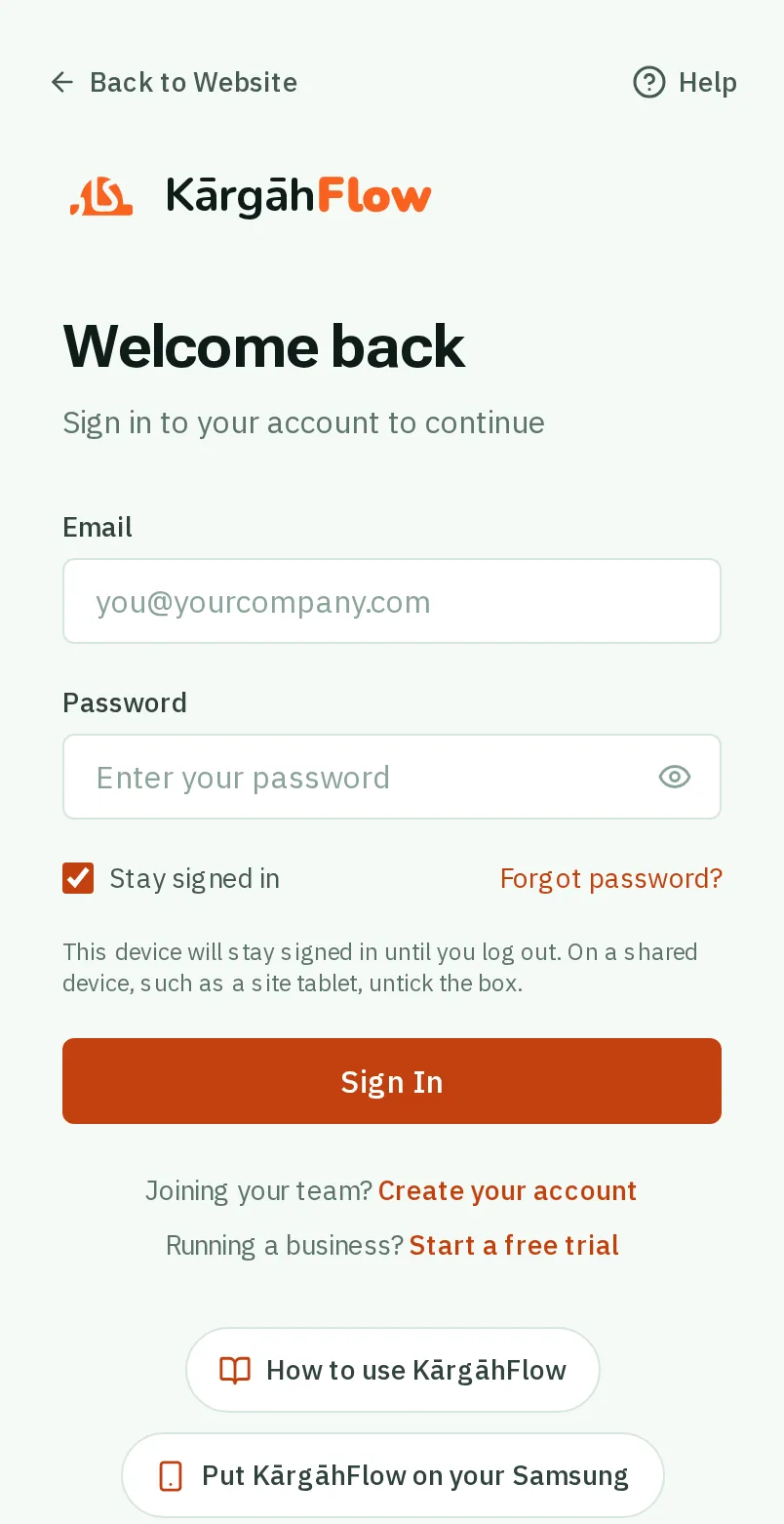
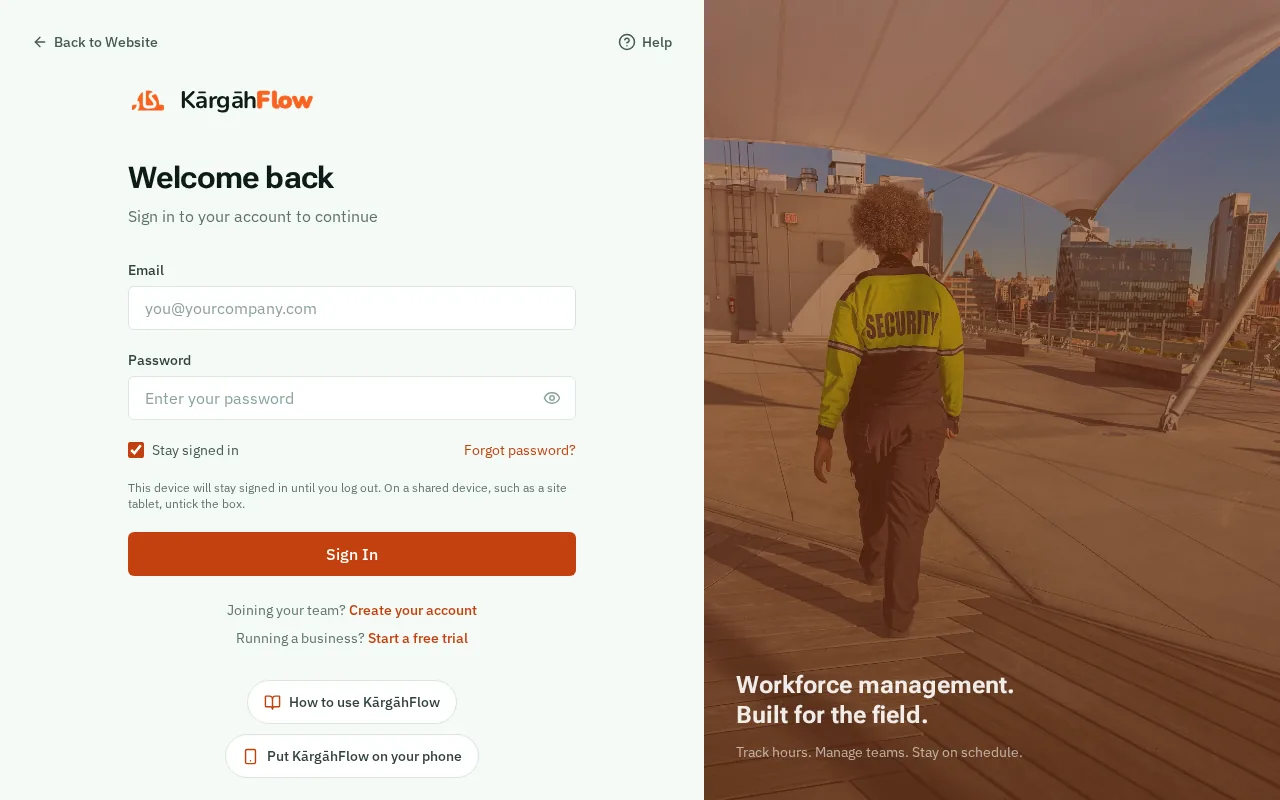
On the KārgāhFlow website, tap Start free. Or, on the sign-in page, tap Start a free trial.
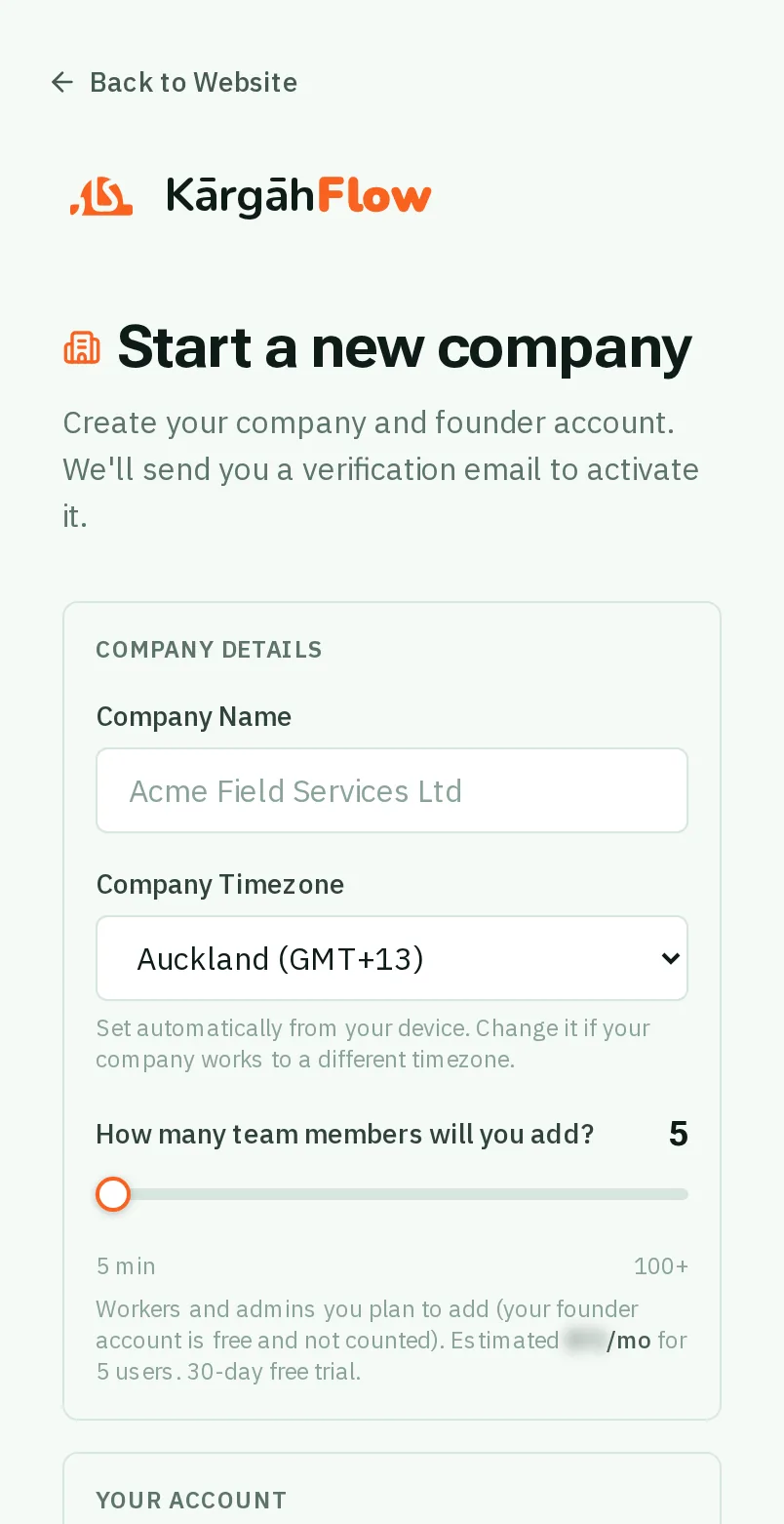
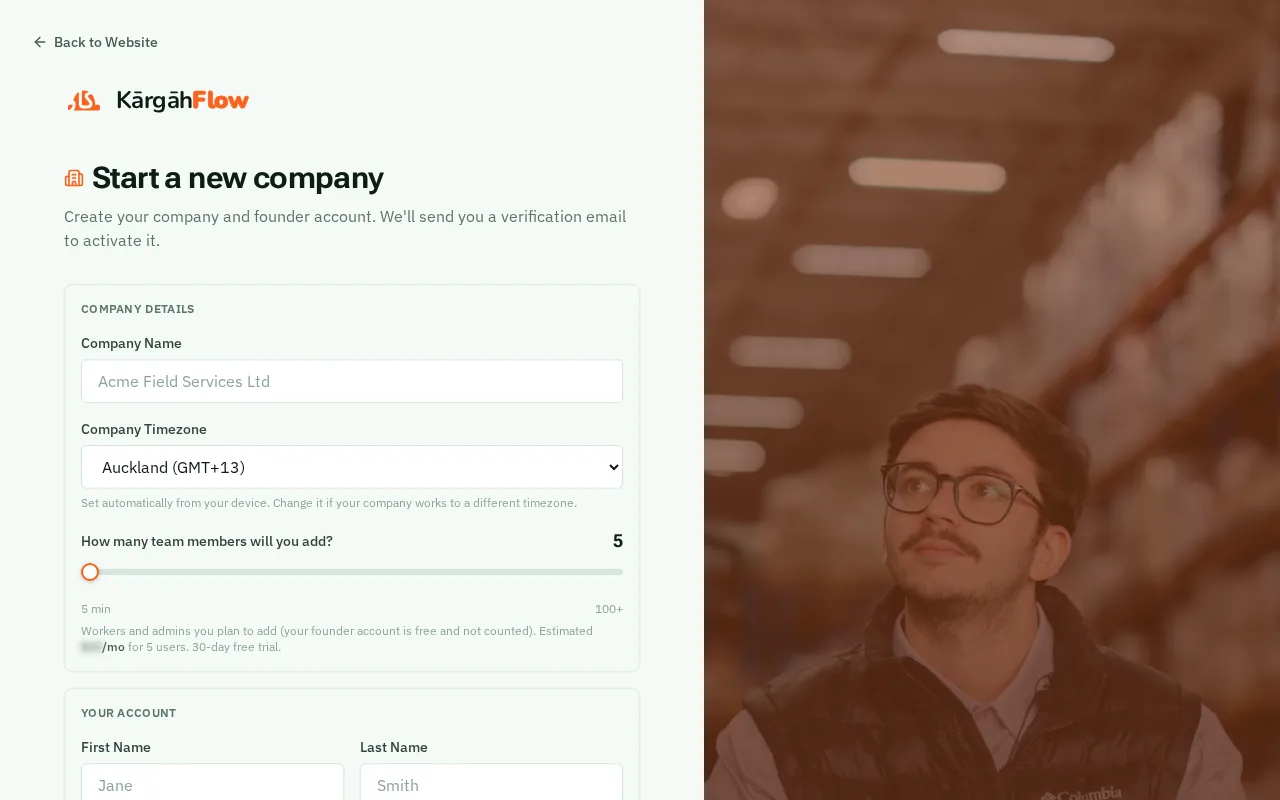
Type your Company Name. The Company Timezone is set from your phone: change it only if your company works to a different time.
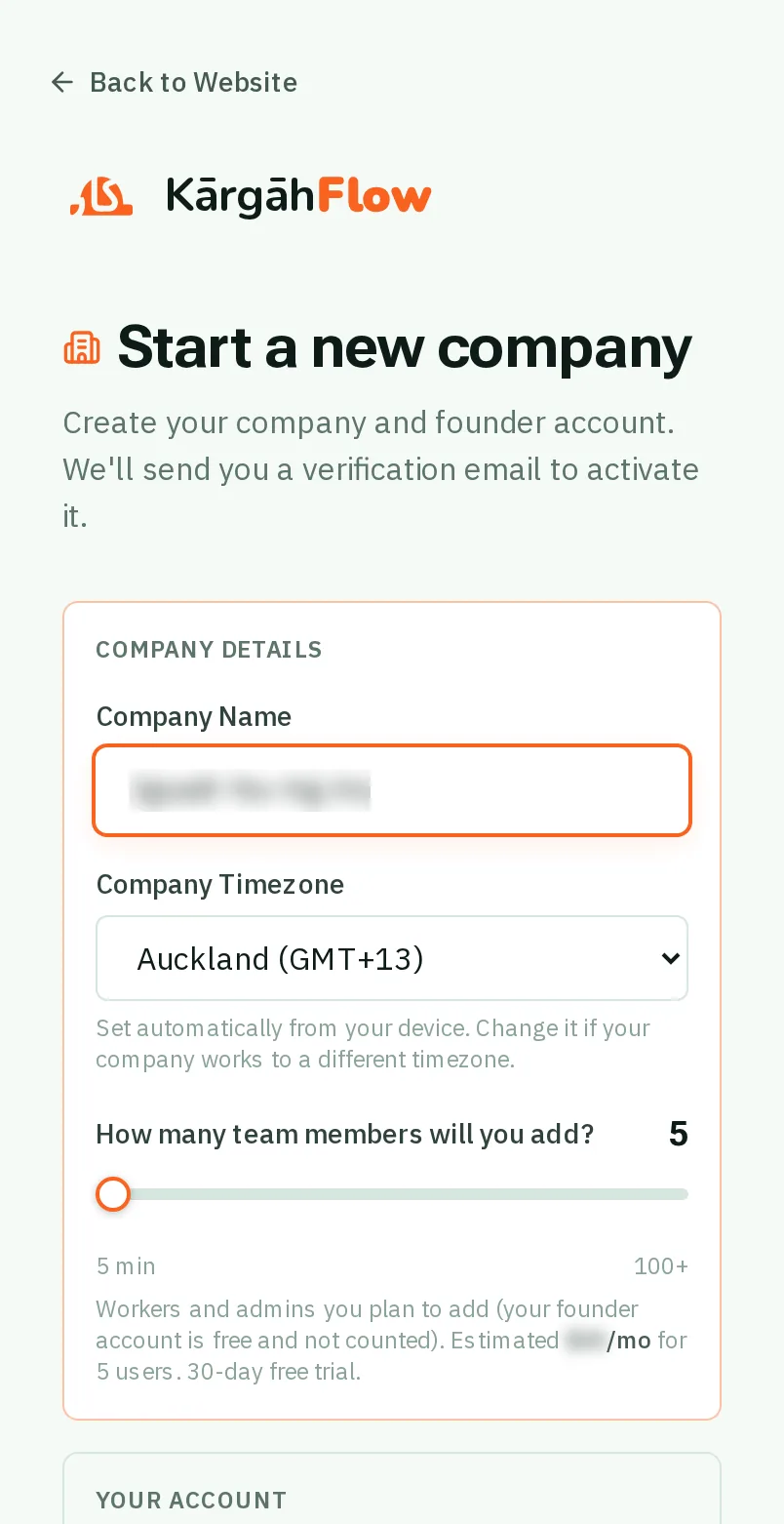
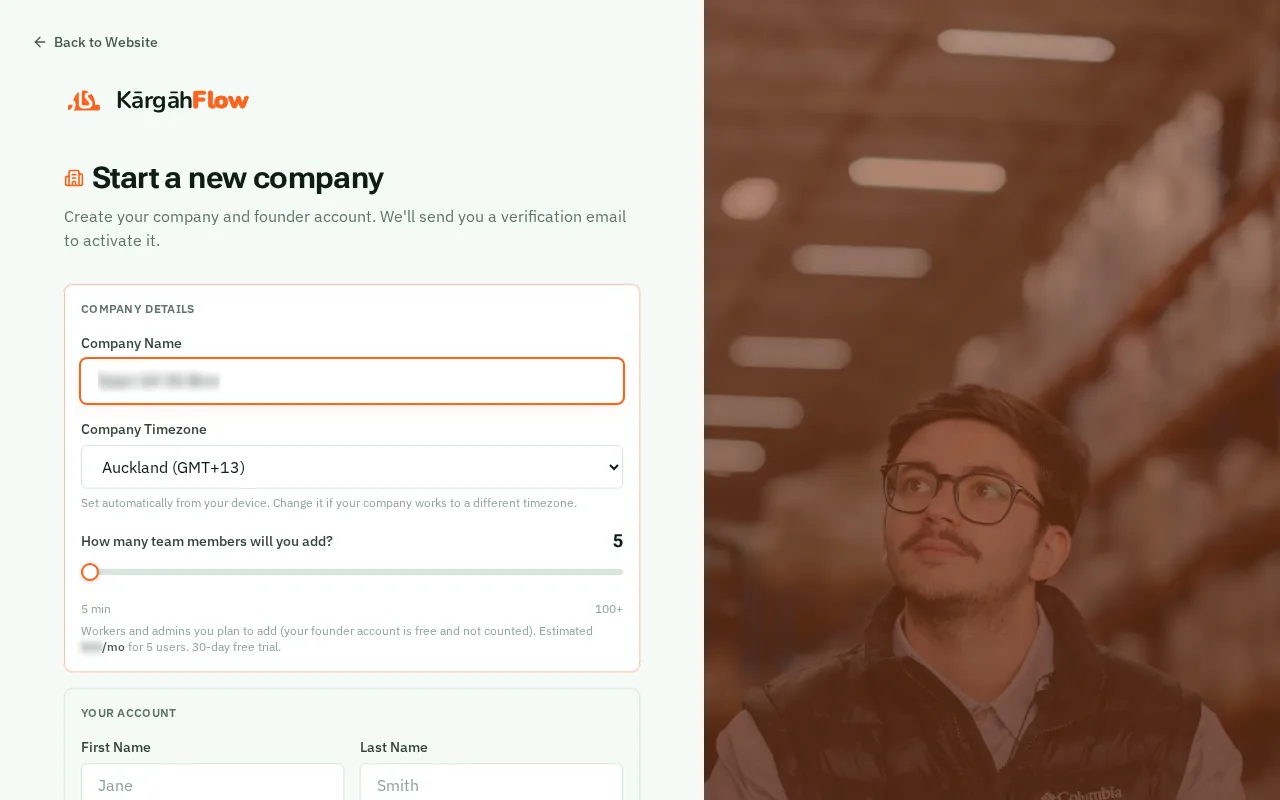
Slide How many team members will you add? to roughly the size of your crew. The price after your free trial shows under it.
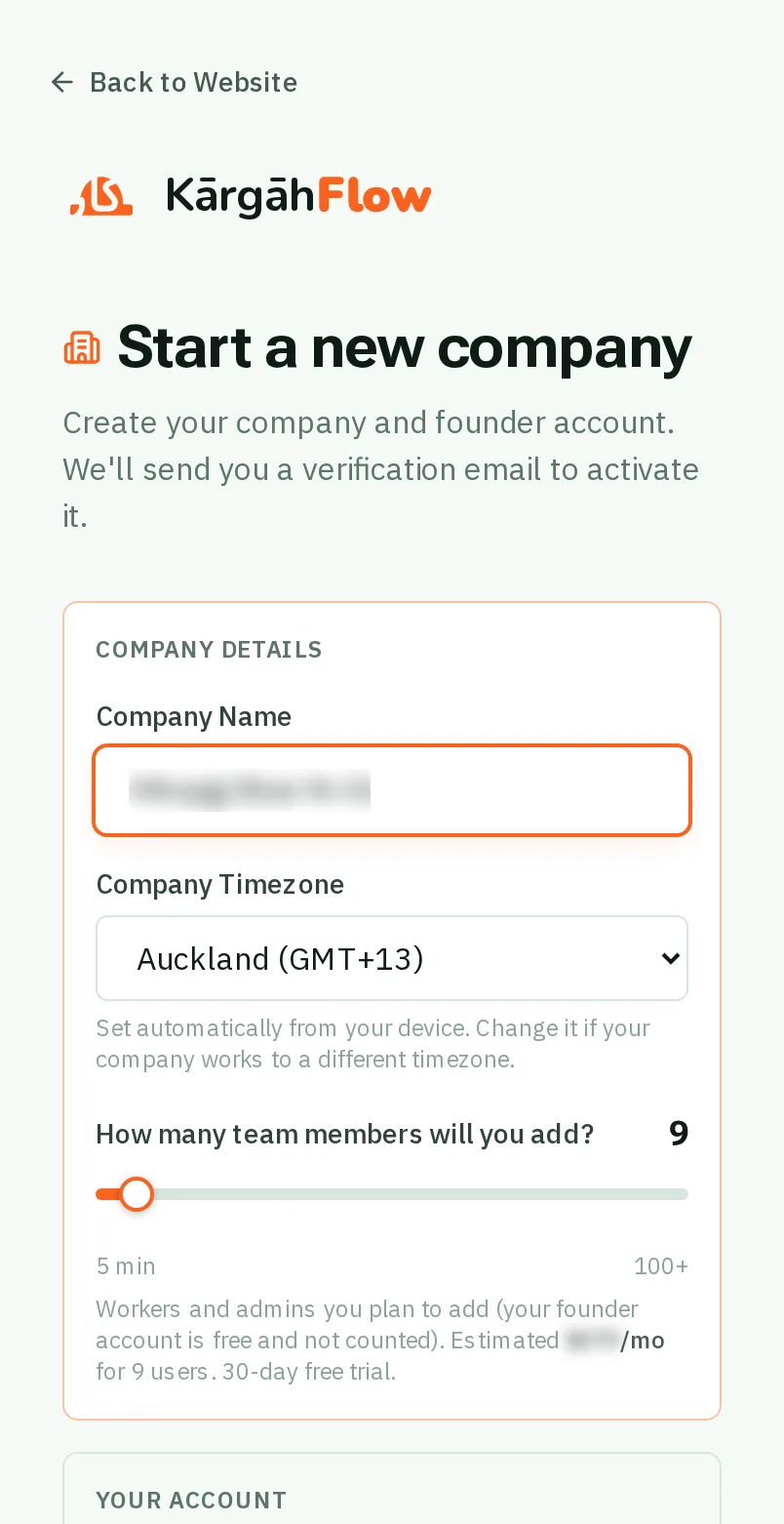
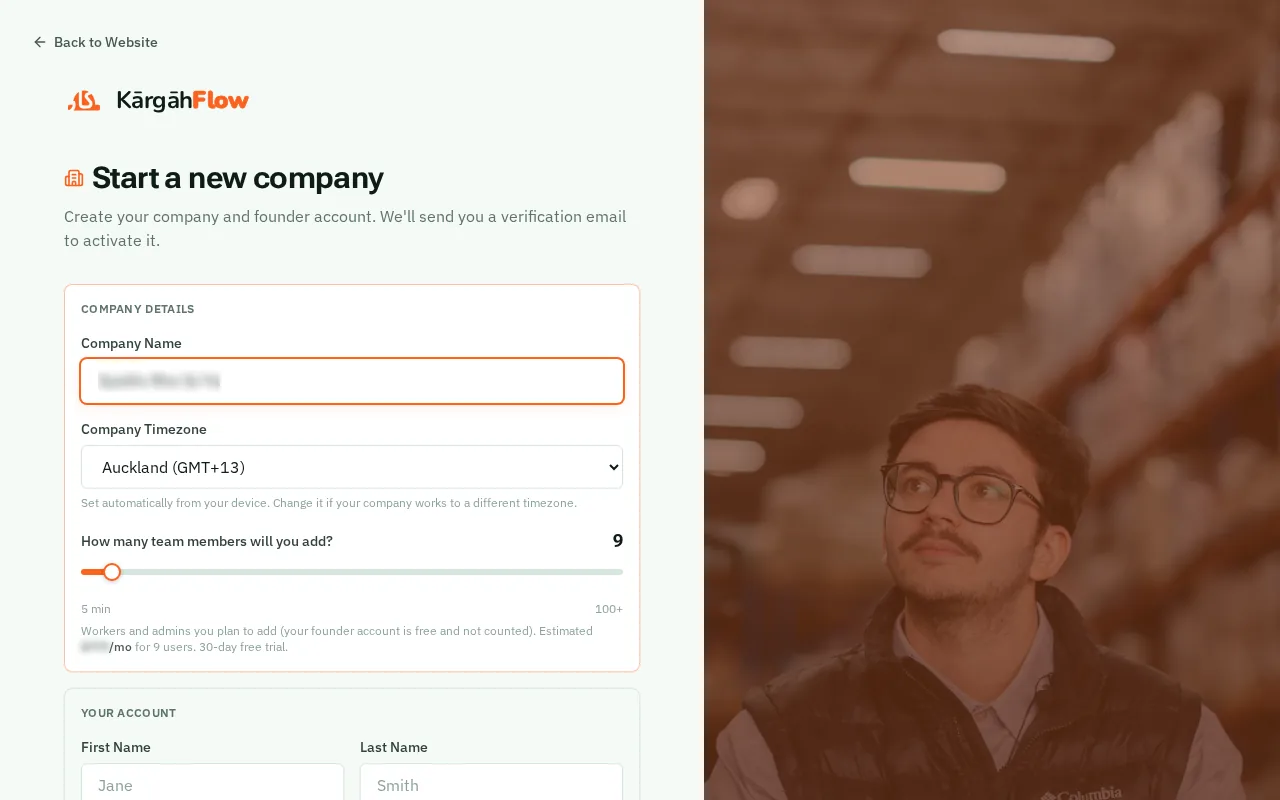
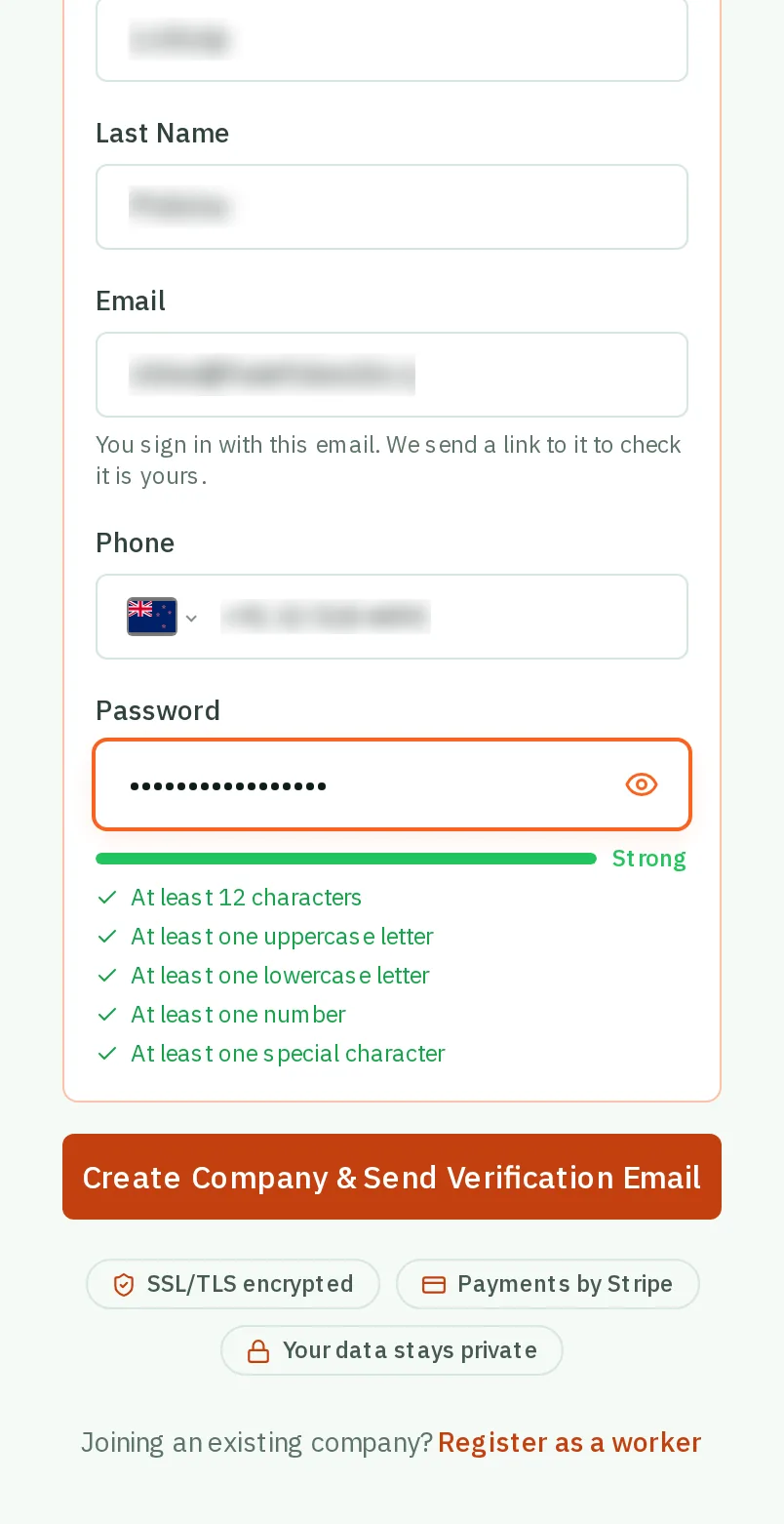
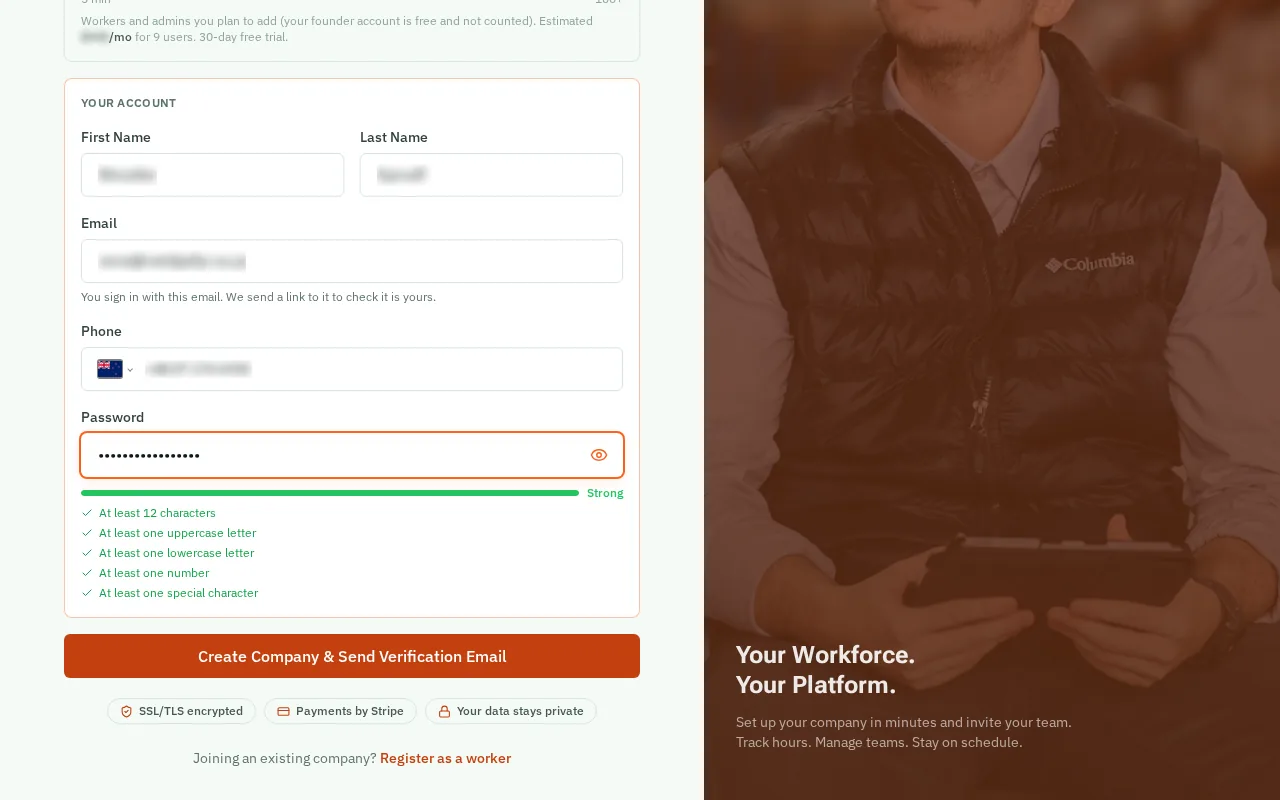
Under Your Account, type your name, your email and your mobile number.
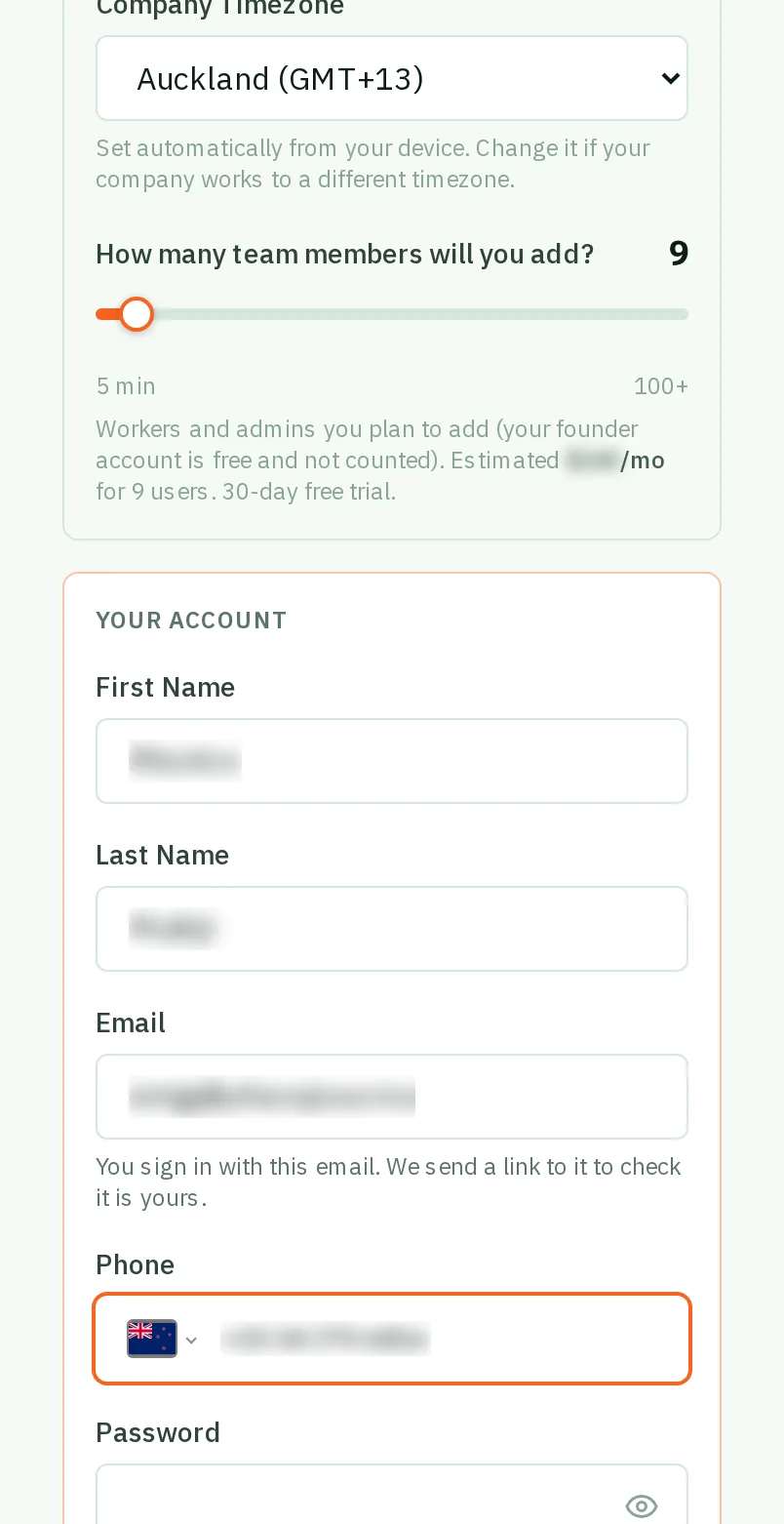
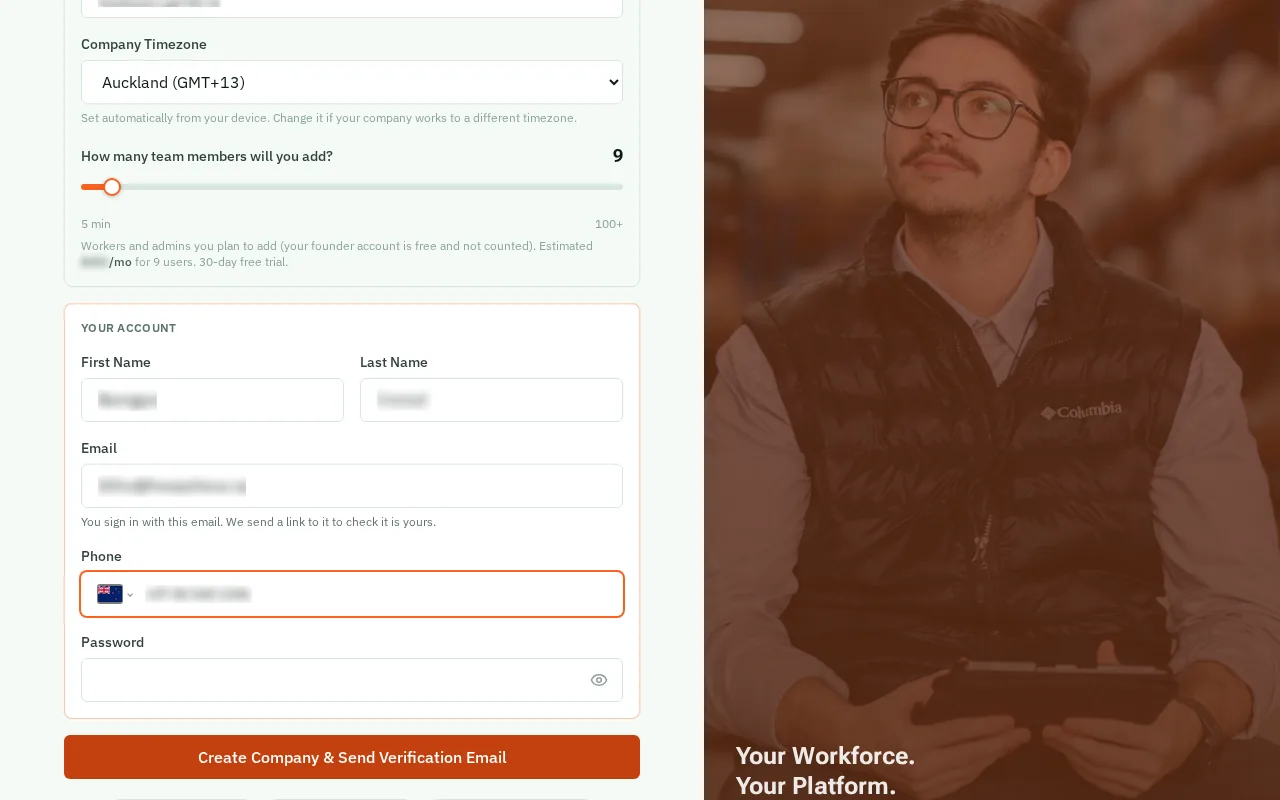
Make up a Password. The list under the box ticks off each rule as you type.
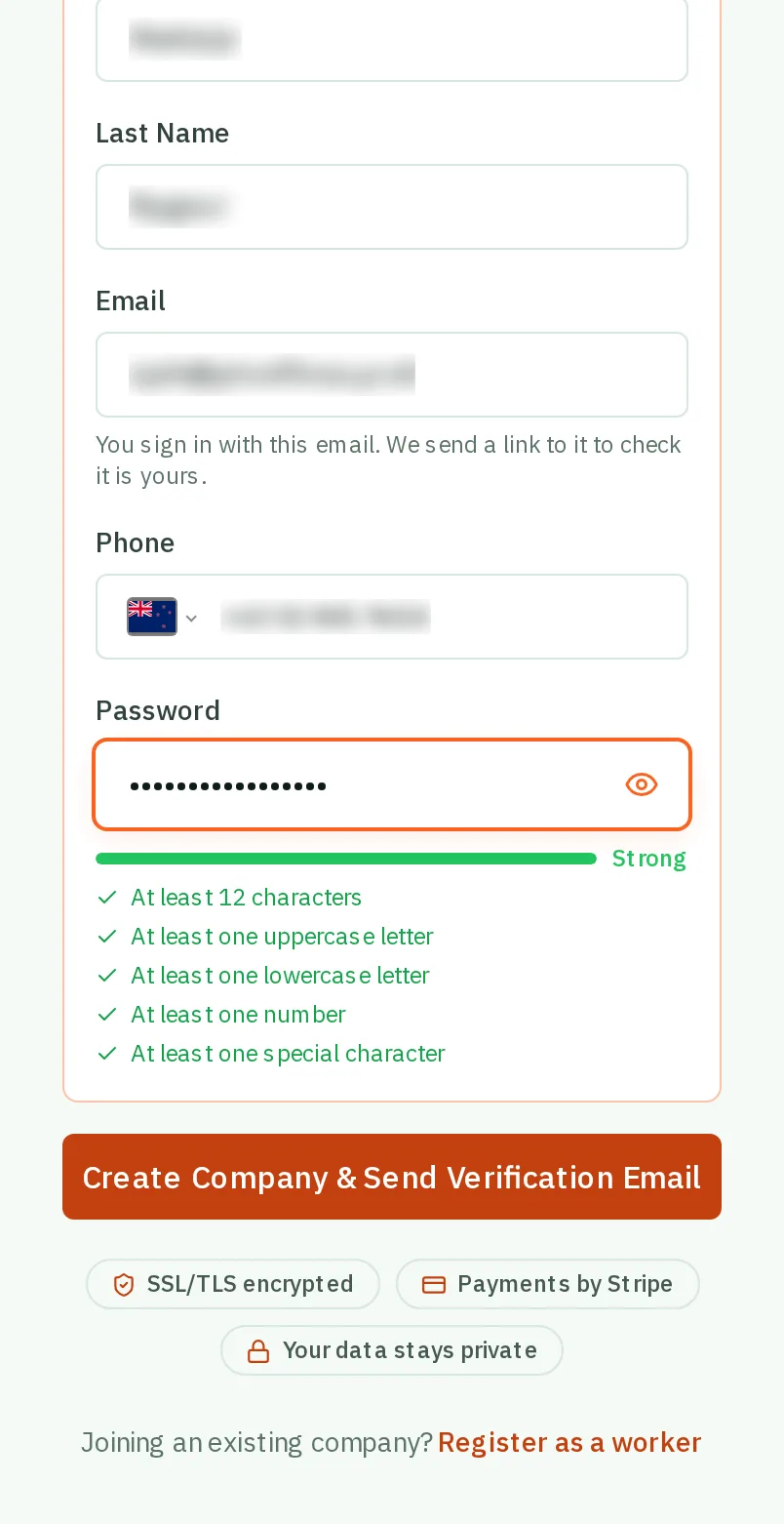
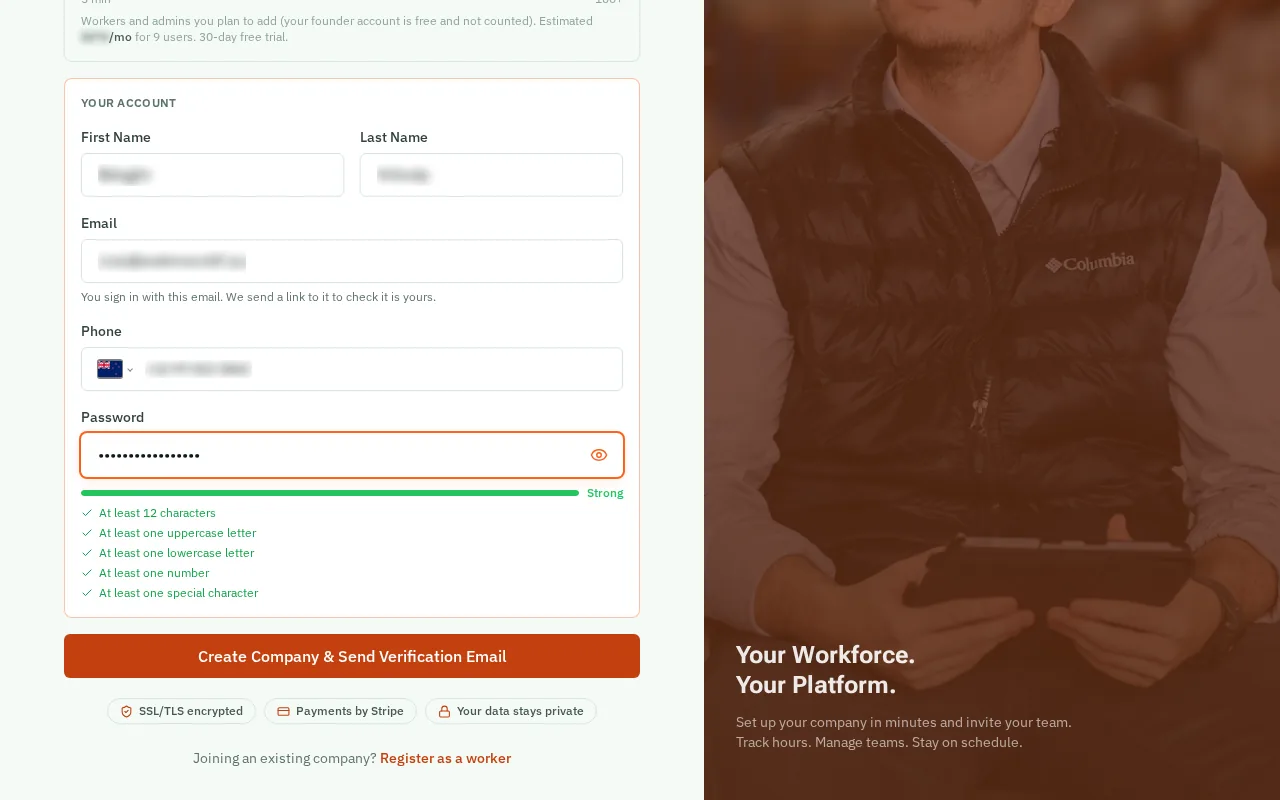
Tap Create Company & Send Verification Email.
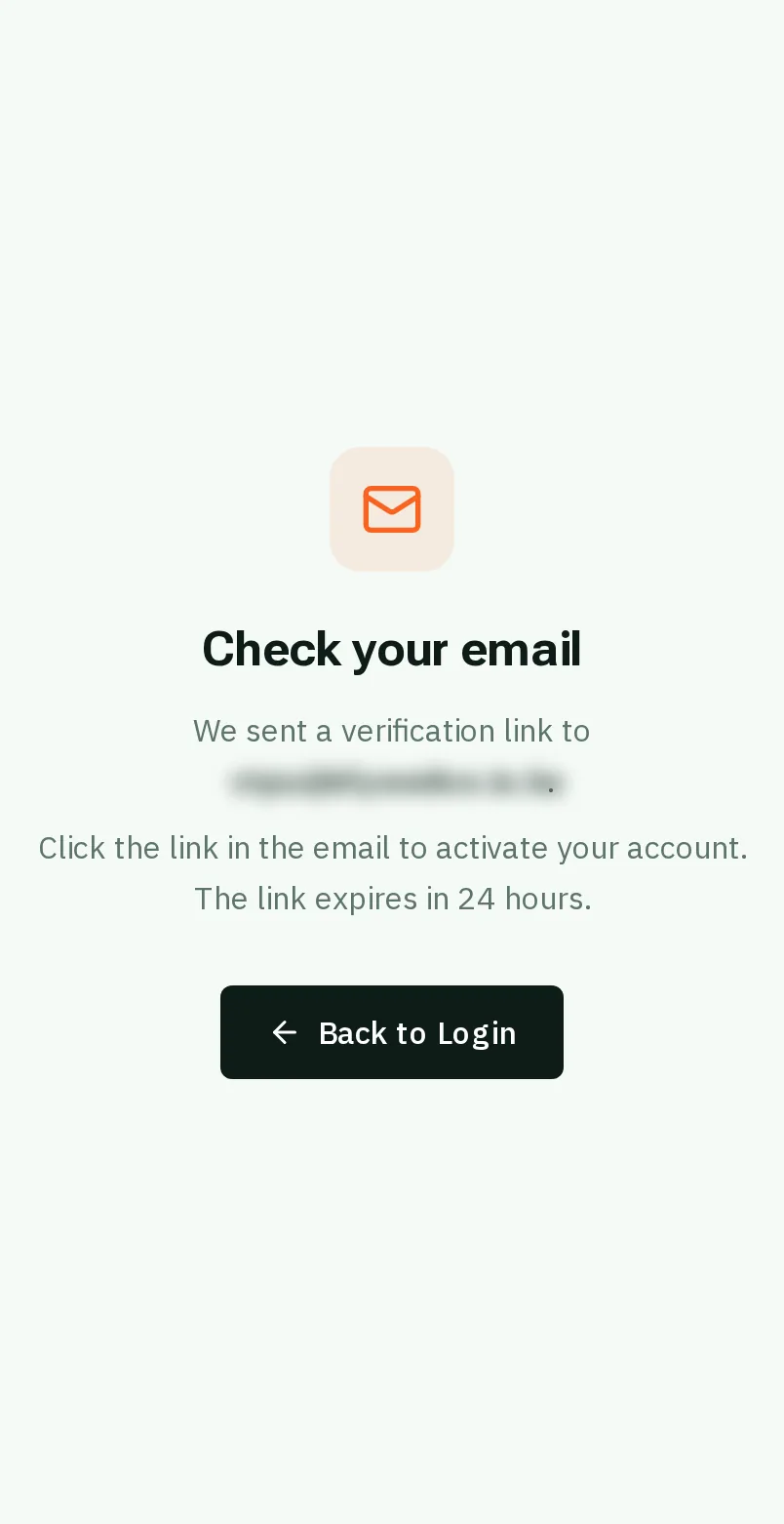
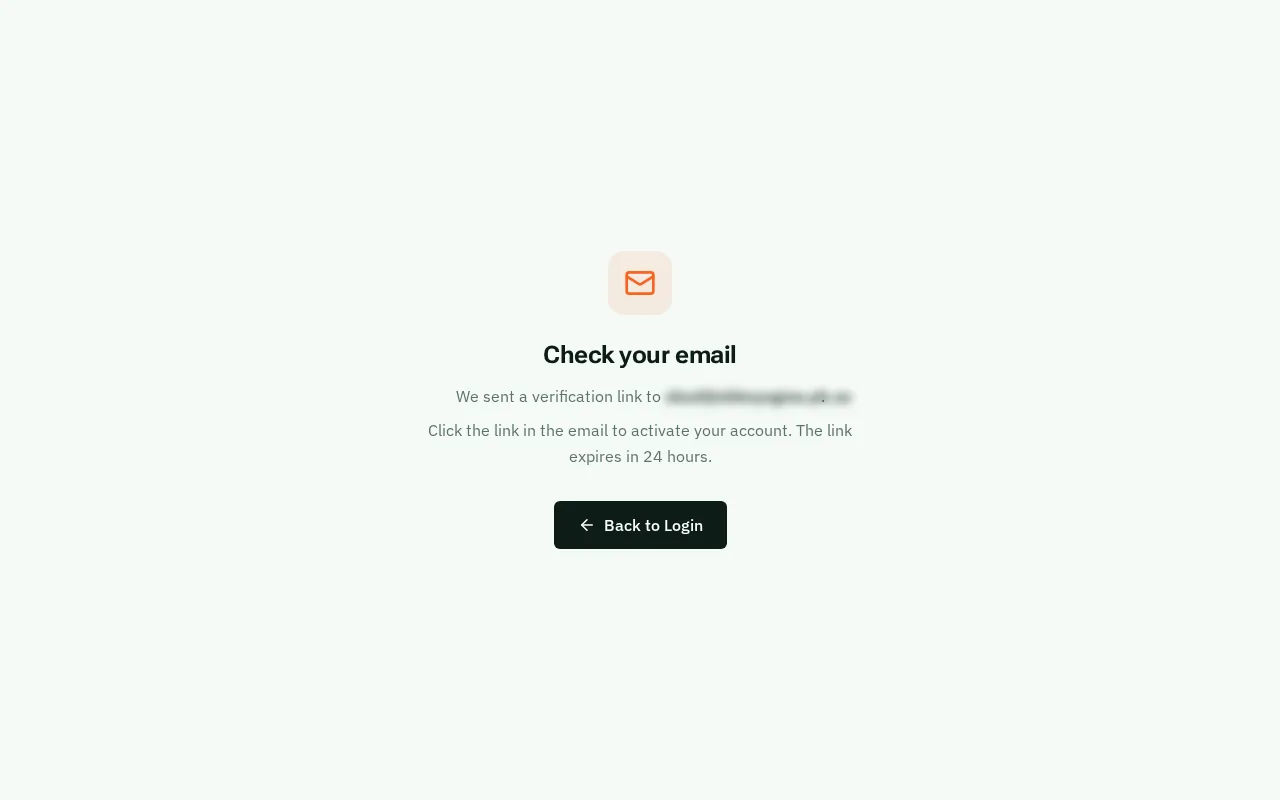
Open the email from KārgāhFlow and tap the link inside. It switches your account on, and then you can sign in.
Good to know: Not in your inbox after a minute? Look in your junk mail. The link lasts 24 hours.