KārgāhFlow
About 2 minutes 6 stepsFor admins and owners

Put an invoice right

Something wrong on an invoice you sent? Take money off it with a credit note, or cancel it.

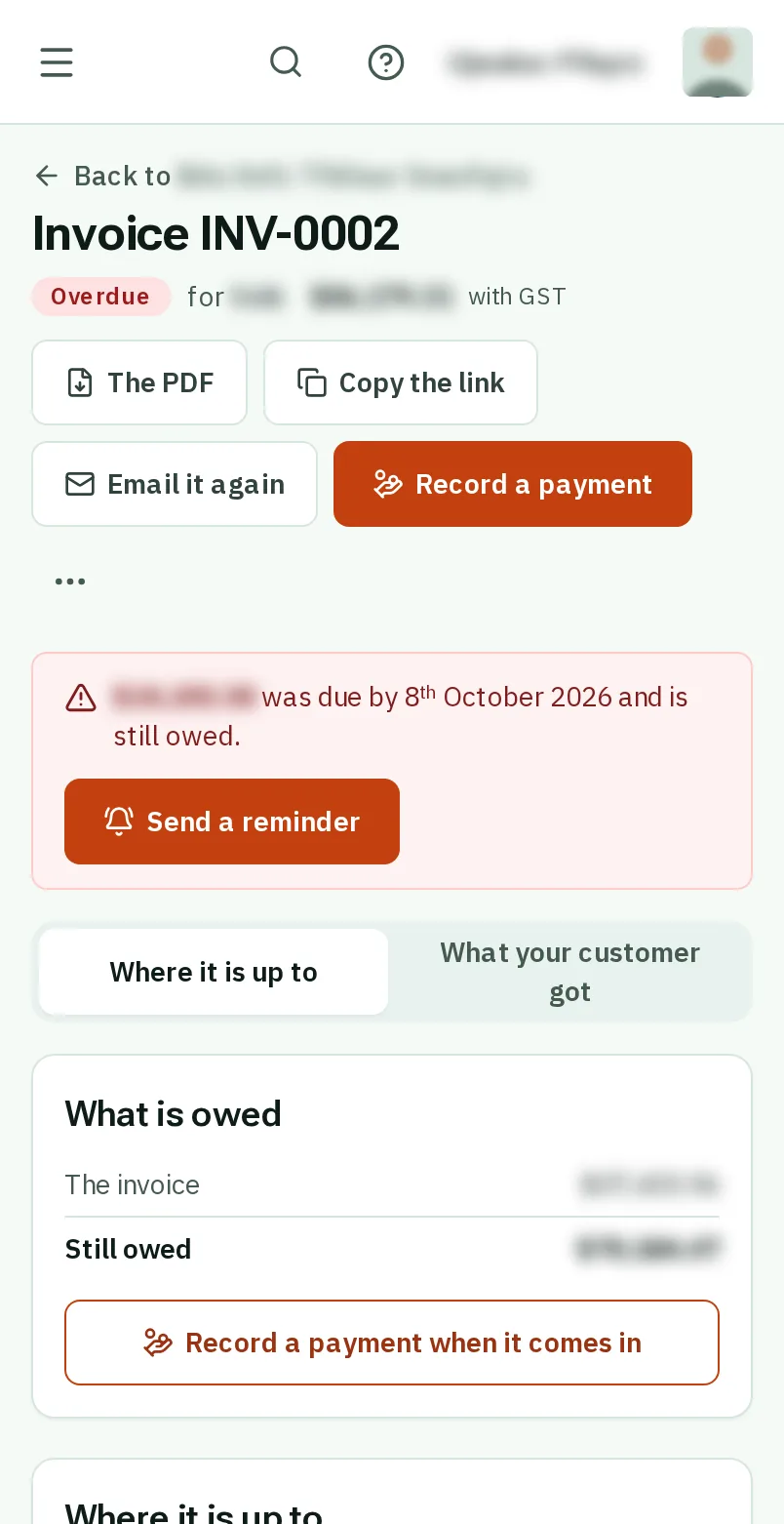
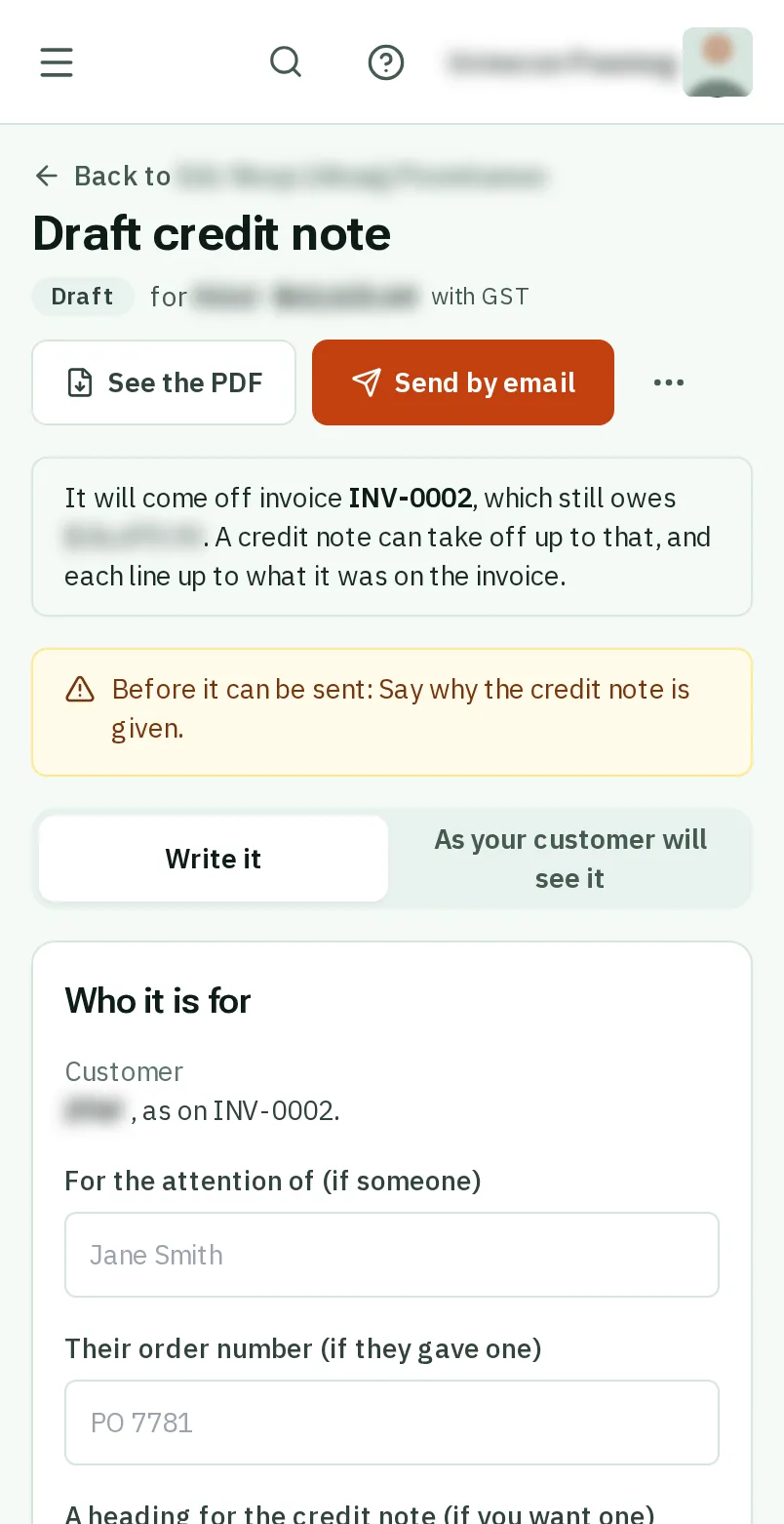
Put an invoice right: the screen on a phone
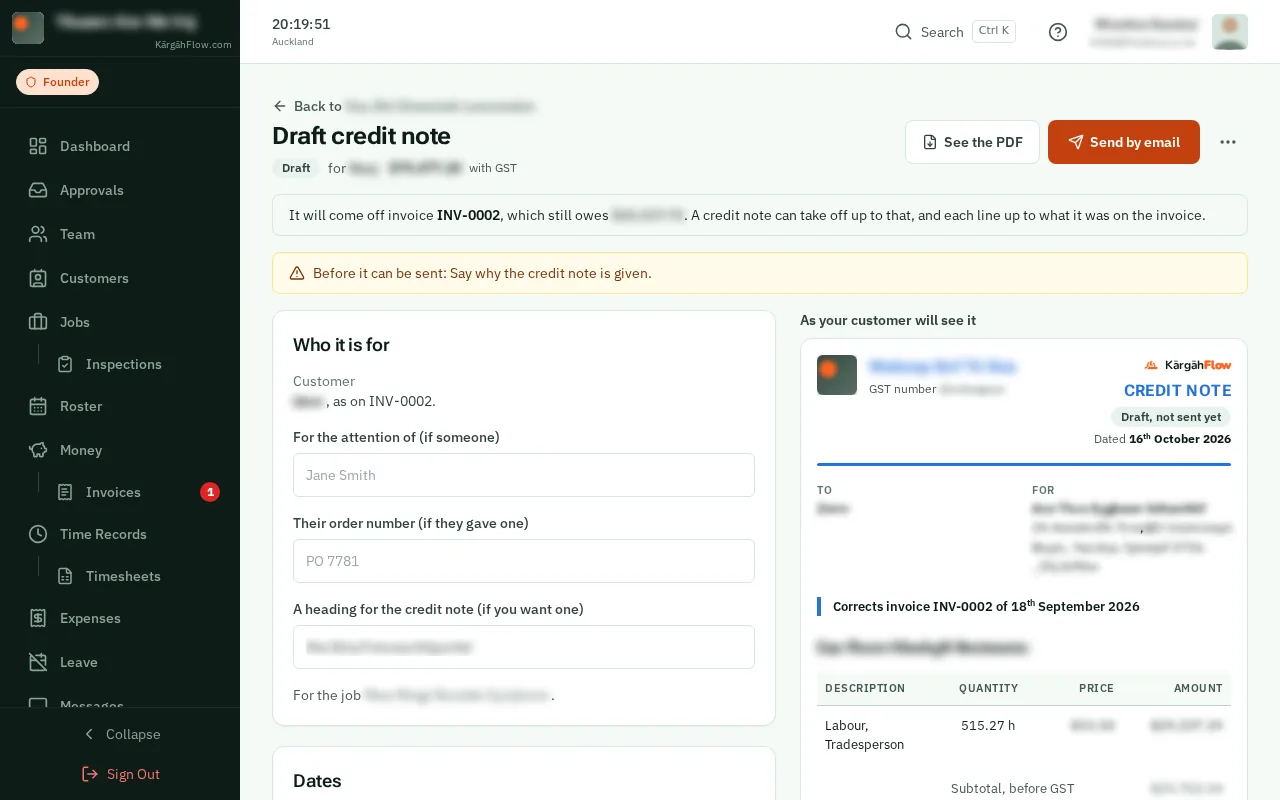
Put an invoice right: the screen on a computer

What this is

A sent invoice is never changed: it is a record your customer has. To take money off it, you send a credit note, which says which invoice it corrects and why.

An invoice with nothing paid or credited on it can be cancelled instead, and its work can then go on a new invoice.

Step 1 of 6
  1. Step 1: Open the invoice

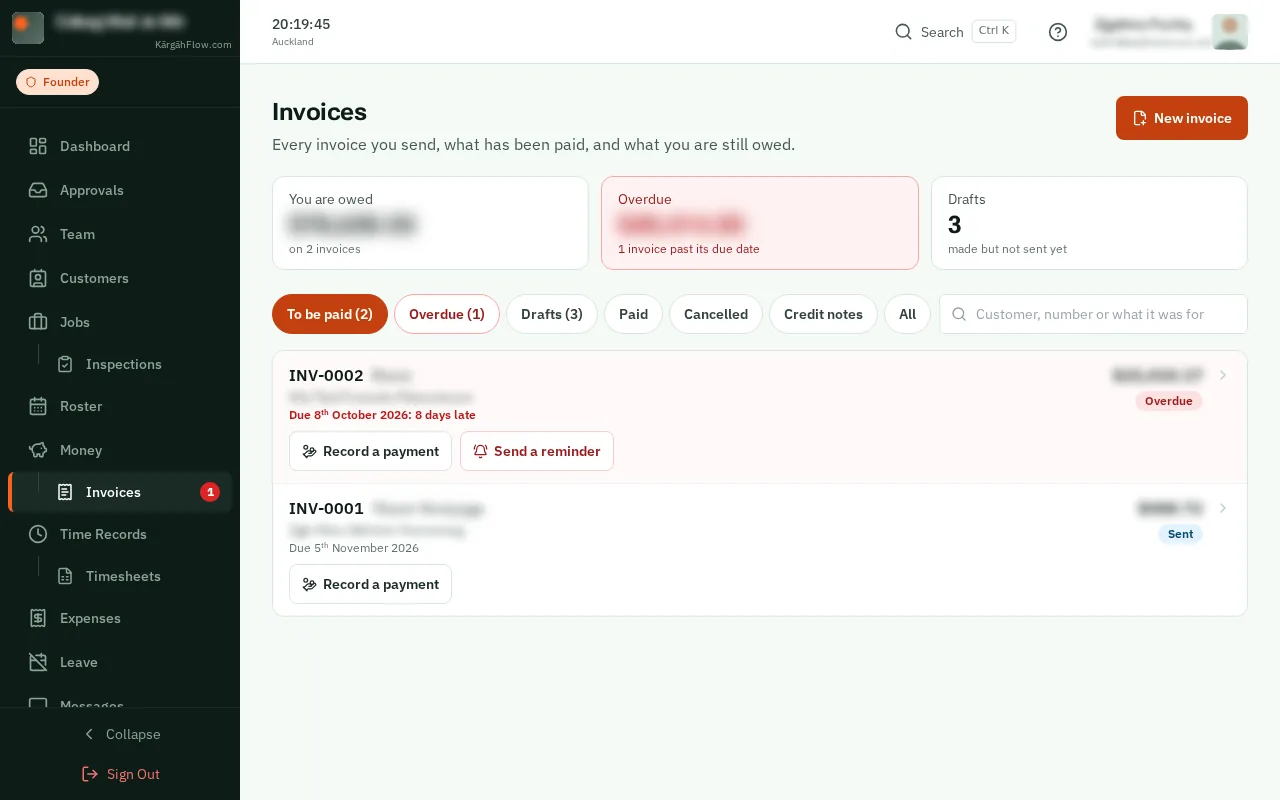
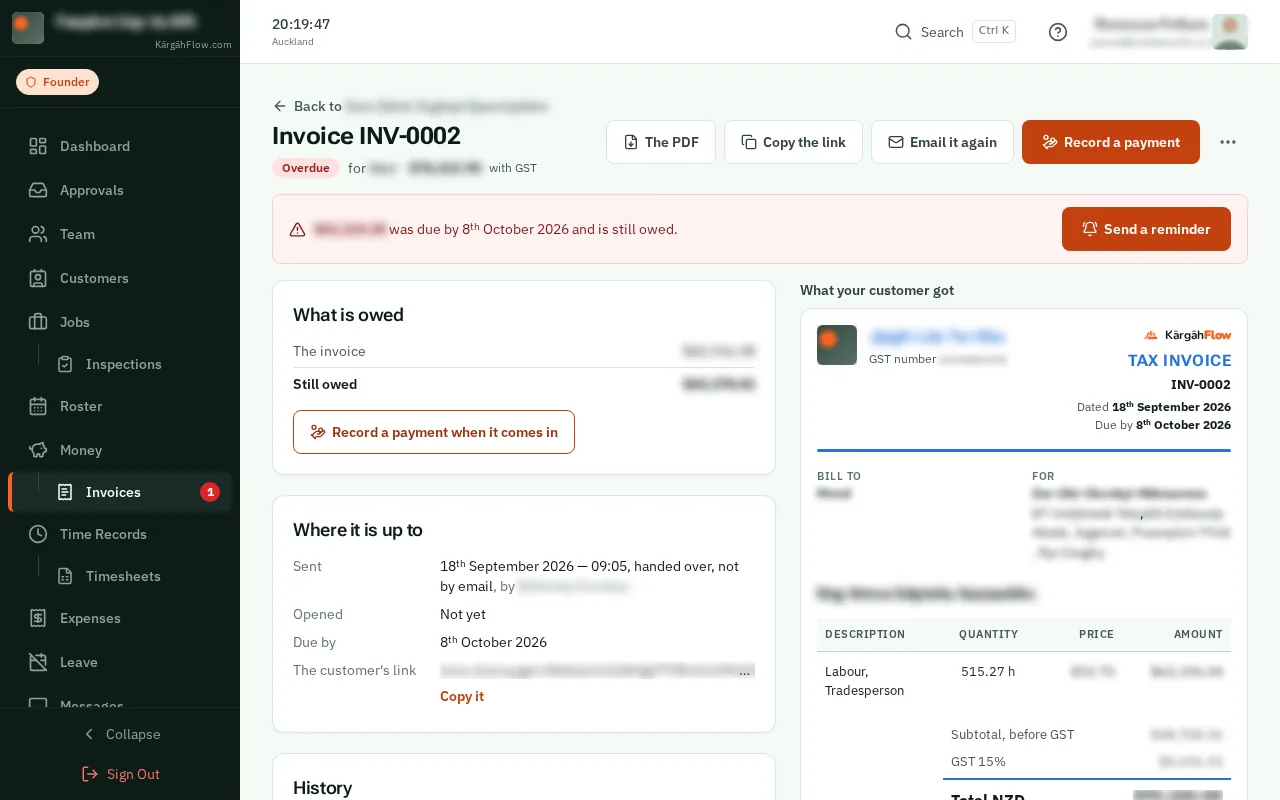
    Open Invoices and tapclick the invoice.
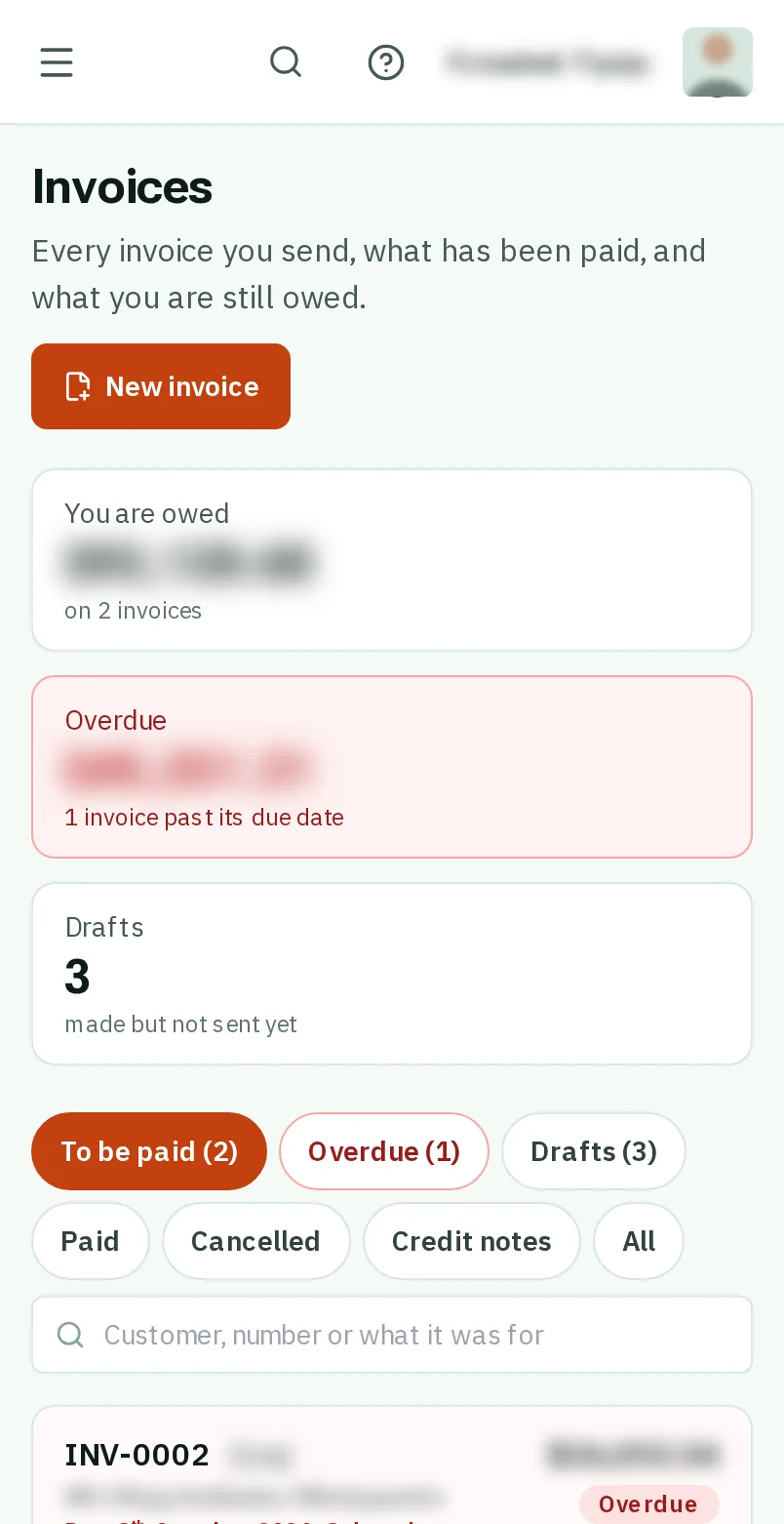
    Open the invoice
    Open the invoice
  2. Step 2: TapClick the three dots

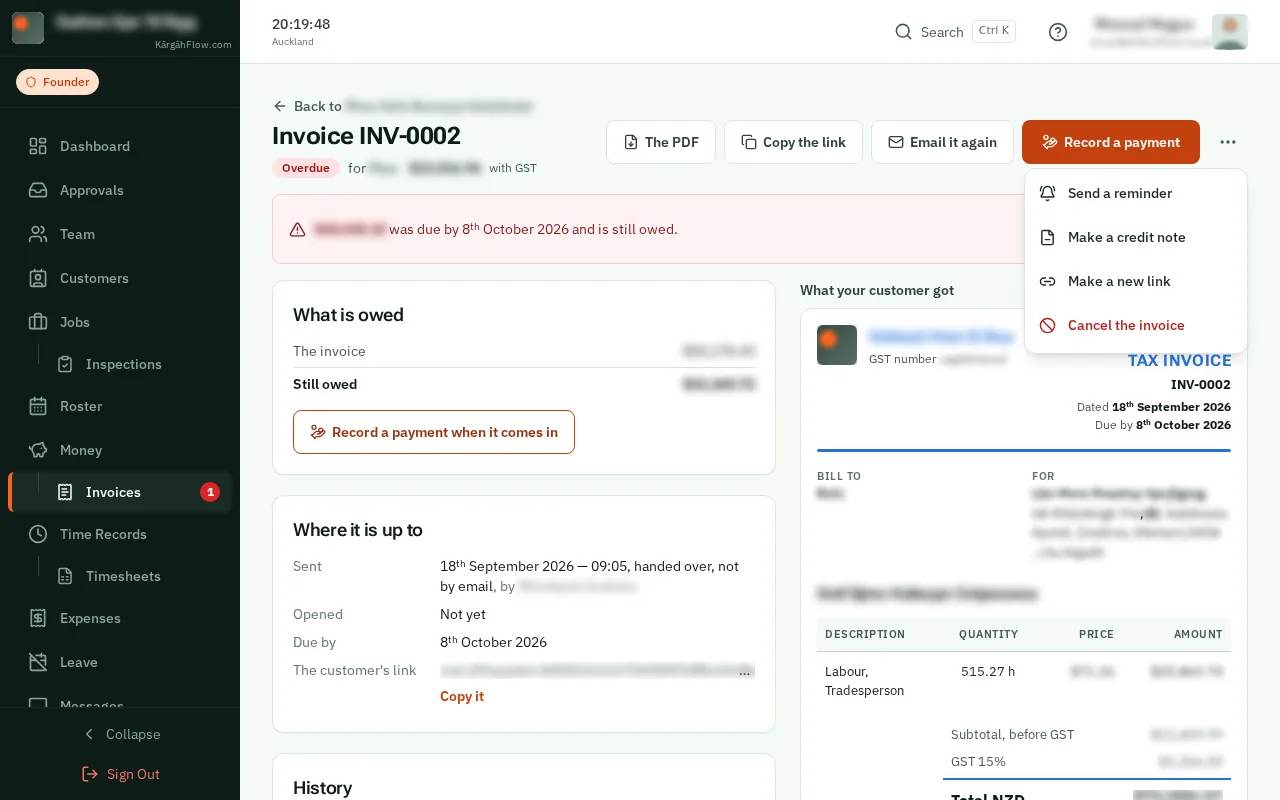
    TapClick the three dots at the top of the invoice.
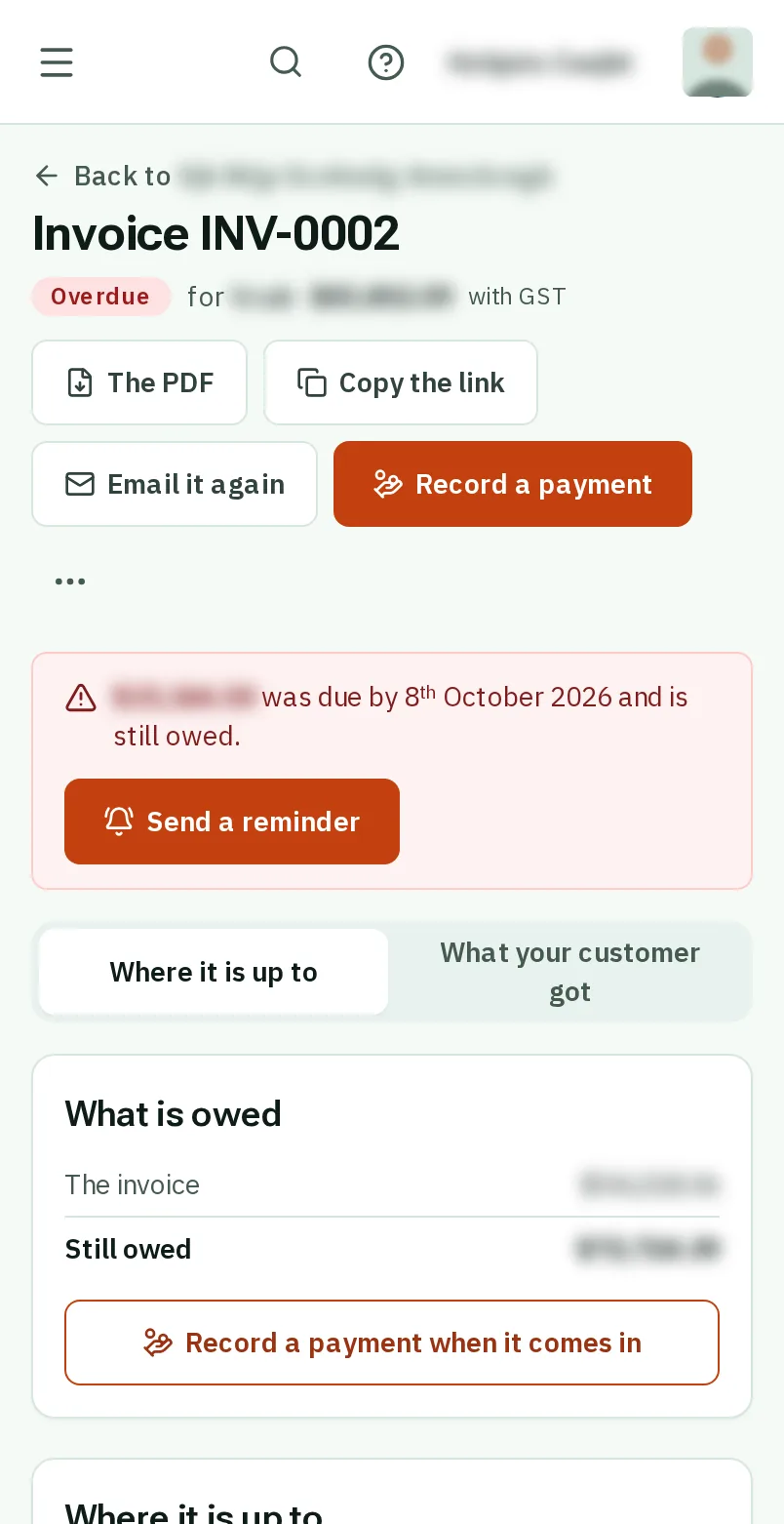
    Look forthe More item in the menu
    Tap the three dots
    Click the three dots
  3. Step 3: TapClick Make a credit note

    TapClick Make a credit note. It starts as a copy of the invoice.
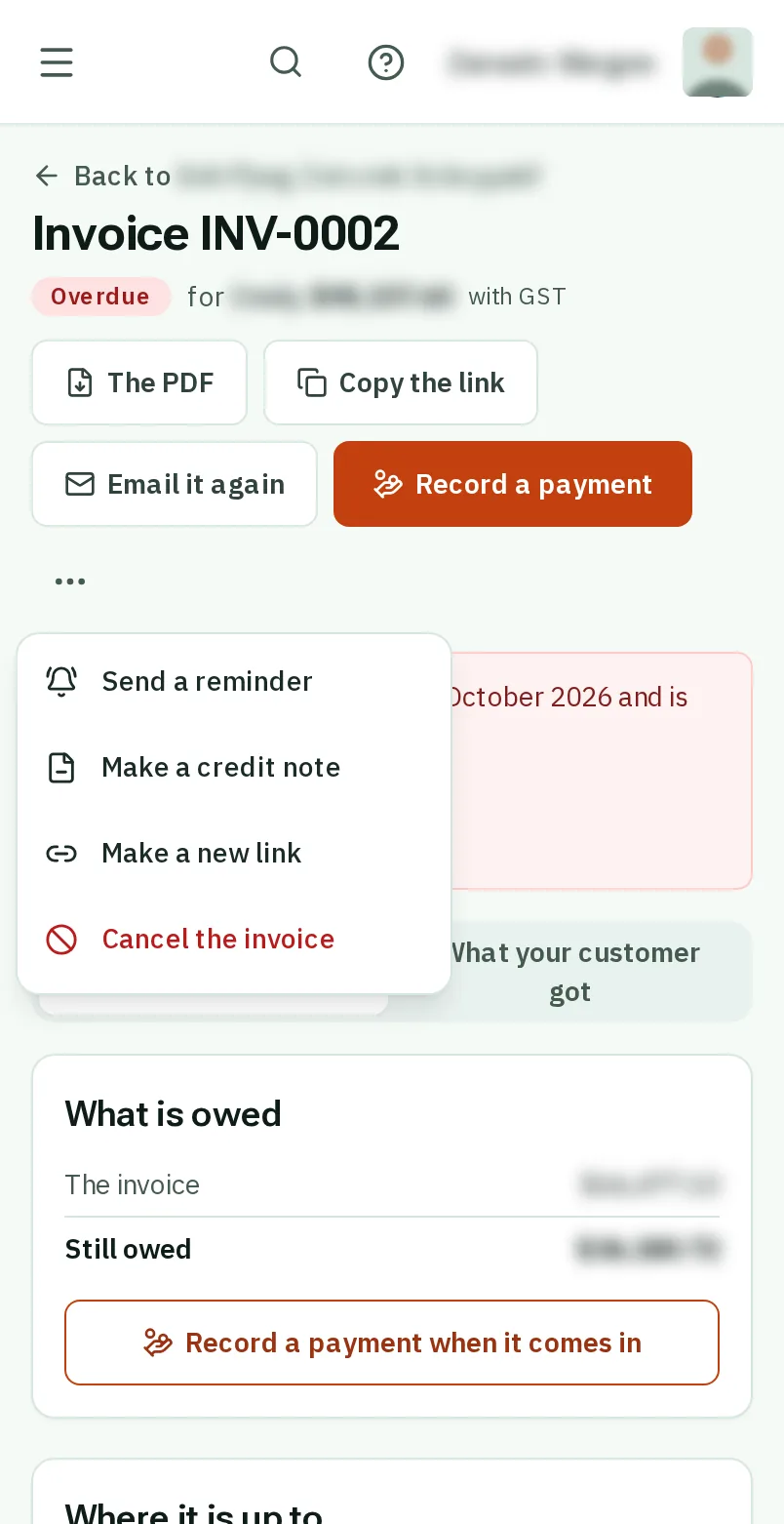
    Look forthe Make a credit note item in the menu
    Tap Make a credit note
    Click Make a credit note
  4. Step 4: Say why

    Under Why it is given, tapclick a reason like A discount we agreed, or write your own. It is printed on the credit note.
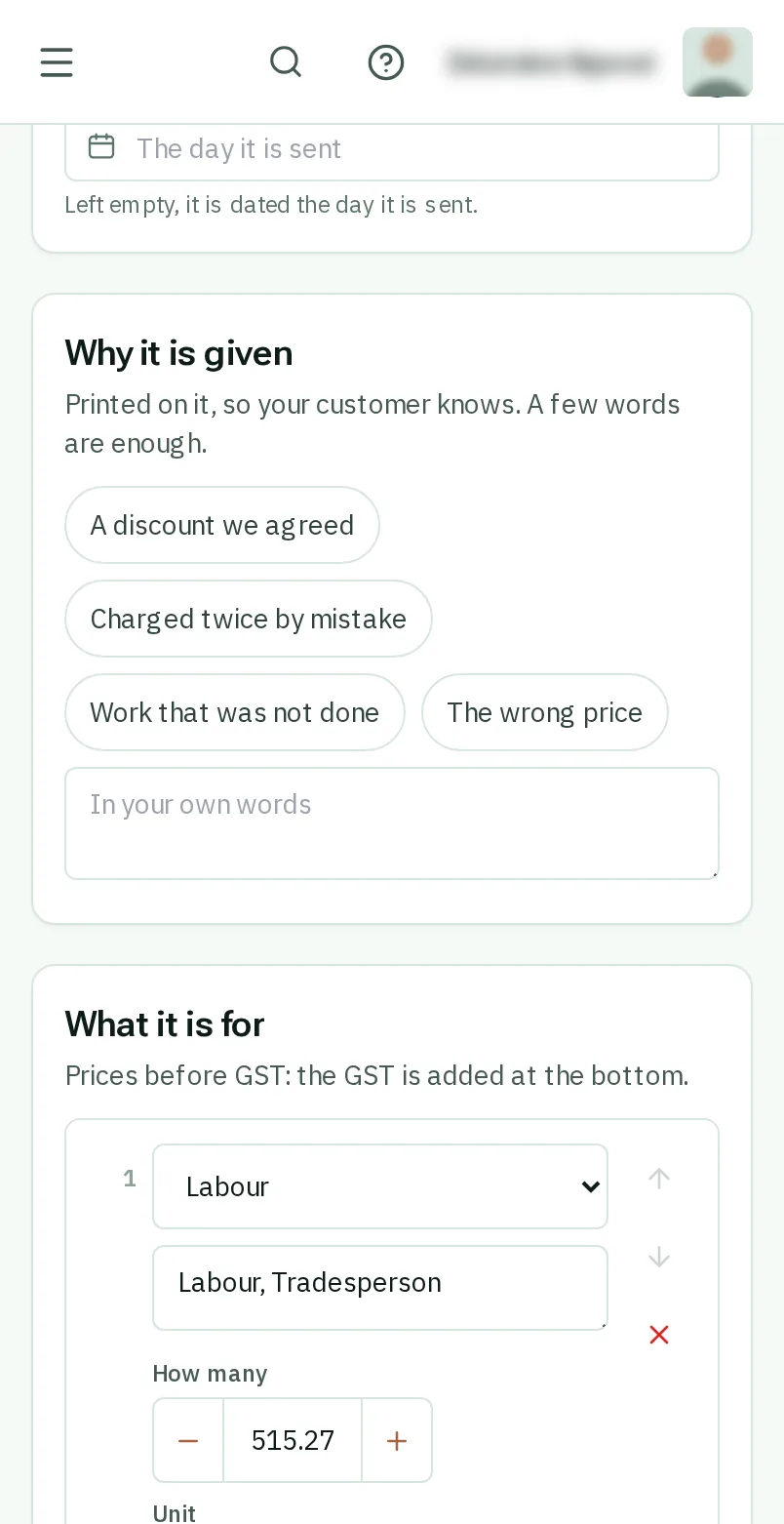
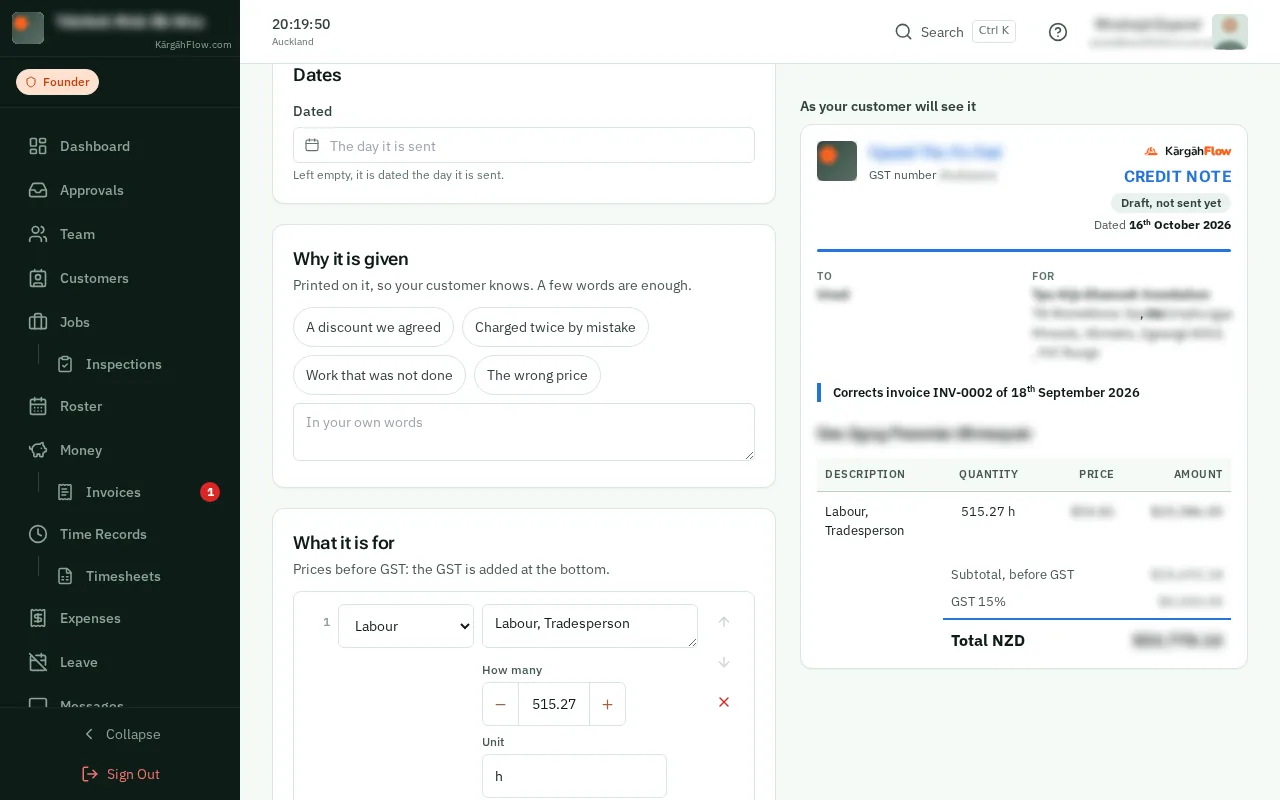
    Look forthe Why it is given box
    Say why
    Say why
  5. Step 5: Lower it to what comes off

    Under What it is for, lower each line to what is being taken off, and remove the lines that were right. It can take off no more than is still owed.
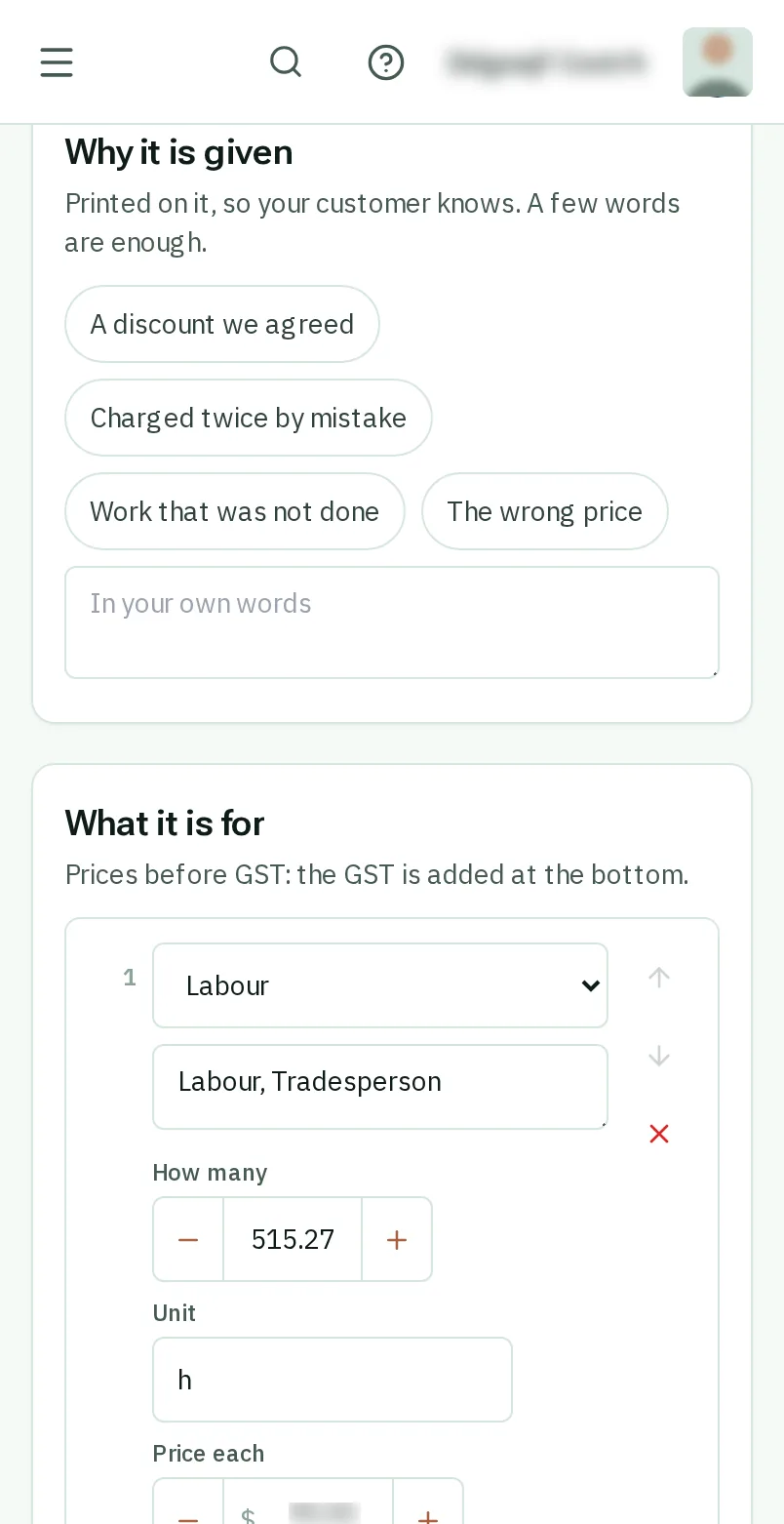
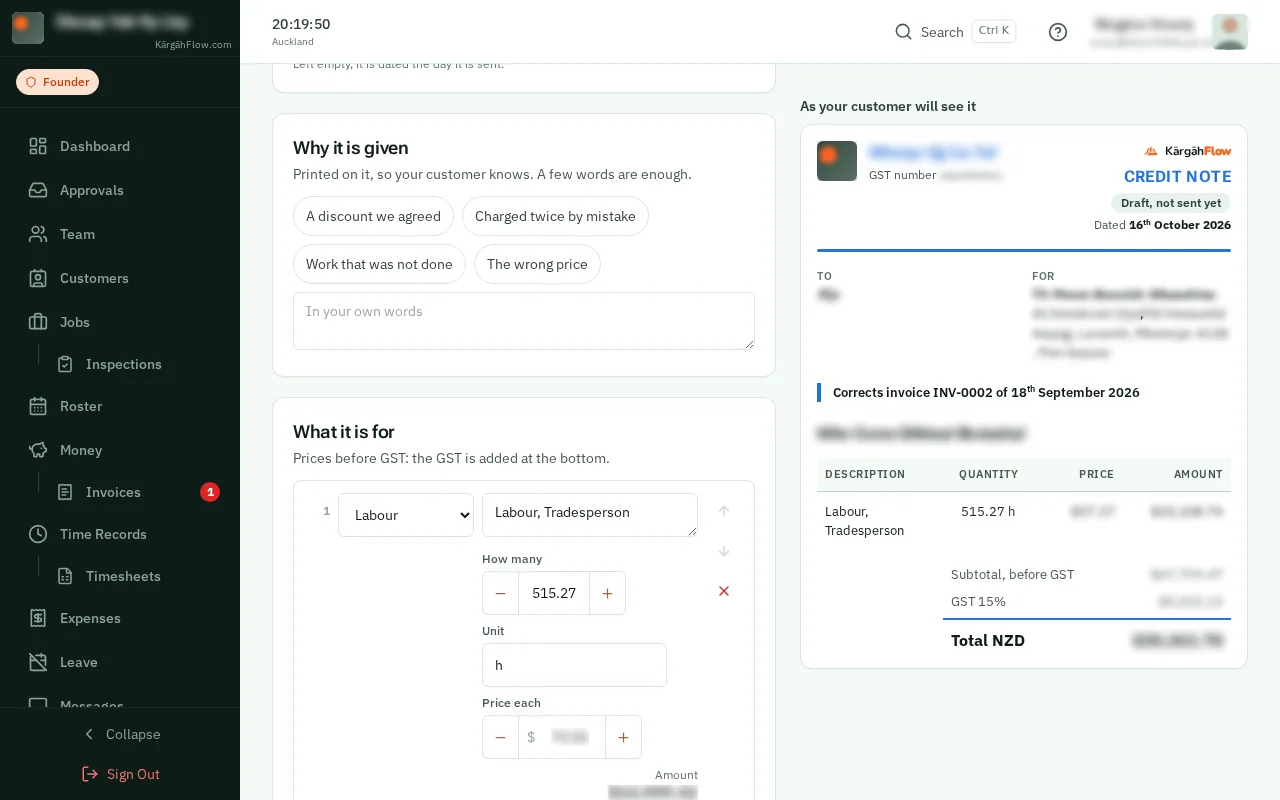
    Lower it to what comes off
    Lower it to what comes off
  6. Step 6: Send it

    TapClick Send by email. Its amount comes off what is owed on the invoice.

    Look forthe Send by email button

    Good to know: Nothing paid or credited on the invoice yet? You can cancel it instead: the three dots, then Cancel the invoice, and the reason. Its work can then go on a new invoice.
    Send it
    Send it

That's it

The invoice is put right, and your customer has a record of why.

Next: Make an inspection form

Usually next

Still stuck? Ask your manager, or tap the ? at the top of any page in KārgāhFlow. Running the business and need us?