Step 1: Open the person
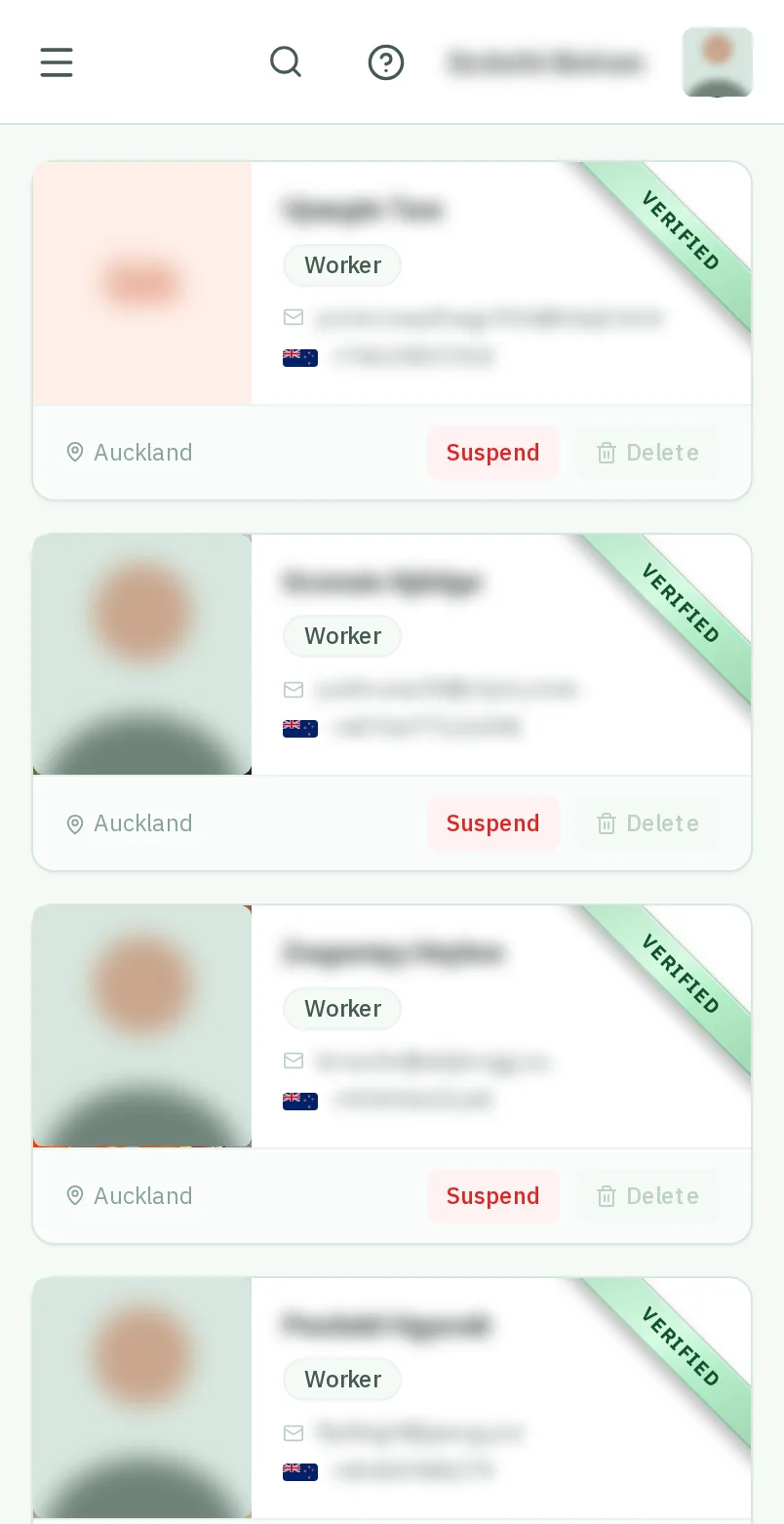
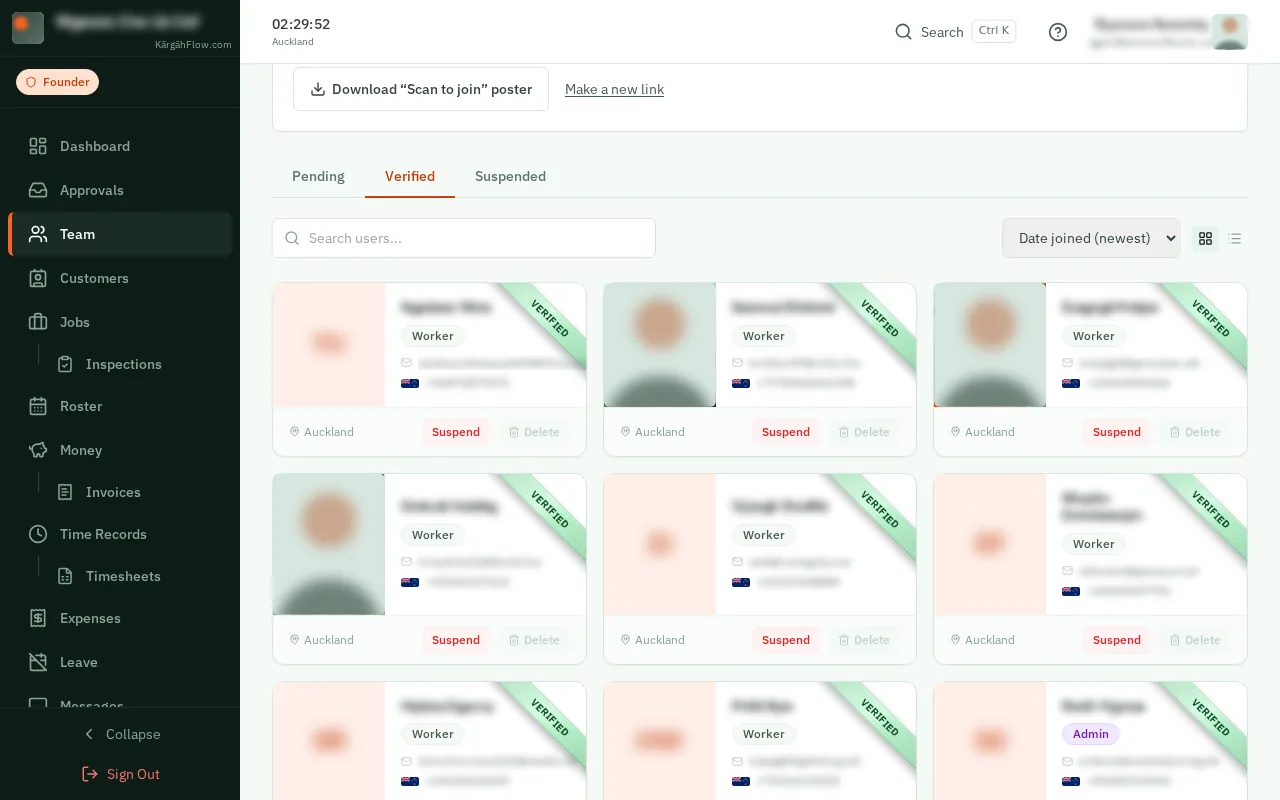
Open Team and tapclick the person’s card.
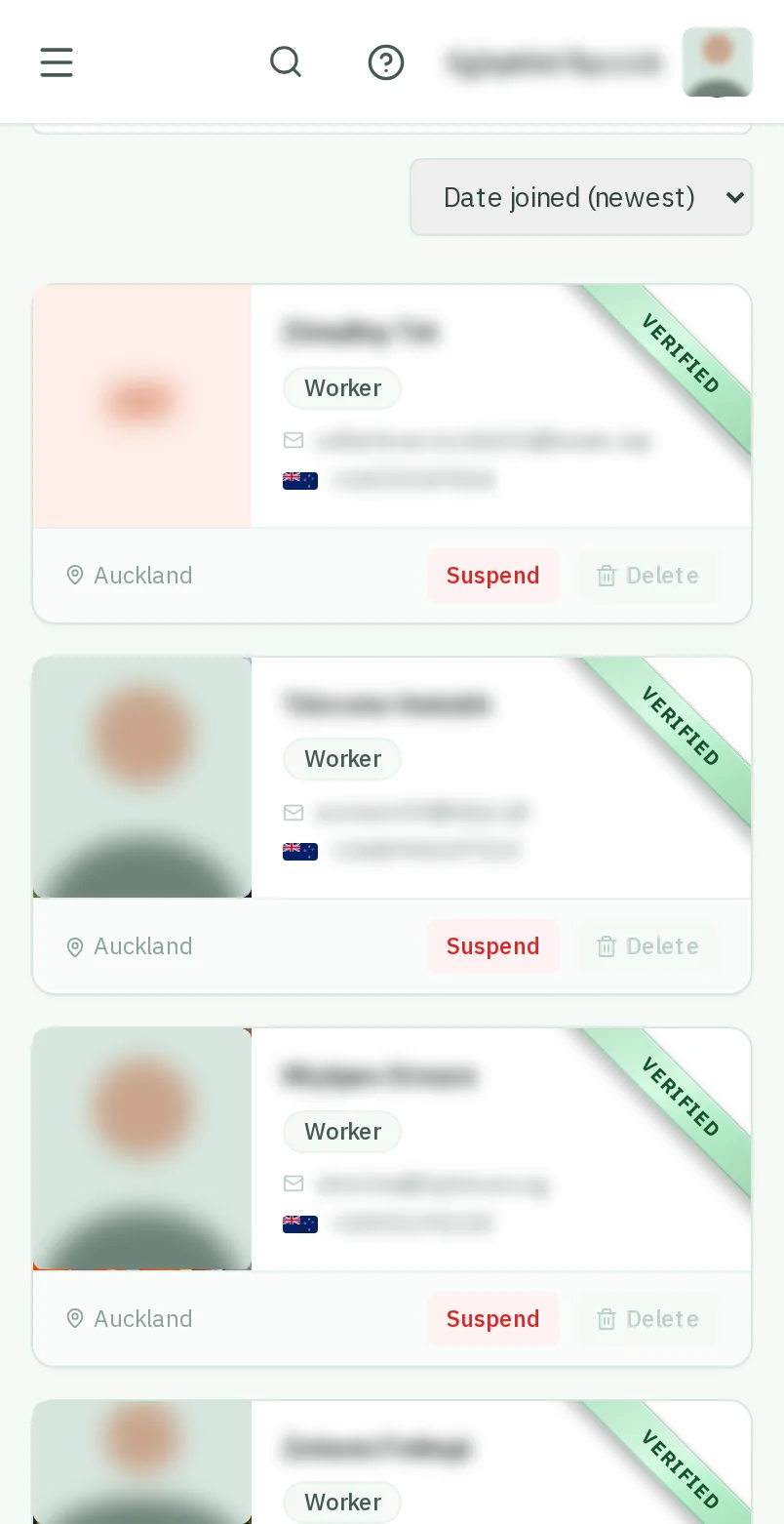
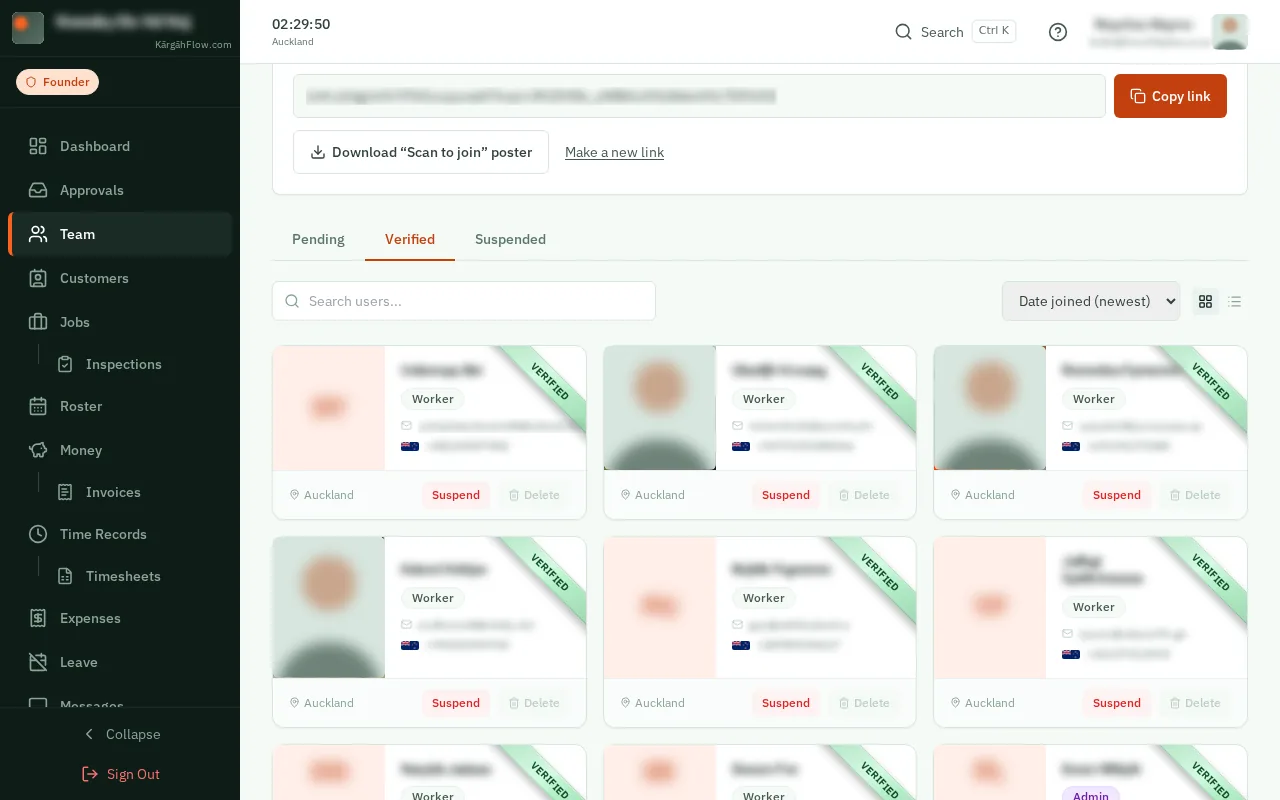
Open Team and tapclick the person’s card.
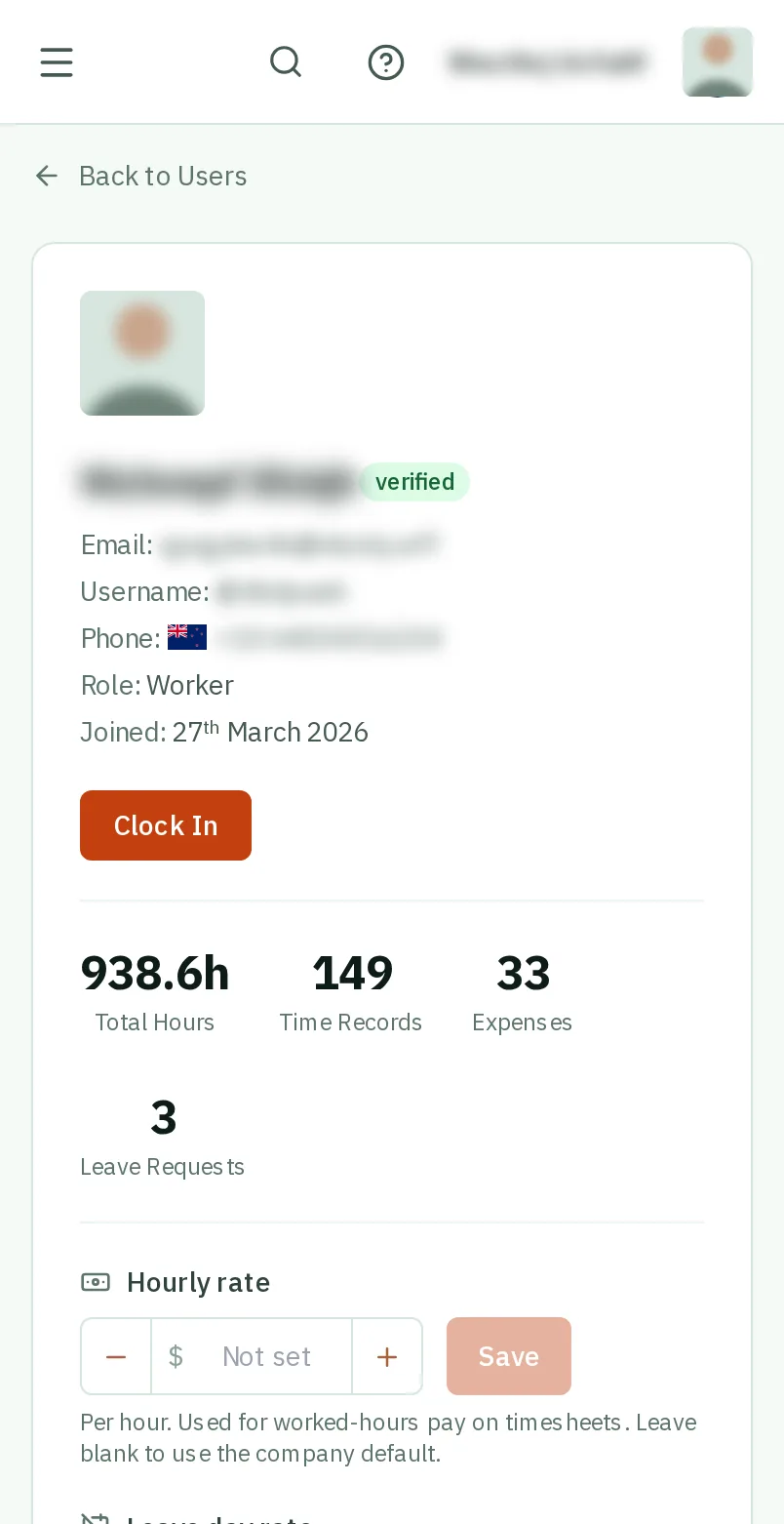
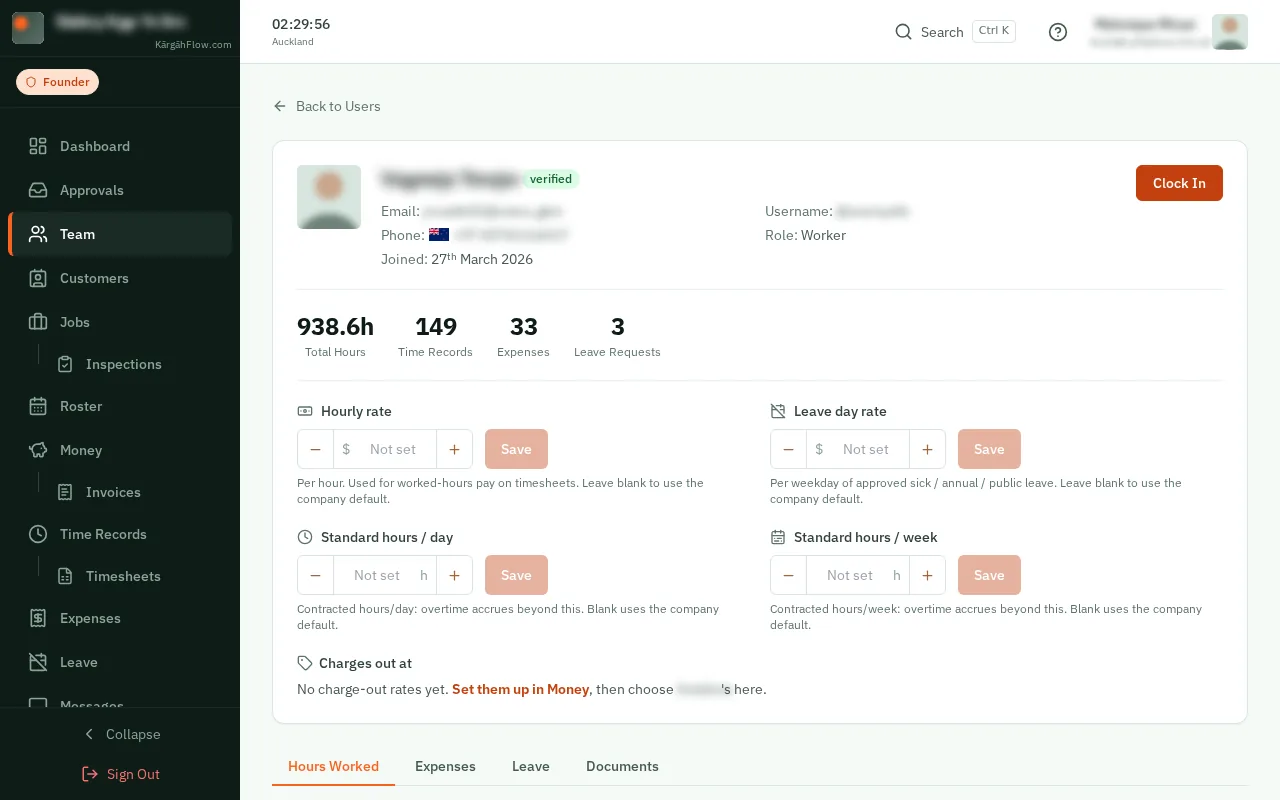
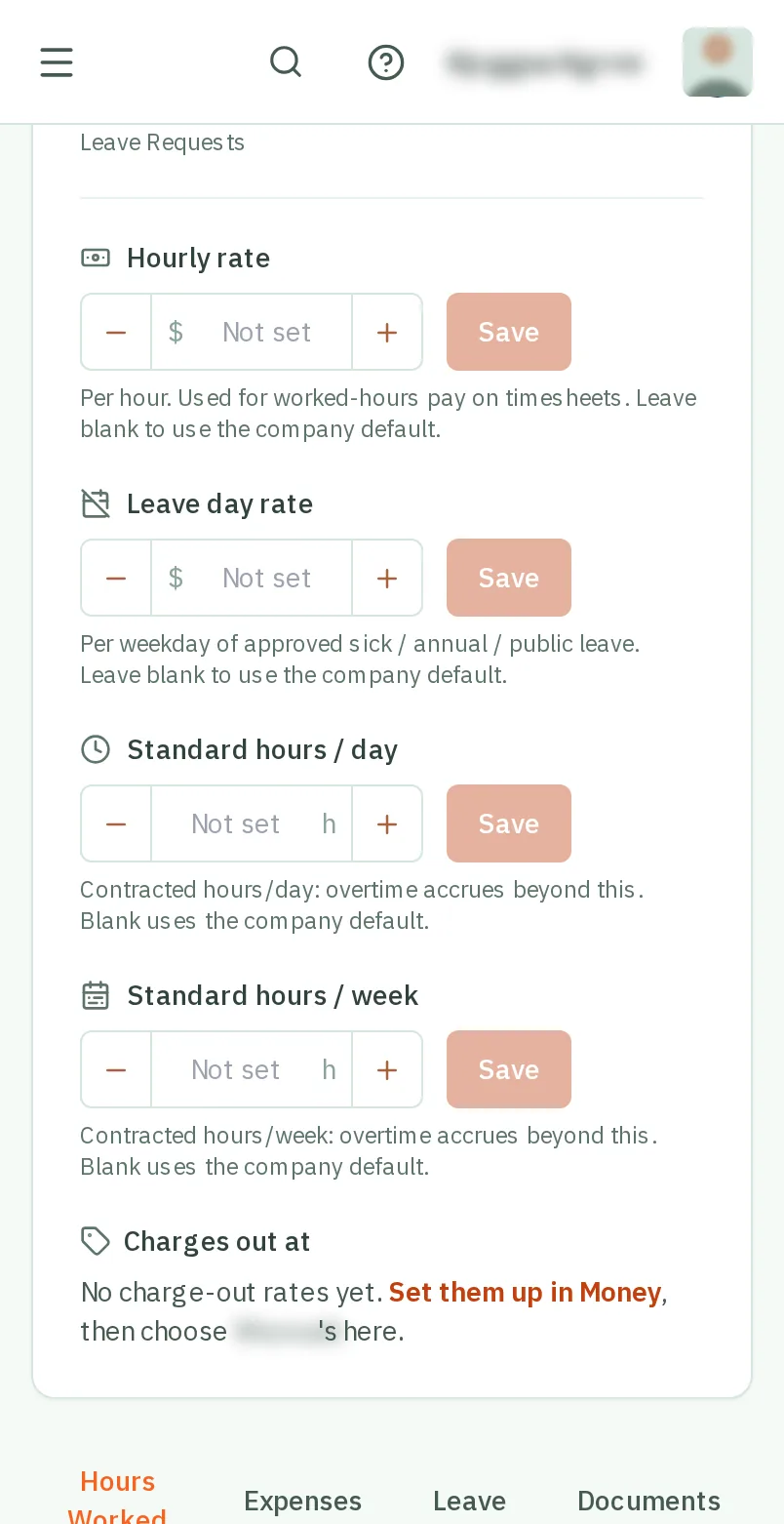
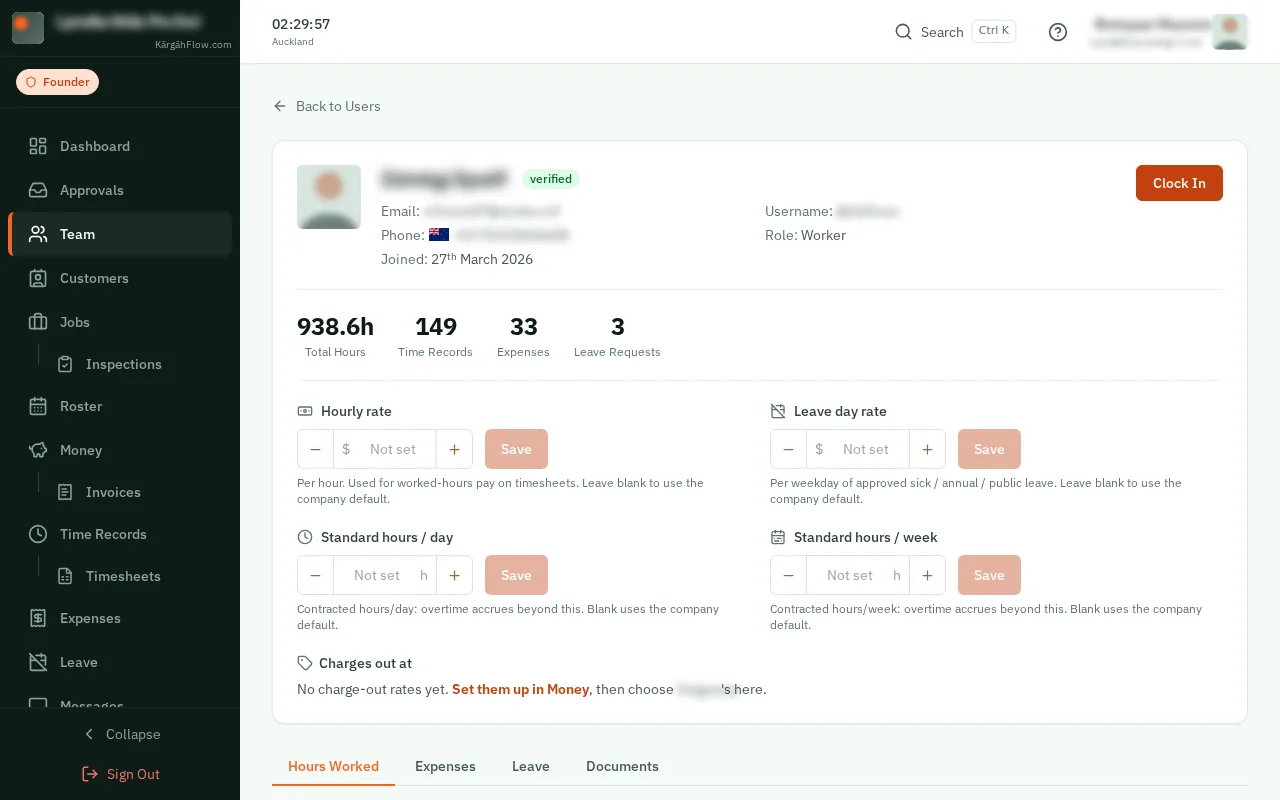
Under Hourly rate, type their rate per hour (or use the − and + buttons) and tapclick Save. Leave it empty to use your company’s default rate.
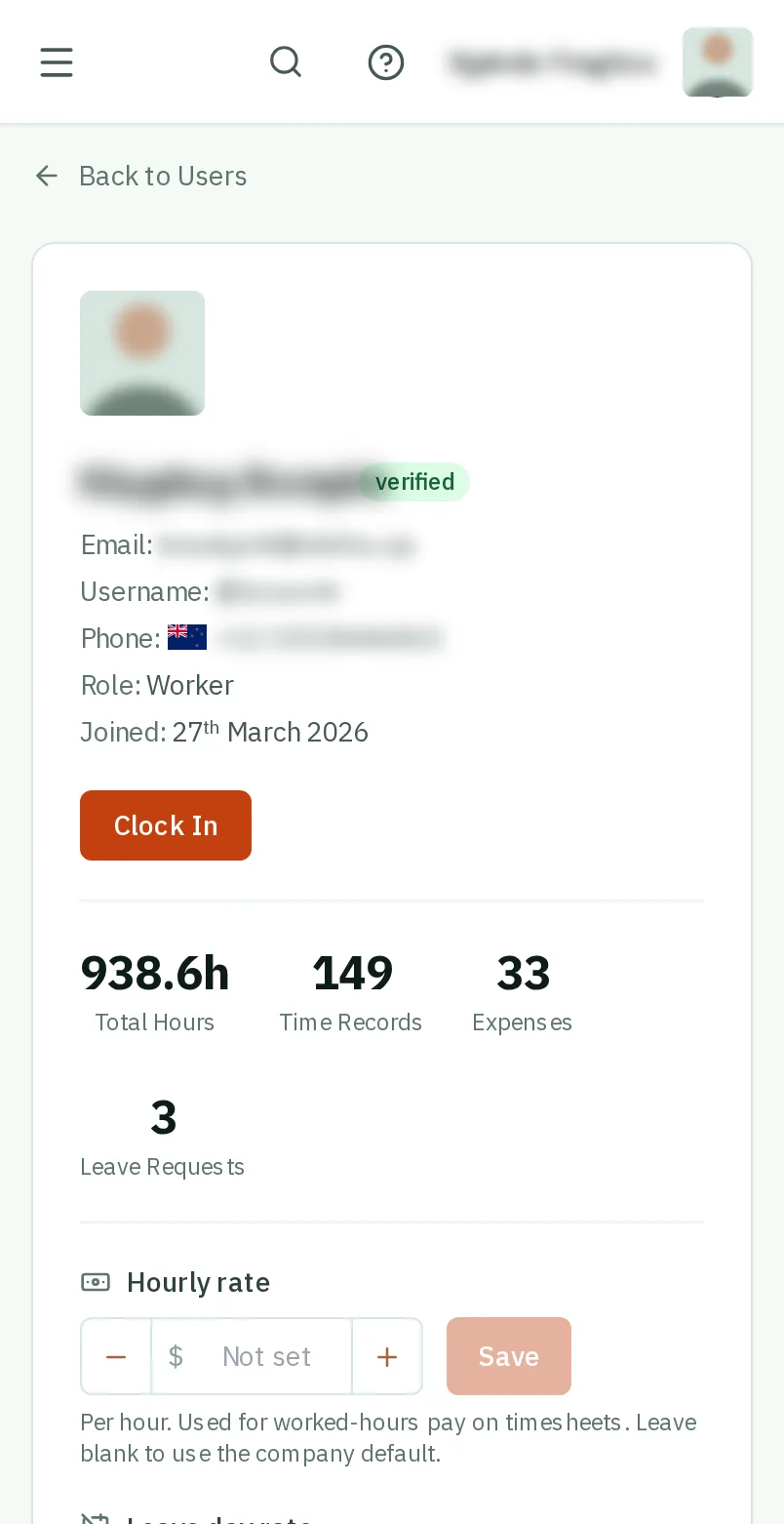
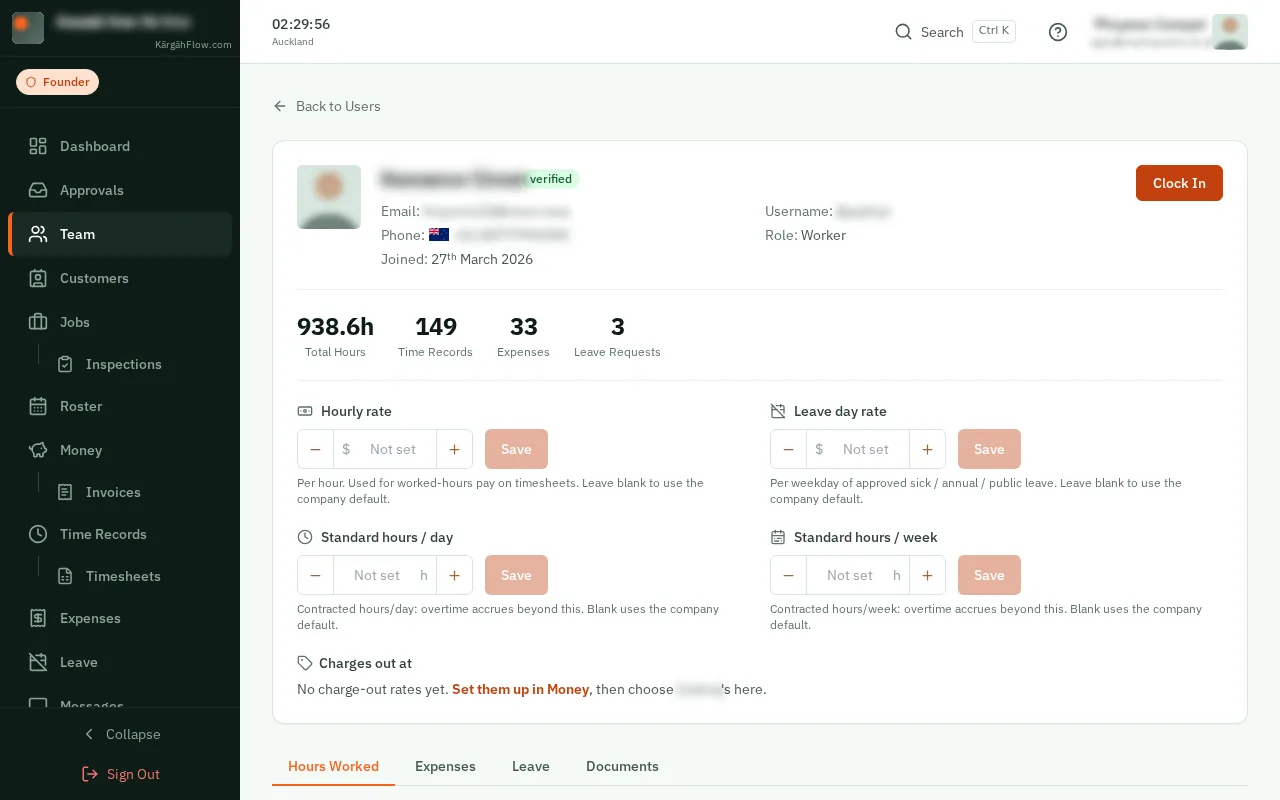
If their contract is different, set Standard hours / day and Standard hours / week. Their overtime starts after these.
Back on Team, tapclick the Worker badge on their card and confirm. Admins can run jobs, people and approvals. TapClick the badge again to change them back.
Good to know: The badge cannot be changed while the person is signed in or on the clock.
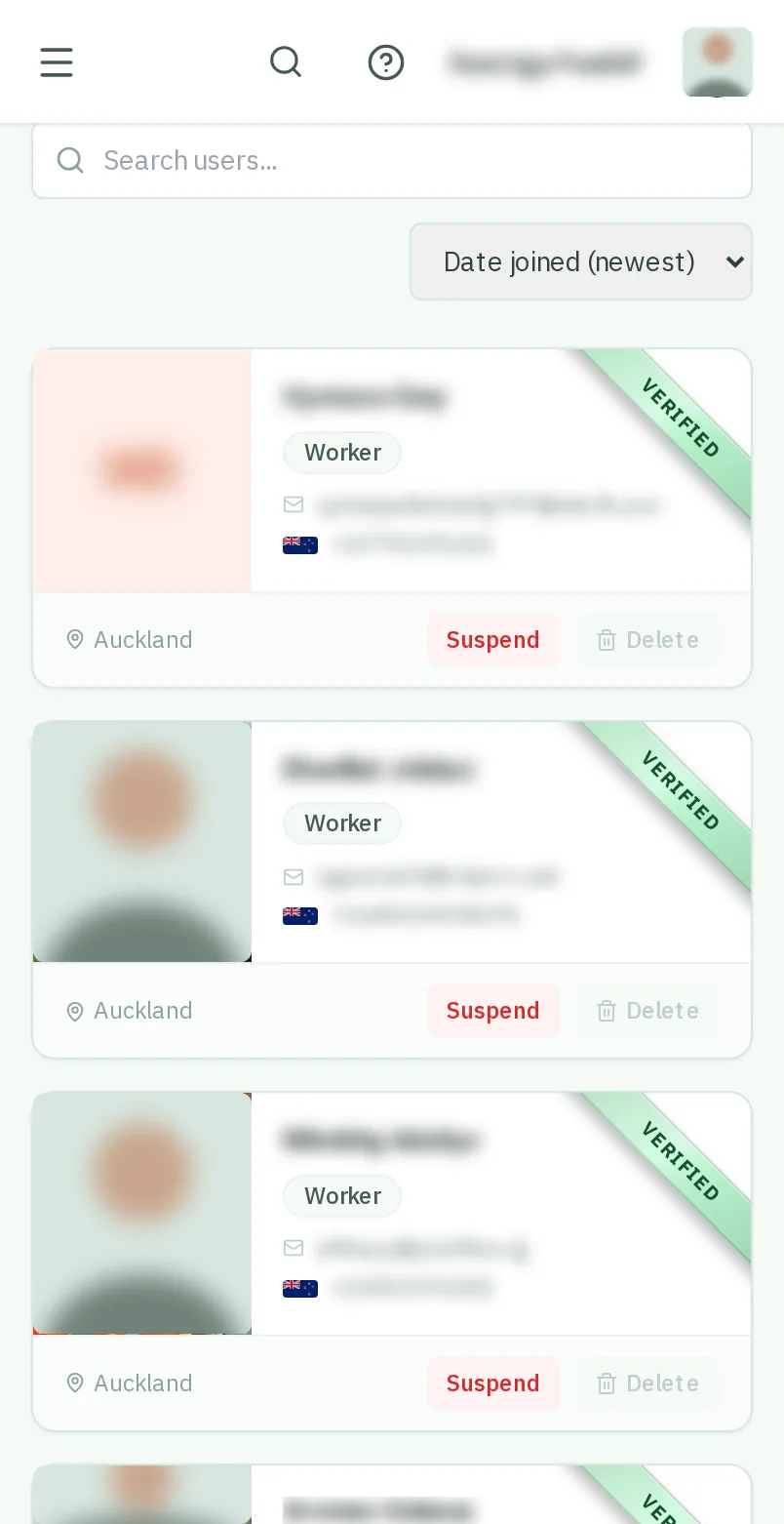
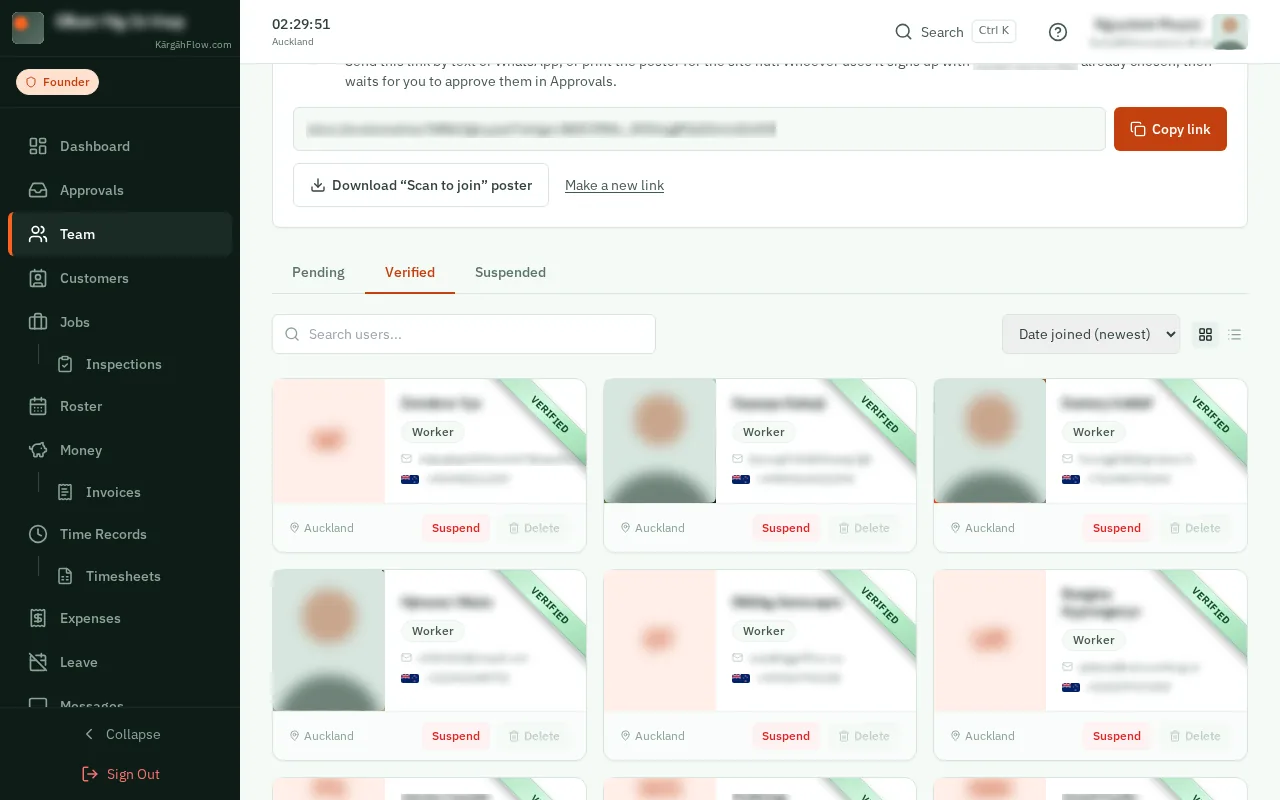
TapClick Suspend on their card. They cannot sign in, and get no emails, until you tapclick Reactivate. Their hours stay on record.