KārgāhFlow
About 1 minute 5 stepsFor admins and owners

Email someone from the app

Click anyone’s email address to write to them, with attachments.

Email someone from the app: the screen on a computer
Step 1 of 5
  1. Step 1: Click their email address

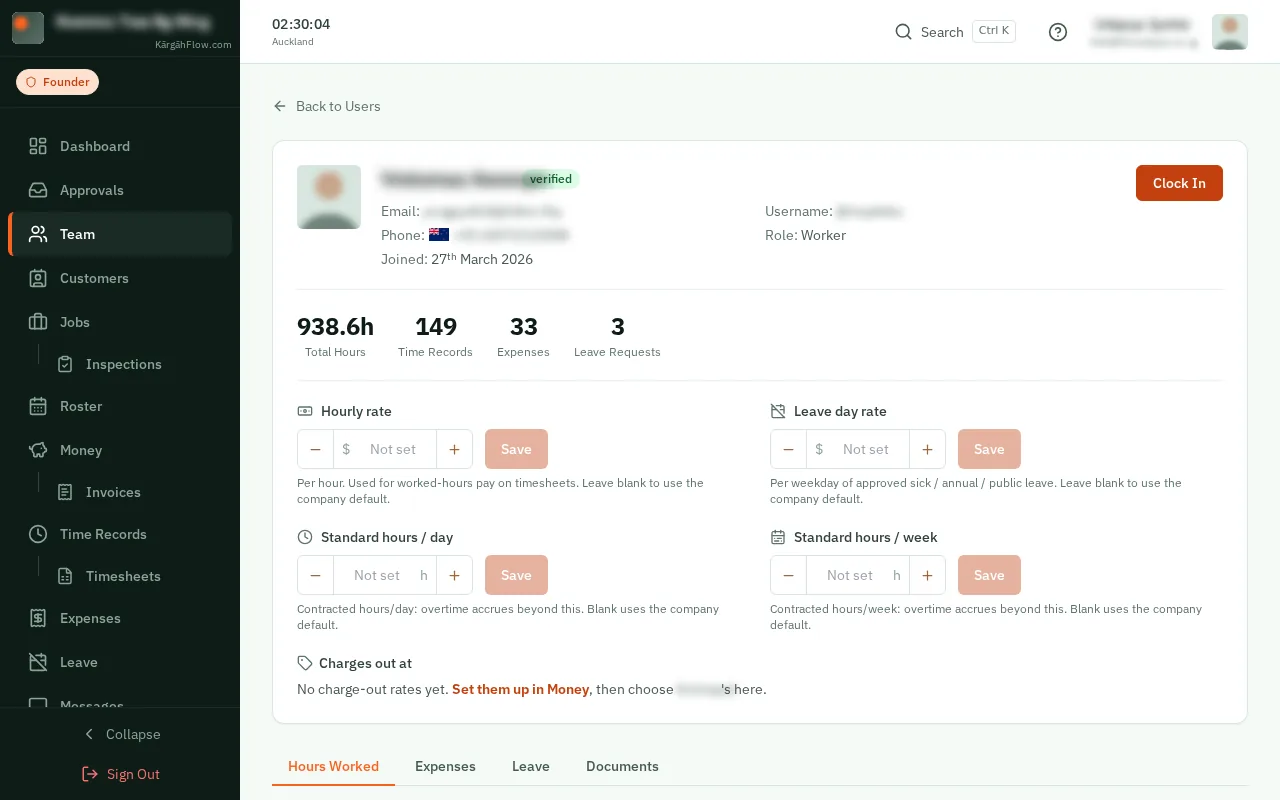
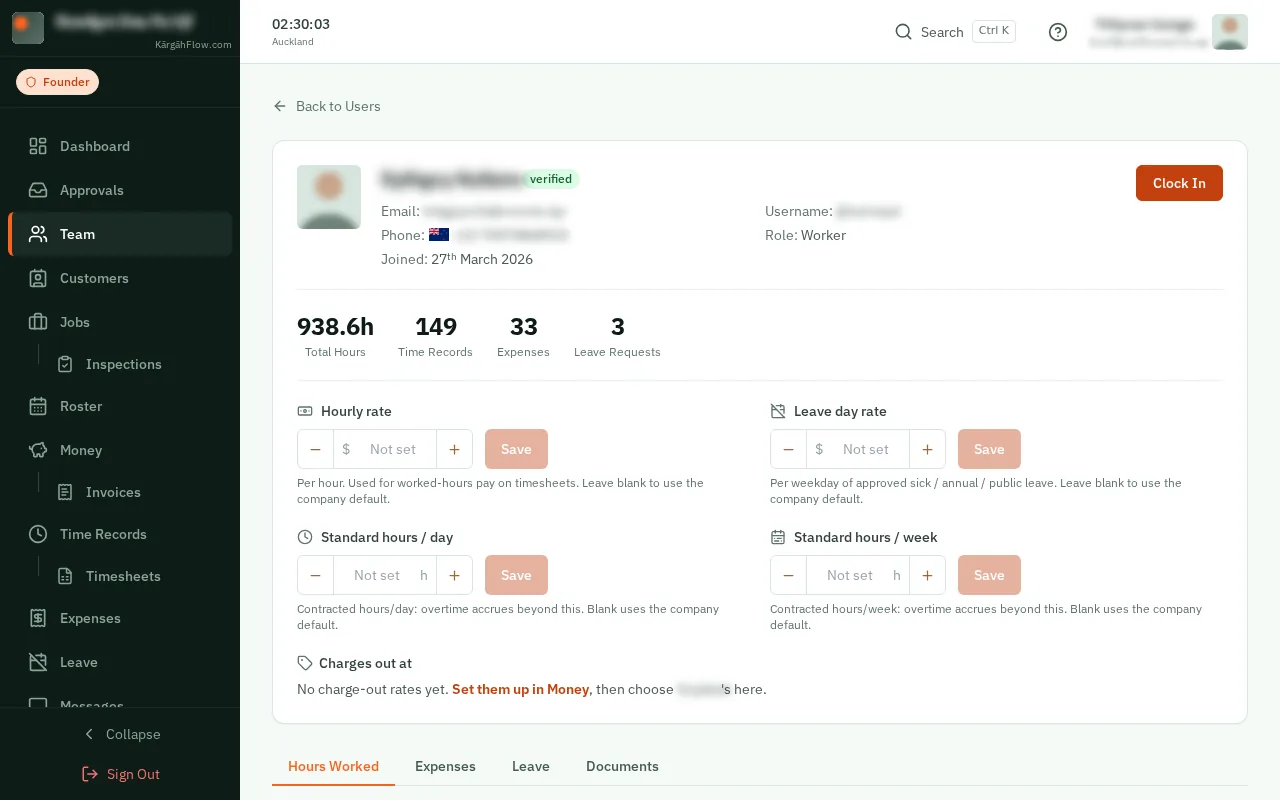
    Open Team, or anyone’s own page, and click their email address.

    Look forthe name@example.com link
    Click their email address
  2. Step 2: Write it

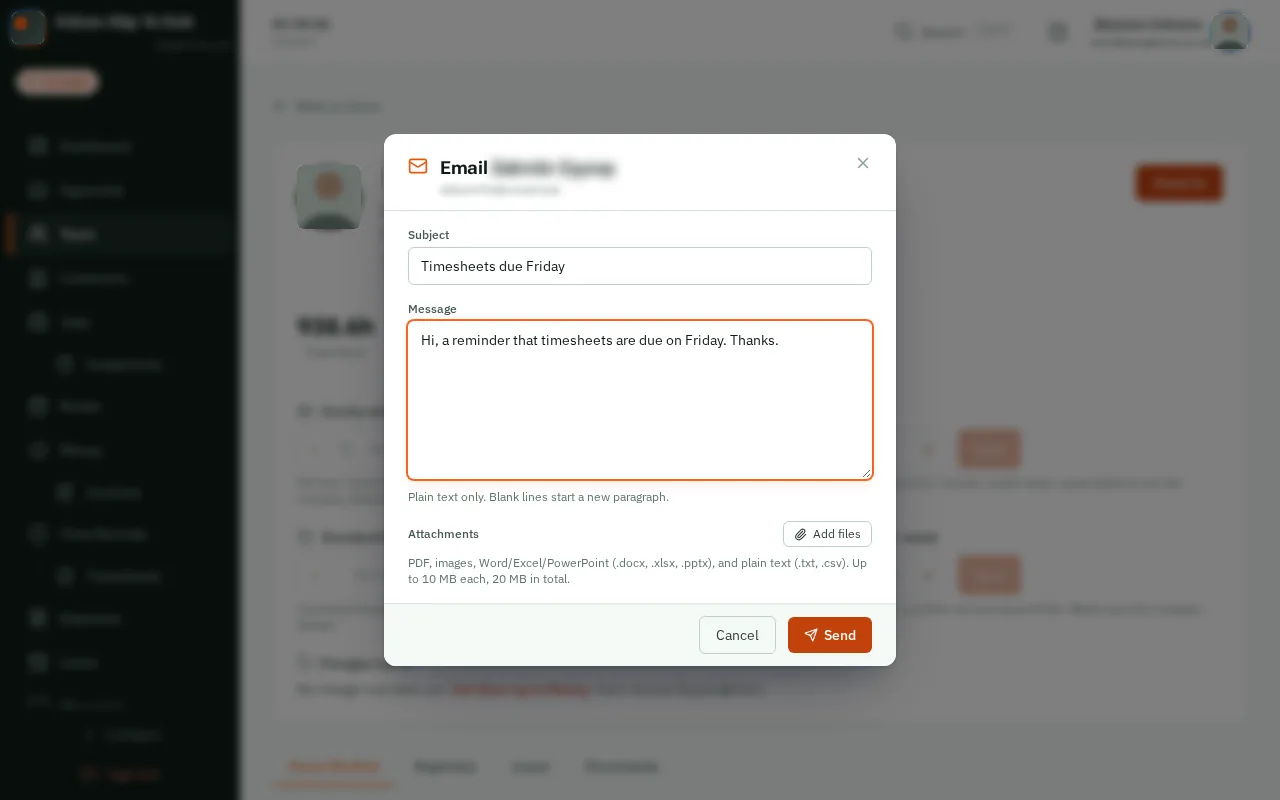
    Type a Subject and your Message. It goes out in KārgāhFlow’s branded email, with your company’s logo.
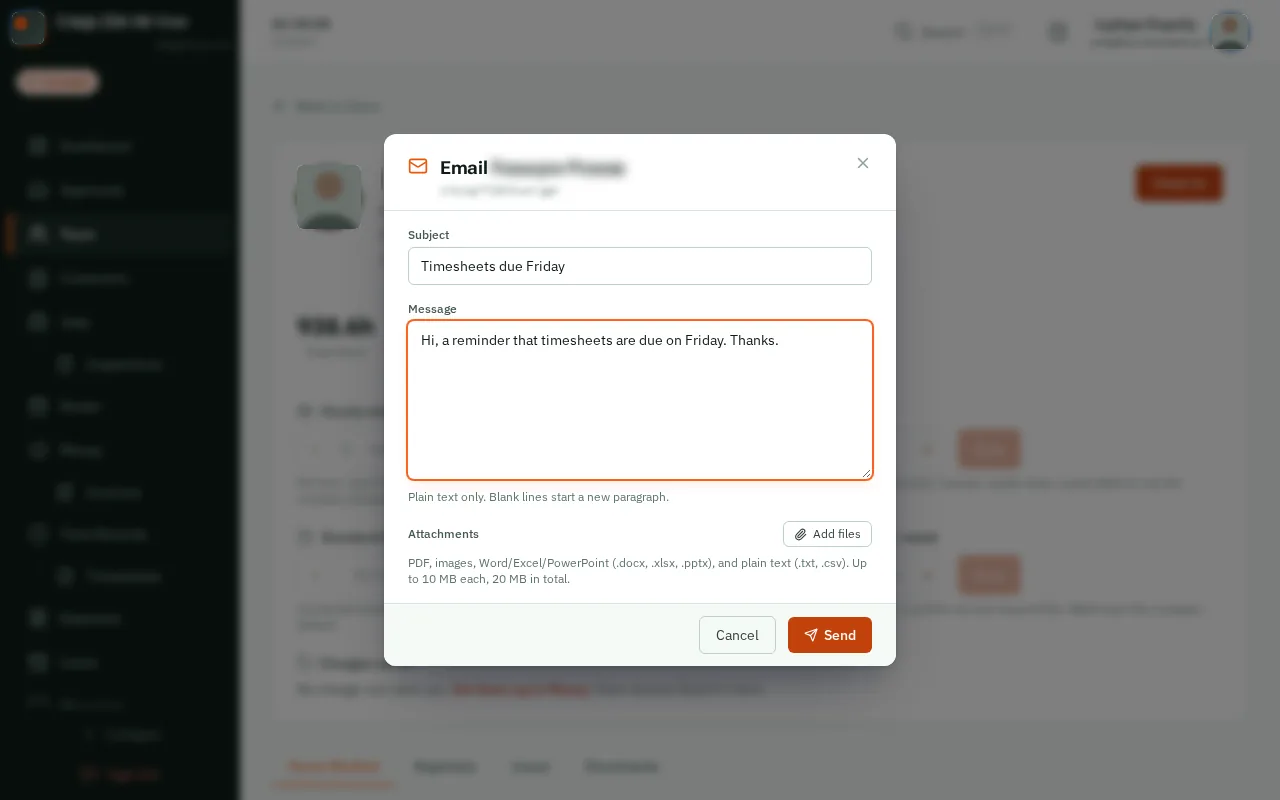
    Look forthe Subject box
    Write it
  3. Step 3: Add files (if you like)

    Click Add files to attach PDFs, photos or Office files: up to five, 10 MB each.
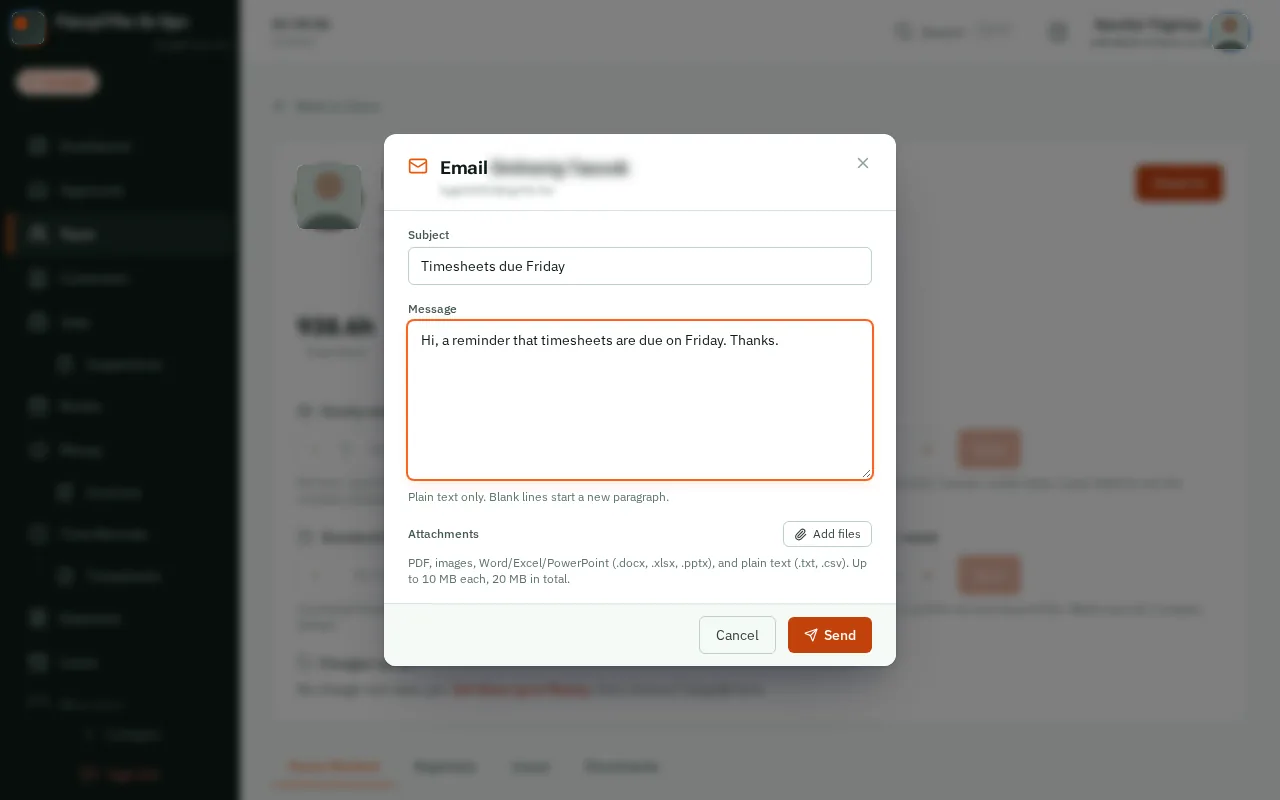
    Look forthe Add files button
    Add files (if you like)
  4. Step 4: Click Send

    Click Send.

    Look forthe Send button
    Click Send
  5. Step 5: Sent

    Email sent shows. Their reply comes straight back to your own inbox.

    Good to know: Everything you send is listed under Messages, then Sent Emails.
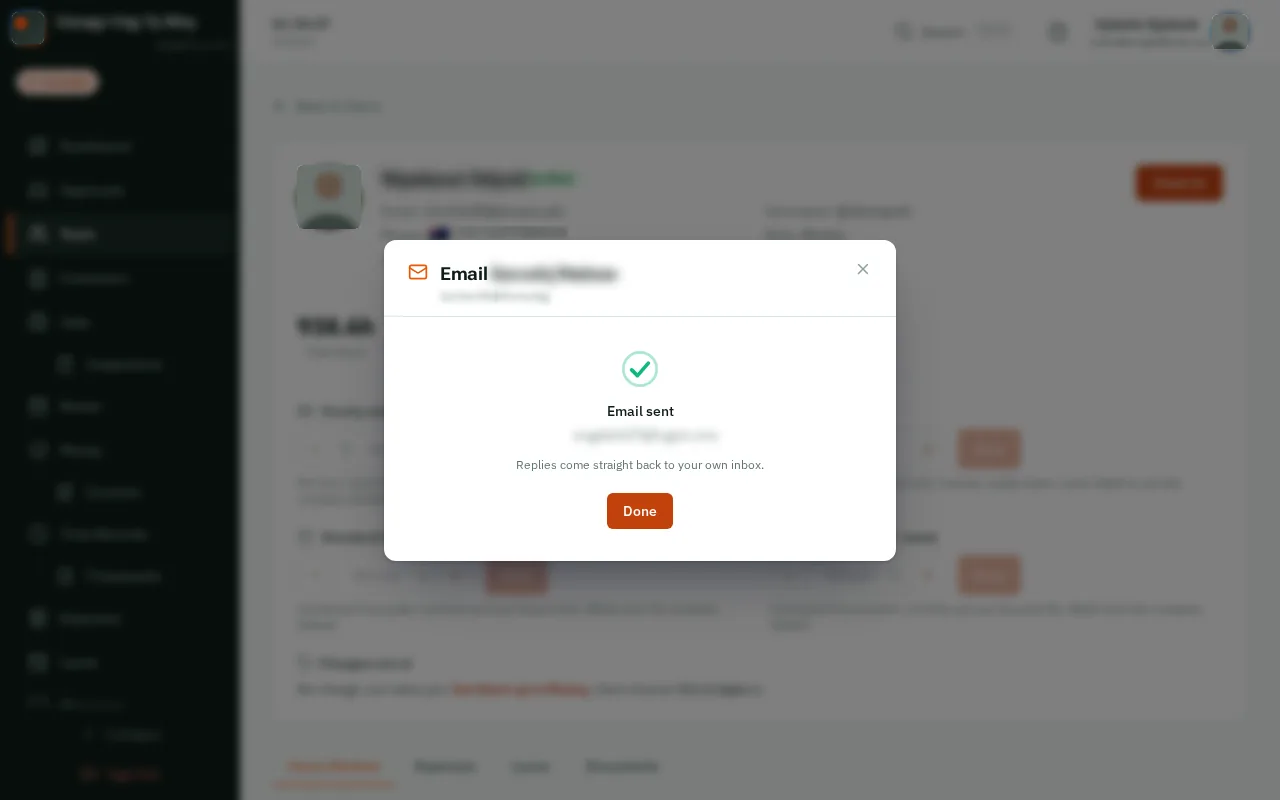
    Sent

That's it

No need to open your email app or look up their address.

Next: Start your company

Usually next

Still stuck? Ask your manager, or tap the ? at the top of any page in KārgāhFlow. Running the business and need us?