Step 1: Open Company
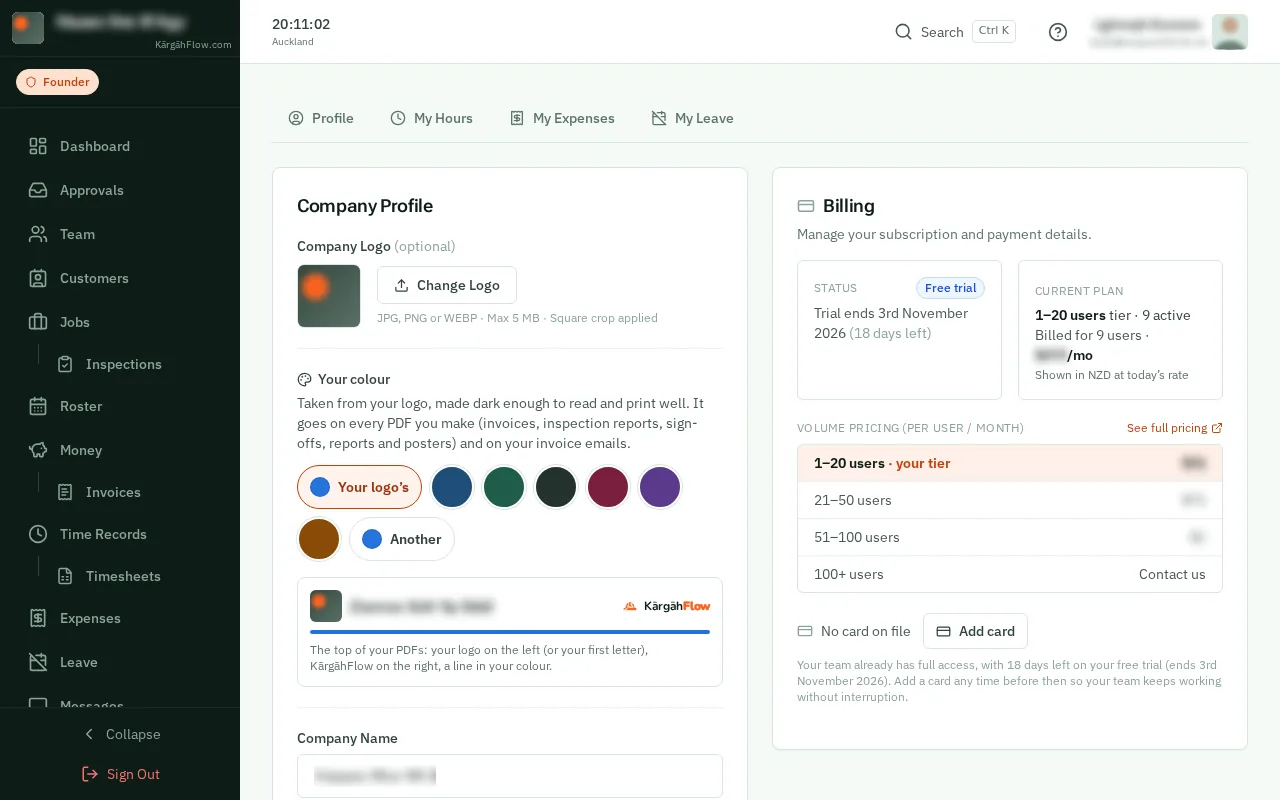
TapClick the menu button at the top left of the screen, then Company.TapClick Company in the menu on the left.
Look forthe Company item in the menu
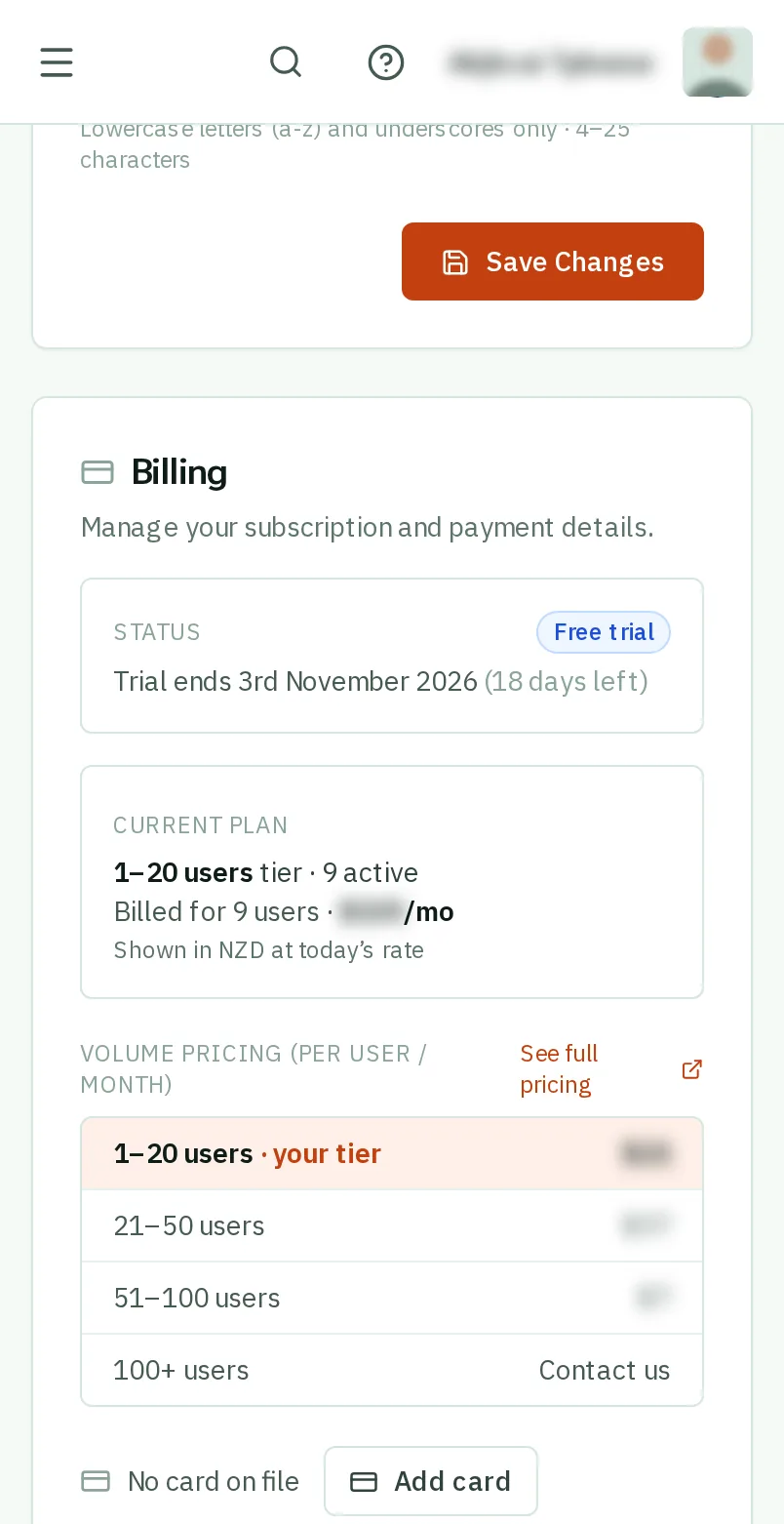
Good to know: Billing is further down the Company page.
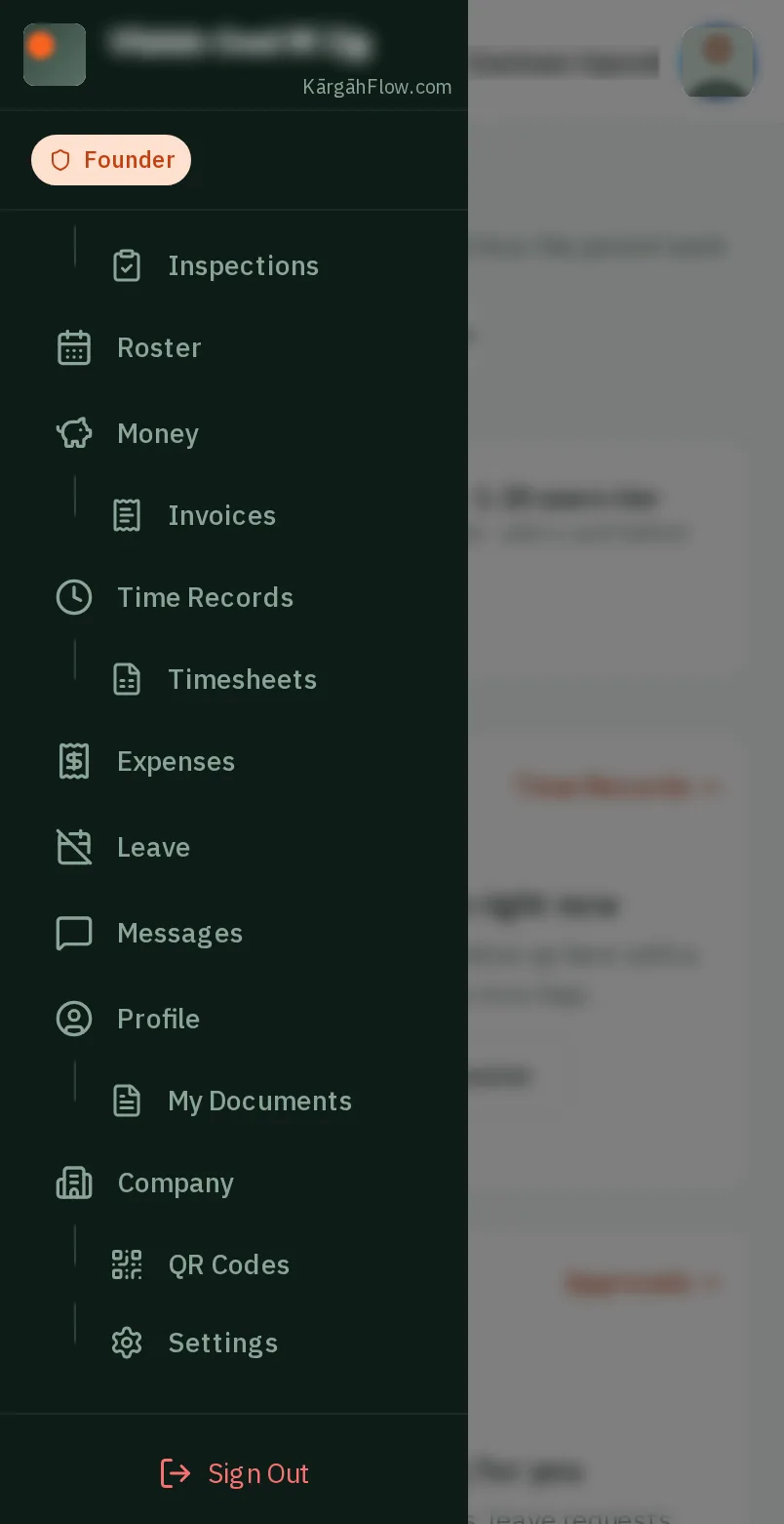
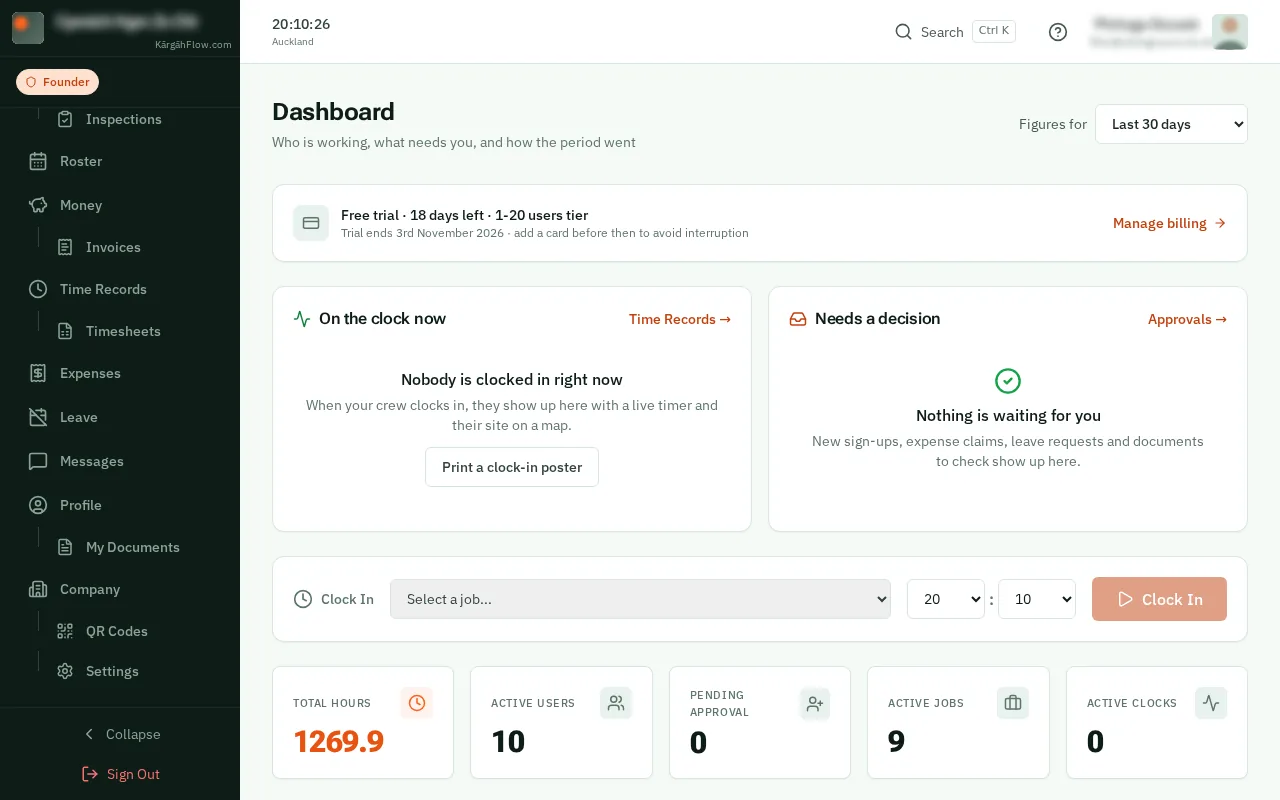
TapClick the menu button at the top left of the screen, then Company.TapClick Company in the menu on the left.
Good to know: Billing is further down the Company page.
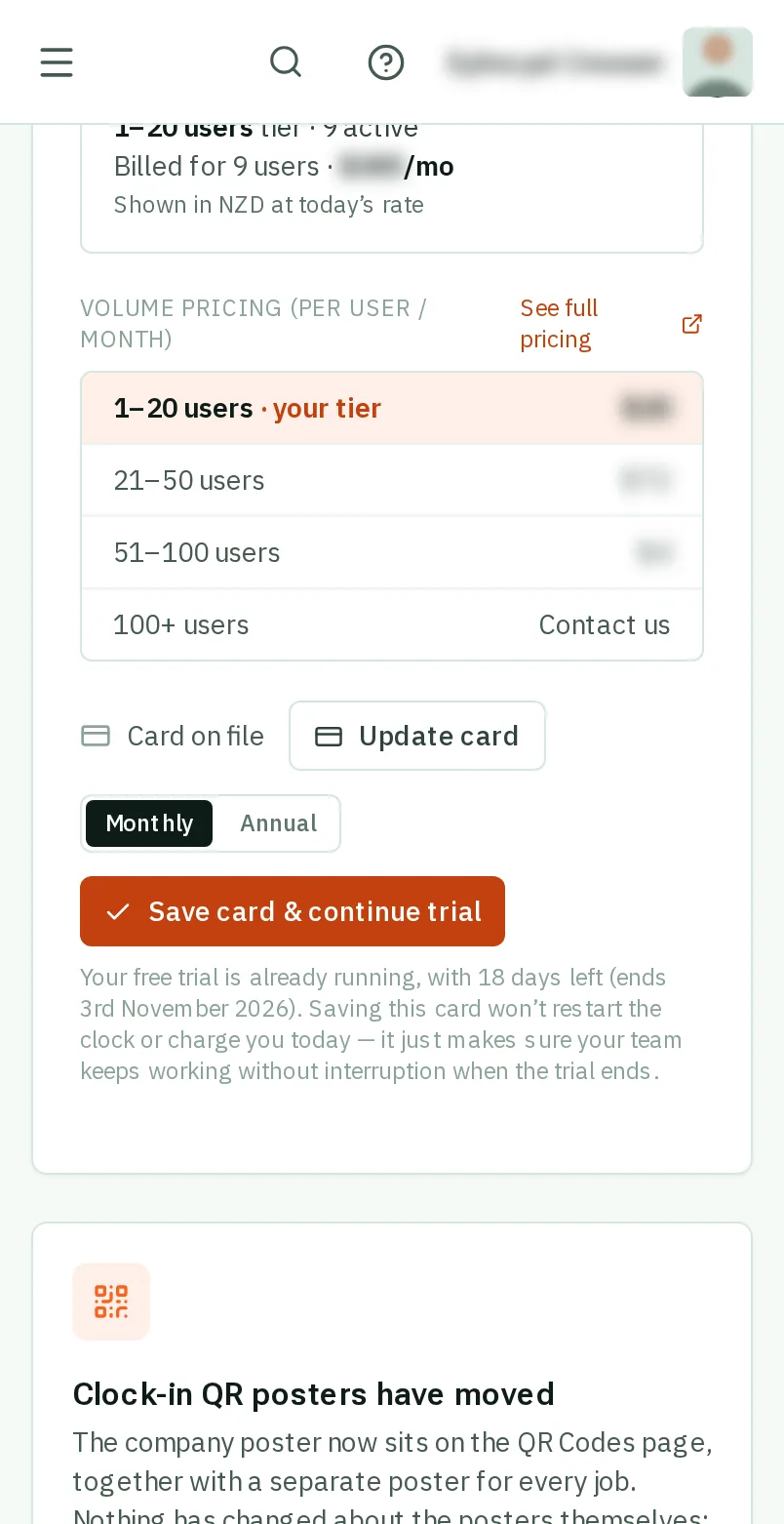
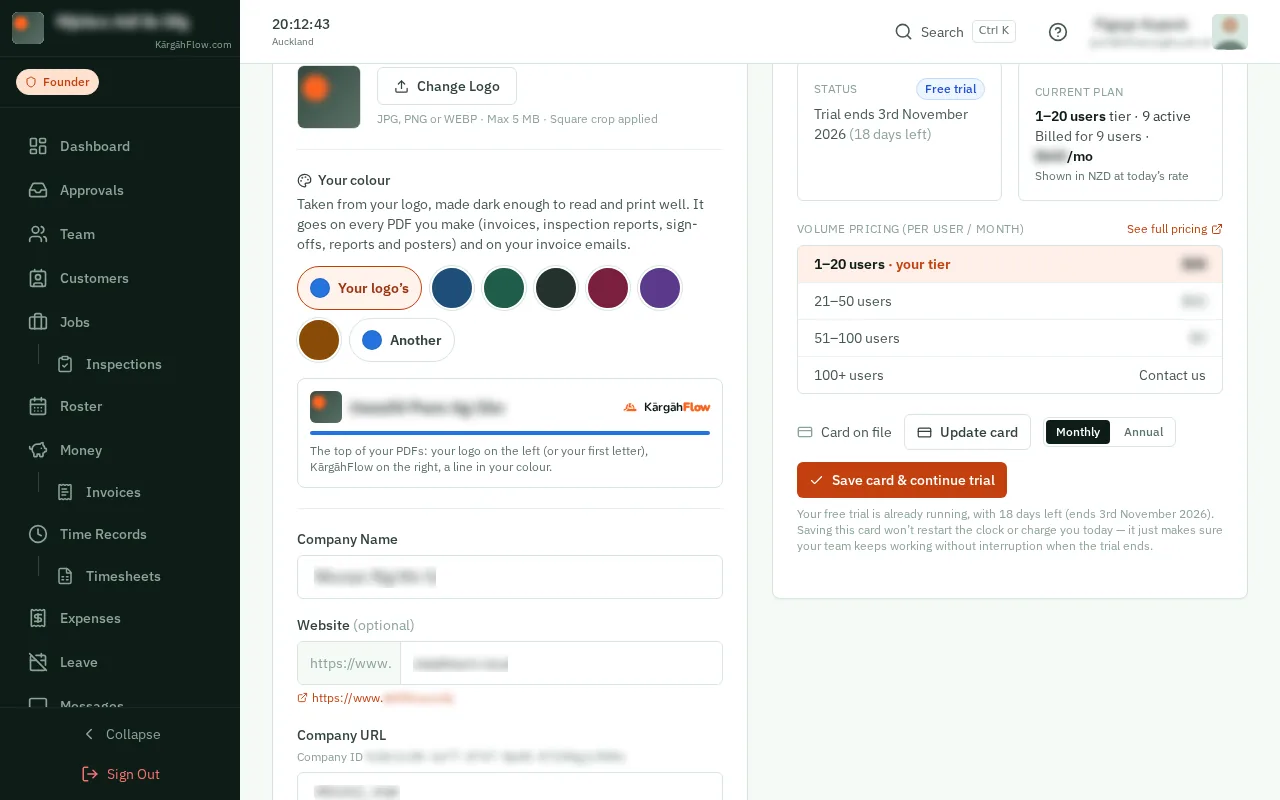
Status shows your trial or your plan, and Current plan how many people you are billed for and the price.
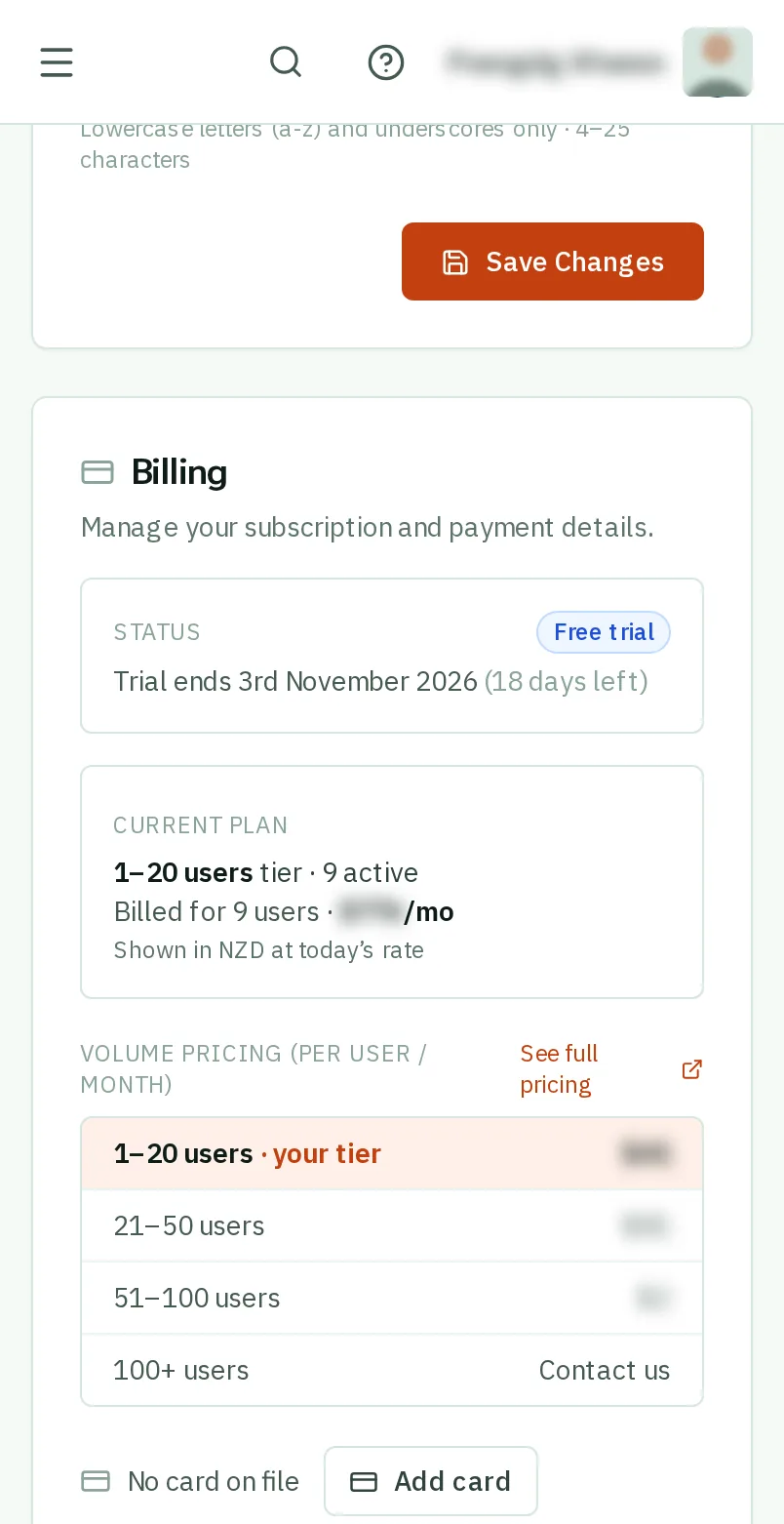
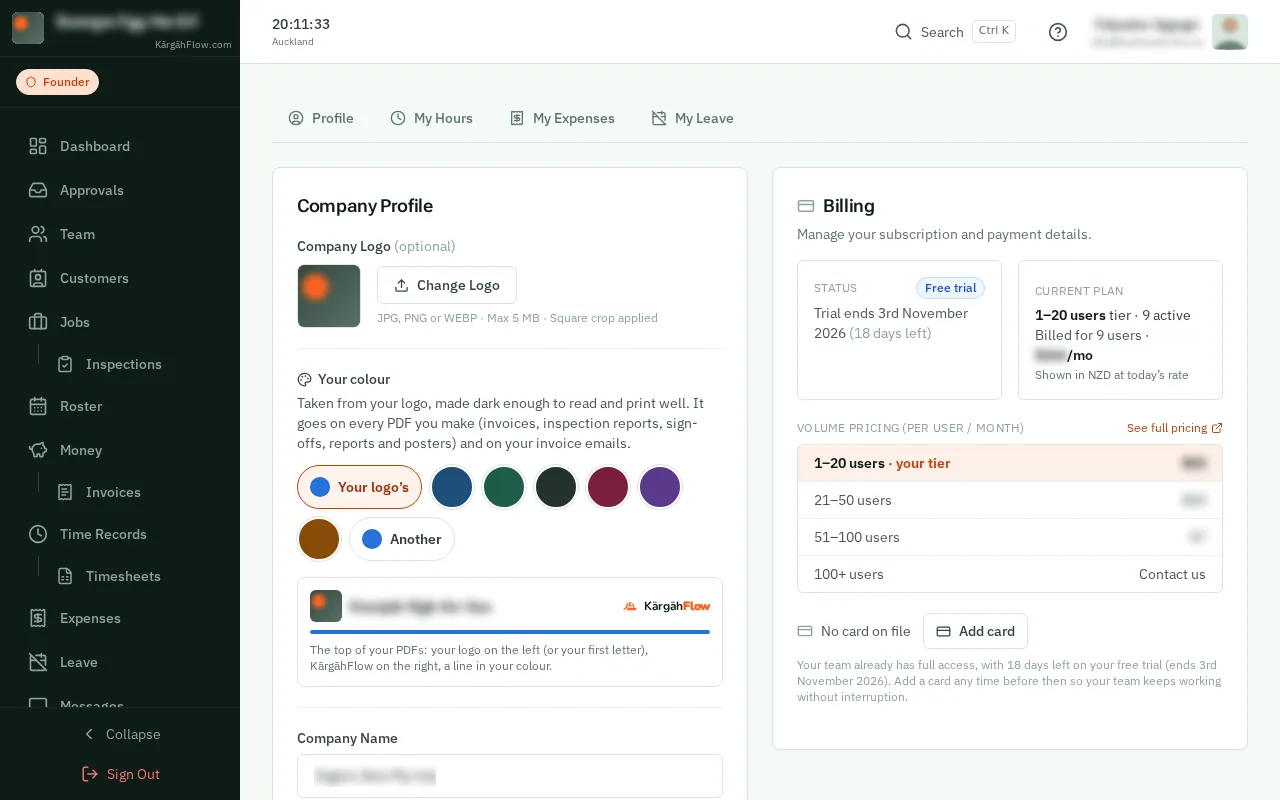
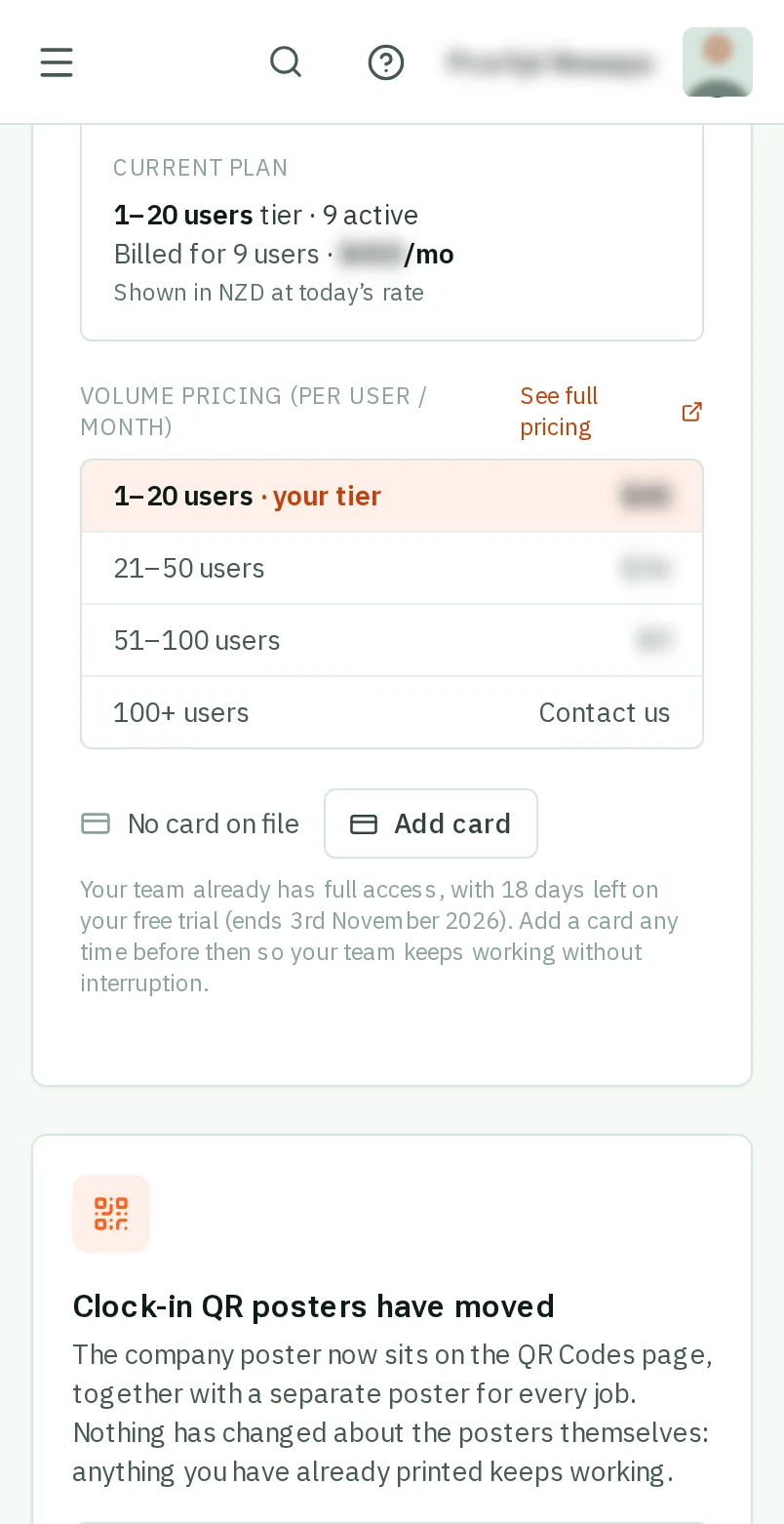
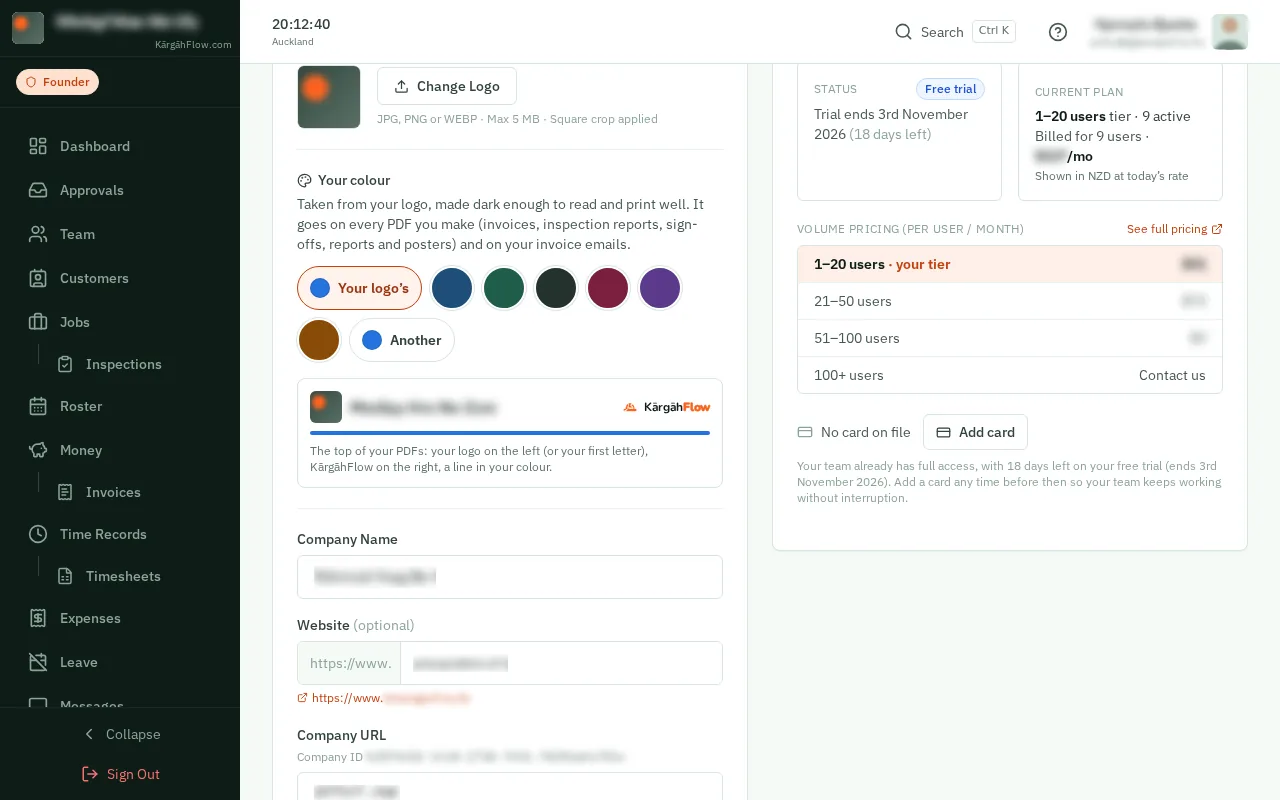
The table shows the price per person each month at every team size. Yours is highlighted.
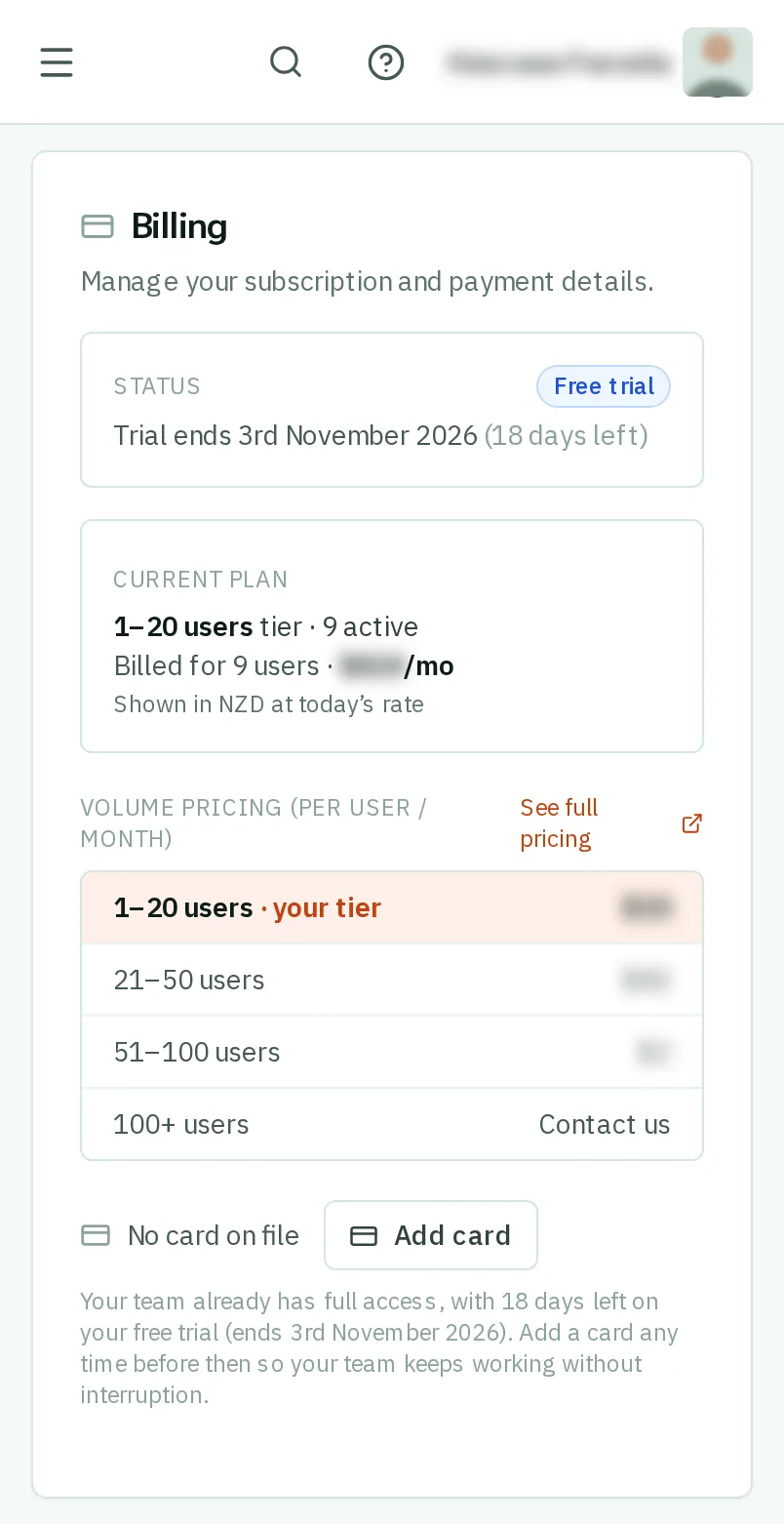
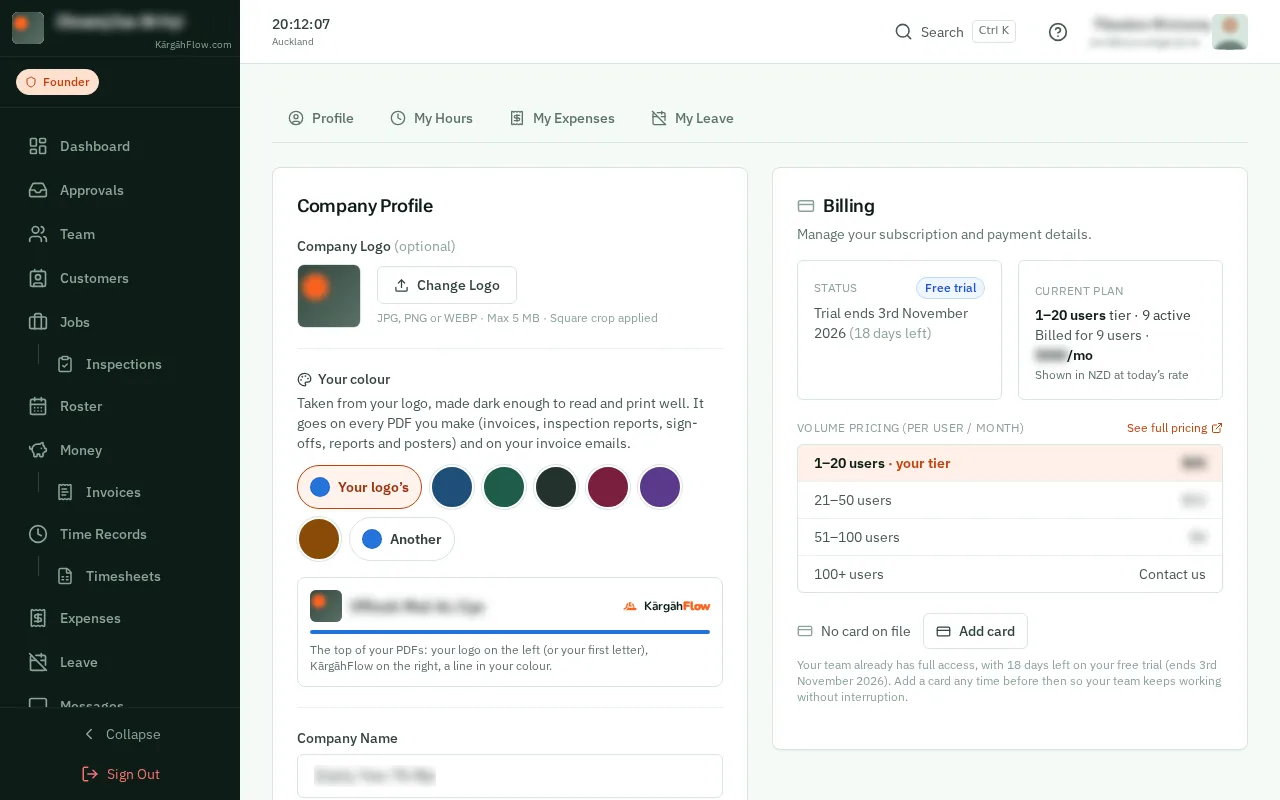
TapClick Add card and type your card details. Nothing is taken until your free trial ends.
Choose Annual to pay once a year for less than twelve months.
Good to know: To stop, tapclick Cancel subscription at the bottom. Your team keeps working until the end of the time you have paid for.