Step 1: Find your join link
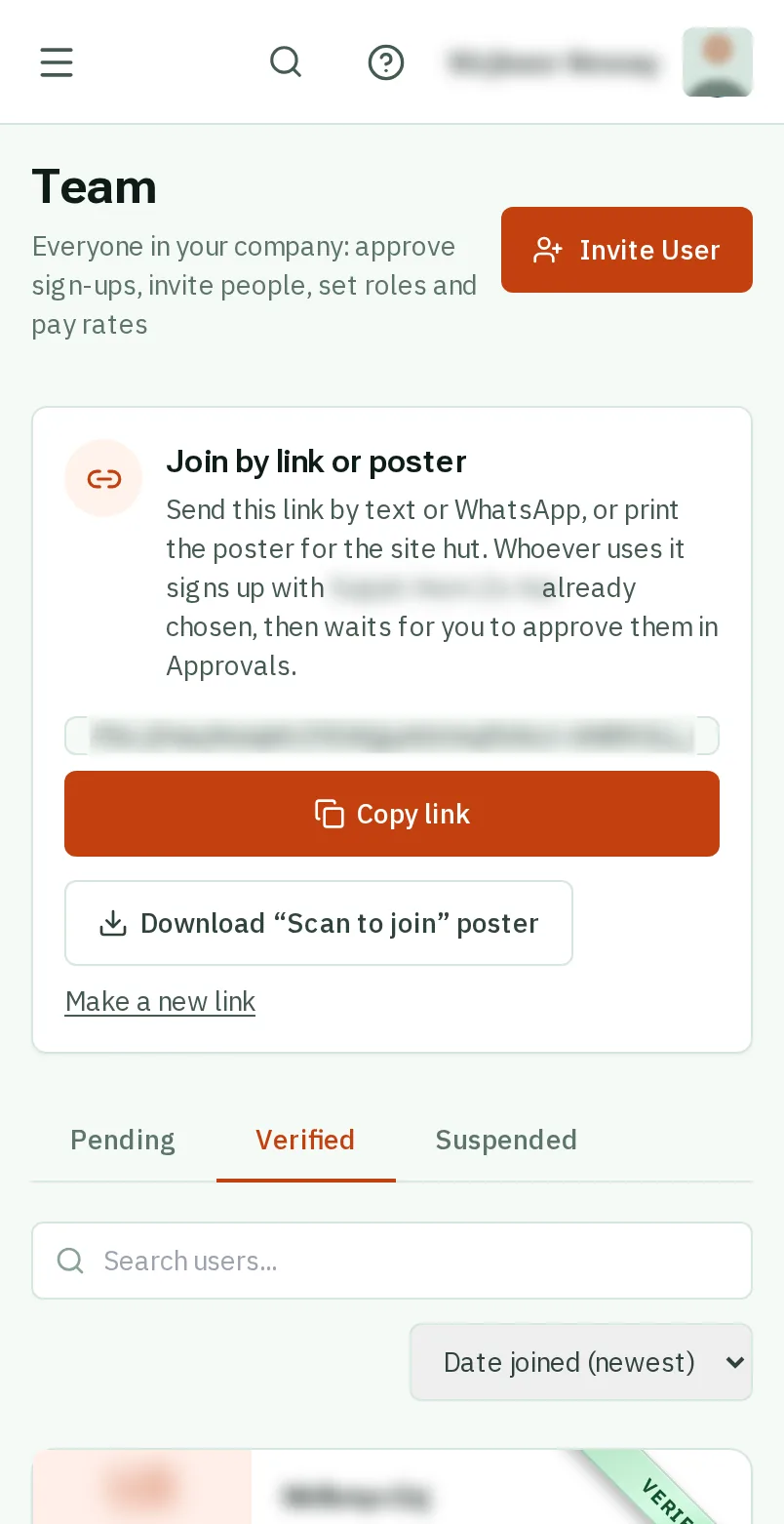
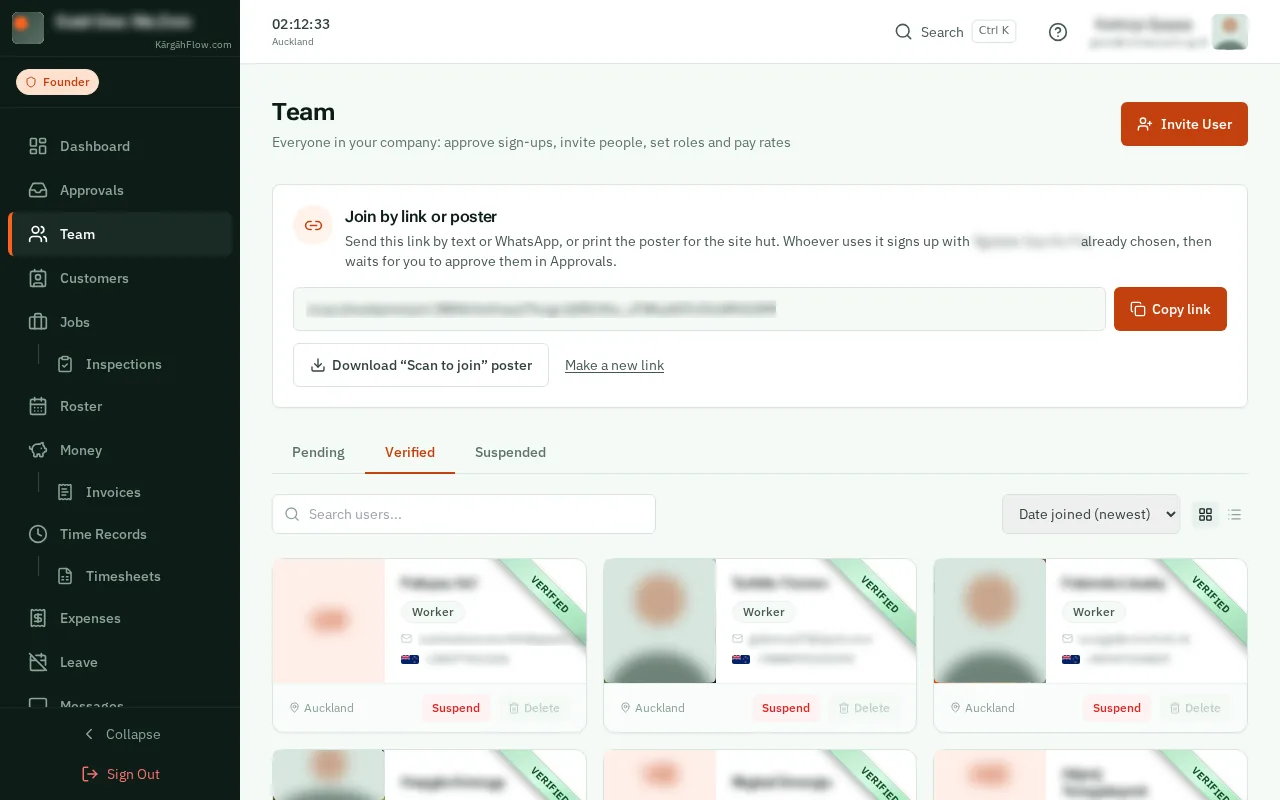
Open Team. Near the top is Join by link or poster, with your company’s own link in it.
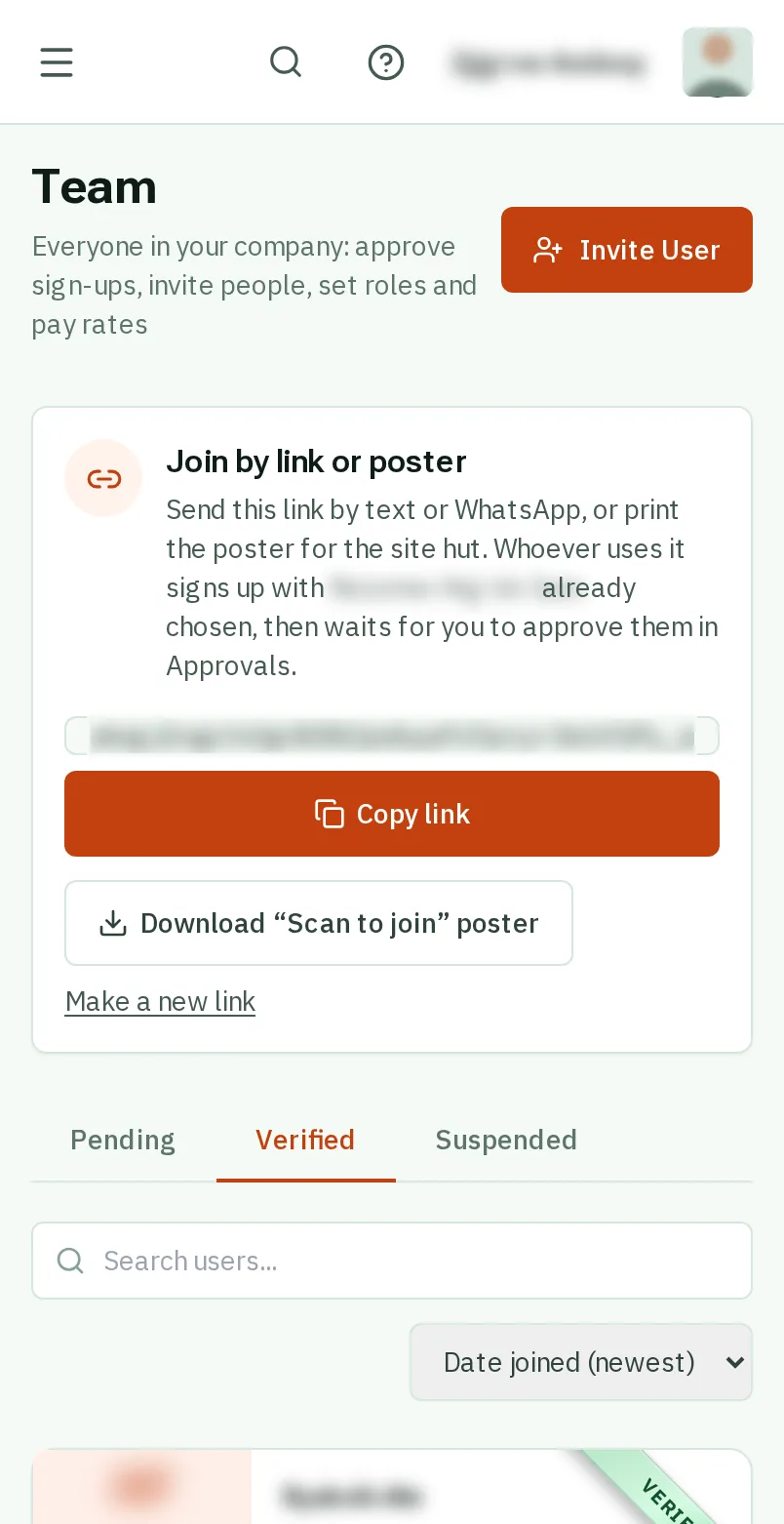
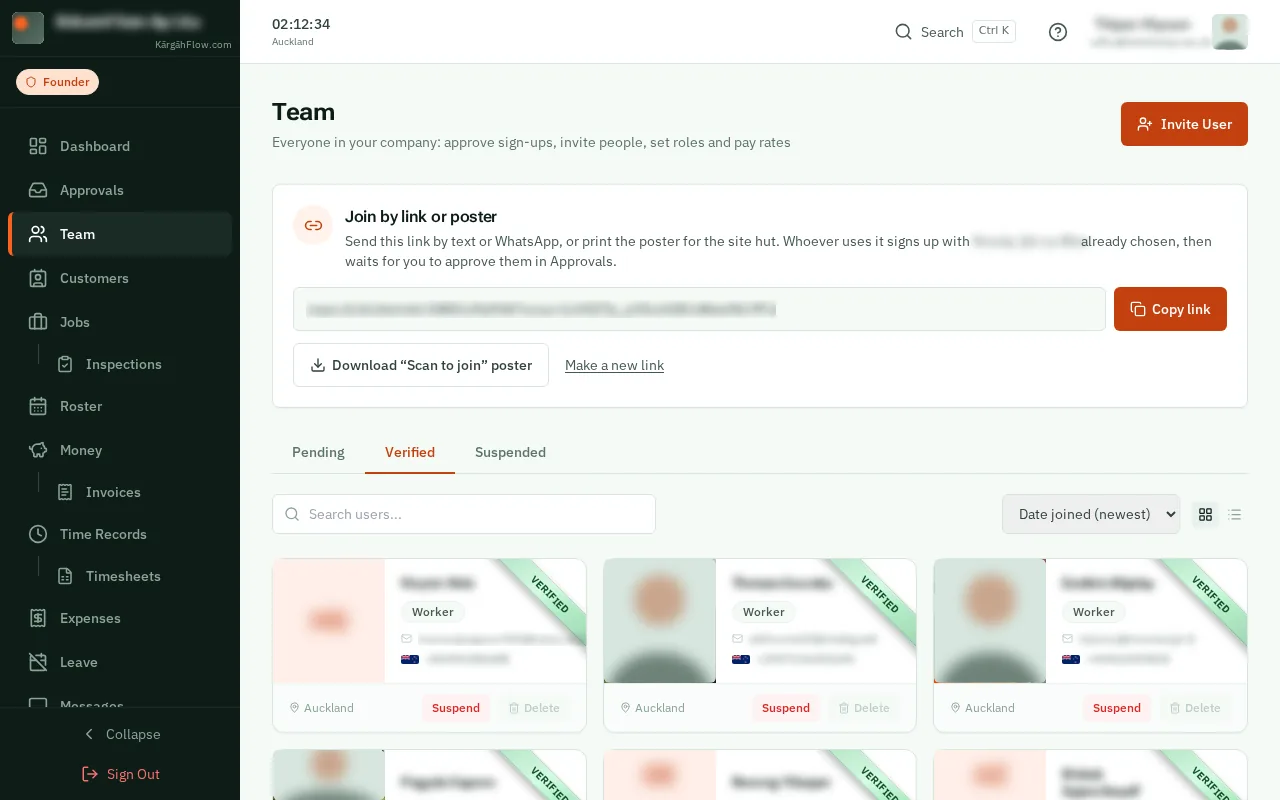
Open Team. Near the top is Join by link or poster, with your company’s own link in it.
TapClick Copy link, then paste it into a text or a WhatsApp message to your crew. Whoever taps it signs up with your company already chosen.
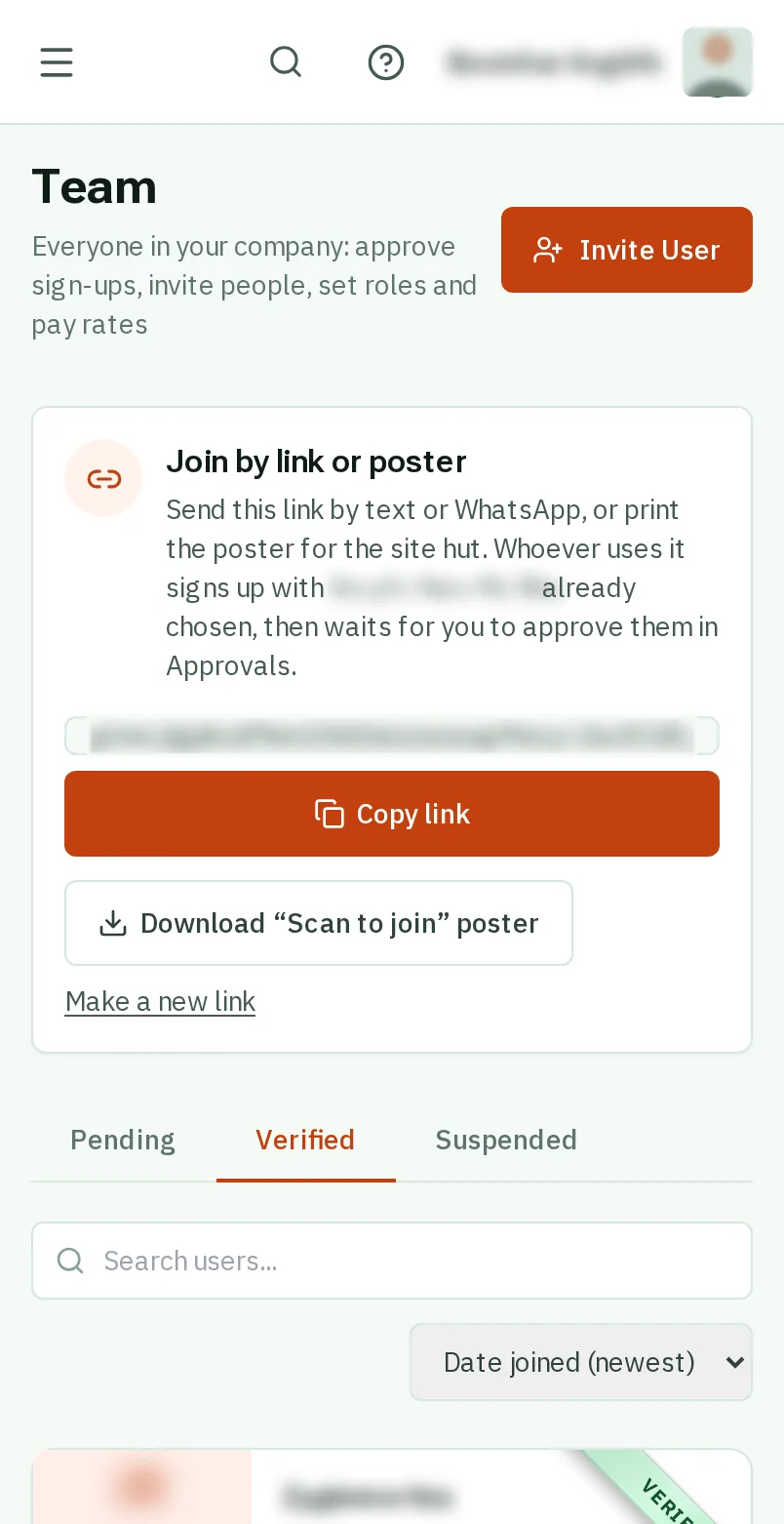
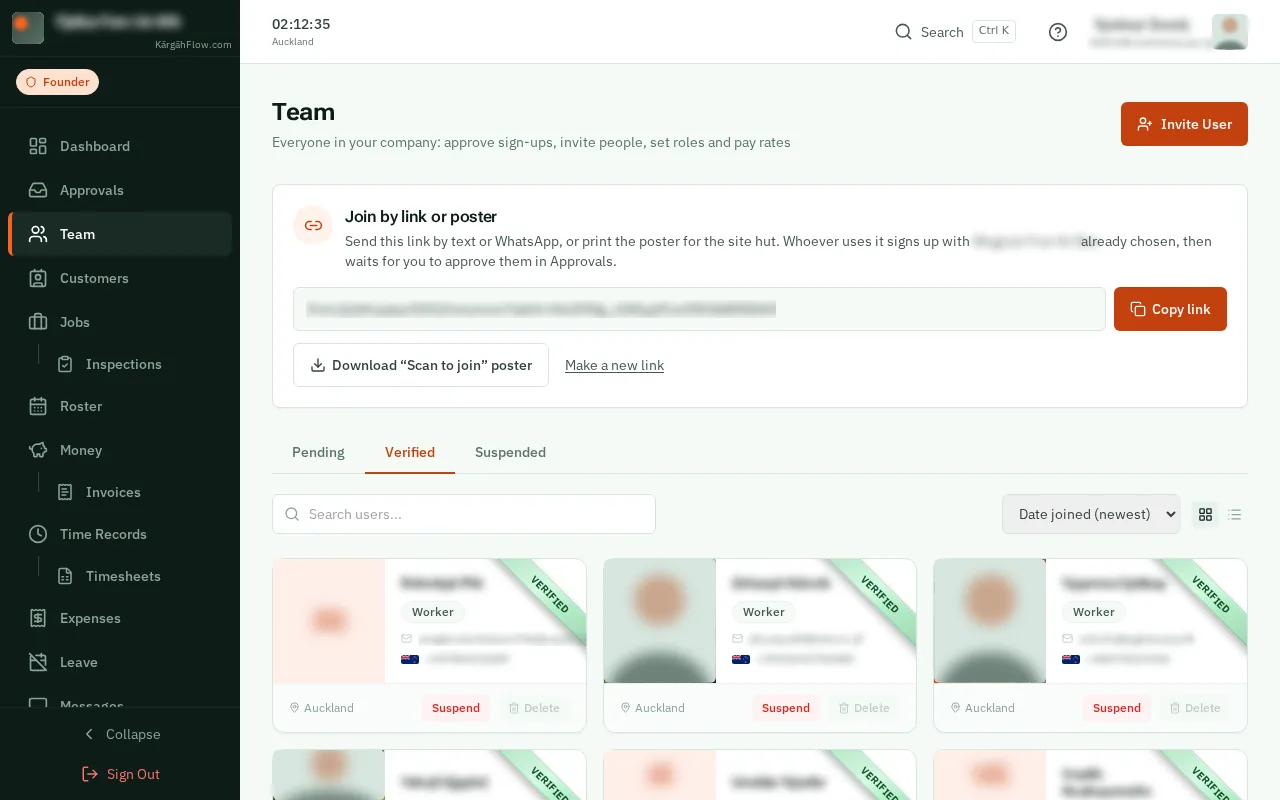
TapClick Download “Scan to join” poster, print it, and put it up in the site hut or the van. People scan it with their phone’s camera to sign up.
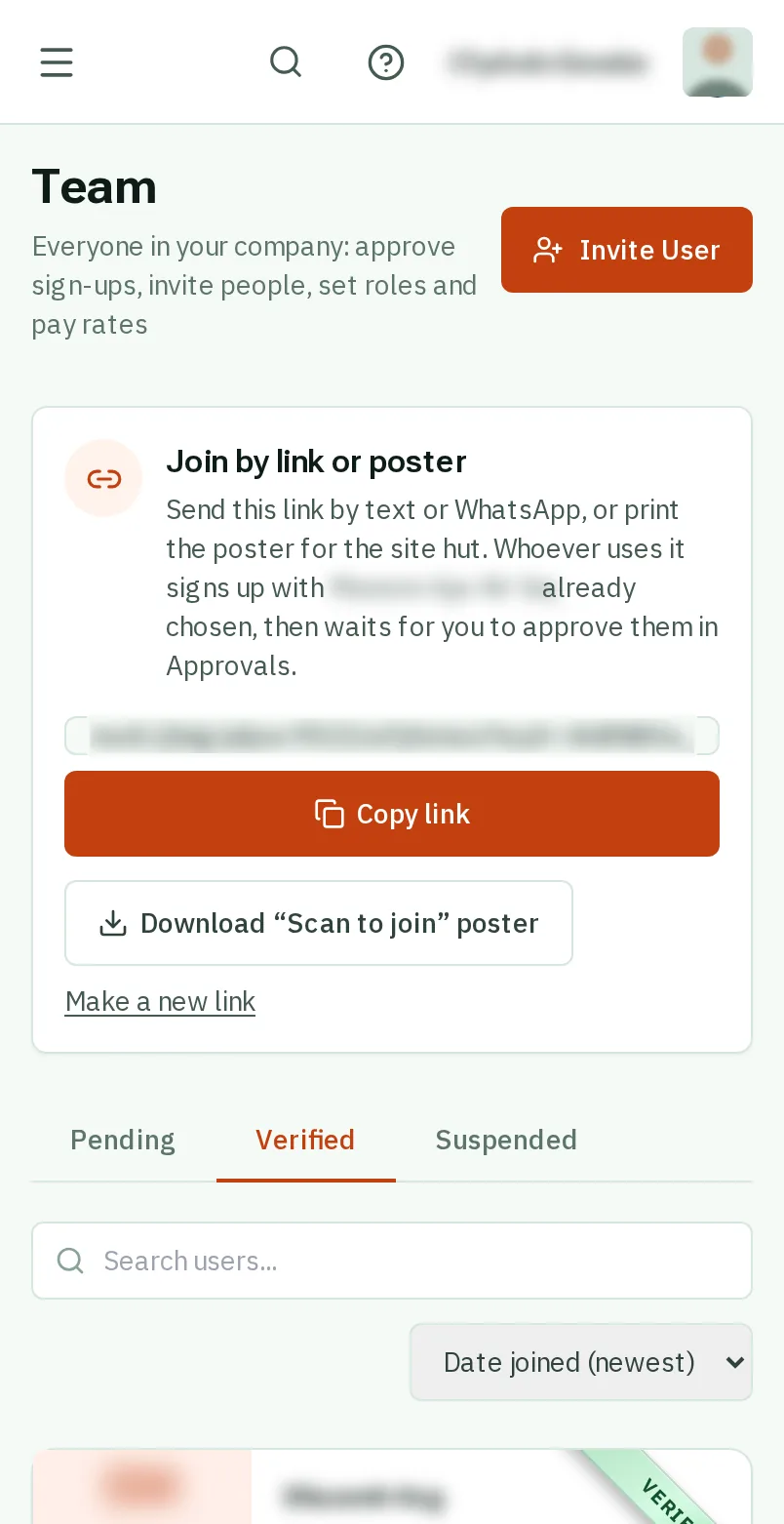
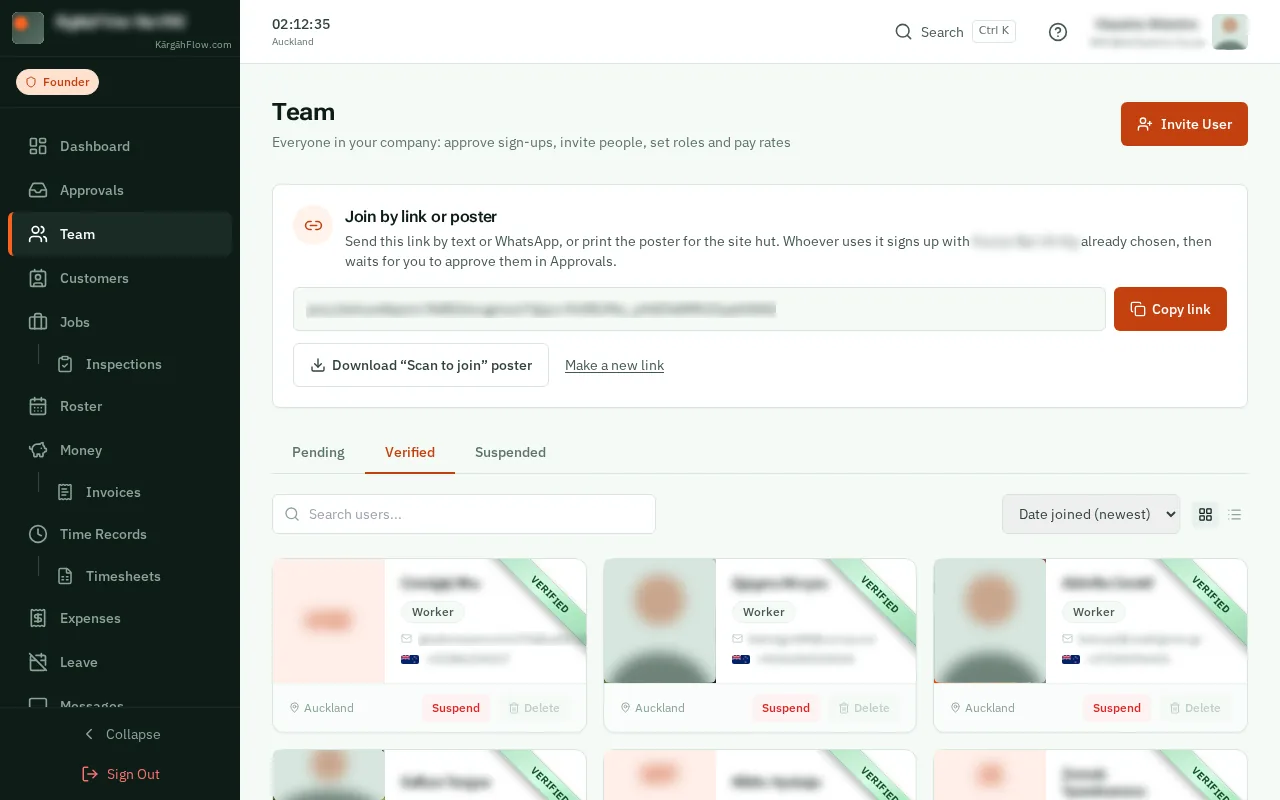
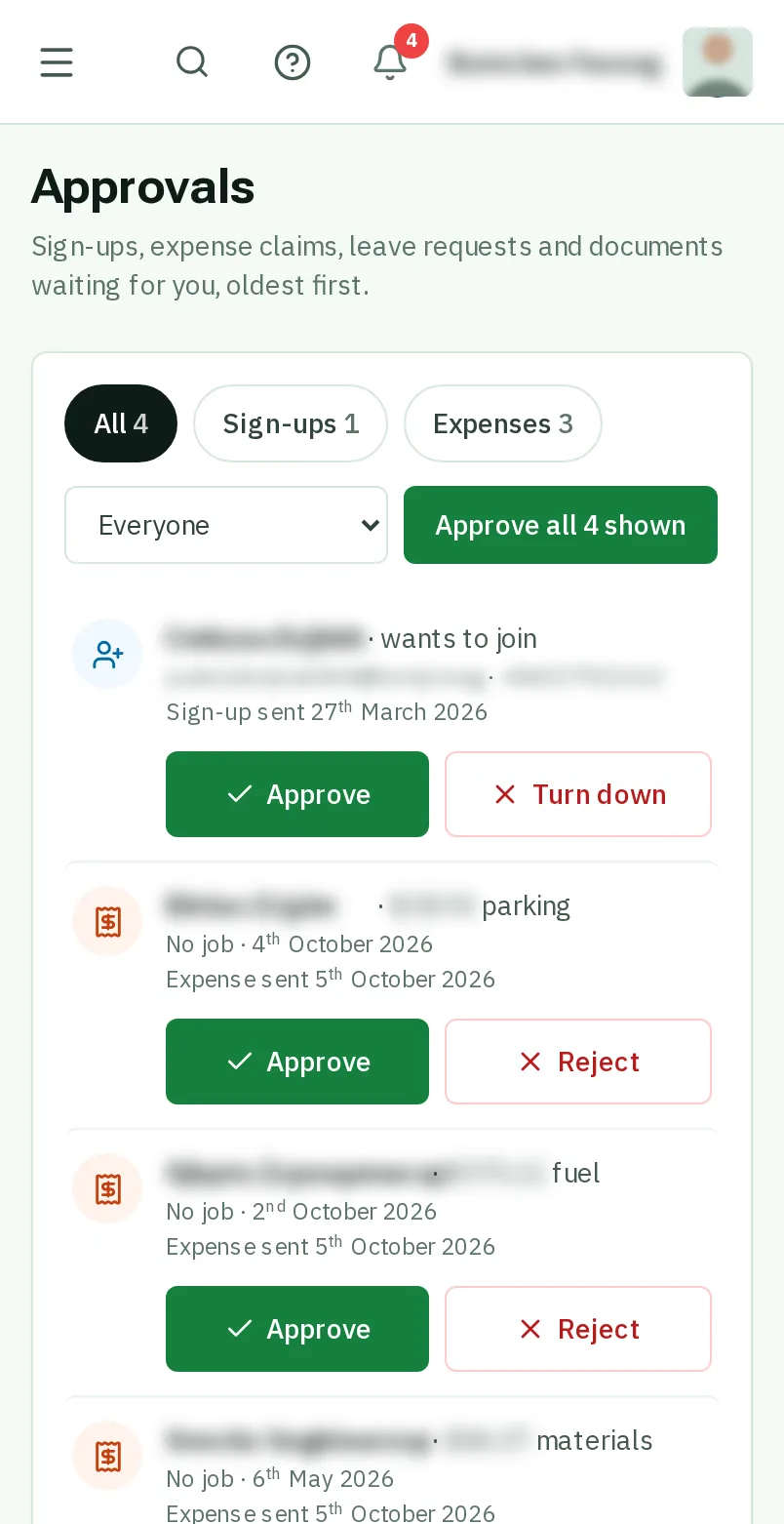
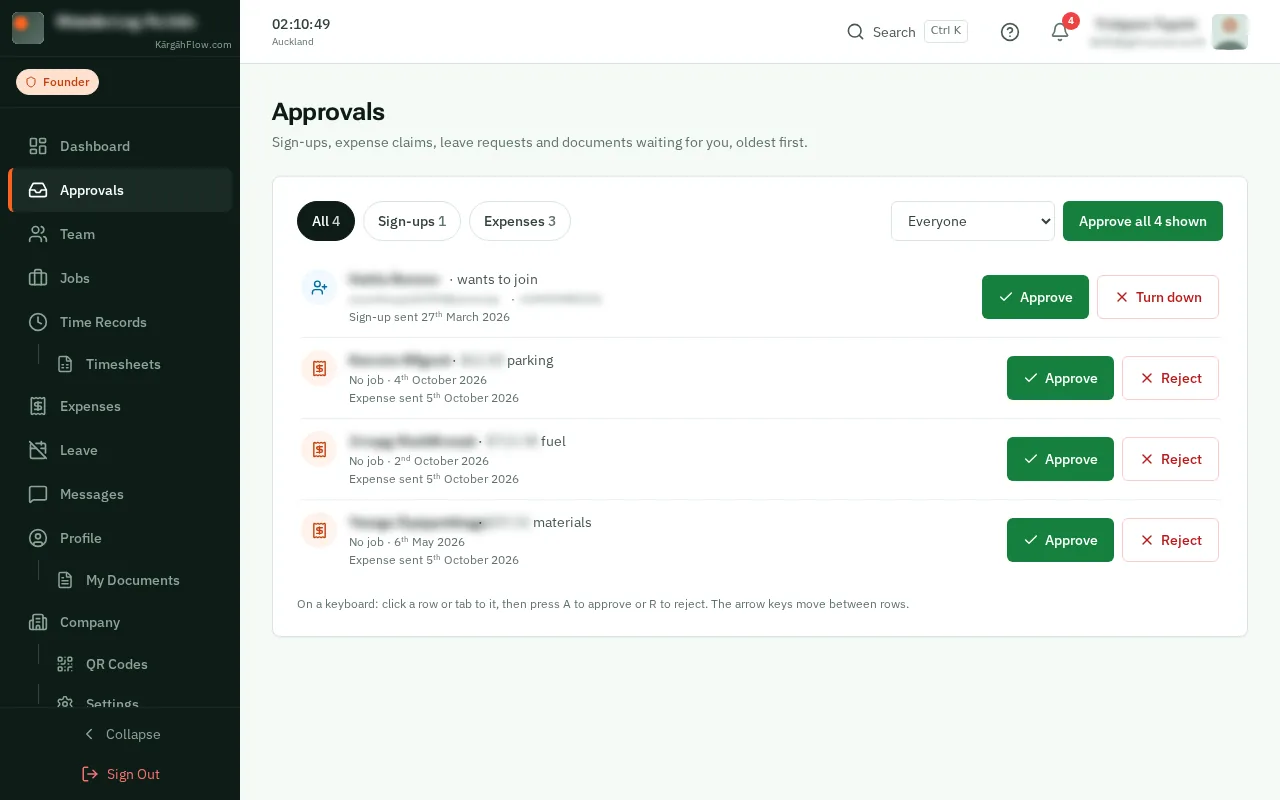
People who join this way wait for you, so nobody joins your company by accident. Open Approvals and tapclick Approve beside their name.
Good to know: Lost a poster, or sent the link to the wrong person? Make a new link and the old one stops working.