Step 1: Open Dashboard
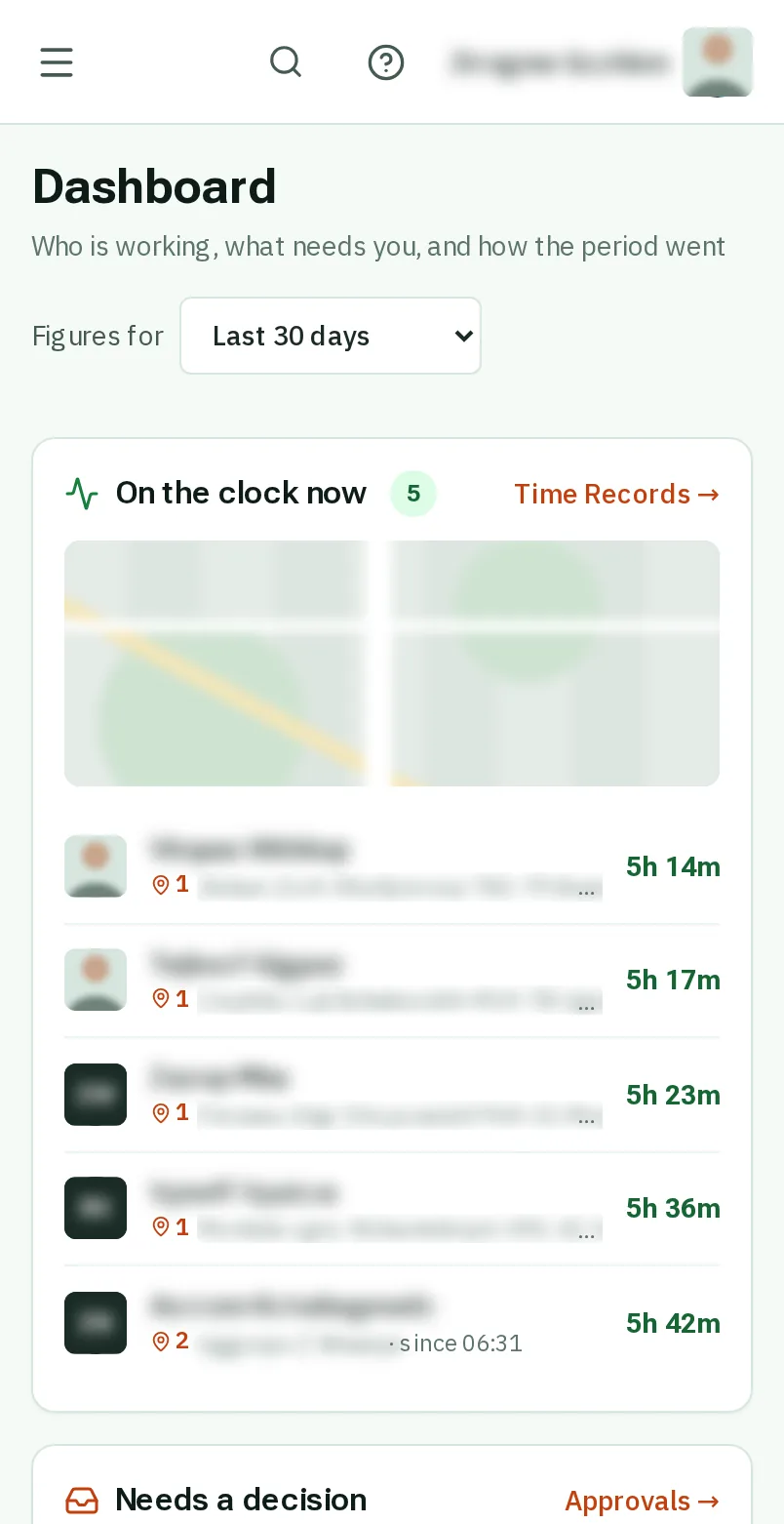
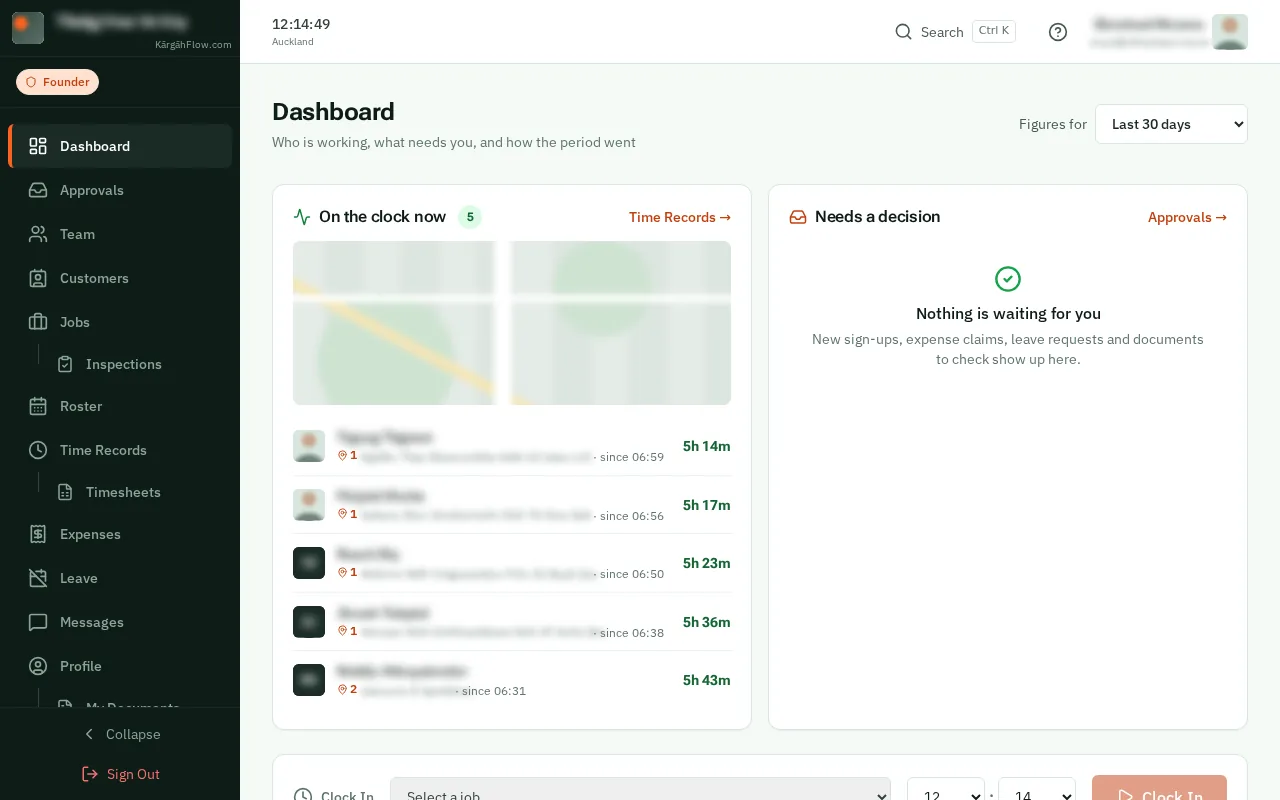
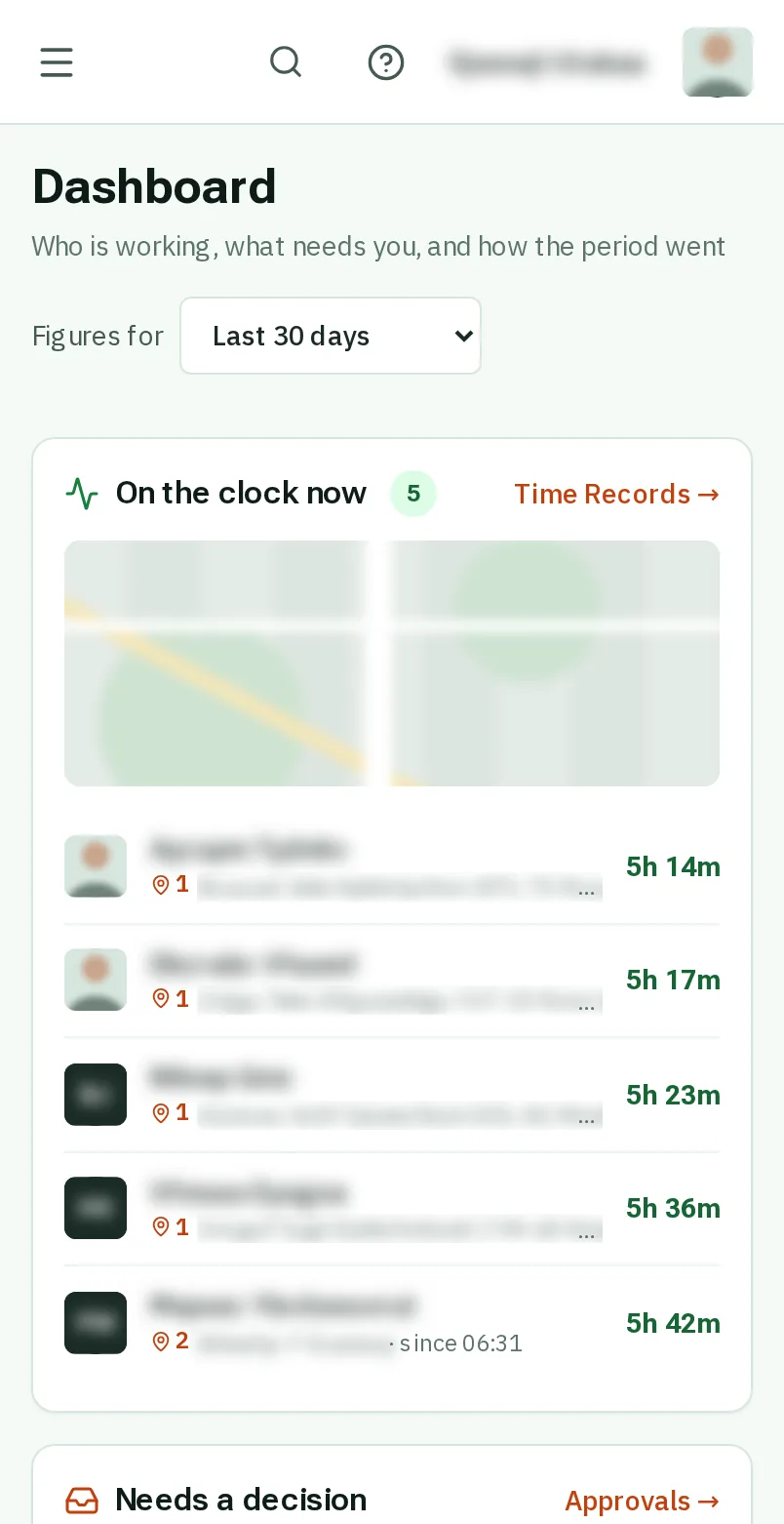
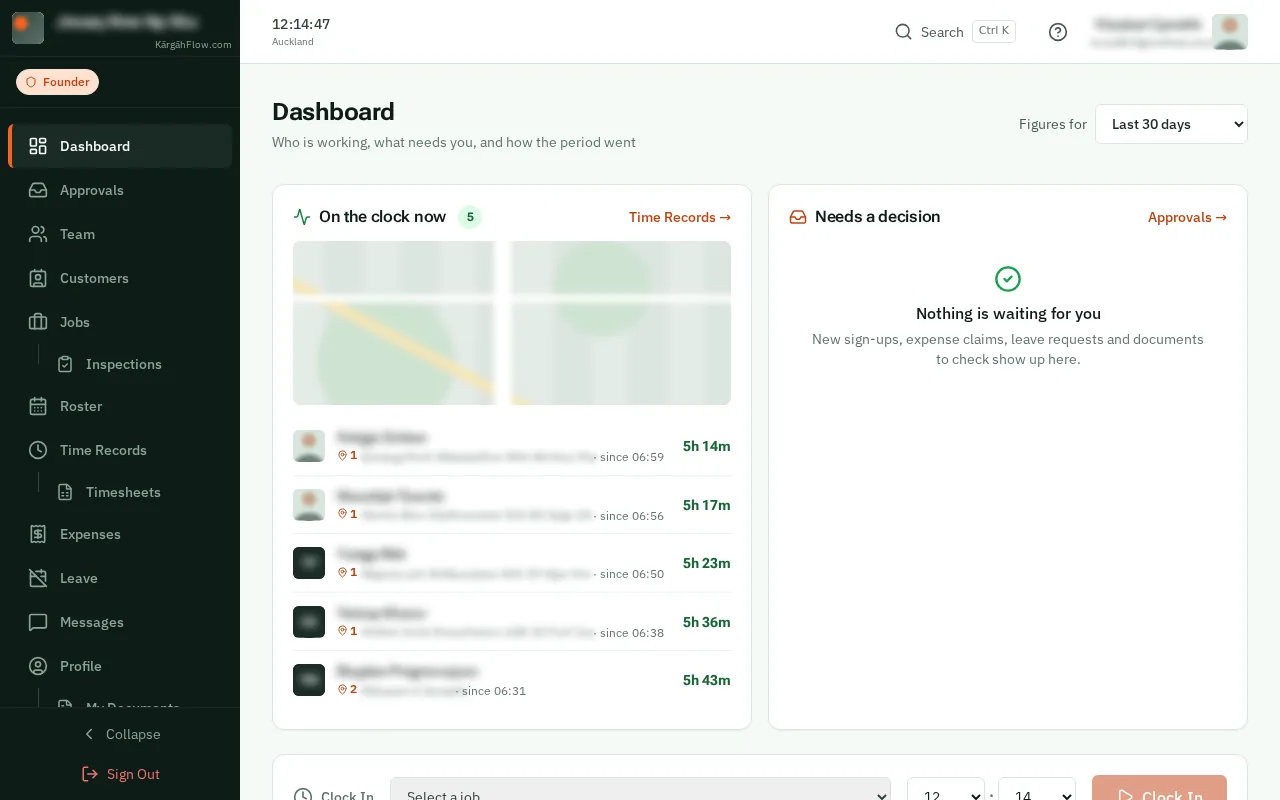
TapClick the menu button at the top left of the screen, then Dashboard.TapClick Dashboard in the menu on the left.
Look forthe Dashboard item in the menu
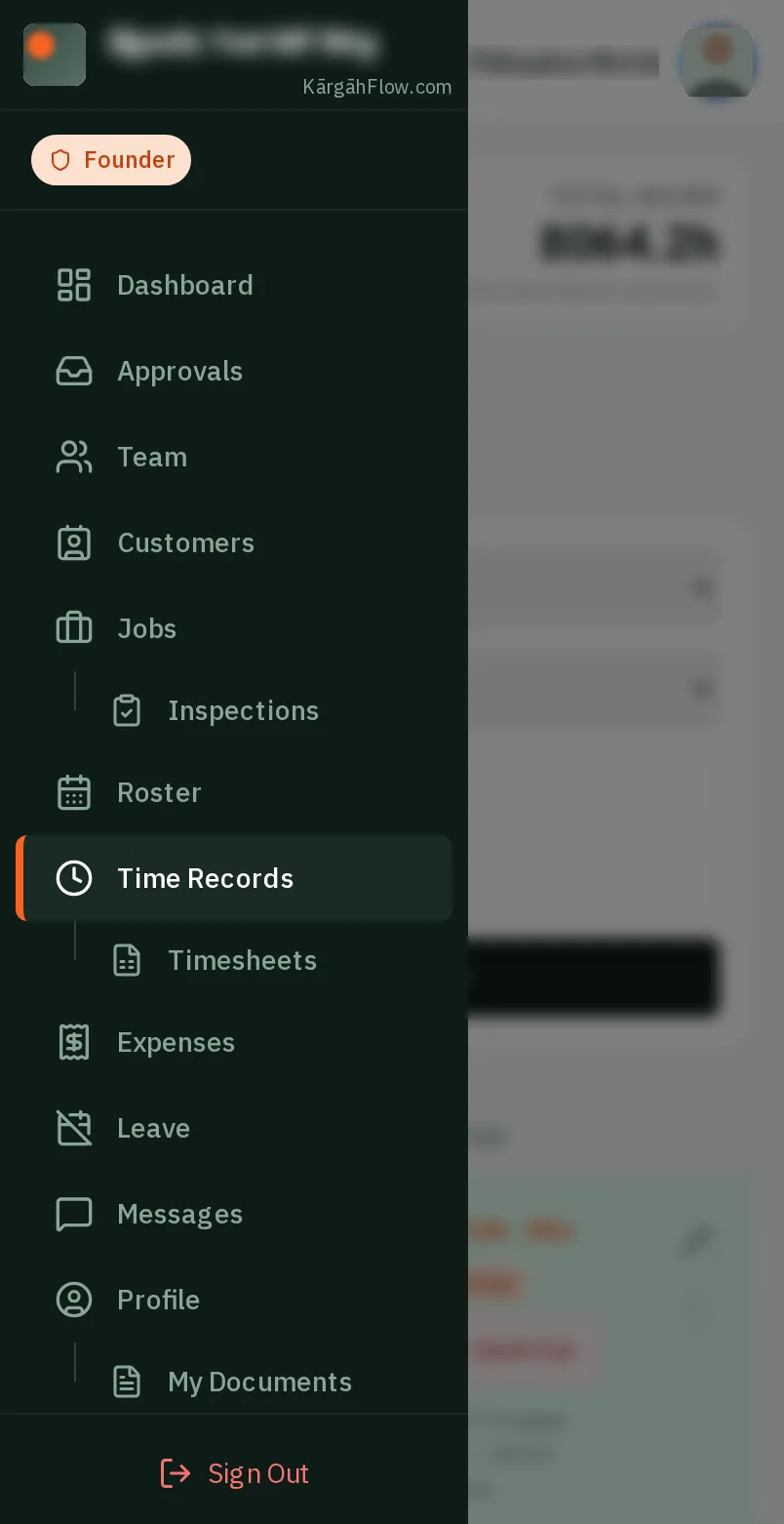
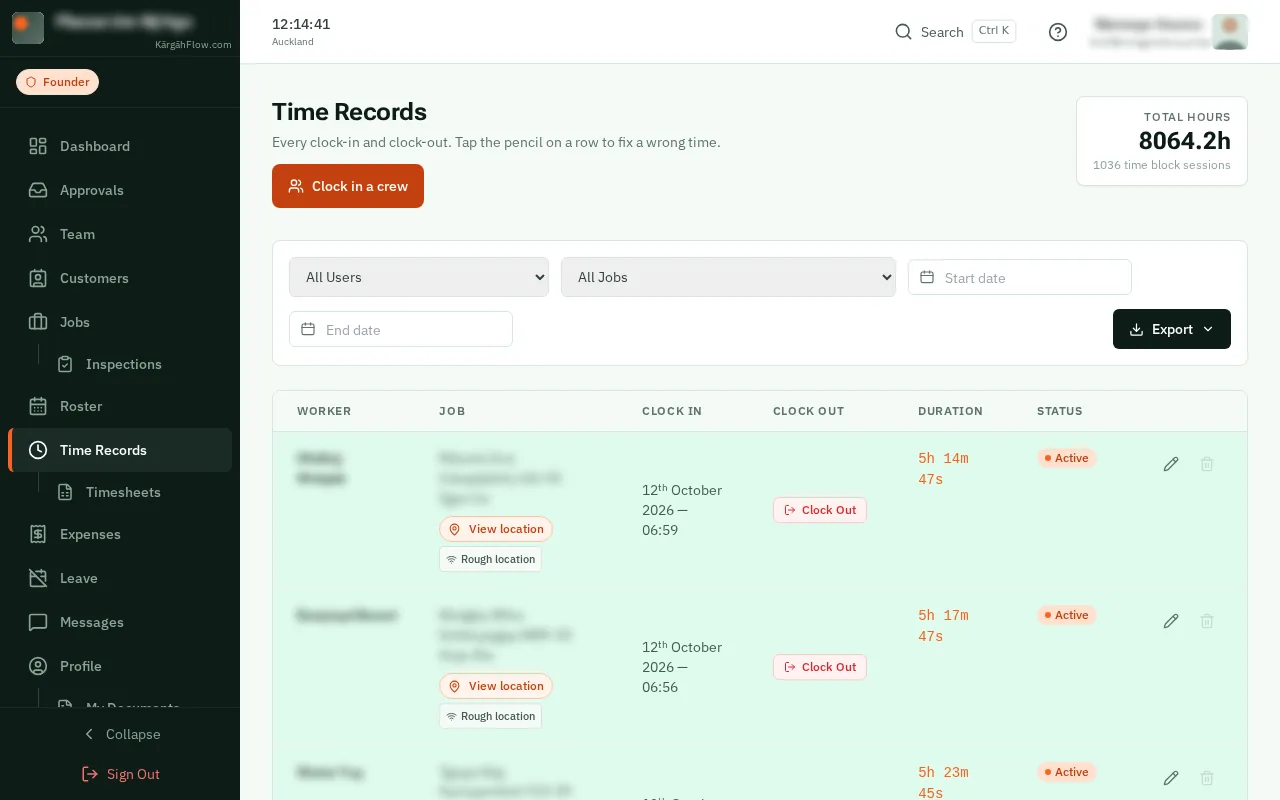
TapClick the menu button at the top left of the screen, then Dashboard.TapClick Dashboard in the menu on the left.
On the clock now lists everyone working, with a timer that counts as you watch, the job, and when they started.
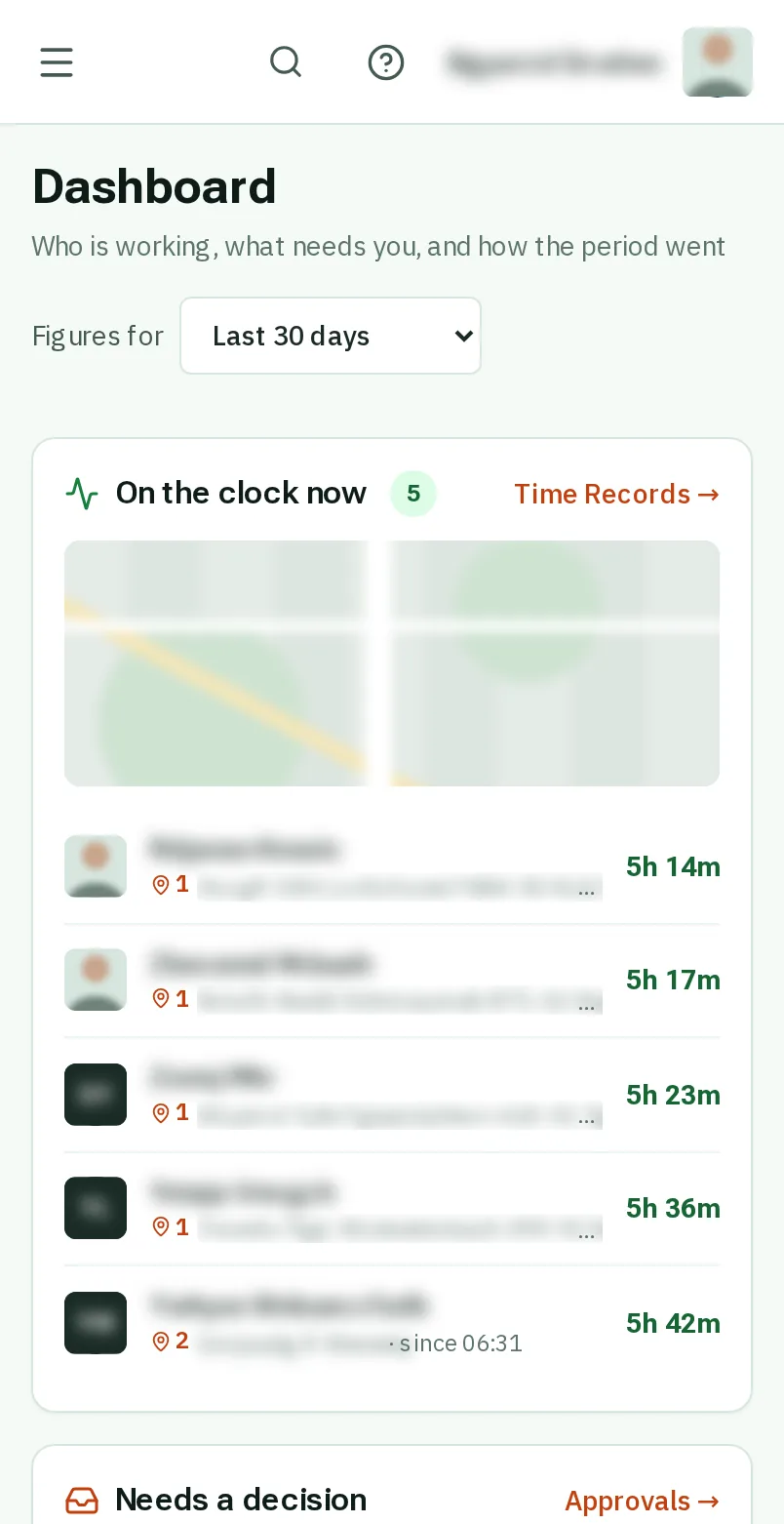
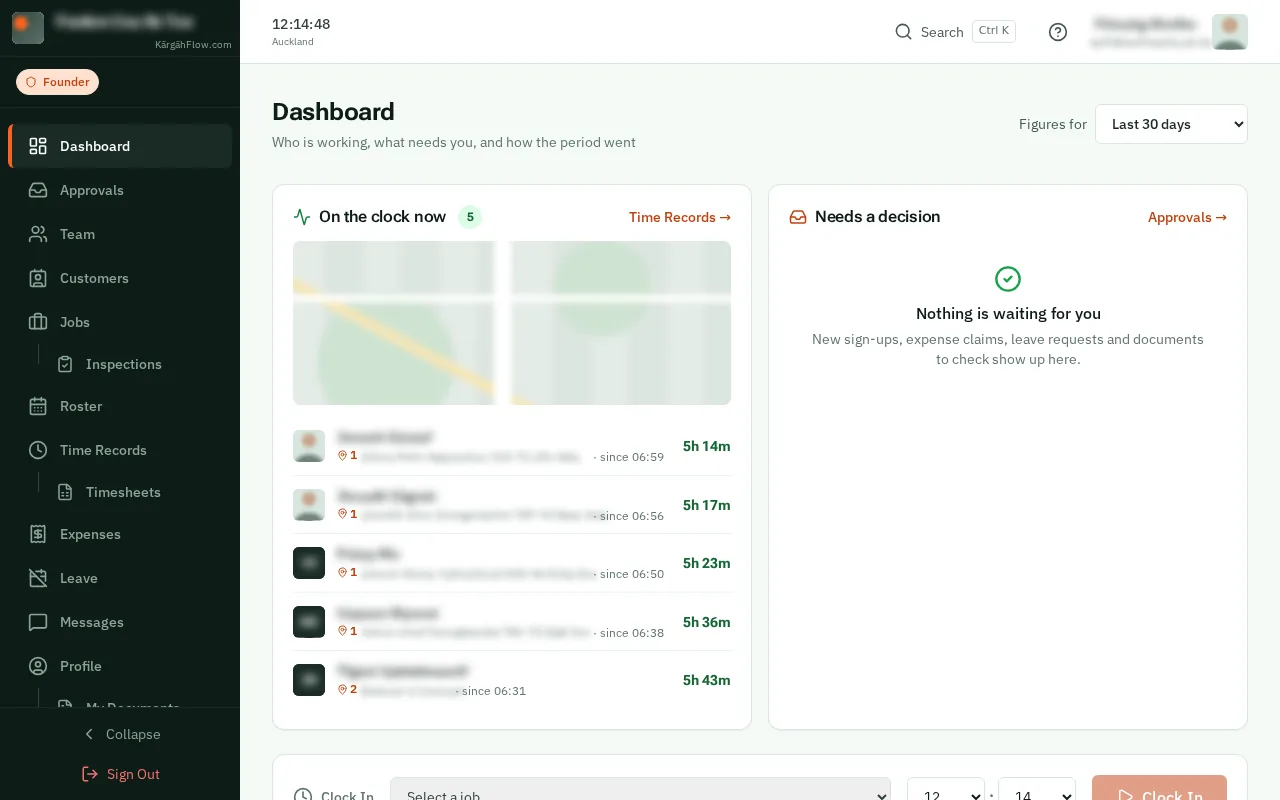
The map numbers each site with people on it. The same number is beside each person’s job in the list.
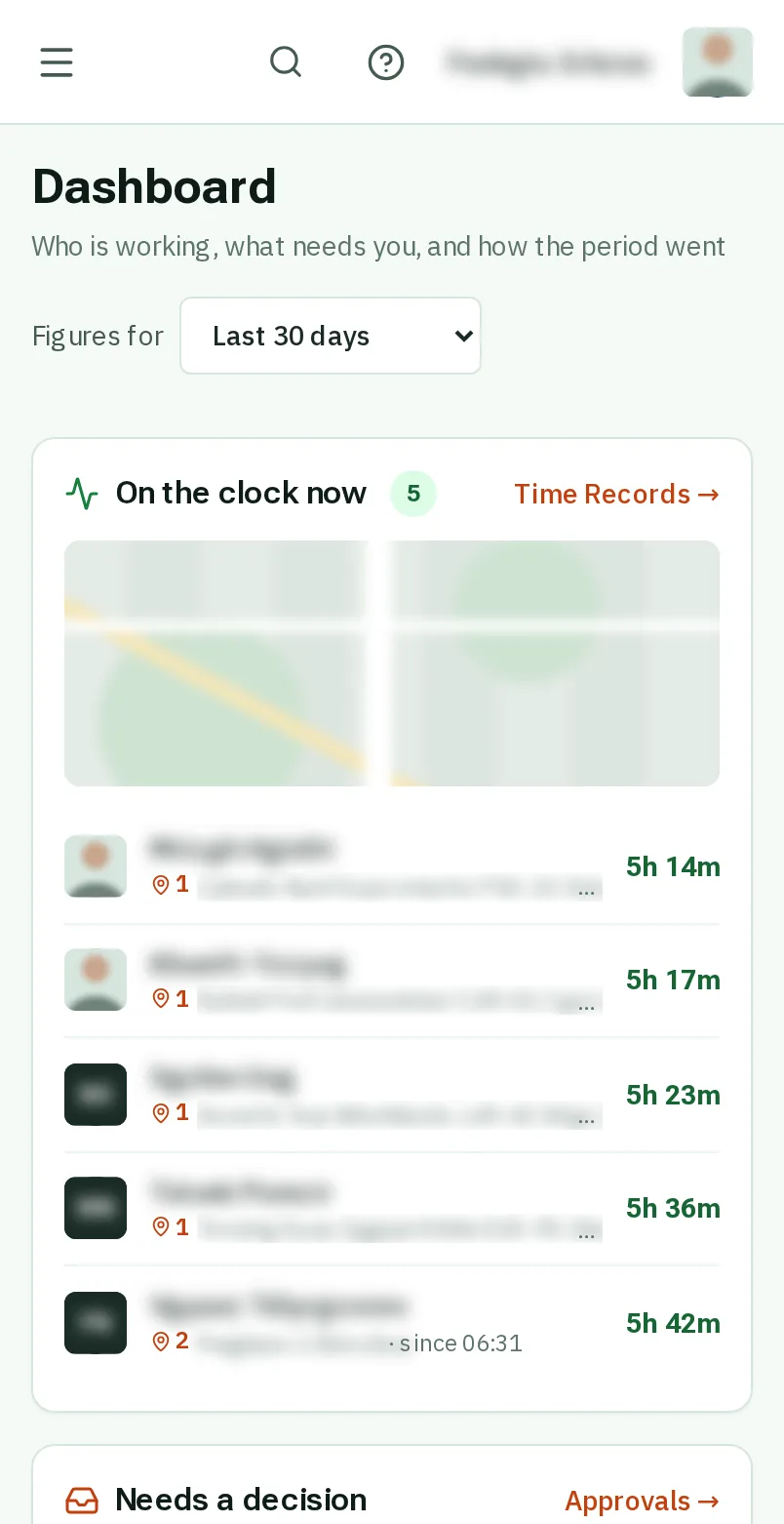
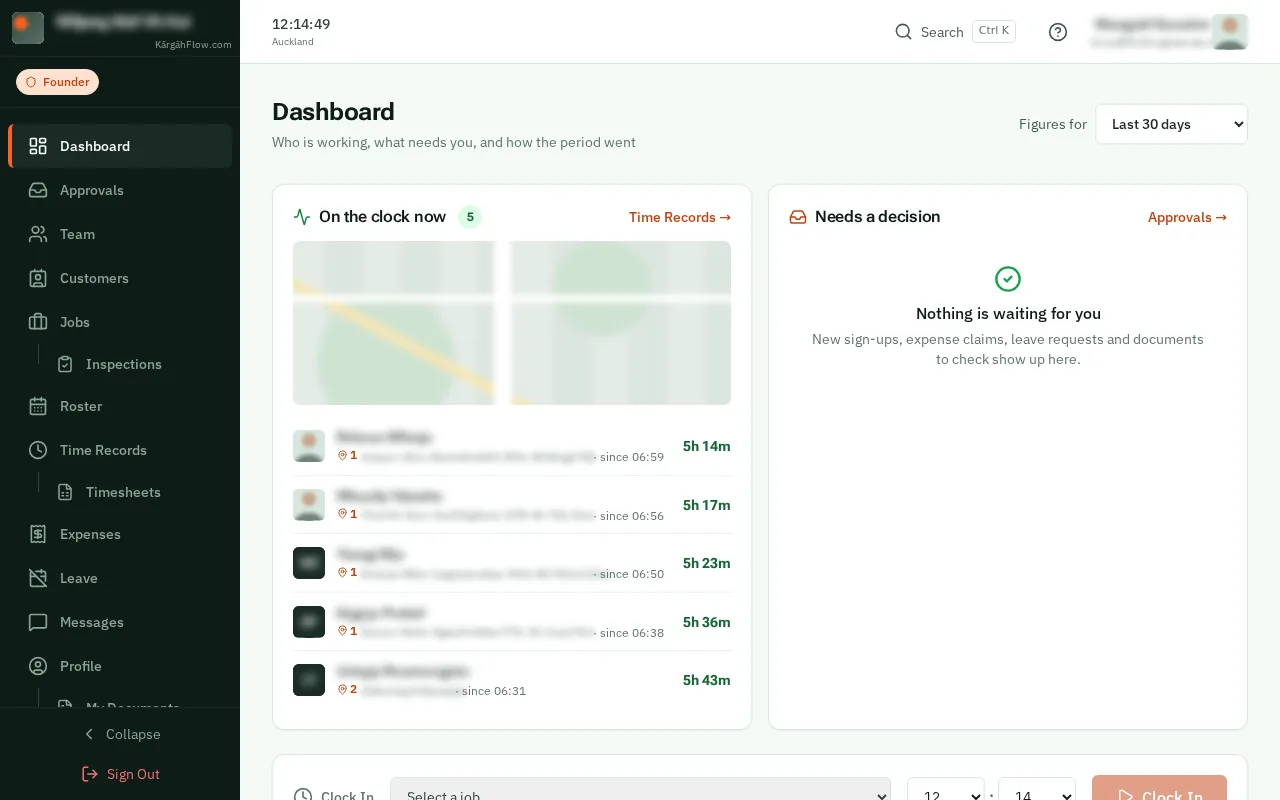
TapClick Time Records for every clock-in and clock-out, with a map of where each one happened.