
All guides
For admins
Run the week in a few clicks.
Jobs, people, approvals, corrected times and payroll, each shown on the real screens with the pointer on the exact button.
Getting started
For everyone: your phone, signing in, and finding your way.
- 1 minPut KārgāhFlow on your phoneAdd KārgāhFlow to your home screen, so it opens like any other app.
- 1 minSign inOpen KārgāhFlow with your email and password, and stay signed in on your own phone. With practice
- 1 minTurn on notificationsGet a buzz when your manager messages you or decides on a claim. With practice
- 2 minFind your way aroundWhat is on your home screen, and where everything else is. With practice
- 1 minYour profile and passwordChange your photo, your phone number and your password. With practice
On site
For the crew: clocking in, receipts, days off and your hours.
- 2 minSee where you are going this weekYour days on the roster: the job, the time, who else is going, and the way there. With practice
- 2 minFinish a job and get it signedTell the office the work is done, with the customer’s signature on your phone when they need to sign. With practice
- 1 minClaim back an expenseSnap the receipt, check the figures it fills in, and send it to your manager. With practice
- 1 minAsk for time offPick the days, the type of leave, and send the request. With practice
- 1 minAdd a licence or certificatePhotograph a licence or ticket; the details fill themselves in. With practice
- 3 minDo an inspectionTick Pass, Fail or N/A for each check, add a photo of anything wrong, and sign. With practice
- 1 minSend and read messagesTalk to your team or your manager inside the app. With practice
Running the team
For admins and owners: jobs, people, approvals and payroll.
- 3 minRun your jobs on the boardSee every job by where it is up to, and move each one on with one button. With practice
- 2 minLog a new enquiryWrite down a phone call or an email as a job, while they are still on the line. With practice
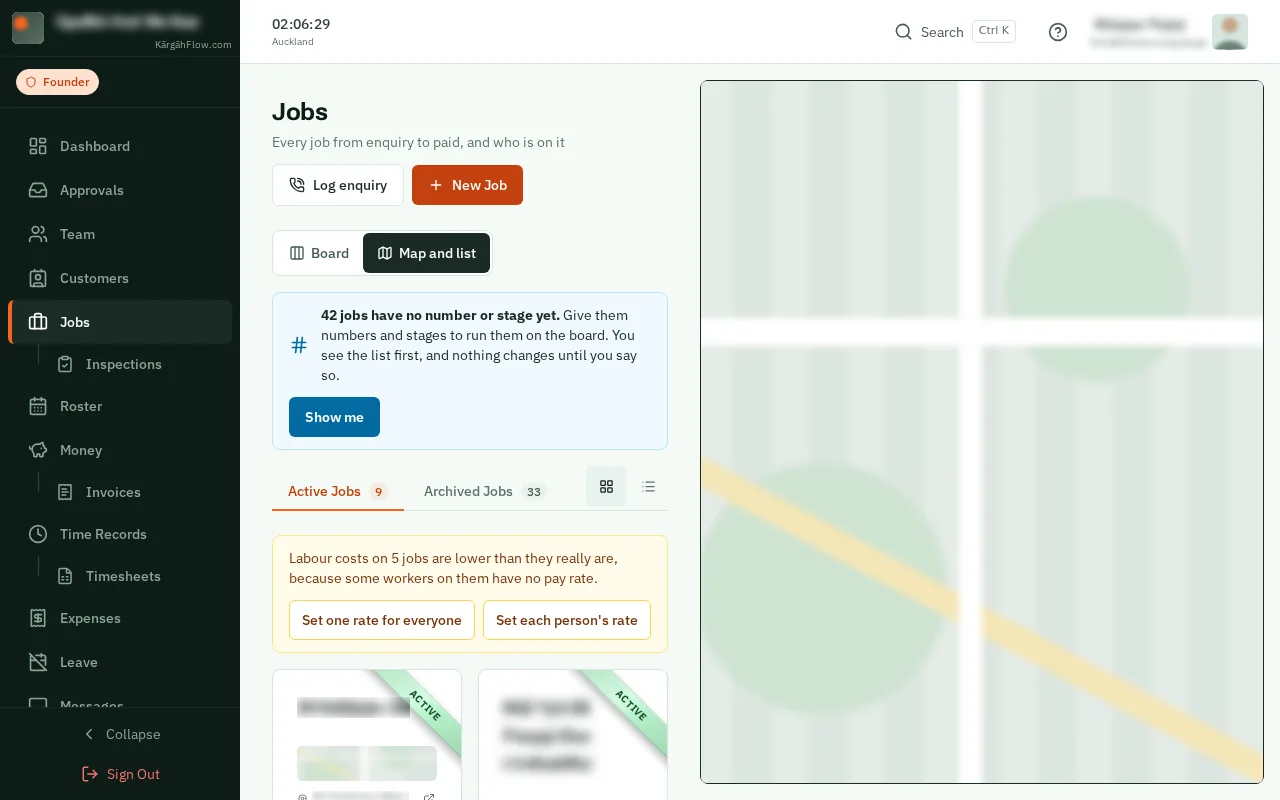
- 2 minGive your jobs numbers and stagesNumber the jobs you already have, in the order they were made, and say where each is up to. With practice
- 2 minCreate a new jobAdd a piece of work for your crew: where it is, and notes for the crew. With practice
- 1 minAdd people to a jobPut your crew on a job, so it shows on their phones to clock in to. With practice
- 3 minPlan your crew’s weekPut people on jobs for each day, with a start time and a note, and they see it on their phones. With practice
- 3 minAdd customers and their sitesWho the work is for, the places it happens and who to call there, in one place. With practice
- 3 minSort your jobs into sitesMake sites from the addresses of your jobs, then give each site to its customer. With practice
- 1 minInvite people by emailSend up to five invitations at once. They sign up already approved. With practice
- 2 minAdd people with a link or posterText your join link, or put up the “Scan to join” poster, then approve who signs up. With practice
- 1 minApprove sign-ups, claims and leaveEverything waiting for you in one list, oldest first. With practice
- 1 minPrint your clock-in postersOne poster for the company and one for each job, ready to print. With practice
- 1 minSee who is workingWho is on the clock now, where, and for how long. With practice
- 1 minFix a wrong clock timeCorrect a start or finish time, with a reason the worker can see. With practice
- 1 minClock in a crewClock in a team that arrives together, or has no phones. With practice
- 2 minTimesheets and payrollHours, overtime and pay for a period, sent to your accountant. With practice
- 2 minSee what a job makesWhat you can charge for a job, what it has cost you, and the profit, on the job’s own page. With practice
- 1 minAdd a supplier billPut a docket or a merchant’s invoice on the job it was for, from a photo, and check the ones the crew send. With practice
- 2 minApprove a job’s hoursSee every shift on a job marked with what backs it, then approve the hours that go on the bill. With practice
- 1 minMove a shift to another jobClocked in on the wrong job? Count the shift for the right one. Nobody’s pay changes. With practice
- 2 minSplit a shift between jobsSomeone worked on two jobs without clocking out in between? Give each job its part of the shift. With practice
- 2 minSend an invoiceMake a finished job’s invoice from its approved hours and costs, check it, and email it. With practice
- 2 minGet paidSee what you are owed, remind a customer who is late, and record each payment as it comes in. With practice
- 2 minPut an invoice rightSomething wrong on an invoice you sent? Take money off it with a credit note, or cancel it. With practice
- 5 minMake an inspection formStart from your paper form or an example, add your questions, and put it on jobs. With practice
- 3 minDo an inspection yourselfFill in a form on a job yourself, from the Do an inspection tab, and sign it. With practice
- 3 minScore your inspectionsGive a form a pass mark, choose which checks matter most, and see every inspection scored out of 100. With practice
- 2 minPut a form on new jobs by itselfChoose the customers and sites whose new jobs get a form, so nobody has to remember to add it. With practice
- 2 minTake a form off jobsSee every job a form is on and take it off one job, or many at once. With practice
- 2 minCheck inspection reportsEvery finished inspection in one list, with its PDF report to print or email. With practice
- 1 minSet pay rates and rolesSet a person’s pay rate and hours, make them an admin, or suspend them. With practice
- 1 minEmail someone from the appClick anyone’s email address to write to them, with attachments. With practice
Setting up
For the owner: your company, its settings and your plan.